Account Contact
Your Cart
Pay on delivery – no extra fees
Need help? Ask our AI

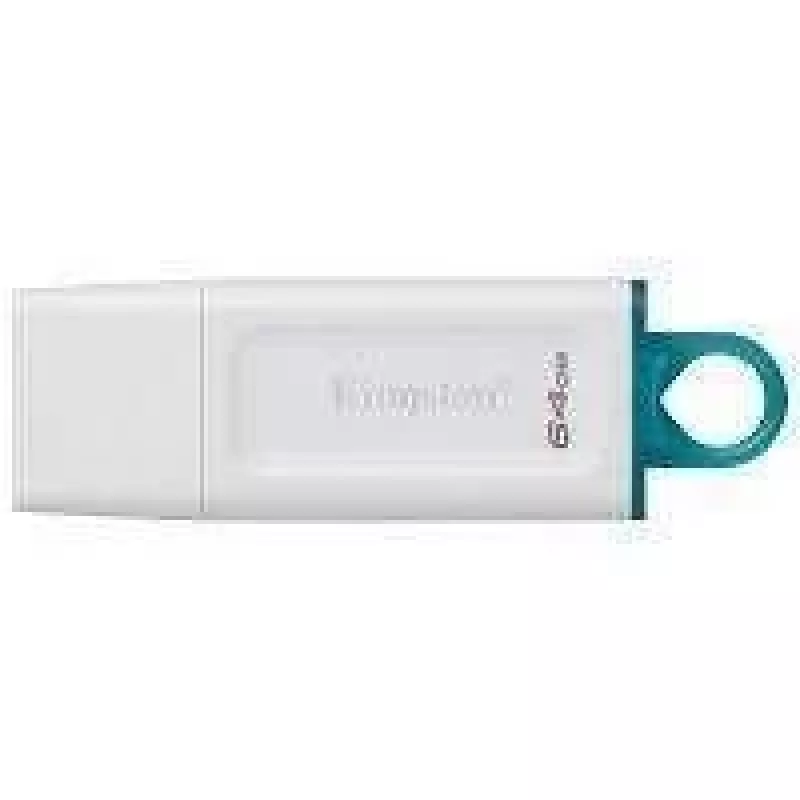
Kingston Technology Memoria USB KC-U2G64-5R - Blanco, 64 GB, USB USB flash drive USB Type-A 3.2 Gen 1 (3.1 Gen 1) White

Kingston Technology Memoria USB KC-U2G64-5R - Blanco, 64 GB, USB USB flash drive USB Type-A 3.2 Gen 1 (3.1 Gen 1) White
60 mo.
Kingston Technology Memoria USB KC-U2G64-5R - Blanco, 64 GB, USB USB flash drive USB Type-A 3.2 Gen 1 (3.1 Gen 1) White
R252
The Kingston 64GB USB Type-A KC-U2G64-5R is a compact USB flash drive that provides 64 GB of removable storage with a USB Type-A connector. It supports USB 3.2 Gen 1 (backward compatible with USB 3.1 Gen 1 and USB 2.0) to enable faster file transfers compared with older USB standards. The drive feat... Read More
Stock Out Of StockNo Stock Code 1575710 Brand KINGSTON Model KC-U2G64-5R Warranty 5 Years

Shipping & Returns

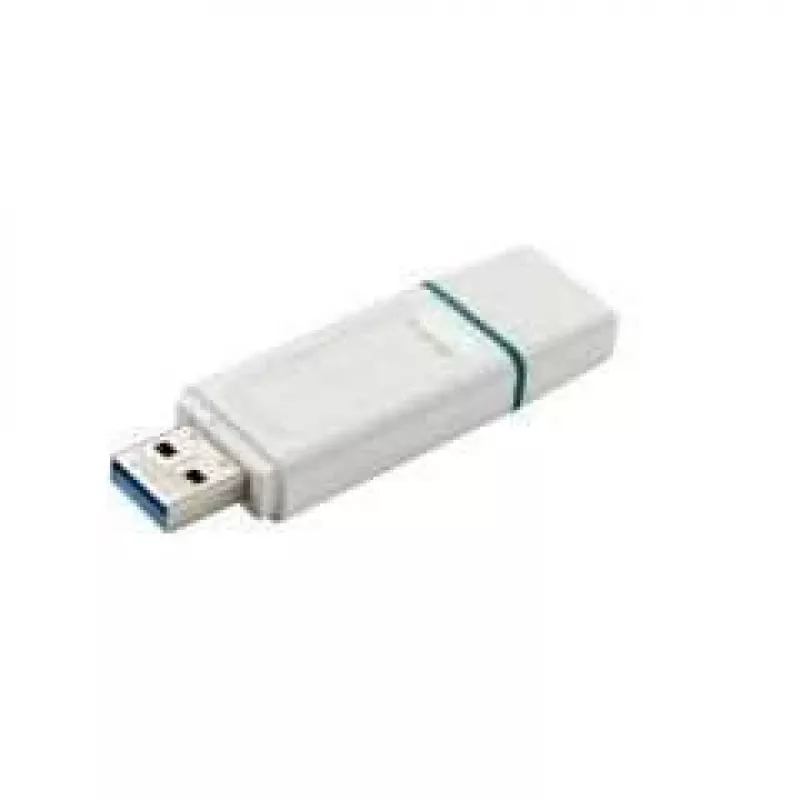
The Kingston 64GB USB Type-A KC-U2G64-5R is a compact USB flash drive that provides 64 GB of removable storage with a USB Type-A connector. It supports USB 3.2 Gen 1 (backward compatible with USB 3.1 Gen 1 and USB 2.0) to enable faster file transfers compared with older USB standards. The drive features a cap design that protects the connector when not in use and comes in a white finish for a clean, modern appearance.

Advantages

The USB flash drive offers a balance of capacity and portability suitable for everyday file storage and transport. Support for USB 3.2 Gen 1 provides improved transfer speeds for copying documents, photos and videos. The removable cap protects the Type-A connector from dust and damage when stored. The drive's compact dimensions and lightweight construction make it convenient to carry on a keyring, in a pocket or in a laptop bag.

Suitable for

Key specifications

How to use

Remove the protective cap and insert the USB Type-A connector into a compatible USB port on a computer or device. The drive should be recognized automatically by most modern operating systems; open the removable drive in the file manager to copy, move or delete files. After transferring data, use the operating system’s safe removal or eject procedure before unplugging to avoid data corruption, then replace the cap to protect the connector.

Recommendations

Use the Kingston 64GB USB Type-A drive for routine file transfers and temporary backups. For frequent daily use, keep the connector protected with the cap and avoid exposing the drive to liquids, extreme temperatures or strong magnetic fields. Regularly back up important data to an additional storage location to prevent accidental loss.

Key Highlights
  • Backing up and transporting documents, presentations and spreadsheets
  • Storing and sharing photos and video clips
  • Moving large files between computers with USB Type-A ports
  • Temporary offline storage for school or office work
  • Storage capacity: 64 GB
  • Interface: USB Type-A
  • USB standard: USB 3.2 Gen 1 (compatible with USB 3.1 Gen 1 and USB 2.0)
  • Enclosure: capped connector design for protection
  • Colour: white
Specifications
Capacity
64 GB
Compatible operating systems
Windows 10, 8.1, 8, Mac OS (v.10.10.x +), Linux (v. 2.6.x +), Chrome OS.
Device interface
USB Type-A
Form factor
Cap
Operating temperature (T-T)
0 - 60 °C
Product colour
White
Quantity per pack
1 pc(s)
Storage temperature (T-T)
-20 - 85 °C
USB version
3.2 Gen 1 (3.1 Gen 1)

Leaflet

Open Leaflet
Price history over the last 6 months
Kingston Technology Memoria USB KC-U2G64-5R - Blanco, 64 GB, USB USB flash drive USB Type-A 3.2 Gen 1 (3.1 Gen 1) White
Current
R252
Lowest
R230
Highest
R252
Change 24H
+R17   +7%
Week
+R22   +10%
Month
+R21   +9%

Popular products in this category

WhatsApp
Hi, I’m DistriNode’s AI assistant. I can help you find products, compare options, create quote PDFs, or open support requests.