Account Contact
Your Cart
Pay the courier with no extra fees.
Need help? DistriNode AI can handle any task on our site.

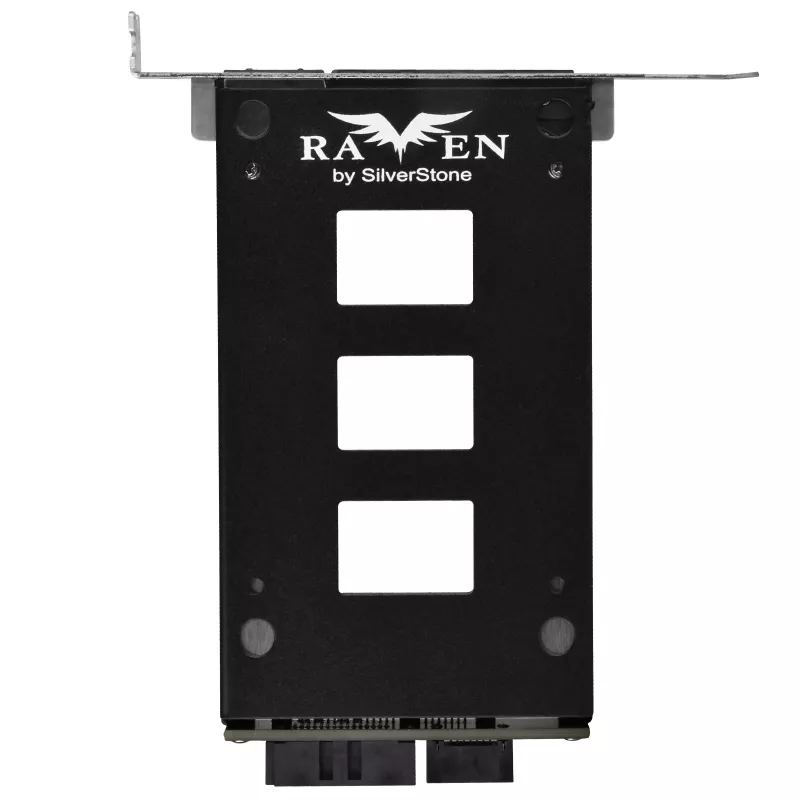
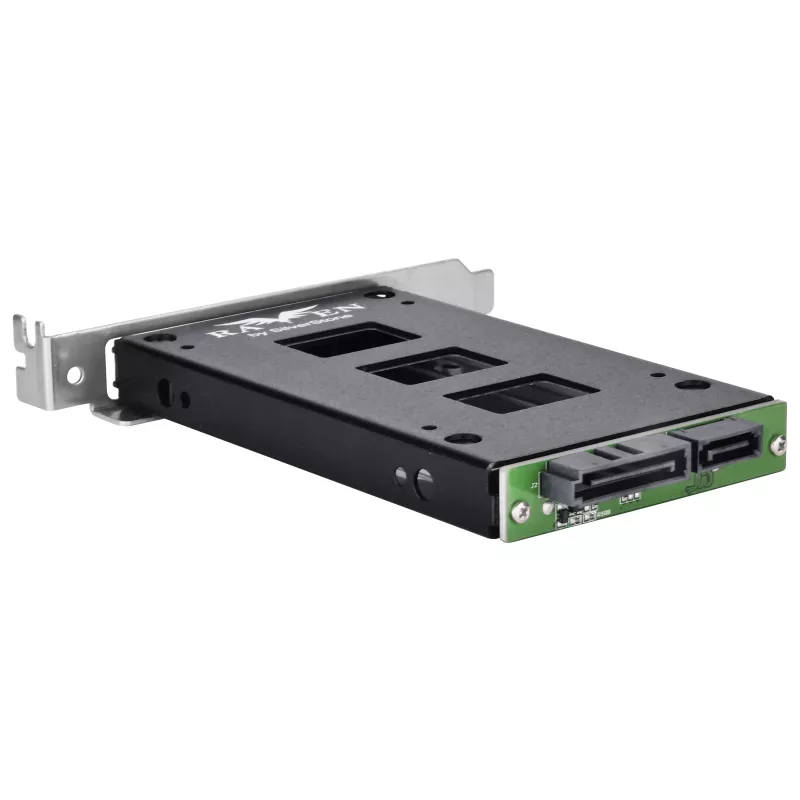
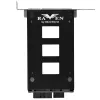
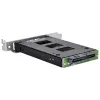
Internal hard drive enclosure SILVERSTONE SST-EXB02 PCI slot for 2.5 inch drive

Internal hard drive enclosure SILVERSTONE SST-EXB02 PCI slot for 2.5 inch drive
R886
The SILVERSTONE SST-EXB02 internal hard drive enclosure is engineered to fit a single 2.5" HDD or SSD into a free PCI slot on a desktop PC. It converts an unused PCI slot into a secure internal mounting point for a 2.5" drive, enabling compact placement of storage without using standard 3.5" drive b... Read More
Stock 2 Code 312432 Brand SilverStone Model SST-EXB02 Warranty 2 Years

Shipping & Returns

Estimated delivery Thursday, October 1
You will be kept updated through our detailed tracking system
Payment options
EFTPayFastBank CardSnapScanZapperGoogle PayApple PayMobicredMoreTymePay on Arrival

The SILVERSTONE SST-EXB02 internal hard drive enclosure is engineered to fit a single 2.5" HDD or SSD into a free PCI slot on a desktop PC. It converts an unused PCI slot into a secure internal mounting point for a 2.5" drive, enabling compact placement of storage without using standard 3.5" drive bays. The enclosure is designed for system builders, upgrade projects and environments where internal space or bay availability is limited.

Advantages

This enclosure provides a space-saving solution that preserves standard drive bays for larger devices while adding a dedicated mounting location for a 2.5" drive. Its internal installation keeps the drive secured and protected inside the chassis, reducing cable clutter and improving airflow compared with external adapters. The product is compatible with common 2.5" HDDs and SSDs and supports a straightforward installation process for technicians and DIY builders.

Suitable for

  • Adding one 2.5" SSD or HDD when 3.5" bays are occupied
  • Compact desktop systems with limited internal bay space
  • System builds and upgrades that require hidden/internal drive mounting
  • Server or workstation cases with available PCI slot but restricted drive bays

Key specifications

  • Form factor: internal PCI slot-mounted enclosure for one 2.5" drive
  • Compatible drive types: 2.5" SATA HDD and 2.5" SATA SSD
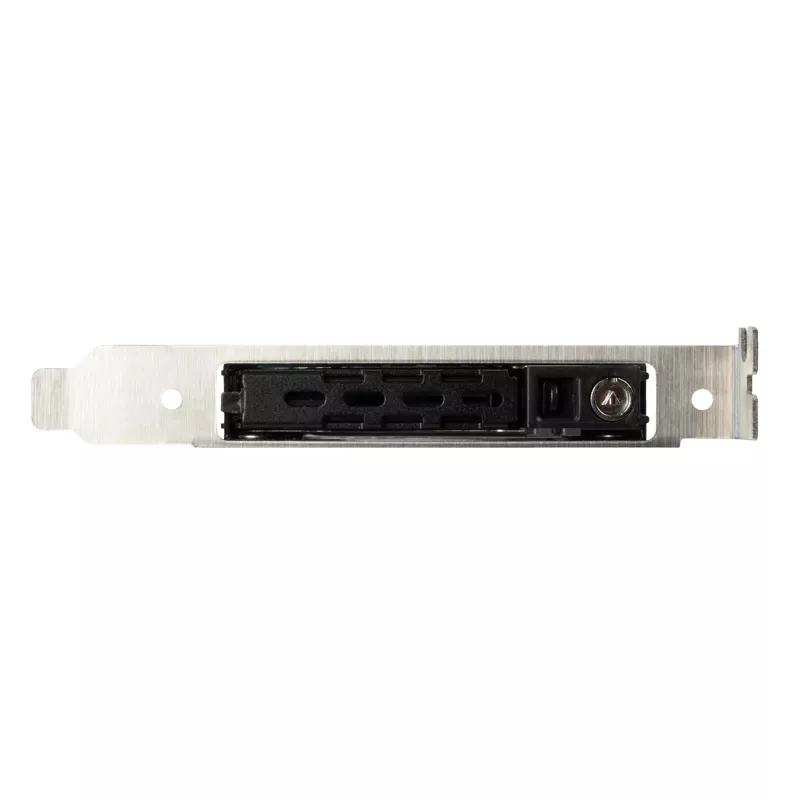
  • Mounting location: standard PCI expansion slot opening
  • Material: metal construction for chassis compatibility and durability
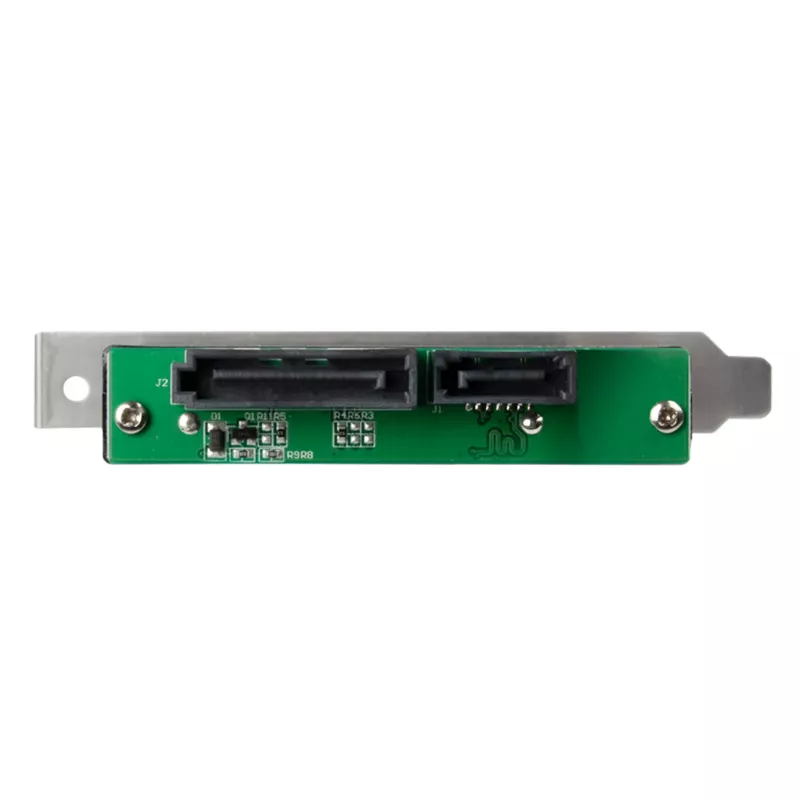
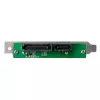
  • Interface to system: internal SATA data and power connection (requires available SATA port and power connector)
  • Drive capacity: supports typical 2.5" drive capacities (dependent on installed drive)

How to use

Install a 2.5" SATA drive into the enclosure according to the included mounting method, secure the drive, and slide the enclosure into an available PCI slot opening at the rear of the PC chassis. Connect the drive to an internal SATA data port on the motherboard and to a SATA power connector from the power supply. After power-up, initialize and format the drive in the operating system if required. Follow static-discharge precautions and power-off the system before installation.

Recommendations

For reliable operation, use a SATA data cable of appropriate length to avoid strain, ensure the power supply has an available SATA power connector, and mount the enclosure in a PCI slot that does not obstruct airflow-critical components. Verify drive compatibility with your motherboard SATA ports and check BIOS/OS recognition after installation.

Key Highlights
  • Adding one 2.5" SSD or HDD when 3.5" bays are occupied
  • Compact desktop systems with limited internal bay space
  • System builds and upgrades that require hidden/internal drive mounting
  • Server or workstation cases with available PCI slot but restricted drive bays
  • Form factor: internal PCI slot-mounted enclosure for one 2.5" drive
  • Compatible drive types: 2.5" SATA HDD and 2.5" SATA SSD
  • Mounting location: standard PCI expansion slot opening
  • Material: metal construction for chassis compatibility and durability
  • Interface to system: internal SATA data and power connection (requires available SATA port and power connector)
  • Drive capacity: supports typical 2.5" drive capacities (dependent on installed drive)
Price history over the last 6 months
Internal hard drive enclosure SILVERSTONE SST-EXB02 PCI slot for 2.5 inch drive
Current
R886
Lowest
R865
Highest
R2,216
Change 24H
+R12   +1%
Week
+R21   +2%
Month
+R18   +2%

Popular products in this category

WhatsApp
Hi, I’m DistriNode’s AI assistant. I can help you find products, compare options, create quote PDFs, or open support requests.