Account Contact
Your Cart
Pay the courier with no extra fees.
Need help? DistriNode AI can handle any task on our site.

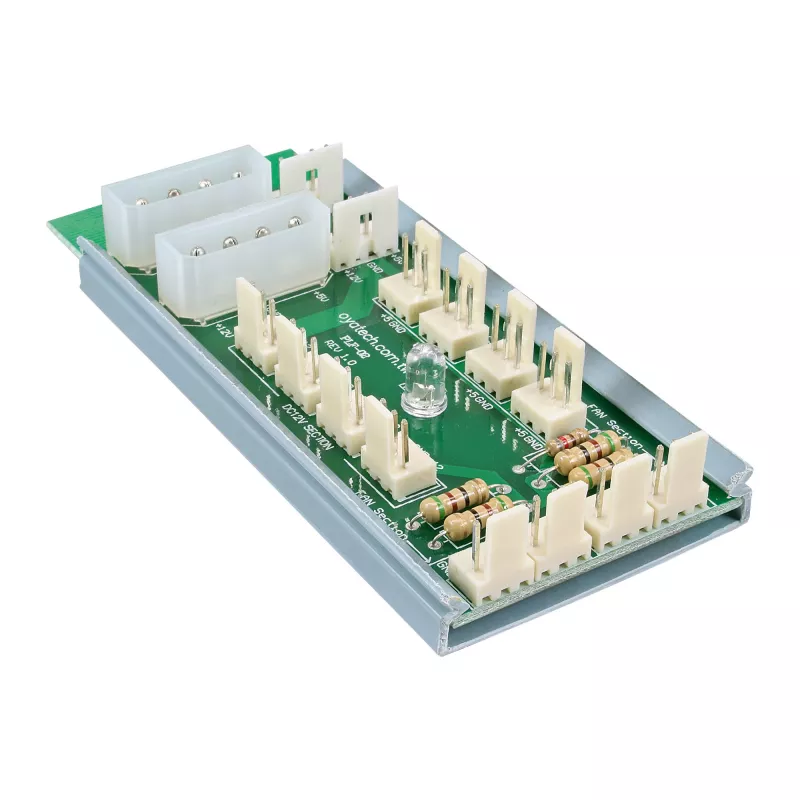
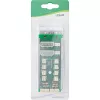
InLine Multi Port Panel 2x Molex 4 Pin to 12 x 3 Pin Fan connector for 12 fans

InLine Multi Port Panel 2x Molex 4 Pin to 12 x 3 Pin Fan connector for 12 fans
R237
The InLine 33008 Multi Port Panel is a compact fan controller that lets you connect up to 12 fans to a single power source using two 4-pin Molex connectors. It provides grouped voltage outputs so fans can be powered at different voltage levels: four 12V ports, four 7V ports and four 5V ports. The mo... Read More
Stock 107 Code 1487472 Brand INLINE Model 33008 Warranty 2 Years

Shipping & Returns

Estimated delivery Tuesday, October 6
You will be kept updated through our detailed tracking system
Payment options
EFTPayFastBank CardSnapScanZapperGoogle PayApple PayMobicredMoreTymePay on Arrival

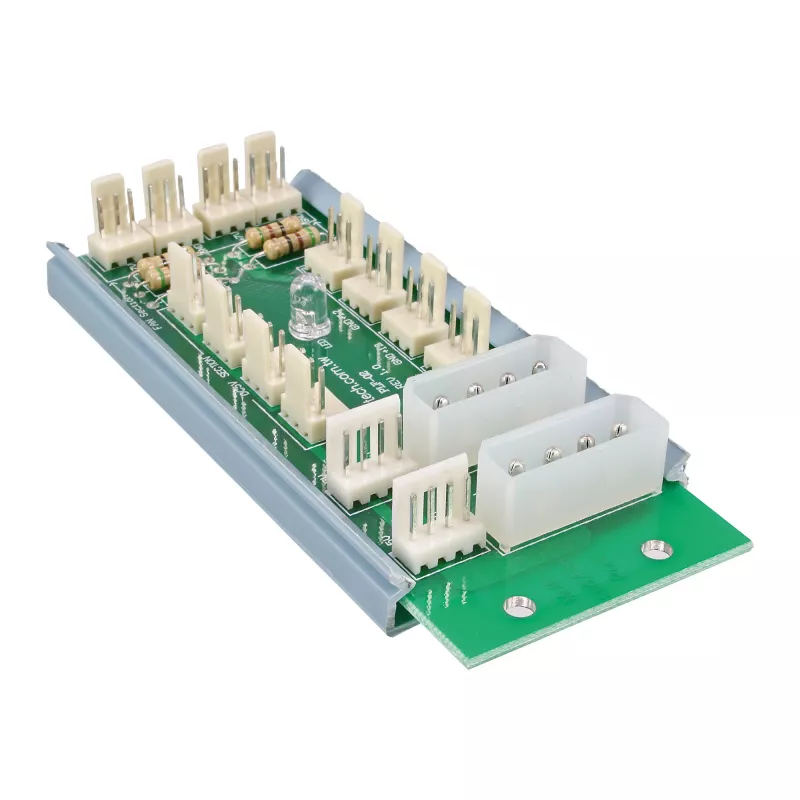
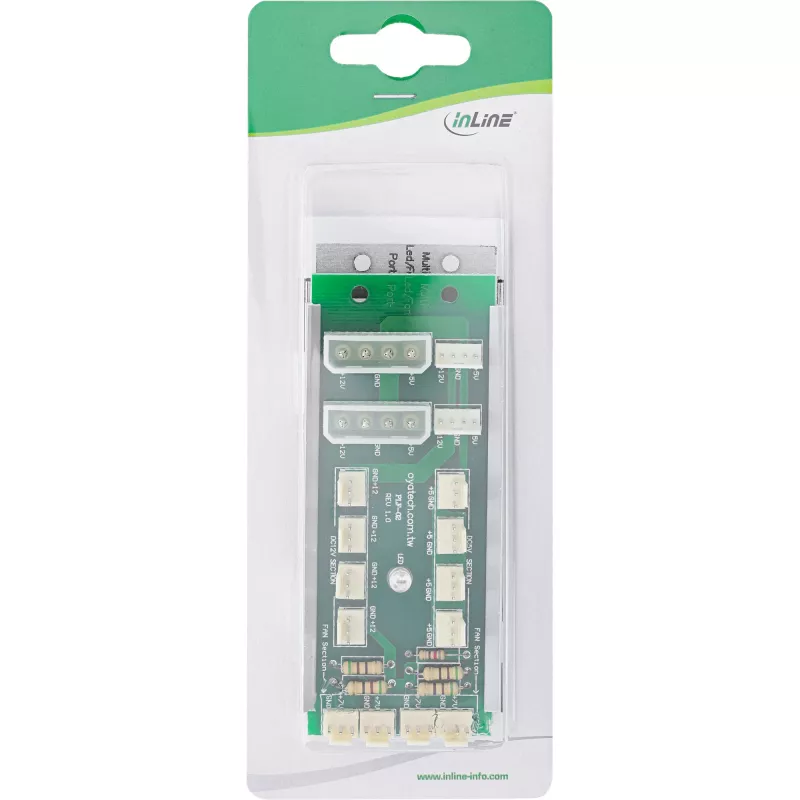
The InLine 33008 Multi Port Panel is a compact fan controller that lets you connect up to 12 fans to a single power source using two 4-pin Molex connectors. It provides grouped voltage outputs so fans can be powered at different voltage levels: four 12V ports, four 7V ports and four 5V ports. The module connects directly to the power supply and has a red LED to indicate power readiness. The unit’s multicolour finish and small footprint (45 × 105 × 20 mm) make it suitable for various computer cooling setups.

Advantages

The Multi Port Panel supports a high fan count without requiring multiple separate adapters, simplifies cabling by using two 4-pin Molex inputs, and offers three distinct voltage outputs for basic fan speed differentiation. Direct power-supply connection and a built-in red LED provide immediate status feedback. Its compact dimensions allow installation in confined spaces inside a PC chassis.

Suitable for

Key specifications

How to use

Connect the panel to your computer power supply using the two 4-pin Molex connectors. Plug fans into the 3-pin output ports according to the desired voltage groupings: the four 12V ports for full-speed operation, the four 7V ports for reduced speed, and the four 5V ports for lower speed. Ensure all connections are secure and route cables to avoid obstructing airflow. Power on the system and confirm the red LED is lit to verify the panel is receiving power.

Recommendations

Use the 12V ports for fans where maximum cooling is required, 7V ports for general-purpose cooling, and 5V ports when quieter operation is preferred. Do not exceed the current ratings of your power supply and distribute high-draw fans across both Molex inputs if necessary.
Key Highlights
  • Expanding fan connectivity in desktop PC builds
  • Small form-factor systems where space is limited
  • Cooling setups that require multiple fixed-speed fans at different voltages
  • Model: InLine 33008
  • Type: Fan controller / Multi Port Panel
  • Inputs: 2 × 4-pin Molex (power)
  • Outputs: 12 × 3-pin fan ports (4 × 12V, 4 × 7V, 4 × 5V)
  • Indicator: Red LED (power readiness)
  • Dimensions: 45 mm (W) × 105 mm (D) × 20 mm (H)
  • Colour: Multicolour
  • Brand: InLine
  • MPN: 33008
  • EAN: 4043718029327
Specifications
Depth
105 mm
Height
20 mm
Package depth
185 mm
Package height
26 mm
Package volume
300 cm³
Package weight
58 g
Package width
70 mm
Product colour
Multicolour
Type
Fan controller
Weight
46 g
Width
45 mm

Leaflet

Open Leaflet

Document

Open Document
Price history over the last 6 months
InLine Multi Port Panel 2x Molex 4 Pin to 12 x 3 Pin Fan connector for 12 fans
Current
R237
Lowest
R213
Highest
R299
Change 24H
+R21   +10%
Week
+R23   +11%
Month
-R43   -15%

Popular products in this category

WhatsApp
Hi, I’m DistriNode’s AI assistant. I can help you find products, compare options, create quote PDFs, or open support requests.