
Account Contact
Your Cart
Pay on delivery – no extra fees
Need help? Ask our AI

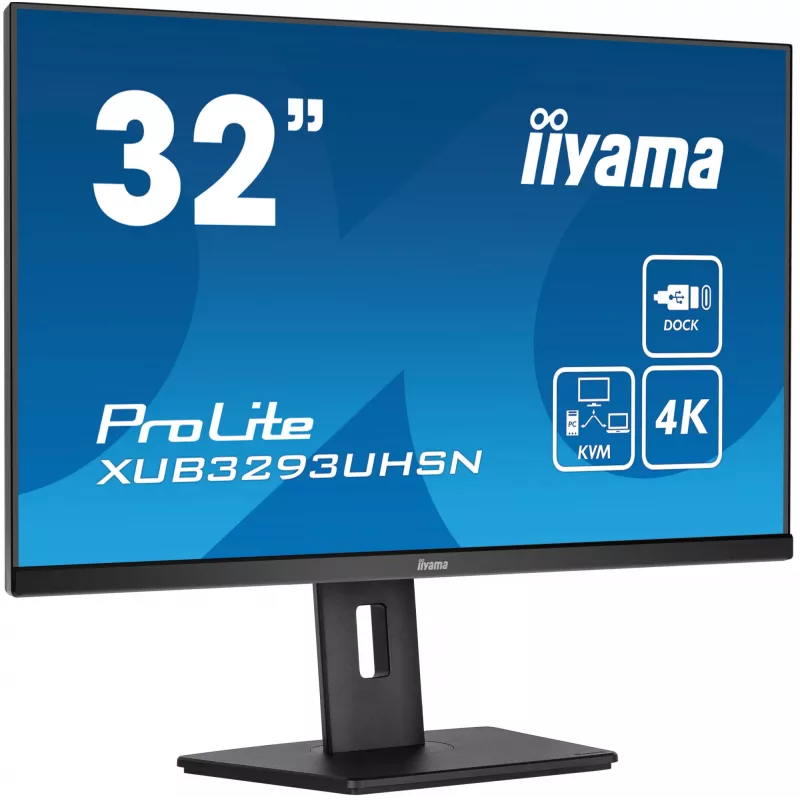
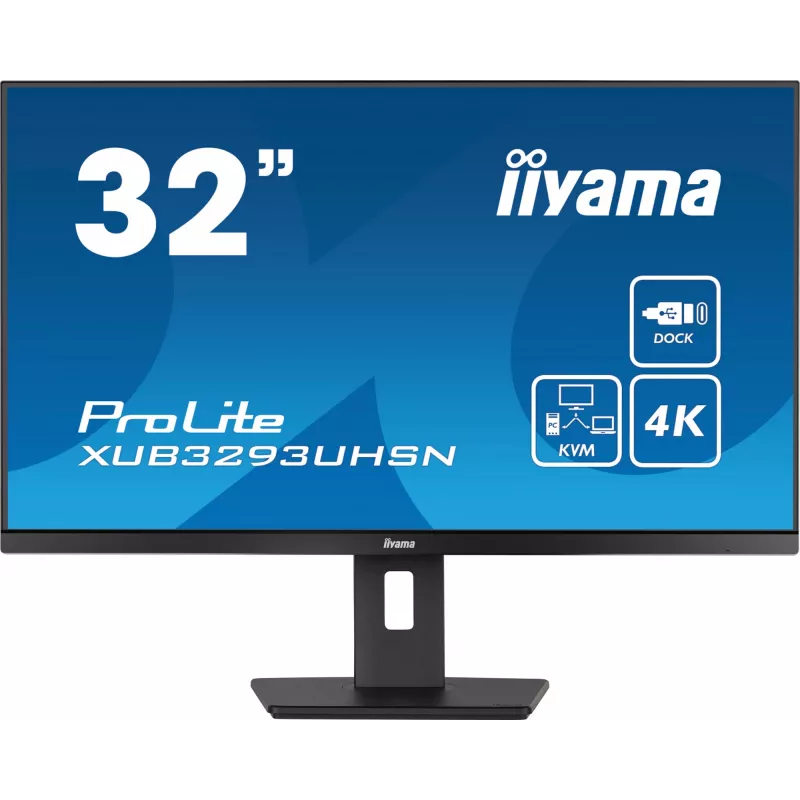
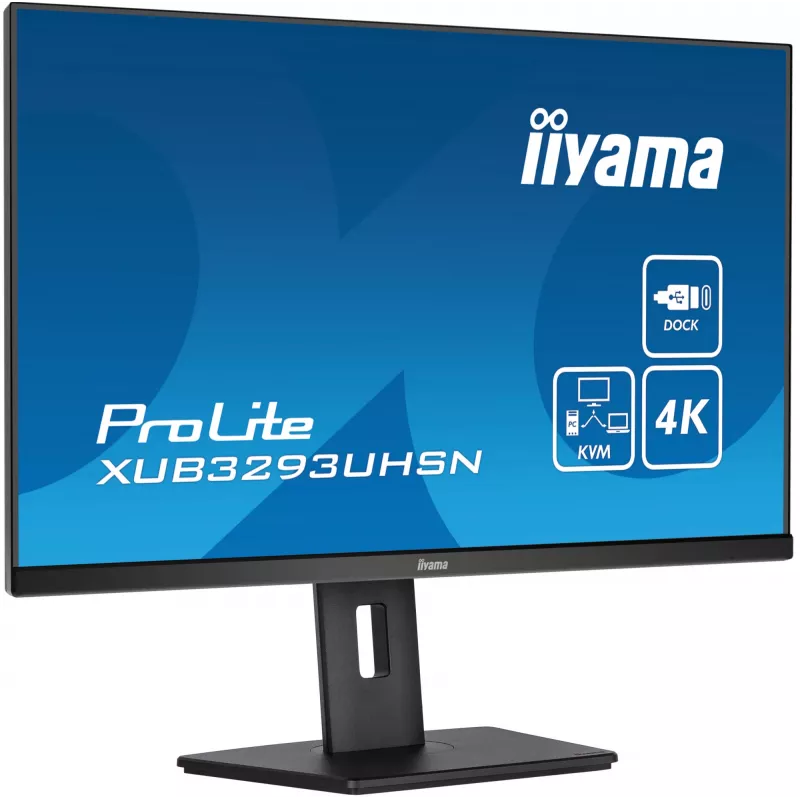
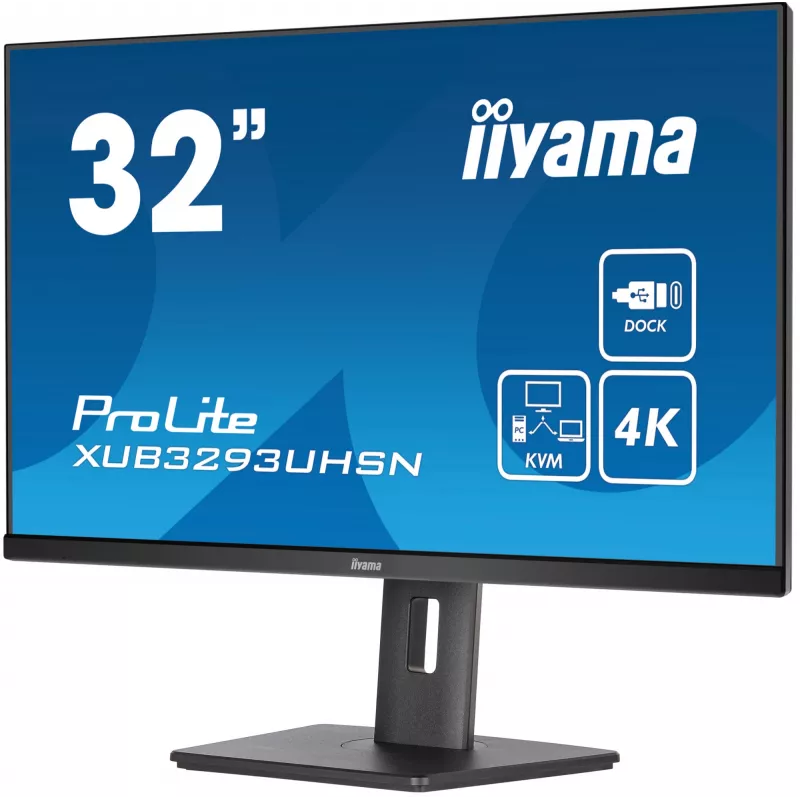
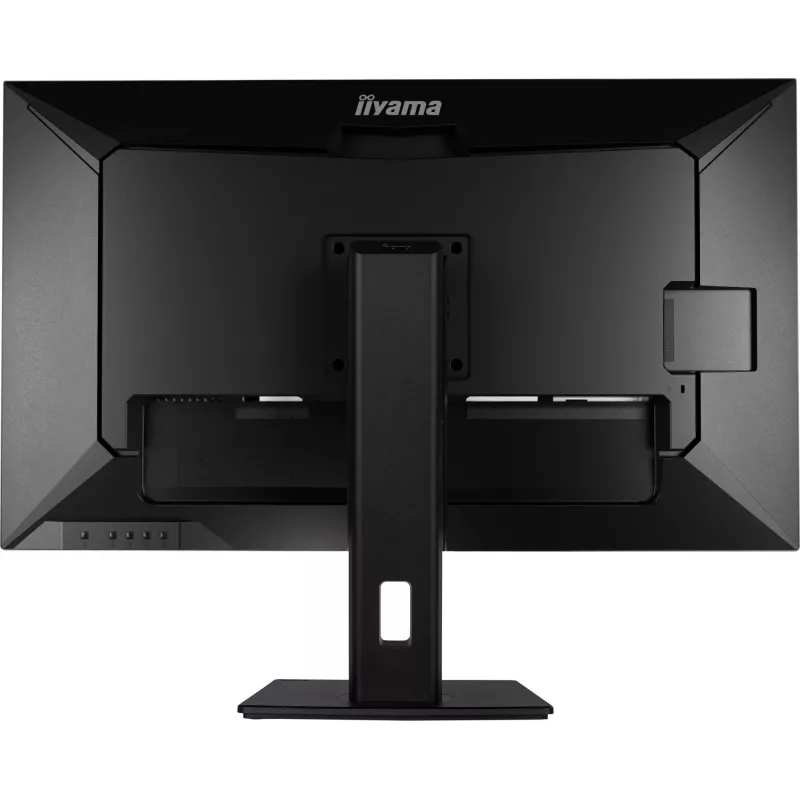
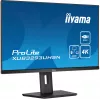
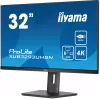
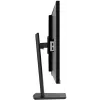
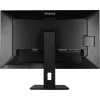
iiyama ProLite XUB3293UHSN-B5 computer monitor 80 cm (31.5 inch) 3840 x 2160 pixels 4K Ultra HD LCD Black

iiyama ProLite XUB3293UHSN-B5 computer monitor 80 cm (31.5 inch) 3840 x 2160 pixels 4K Ultra HD LCD Black
36 mo.
iiyama ProLite XUB3293UHSN-B5 computer monitor 80 cm (31.5 inch) 3840 x 2160 pixels 4K Ultra HD LCD Black
R12,361
Equipped with the KVM switch, the XUB3293UHSN allows you to connect multiple computers that can be operated over one console (monitor, keyboard, mouse). The USB-C dock provides a clean and practical workspace by using a single cable to both send the signal from your notebook to your monitor and powe... Read More
Stock 10 Code 4297 Brand IIYAMA Model XUB3293UHSN-B5 Warranty 3 Years

Shipping & Returns

Estimated delivery Friday, October 23
You will be kept updated through our detailed tracking system
Payment options
EFTPayFastBank CardSnapScanZapperGoogle PayApple PayMobicredMoreTymePay on Arrival
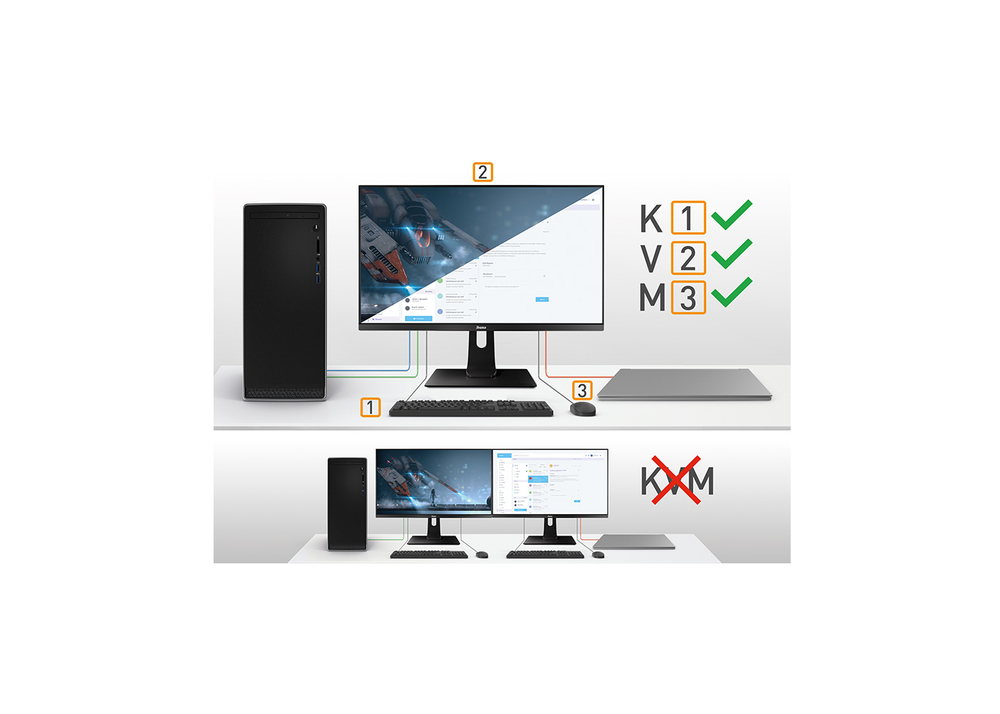
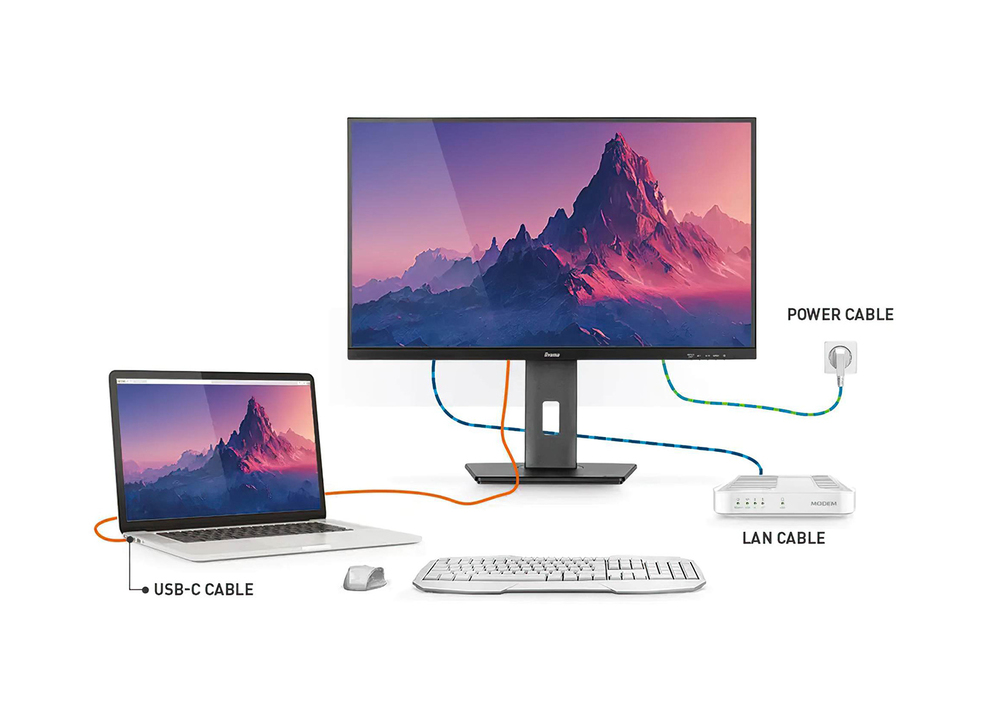
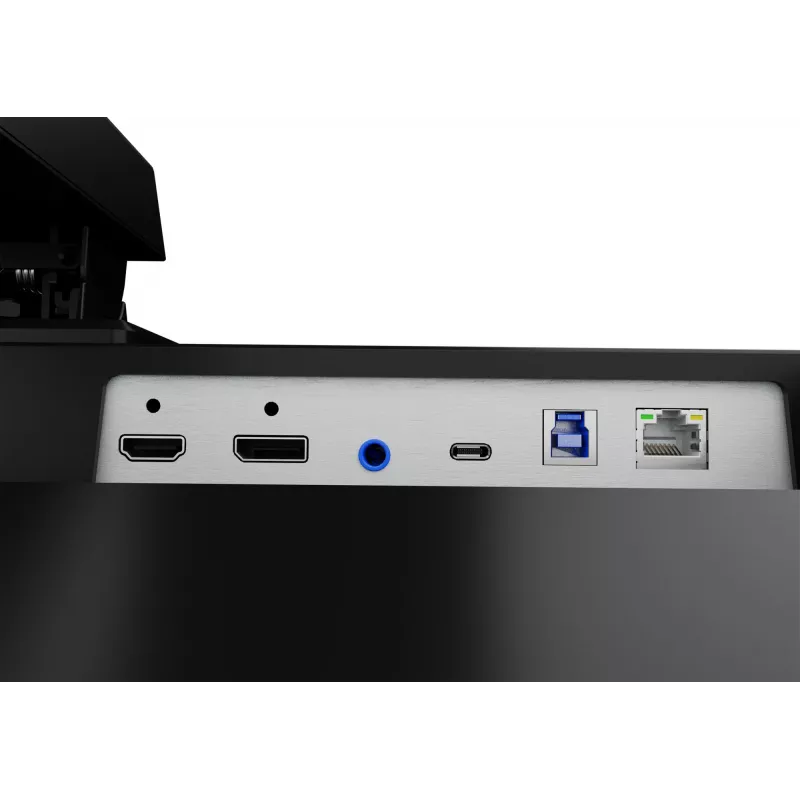
Equipped with the KVM switch, the XUB3293UHSN allows you to connect multiple computers that can be operated over one console (monitor, keyboard, mouse). The USB-C dock provides a clean and practical workspace by using a single cable to both send the signal from your notebook to your monitor and power and charge the notebook from the monitor. Additionally, if your monitor is connected to the Internet with a LAN cable, your notebook will automatically be connected to the network as well. IPS panel guarantees wide viewing angles and natural, highly accurate colours.
KVM SWITCH

KVM SWITCH

Having a monitor with a KVM switch allows you to share the devices connected via USB to your monitor with two different PCs. Just change the signal input in the OSD menu of the monitor and your keyboard, mouse and webcam will switch from your work laptop to your gaming PC.

USB-C Dock

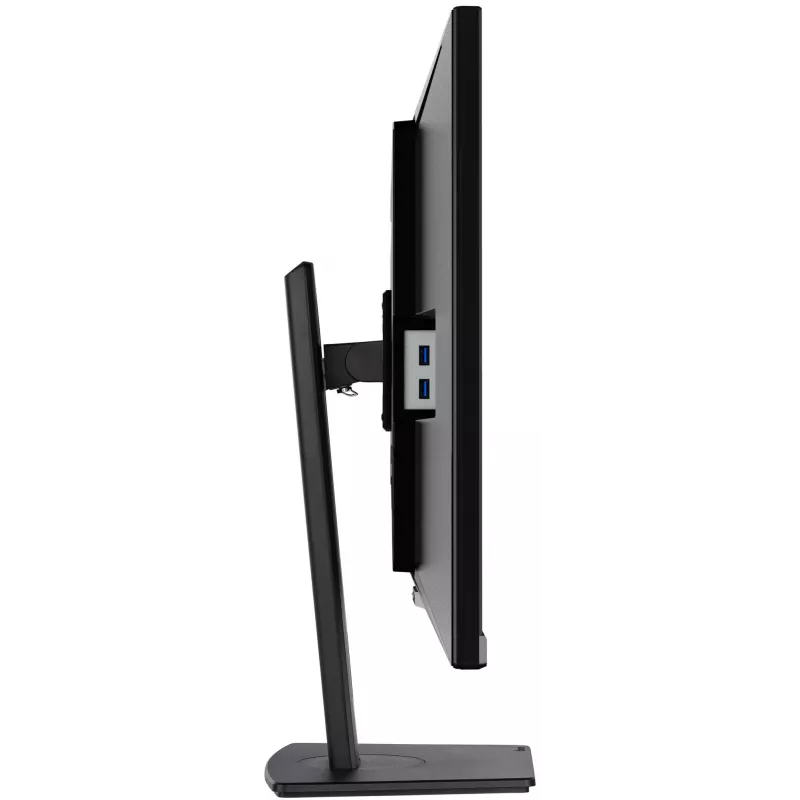
The dock allows you to connect your laptop with a single cable to the monitor to both make sure it is charged and connected to a wired network and signal from the laptop is sent to the monitor. With additional USB-ports, your mouse, keyboard or webcam can also be connected to the monitor. All thanks to a single cable connecting your laptop* to the USB C dock in the monitor. *Functions vary depending on your laptop USB-C support.
USB-C Dock
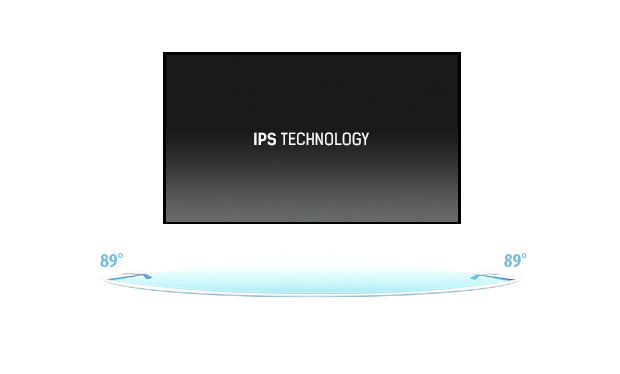
IPS Technology

IPS Technology

IPS displays are best known for wide viewing angles and natural, highly accurate colours. They are especially suited for colour-critical applications.

Flicker-free + Blue light

The ultimate solution for the comfort and health of your eyes. Flicker-free monitors with the blue light reducer function substantially reduce the strain and fatigue caused by flickering and blue light emittance of regular monitors.
Flicker-free + Blue light
Speakers and headphones

Speakers and headphones

Playing with friends? Use the integrated high-quality speakers. Don’t want to disturb anybody? Plug your headset into the headphone socket and turn the volume up.

How to use

Connect your primary computer or notebook to the monitor using the appropriate input. For USB-C docking, plug the notebook into the monitor’s USB-C port to transmit video and provide power/charging via a single cable. Use the KVM switch to toggle control between multiple connected computers when they are attached to the monitor and the keyboard/mouse console. If the monitor is connected to a LAN cable, enable network passthrough on your notebook so it obtains the same network connection automatically.

Recommendations

Place the monitor on a stable surface and adjust height, tilt and swivel to reduce glare and obtain an ergonomic viewing angle. Use the matte finish and IPS wide viewing angles for multi-person viewing, and connect devices via USB-C to minimise cable clutter while enabling power delivery and network access when needed.

Key Highlights
  • Office productivity and multitasking with multiple connected computers
  • Content review and general design work requiring accurate colours and wide viewing angles
  • Home office setups where single-cable USB-C docking simplifies connections
  • Spaces needing VESA mounting or ergonomic height, swivel and tilt adjustments
  • Display diagonal: 31.5"
  • Resolution: 3840 x 2160 (4K Ultra HD)
  • Panel type: IPS, LCD
  • Pixel pitch: 0.182 x 0.182 mm
  • Response time: 4 ms
  • Contrast ratio (typical): 1000:1
  • Brightness (typical): 350 cd/m²
  • Screen shape: Flat
  • Built-in USB hub: Yes
  • Built-in speakers: Yes
  • VESA mounting: Yes
  • Energy class (SDR): G; Energy consumption per 1000 h: 33 kWh
  • Colour: Black
Specifications
AC input frequency
50/60 Hz
AC input voltage
100 - 240 V
Adjustable height (max)
15 cm
AMD FreeSync
No
Built-in camera
No
Built-in KVM switch
Yes
Built-in speaker(s)
Yes
Built-in USB hub
Yes
Cable lock slot
Yes
Cable lock slot type
Kensington
Cable management
Yes
Cables included
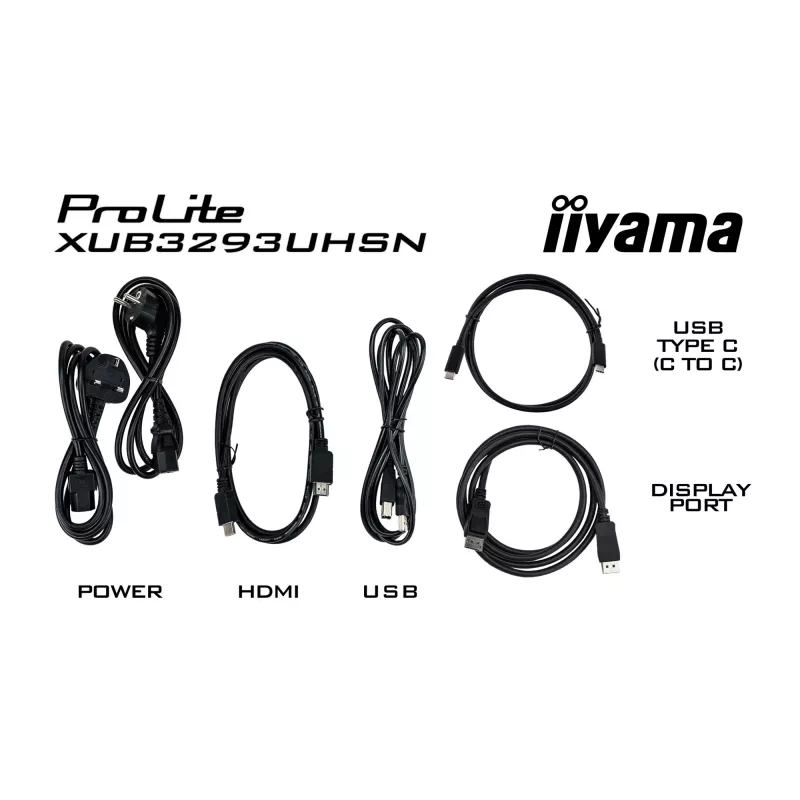
AC, USB, HDMI, DisplayPort, USB Type-C
Colour depth
10 bit
Compliance certificates
CE, EAC, PSE, REACH, RoHS, TÜV mark, UKCA, VCCI, WEEE
Contrast ratio (dynamic)
80000000:1
Contrast ratio (typical)
1000:1
Control panel
Power, Menu, Right / Volume, Left / Eco, Input Select / Exit
Depth
239.5 mm
Depth (with stand)
239.5 mm
Display brightness (typical)
350 cd/m²
Display diagonal
80 cm (31.5")
Display diagonal (metric)
80 cm
Display number of colours
1.07 billion colours
Display resolution
3840 x 2160 pixels
Display surface
Matt
Display technology
LCD
DisplayPorts quantity
1
Energy consumption (SDR) per 1000 hours
32.9 kWh
Energy efficiency class (HDR)
Not available
Energy efficiency class (SDR)
G
Energy efficiency scale
A to G
Ethernet LAN
Yes
Ethernet LAN (RJ-45) ports
1
Flicker-free technology
Yes
HD type
4K Ultra HD
HDCP
Yes
HDMI
Yes
HDMI ports quantity
1
Headphone out
Yes
Height (with stand)
602 mm
Height (without stand)
452 mm
Height adjustment
Yes
Horizontal scan range
30 - 135 kHz
Low Blue Light technology
Yes
Maximum refresh rate
60 Hz
Native aspect ratio
16:9
NTSC coverage (typical)
93%
Number of downstream ports
2
Number of speakers
2
Number of USB Type-C upstream ports quantity
1
NVIDIA G-SYNC
No
On Screen Display (OSD)
Yes
On Screen Display (OSD) languages
Czech, German, English, French, Italian, Japanese, Dutch, Polish, Russian
Packaging content
quick start guide, safety guide
Panel mounting interface
100 x 100 mm
Panel type
IPS
Pivot
Yes
Pivot angle
0 - 90°
Pixel pitch
0.182 x 0.182 mm
Power consumption (off)
0.3 W
Power consumption (standby)
0.4 W
Power consumption (typical)
33 W
Power supply type
Internal
Product colour
Black
Quick start guide
Yes
Response time
4 ms
Response time measurement type
GTG (Gray to Gray)
RMS rated power
6 W
Screen shape
Flat
sRGB coverage (typical)
99%
Stand included
Yes
Sustainability certificates
ErP
Swivel angle range
-45 - 45°
Swivelling
Yes
Tilt adjustment
Yes
Touchscreen
No
USB hub version
3.2 Gen 1 (3.1 Gen 1)
USB Power Delivery (USB PD)
Yes
USB Power Delivery up to
65 W
USB Type-A downstream ports quantity
2
USB upstream port type
USB Type-C
User controls
picture (brightness, contrast, black tuner, sharpness, OD, ACR, ECO, X-res technology), colour (warm, normal, cool, user colour, i-Style colour, blue light reducer), input select, audio (volume, mute), language, OSD settings (OSD H. position, OSD V. position, OSD background, OSD time out, information), setup menu (video mode adjust, HDMI RGB range, KVM, USB-C, USB BC, opening logo, LED, memory recall)
VESA mounting
Yes
Viewable size, horizontal
69.8 cm
Viewable size, vertical
39.3 cm
Viewing angle, horizontal
178°
Viewing angle, vertical
178°
Weight
9.9 kg
Weight (with stand)
9.9 kg
Width
714 mm
Width (with stand)
714 mm

Energy label

Open Energy label

Document

Open Document

Leaflet

Open Leaflet

Manual

Open Manual

PDF

Open PDF

Energy label

Open Energy label

Document

Open Document
Price history over the last 6 months
iiyama ProLite XUB3293UHSN-B5 computer monitor 80 cm (31.5 inch) 3840 x 2160 pixels 4K Ultra HD LCD Black
Current
R12,361
Lowest
R7,378
Highest
R14,210
Change 24H
+R4,958   +67%
Week
+R4,973   +67%
Month
+R4,377   +55%

Independent reviews by tech media

techradar.com
9/10

Verdict: (Image credit: Iiyama)You could pay an awful lot more for a 32-inch 4K monitor. But unless you have fairly particular needs when it comes to content creation and color accuracy, you wouldn't necessarily get a lot more usability and functionality for your...

Read the full review at techradar.com →
creativebloq.com

Verdict: A 32-inch monitor is a big screen to have on your desk, so if you're going to invest in such a large and heavy display it had better be a good one. The Iiyama Prolite 32-inch monitor is a great blend of size and features, providing colour reproduction tha...

Pros
  • Bright and sharp
  • Decent colour reproduction
  • KVM
Cons
  • Heavy
  • Fiddly OSD
Read the full review at creativebloq.com →

Popular products in this category

WhatsApp
Hi, I’m DistriNode’s AI assistant. I can help you find products, compare options, create quote PDFs, or open support requests.