Account Contact
Your Cart
Pay the courier with no extra fees.
Need help? DistriNode AI can handle any task on our site.

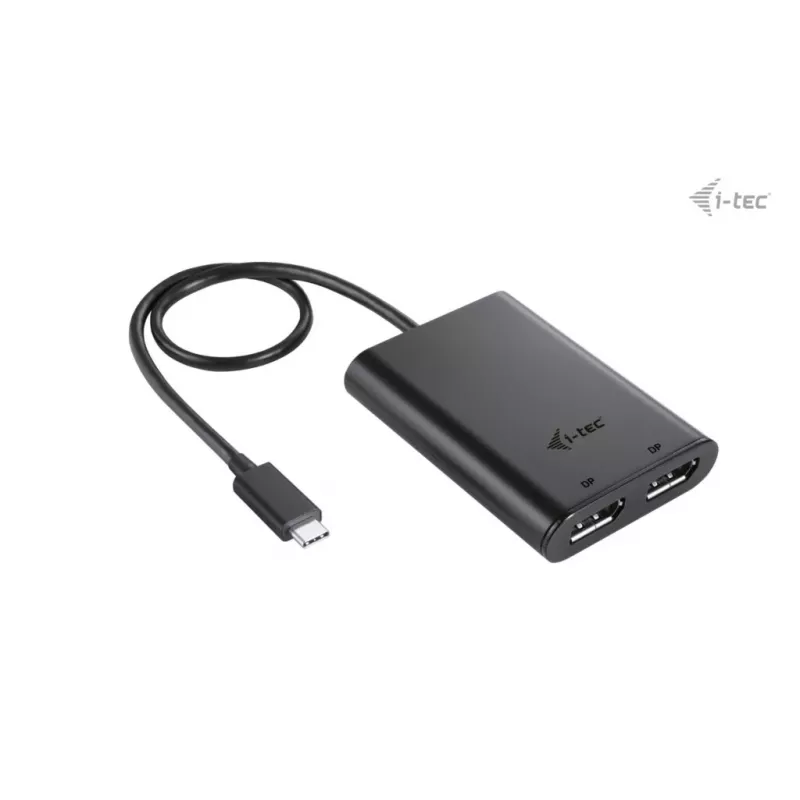
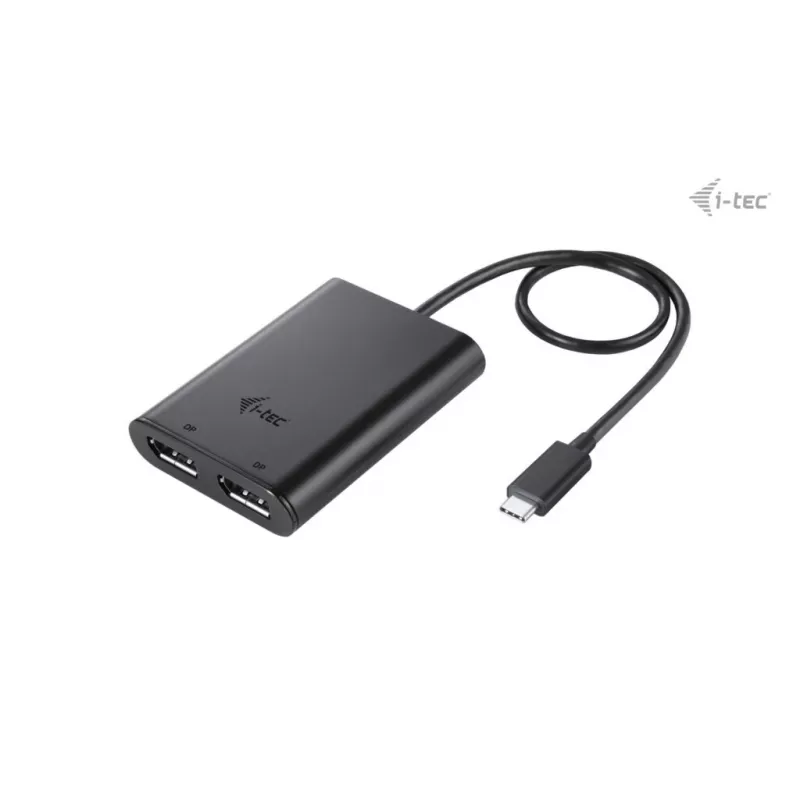
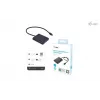
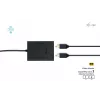
i-tec USB-C Dual 4K DisplayPort Video Adapter

i-tec USB-C Dual 4K DisplayPort Video Adapter
R930
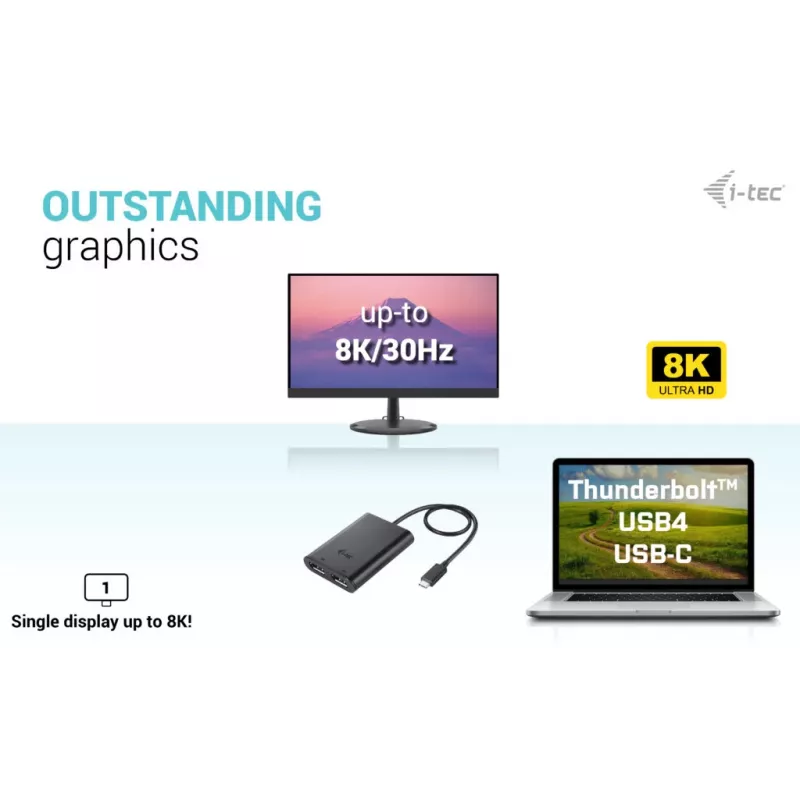
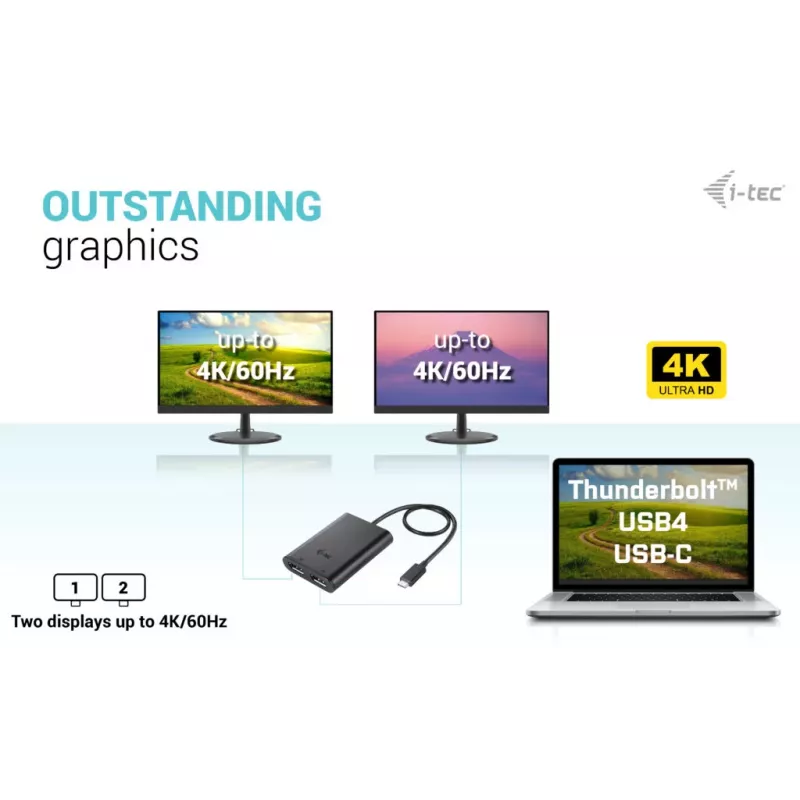
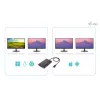
The i-tec USB-C Dual 4K/60Hz DP Video Adapter Black is a compact video adapter that enables connection of two DisplayPort displays or a single 8K display through a USB-C, USB4 or Thunderbolt 3/4 port. With support for up to 2× 4K at 60 Hz or 1× 8K at 30 Hz and an ultra-compact housing (70 × 60 × 15 ... Read More
Stock 3 Code 100882 Brand I-TEC Model C31DUAL4K60DP Warranty 2 Years

Shipping & Returns

Estimated delivery Thursday, October 1
You will be kept updated through our detailed tracking system
Payment options
EFTPayFastBank CardSnapScanZapperGoogle PayApple PayMobicredMoreTymePay on Arrival

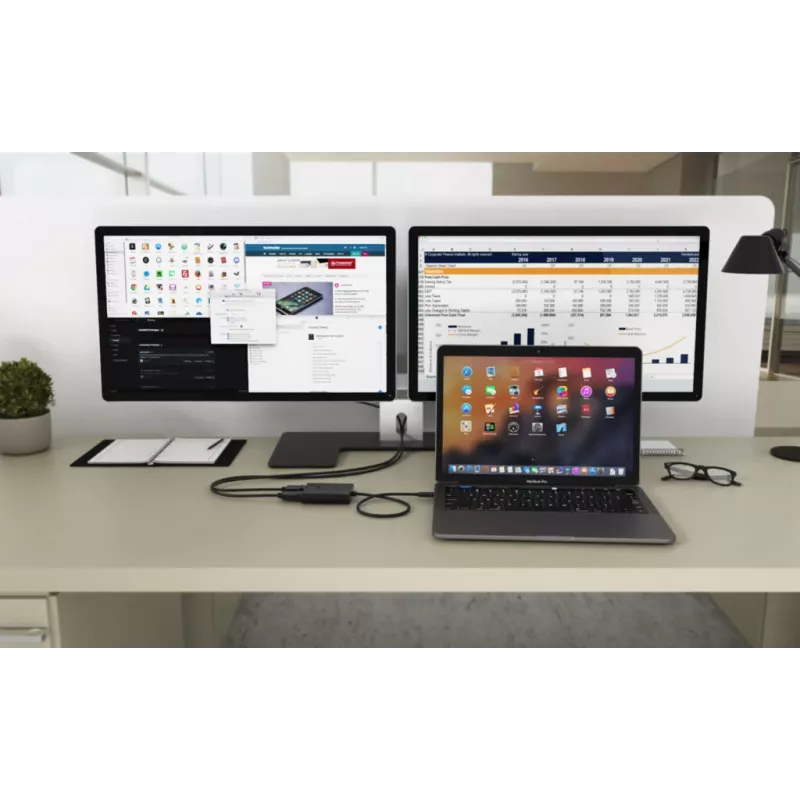
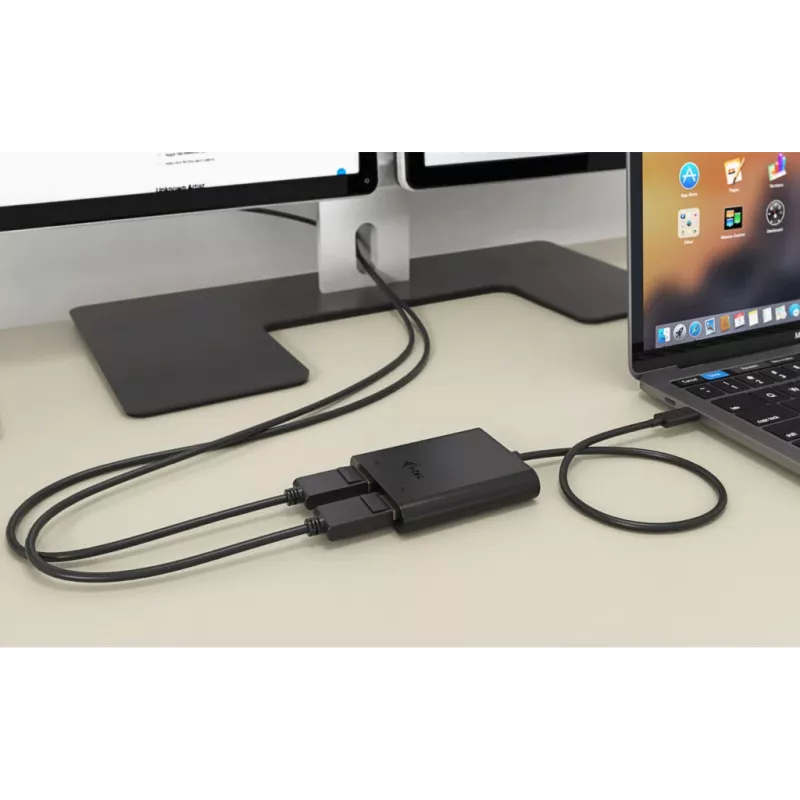
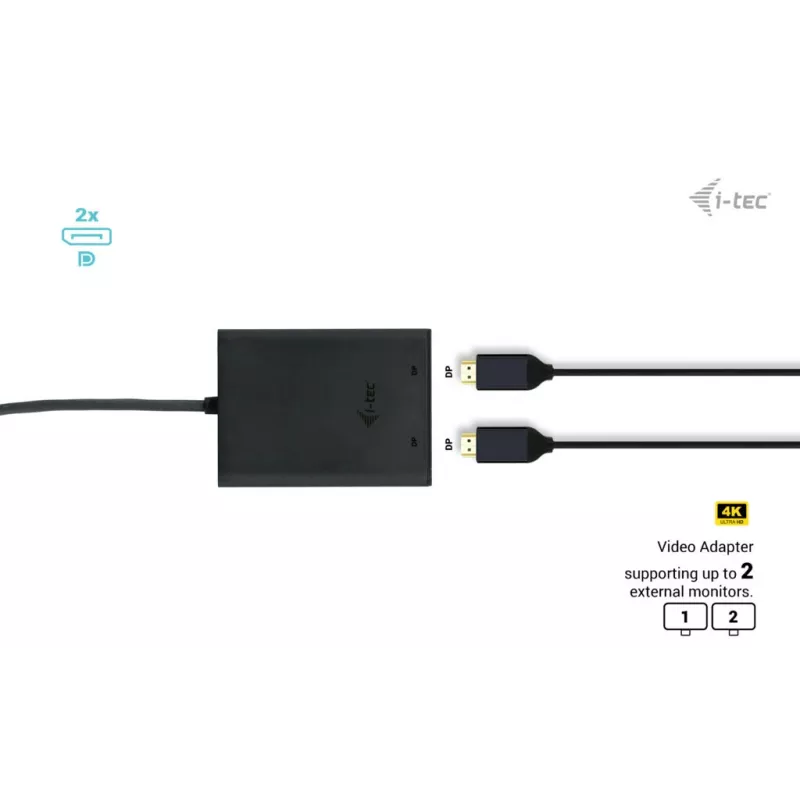
The i-tec USB-C Dual 4K/60Hz DP Video Adapter Black is a compact video adapter that enables connection of two DisplayPort displays or a single 8K display through a USB-C, USB4 or Thunderbolt 3/4 port. With support for up to 2× 4K at 60 Hz or 1× 8K at 30 Hz and an ultra-compact housing (70 × 60 × 15 mm), the adapter is suitable for laptops, tablets and PCs that provide a compatible USB-C video output. The device is black, lightweight (0.053 kg) and designed for quick setup with automatic driver installation from the host system.

Advantages

The adapter supports dual DisplayPort outputs allowing extension of the desktop across two external monitors or connection to a single high-resolution display. It works with USB-C, USB4 and Thunderbolt 3/4 ports and provides a Plug & Play experience with automatic driver handling by the operating system. The small size and low weight make the adapter easy to carry and integrate into mobile work environments.

Suitable for

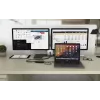
  • Extending a laptop desktop to two external DP monitors for multitasking
  • Connecting a notebook or tablet to a projector or TV for presentations or media playback
  • Using a single high-resolution 8K display for detailed visual work (single-display mode)
  • Mobile and home office setups where compact adapters are required

Key specifications

  • Supported display modes: up to 2× 4K (3840 × 2160) at 60 Hz or 1× 8K (7680 × 4320) at 30 Hz
  • Output type: DisplayPort (two DP outputs)
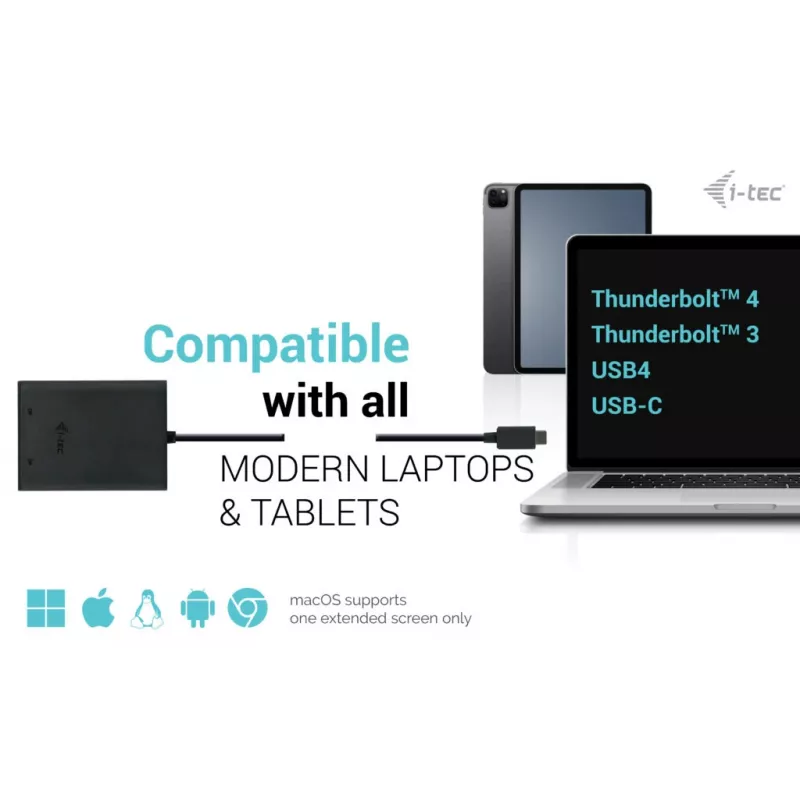
  • Input compatibility: USB-C video capable ports including USB-C, USB4, Thunderbolt 3 and Thunderbolt 4
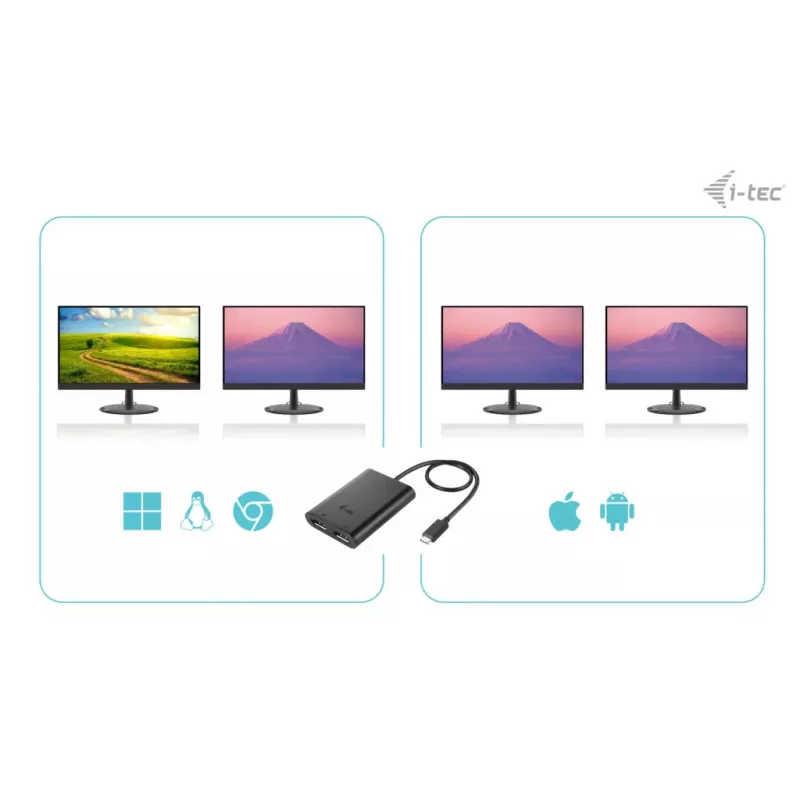
  • Operating system compatibility: compatible with major OS platforms; macOS does not support MST so both outputs will mirror on macOS
  • Form factor: compact adapter, dimensions 70 × 60 × 15 mm
  • Weight: 0.053 kg
  • Colour: Black

How to use

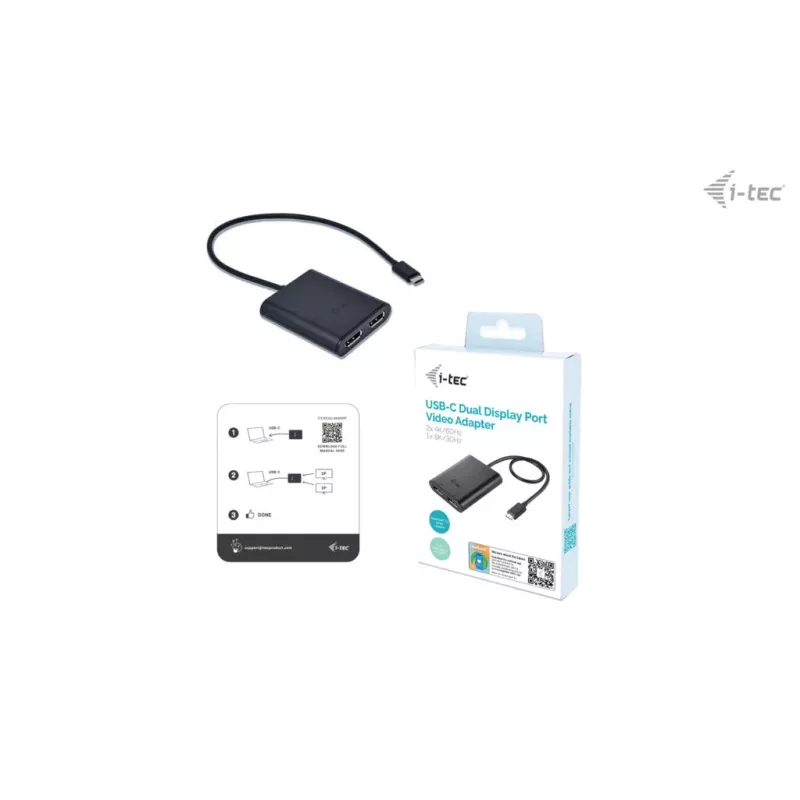
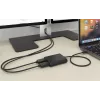
Connect the adapter to a USB-C, USB4 or Thunderbolt 3/4 port on your computer, then connect DisplayPort cables from the adapter's DP outputs to your external monitors or display device. The host system will automatically detect the adapter and install any required drivers. After connection, configure display arrangement and resolution in the operating system display settings to extend or mirror screens as needed. Note that macOS does not support MST; when used with macOS both connected displays will show the same image.

Recommendations

For reliable 4K/60Hz or 8K/30Hz performance use high-quality DisplayPort cables and ensure the host port supports USB-C video output. When using two displays at 4K/60Hz, confirm the connected device and port bandwidth (USB4/Thunderbolt recommended) meet the required specifications. On macOS, expect mirroring behavior due to lack of MST support; for extended displays on macOS consider native or vendor-specific docking solutions.

Key Highlights
  • Powerful USB-C video adapter that can connect up to two monitors simultaneously
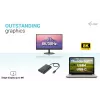
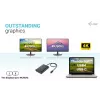
  • The adapter supports up to 1x 8K / 30 Hz or 2x 4K / 60 Hz resolution
  • Support for two DP ports
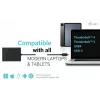
  • Can connect to all USB-C ports: USB-C, USB4, Thunderbolt 3, Thunderbolt 4
  • The adapter is compatible with all major operating systems
  • No installation required for connection (Plug & Play)
  • NOTICE: Only one external monitor will be supported when used with macOS
  • USB version: 2.0 USB Type-C Male
  • DisplayPort output
  • Number of displays supported: 2
  • 7680 x 4320 pixels 30 Hz
  • Black
Specifications
Depth
60 mm
DisplayPort output
Yes
DisplayPorts quantity
2
DVI output
No
HDMI output
No
Height
15 mm
Linux operating systems supported
Yes
Mac operating systems supported
Yes
Manual
Yes
Maximum resolution
7680 x 4320 pixels
Number of displays supported
2
Other operating systems supported
Android, ChromeOS
Package depth
130 mm
Package height
25 mm
Package type
Box
Package weight
131 g
Package width
180 mm
Product colour
Black
Refresh rate at maximum resolution
30 Hz
USB cable length
0.3 m
USB connector gender
Male
USB connector type
USB Type-C
USB version
2.0
Weight
53 g
Width
70 mm
Windows operating systems supported
Yes

Leaflet

Open Leaflet
Price history over the last 6 months
i-tec USB-C Dual 4K DisplayPort Video Adapter
Current
R930
Lowest
R863
Highest
R930
Change 24H
+R38   +4%
Week
+R48   +5%
Month
+R57   +7%

Popular products in this category

WhatsApp
Hi, I’m DistriNode’s AI assistant. I can help you find products, compare options, create quote PDFs, or open support requests.