
Account Contact
Your Cart
Pay the courier with no extra fees.
Need help? DistriNode AI can handle any task on our site.

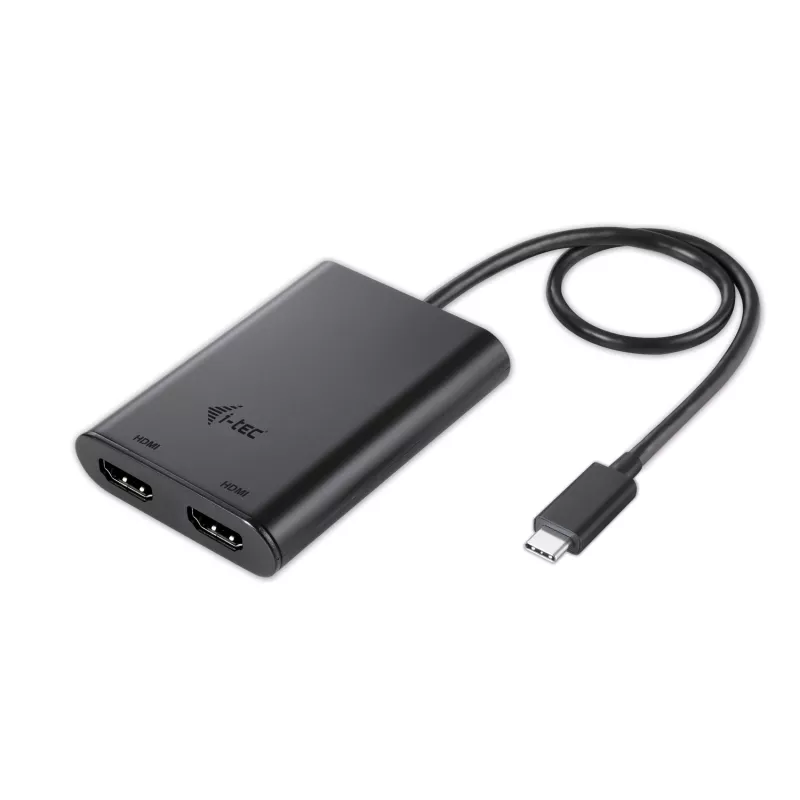
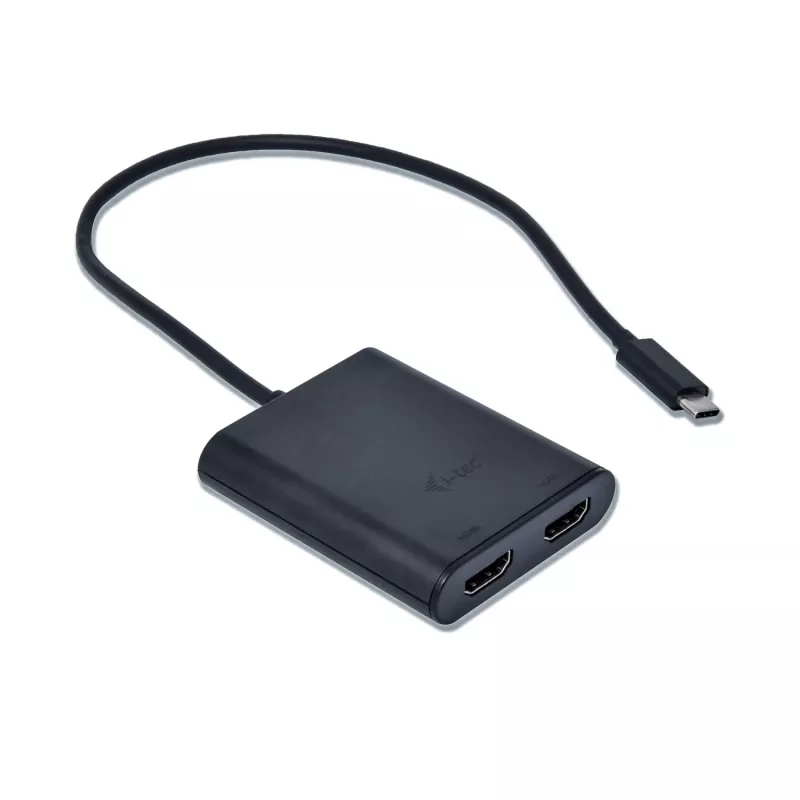
i-tec USB-C 3.1 Dual 4K HDMI Video Adapter, 3.2 Gen 1 (3.1 Gen 1), USB Type-C, HDMI output, 3840 x 2160 pixels

i-tec USB-C 3.1 Dual 4K HDMI Video Adapter, 3.2 Gen 1 (3.1 Gen 1), USB Type-C, HDMI output, 3840 x 2160 pixels
R878
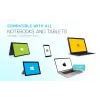
The adapter is suitable for all laptops, smart phones and tablets equipped with a Thunderbolt 3 port or a USB-C port with support for video transmission (Display Port). This new connector has a number of advantages – it is small and symmetrical, making its connection much easier. Simply connect the ... Read More
Stock 19 Code 94172 Brand I-TEC Model C31DUAL4KHDMI Warranty 2 Years

Shipping & Returns

Estimated delivery Thursday, October 1
You will be kept updated through our detailed tracking system
Payment options
EFTPayFastBank CardSnapScanZapperGoogle PayApple PayMobicredMoreTymePay on Arrival
The adapter is suitable for all laptops, smart phones and tablets equipped with a Thunderbolt 3 port or a USB-C port with support for video transmission (Display Port). This new connector has a number of advantages – it is small and symmetrical, making its connection much easier. Simply connect the adapter to a device with a compatible USB-C port and connect a monitor with a Display Port on the other end using the cable. The operating system will automatically install any drivers required.

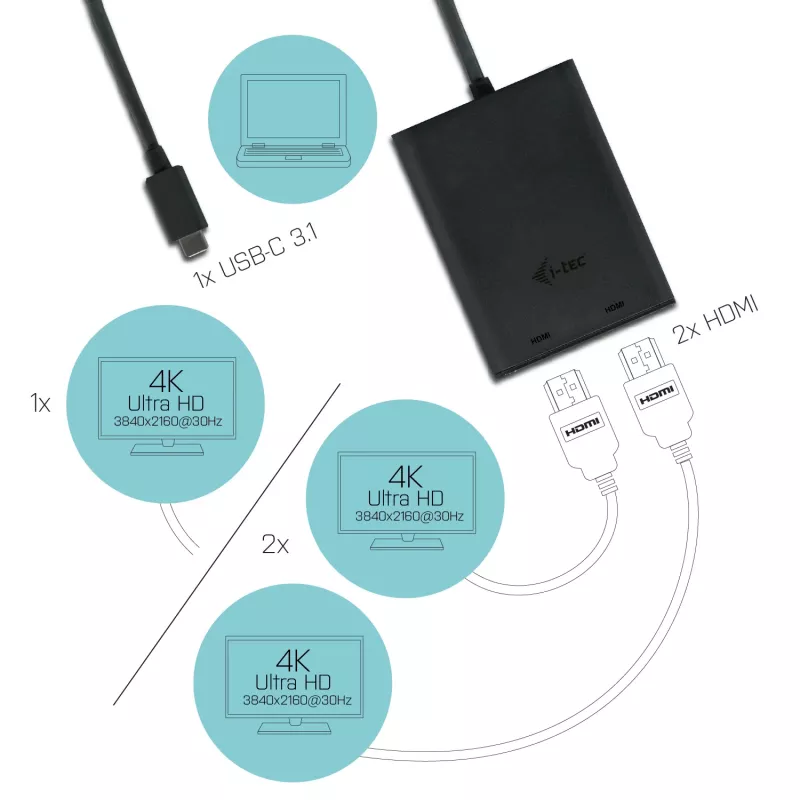
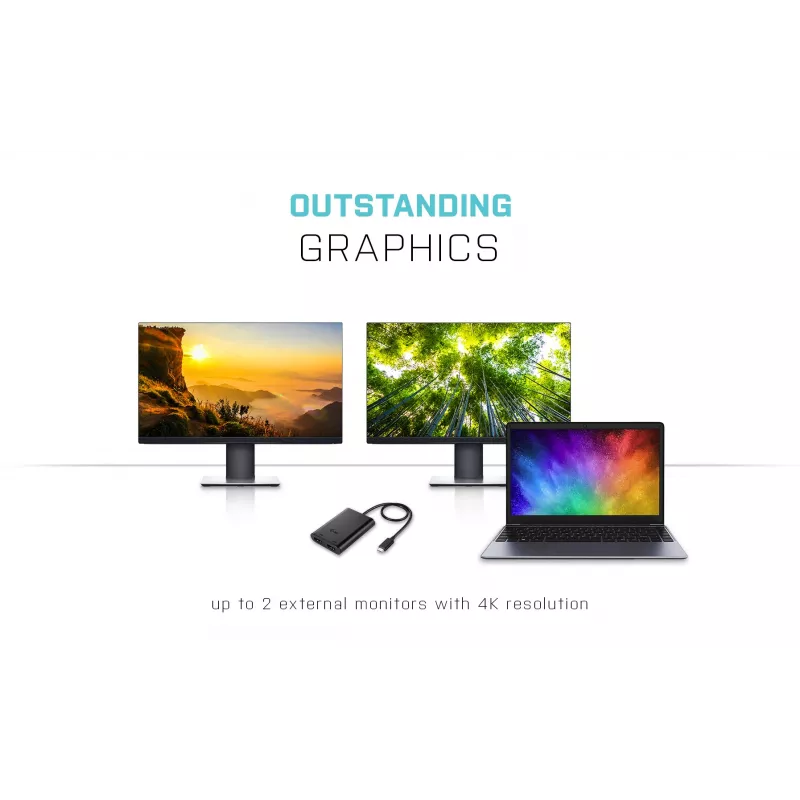
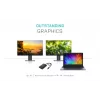
Expand your desktop to two external HDMI monitors or connect projectors or television with HDMI interface to your notebook, tablet or PC via new USB-C or Thunderbolt 3 connector. The adapter supports 4K Ultra HD video with resolution up to 3840 x 2160 px and stereo sound.

The adapter is suitable for use with Chromebook Pixel 2015, Acer Switch Alpha 12, Dell XPS 13, HP EliteBook Folio G1 and other devices with the USB-C connector. The USB-C connector has many advantages, it is smaller, symmetrical and allows easy connection, because now you deed not take care of the rotation of the connector.

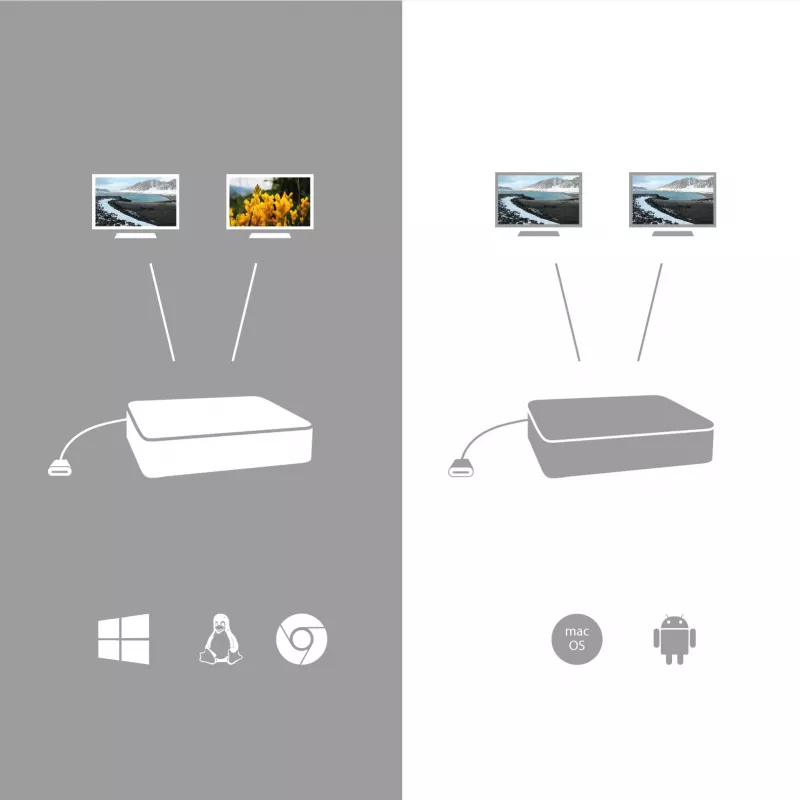
When connected to the Apple notebook, only one monitor is supported. No USB-C video adapter is able to support two monitors in Mac OS environment; only Thunderbolt 3 adapter is capable of dual monitor output in Mac OS systems.

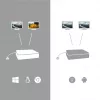
The adapter is excellent choice for designers, graphic designers, gamers, and other users working with more than one screen simultaneously. Using the “Extend” and “Mirror” modes you can work for example with applications on two monitors (e.g., wide spreadsheets), or you can work on the first screen and search for information on the Internet on the second screen, you can compare several documents simultaneously without constant switching among the open windows, you can display panoramic images on two screens without the need to have another computer etc.

Using is very simple, just plug the adapter into the USB-C or Thunderbolt 3 port on your computer, connect it with a display device via HDMI cable and you can immediately start using. Driver installation is automatic from the system.

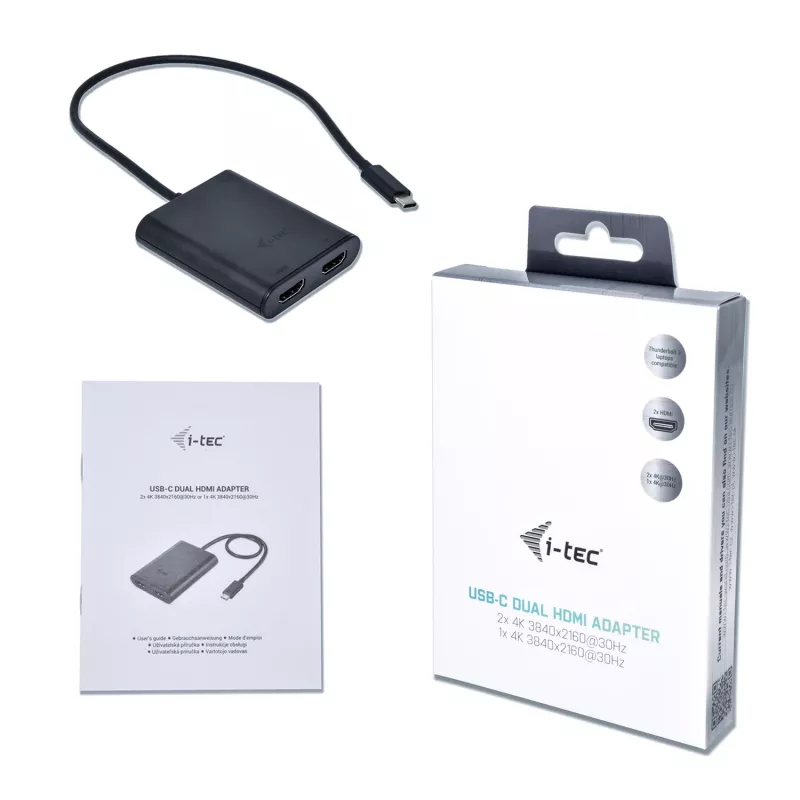
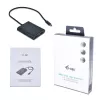
i-tec USB-C 3.1 Dual 4K HDMI Video Adapter. USB version: 3.2 Gen 1 (3.1 Gen 1), USB connector type: USB Type-C, USB connector gender: Male. Product colour: Black, Housing material: Plastic. Other operating systems supported: Android. Width: 70 mm, Depth: 60 mm, Height: 15 mm. Package type: Box, Package width: 180 mm, Package depth: 130 mm

Key Highlights
  • USB version: 3.2 Gen 1 (3.1 Gen 1) USB Type-C Male
  • HDMI output
  • Number of displays supported: 2
  • 3840 x 2160 pixels
  • Black
Specifications
Depth
60 mm
DisplayPort output
No
DVI output
No
Extended display mode
Yes
Harmonized System (HS) code
84733020
HDMI output
Yes
Height
15 mm
Housing material
Plastic
Linux operating systems supported
Yes
Mac operating systems supported
Yes
Manual
Yes
Maximum resolution
3840 x 2160 pixels
Mirror display mode
Yes
Number of displays supported
2
Other operating systems supported
Android
Output colour depth
16/32 bit
Package depth
130 mm
Package height
25 mm
Package type
Box
Package weight
131 g
Package width
180 mm
Product colour
Black
USB cable length
0.3 m
USB connector gender
Male
USB connector type
USB Type-C
USB version
3.2 Gen 1 (3.1 Gen 1)
Weight
53 g
Width
70 mm
Windows operating systems supported
Yes

Manual

Open Manual

Leaflet

Open Leaflet
Price history over the last 6 months
i-tec USB-C 3.1 Dual 4K HDMI Video Adapter, 3.2 Gen 1 (3.1 Gen 1), USB Type-C, HDMI output, 3840 x 2160 pixels
Current
R878
Lowest
R818
Highest
R918
Change 24H
+R35   +4%
Week
+R44   +5%
Month
+R53   +6%

Popular products in this category

WhatsApp
Hi, I’m DistriNode’s AI assistant. I can help you find products, compare options, create quote PDFs, or open support requests.