Account Contact
Your Cart
Pay on delivery – no extra fees
Need help? Ask our AI

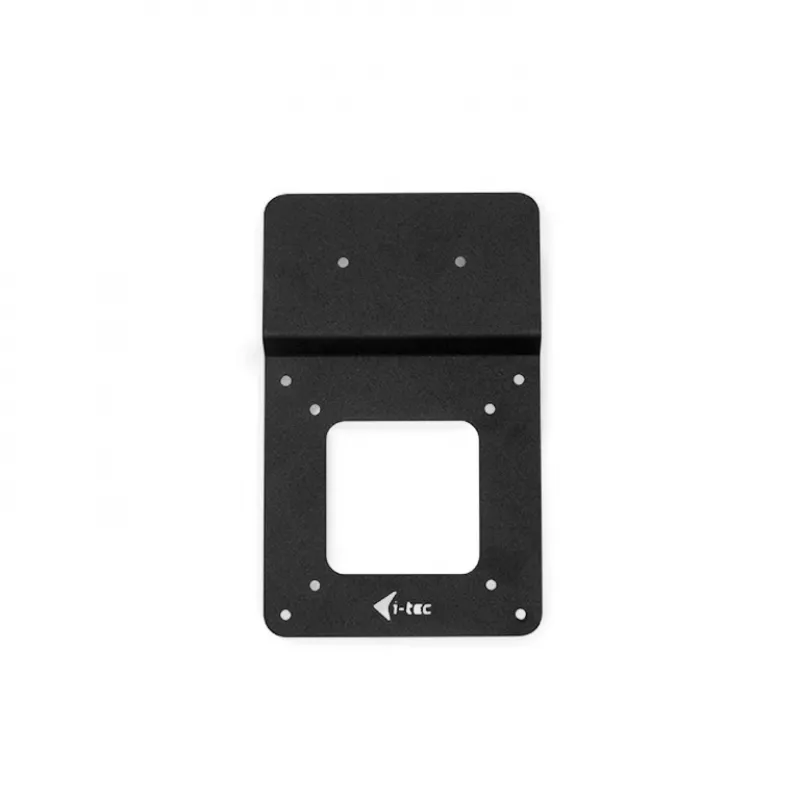
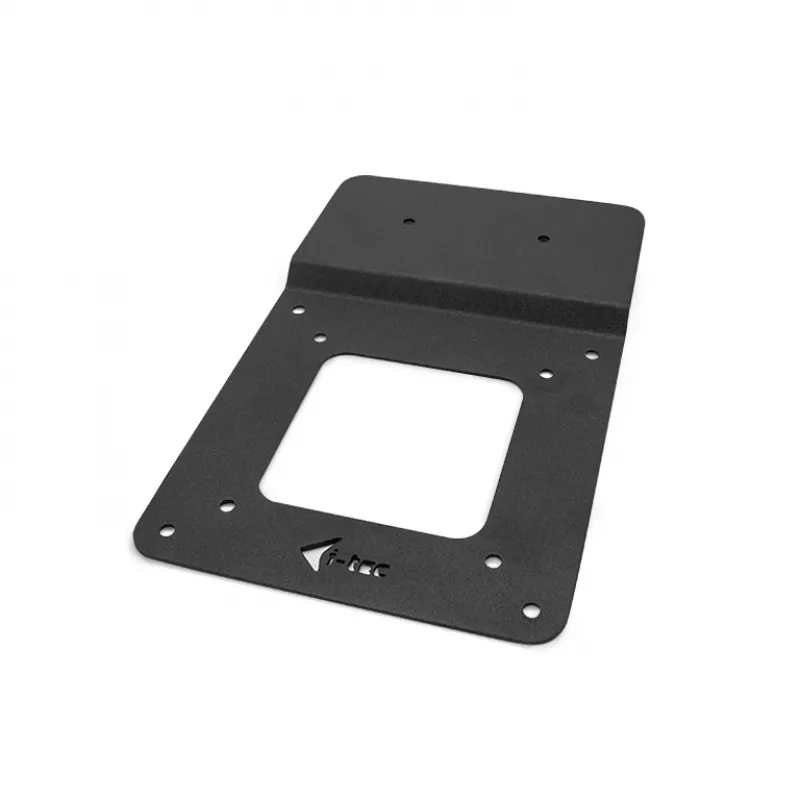
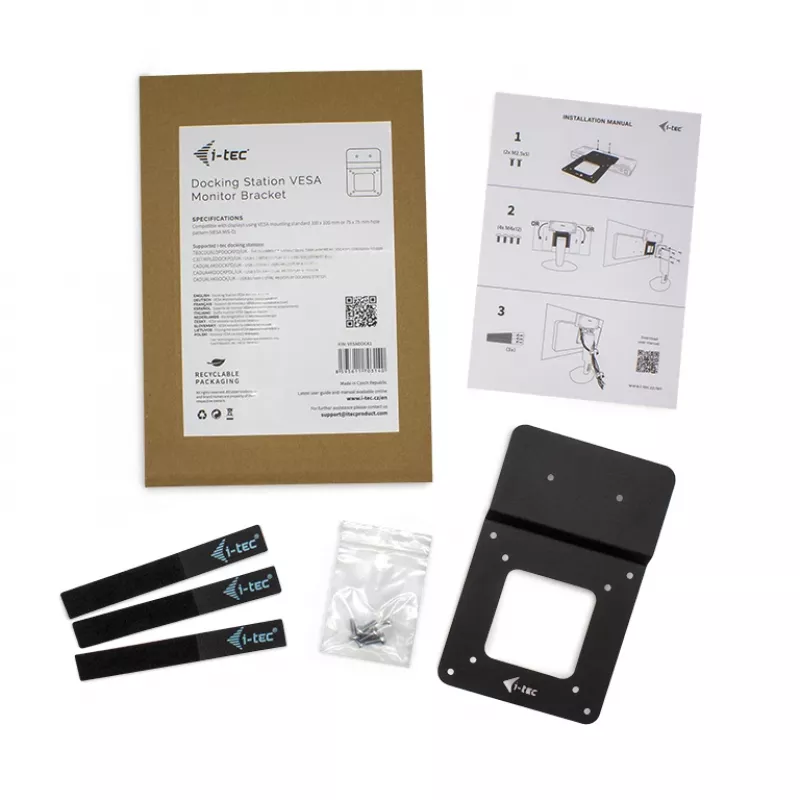
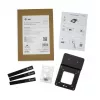
i-tec Docking station bracket, for monitors with VESA mount

i-tec Docking station bracket, for monitors with VESA mount
R359
PDF
PDF

Shipping & Returns

Estimated delivery Wednesday, November 18
You will be kept updated through our detailed tracking system
Payment options
EFTPayFastBank CardSnapScanZapperGoogle PayApple PayMobicredMoreTymePay on Arrival

Description

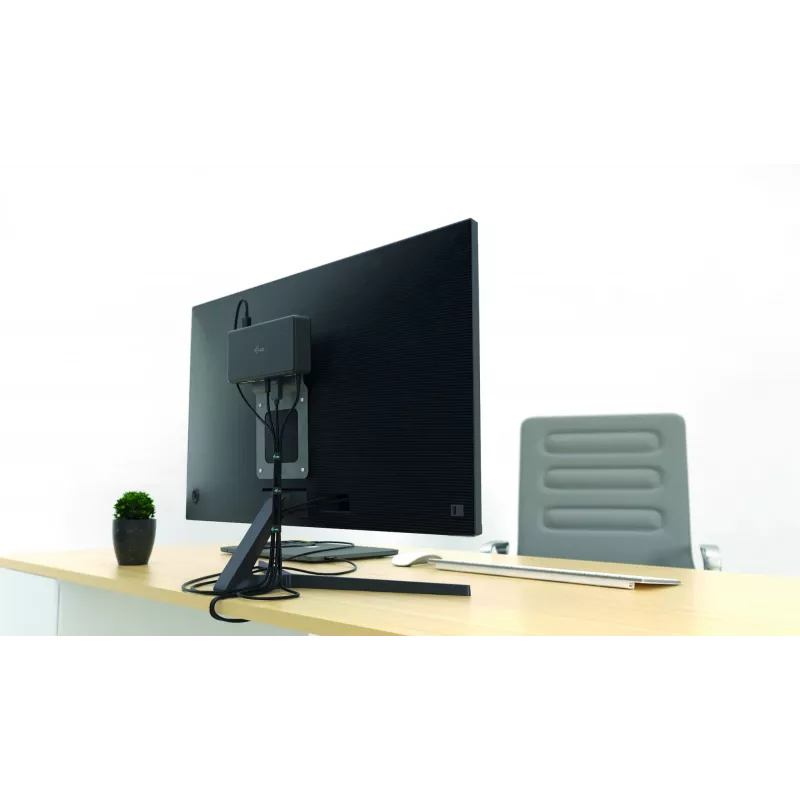
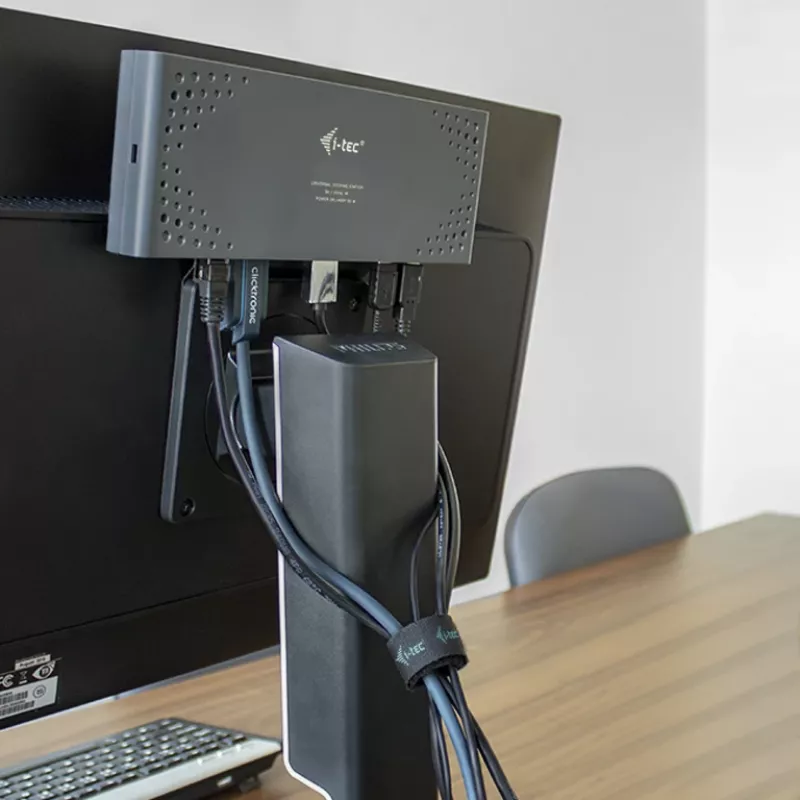
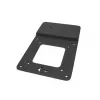
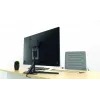
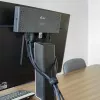
The VESA docking station bracket enables tidy and ergonomic desk setups by allowing compatible docking stations to be mounted on the rear of a monitor. Mounting the docking station behind the screen improves cable management, protects the device from accidental removal, and frees desk space for a cleaner working area. The bracket supports both vertical and horizontal installation and is compatible with most monitor stands.

Advantages

Mounting the docking station to the monitor reduces clutter on the desktop and simplifies cable routing. Installing the bracket behind the display improves security against accidental disconnection and helps protect the docking station from theft. The possibility to install the holder vertically or horizontally increases compatibility with different monitor types and user preferences.

Key specifications

  • Compatible VESA patterns: 100 x 100 mm and 75 x 75 mm (ensure monitor supports these before purchase)
  • Supports vertical and horizontal mounting orientations
  • Compatible with most monitor stands
  • Compatible docking stations: i-tec USB 3.0 / USB-C / Thunderbolt 3 Dual 4K Display Docking Station + Power Delivery 65W; i-tec USB 3.0 / USB-C / Thunderbolt 3 Dual 4K Display Docking Station

How to use

Confirm that your monitor supports VESA mounting at 100 x 100 mm or 75 x 75 mm. Attach the bracket to the monitor using the appropriate VESA holes and screws, then mount the compatible docking station onto the bracket. Route and secure cables to achieve neat cable management. Choose vertical or horizontal orientation according to monitor model and workspace preferences.

Recommendations

Before installation, check monitor compatibility with the VESA standard and verify that the chosen docking station model is listed as compatible. Use the correct screw sizes for your monitor to avoid damage and ensure a secure installation.
Key Highlights
  • Compatible VESA patterns: 100 x 100 mm and 75 x 75 mm (ensure monitor supports these before purchase)
  • Supports vertical and horizontal mounting orientations
  • Compatible with most monitor stands
  • Compatible docking stations: i-tec USB 3.0 / USB-C / Thunderbolt 3 Dual 4K Display Docking Station + Power Delivery 65W; i-tec USB 3.0 / USB-C / Thunderbolt 3 Dual 4K Display Docking Station

Specifications

Specifications
Cable management
Yes
Compatibility
i-tec USB 3.0 / USB-C / Thunderbolt 3 Dual 4K Display Docking Station + Power Delivery 65W i-tec USB 3.0 / USB-C / Thunderbolt 3 Dual 4K Display Docking Station
Depth
5 mm
Height
190 mm
Material
Metal
Package depth
5 mm
Package height
290 mm
Package weight
128 g
Package width
200 mm
Panel mounting interface
75 x 75,100 x 100 mm
Product colour
Black
Screws included
Yes
VESA mounting
Yes
Weight
80 g
Width
120 mm

Leaflet

Open Leaflet
Price history over the last 6 months
i-tec Docking station bracket, for monitors with VESA mount
Current
R359
Lowest
R314
Highest
R359
Change 24H
+R0   +0%
Week
+R44   +14%
Month
+R39   +12%

Write a review

Rating *
Your name will be shown publicly – you can use a nickname. We invite buyers to write reviews; we check reviews before publishing and publish critical ones too.
WhatsApp
Messenger
Hi, I’m DistriNode’s AI assistant. I can help you find products, compare options, create quote PDFs, or open support requests.
All categories