Account Contact
Your Cart
Pay on delivery – no extra fees
Need help? Ask our AI

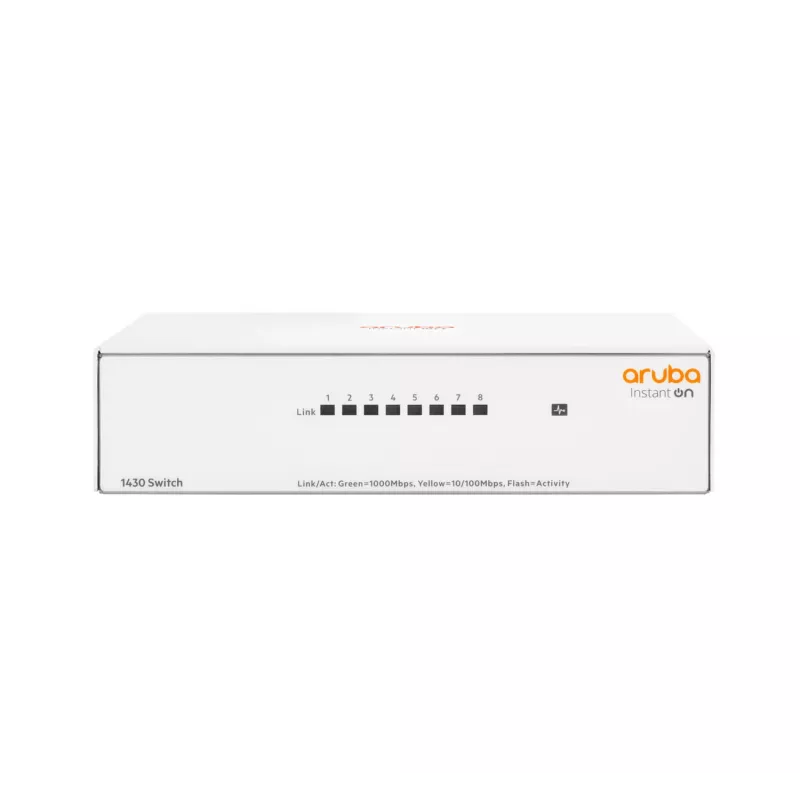
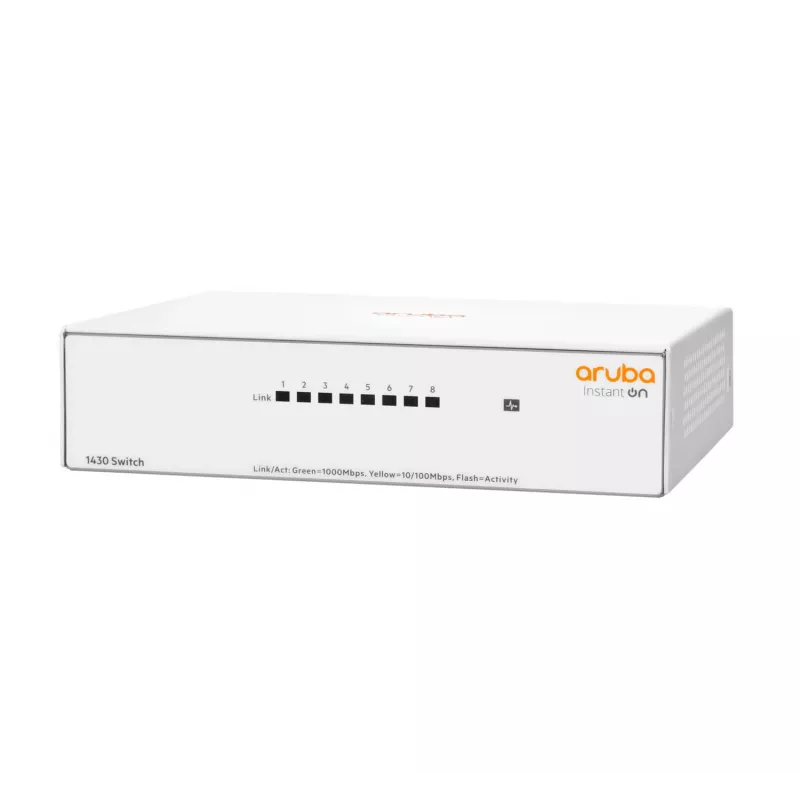
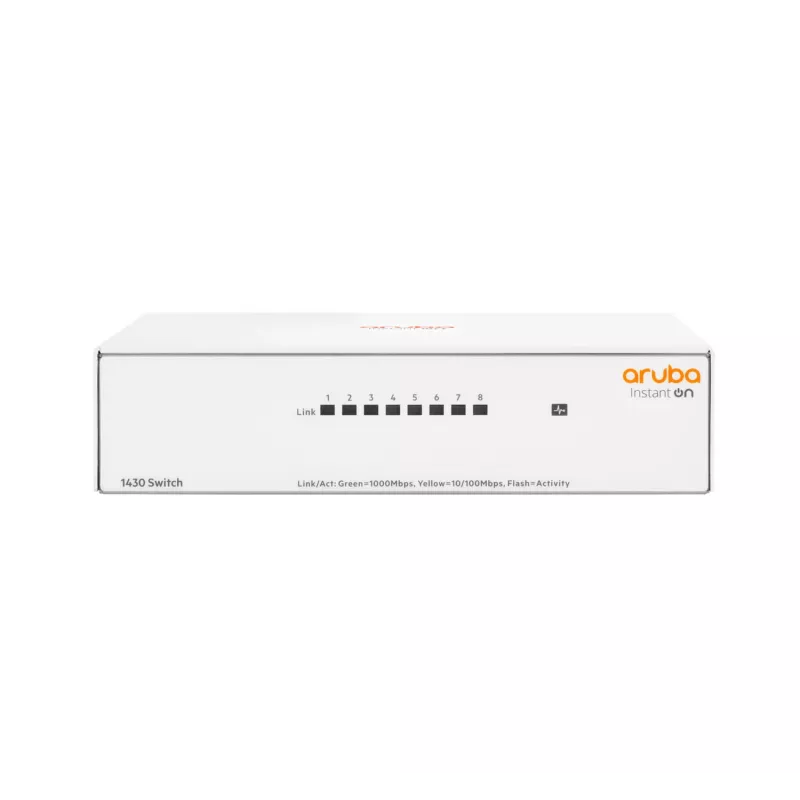
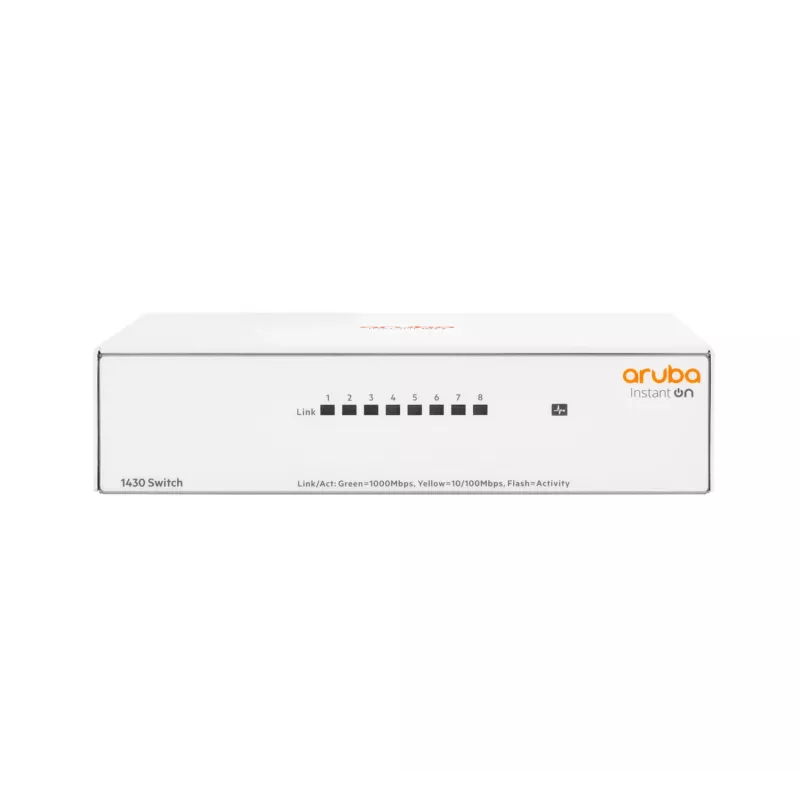
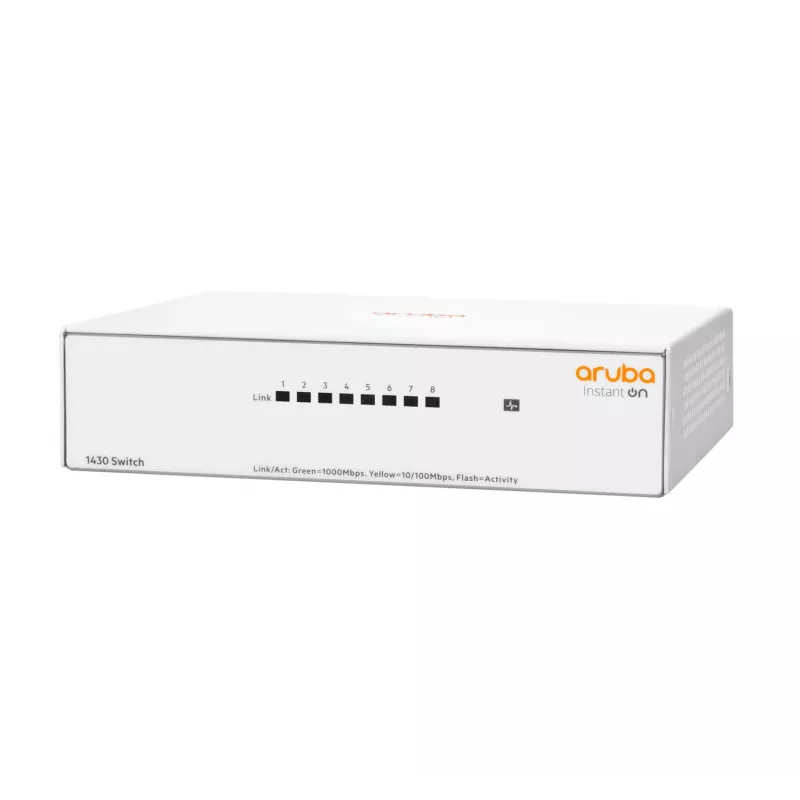
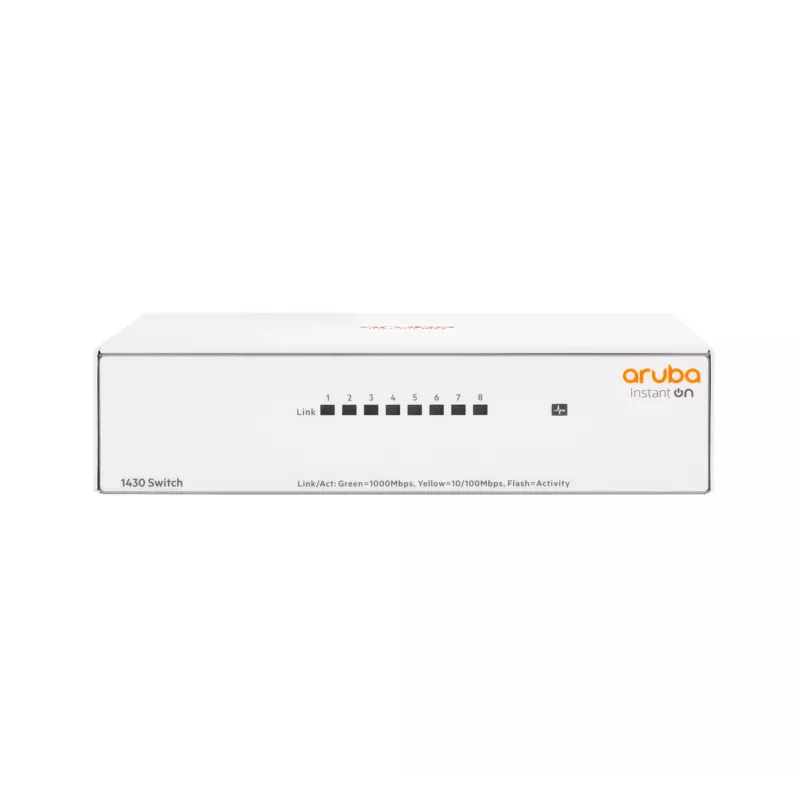
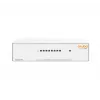
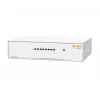
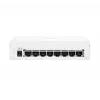
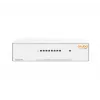
Unmanaged Switch Aruba Instant On 1430 8G L2 Gigabit Ethernet 8 Ports

Unmanaged Switch Aruba Instant On 1430 8G L2 Gigabit Ethernet 8 Ports
60 mo.
Unmanaged Switch Aruba Instant On 1430 8G L2 Gigabit Ethernet 8 Ports
R1,569
The Aruba Instant On 1430 8G is an unmanaged Layer 2 Gigabit Ethernet switch with eight 10/100/1000 RJ-45 ports, full-duplex operation and a switching capacity of 16 Gbit/s. Designed for small businesses and home offices, this plug-and-play switch provides reliable wired connectivity without configu... Read More
Stock Out Of StockNo Stock Code 98897 Brand HPE Model R8R45A#ABB Warranty 5 Years

Shipping & Returns

The Aruba Instant On 1430 8G is an unmanaged Layer 2 Gigabit Ethernet switch with eight 10/100/1000 RJ-45 ports, full-duplex operation and a switching capacity of 16 Gbit/s. Designed for small businesses and home offices, this plug-and-play switch provides reliable wired connectivity without configuration and is available in PoE and non-PoE variants across the 1430 family.

Advantages

This unmanaged switch offers simple installation with zero ongoing administration, Auto MDI/MDI-X for automatic cable detection, and fan-less silent operation suitable for acoustic-sensitive environments. The 1430 series supports Energy Efficient Ethernet (802.3az) to reduce power draw during low activity and QoS prioritization for time-sensitive traffic; PoE models provide up to 30 W per port and defined power budgets for powering access points, cameras and VoIP phones.

Suitable for

  • Small business and home office wired networks
  • Connecting printers, access points and IP phones
  • Basic network expansion and point-to-point uplinks
  • Quiet environments where fan-less operation is required

Key specifications

  • Switch type: Unmanaged Layer 2
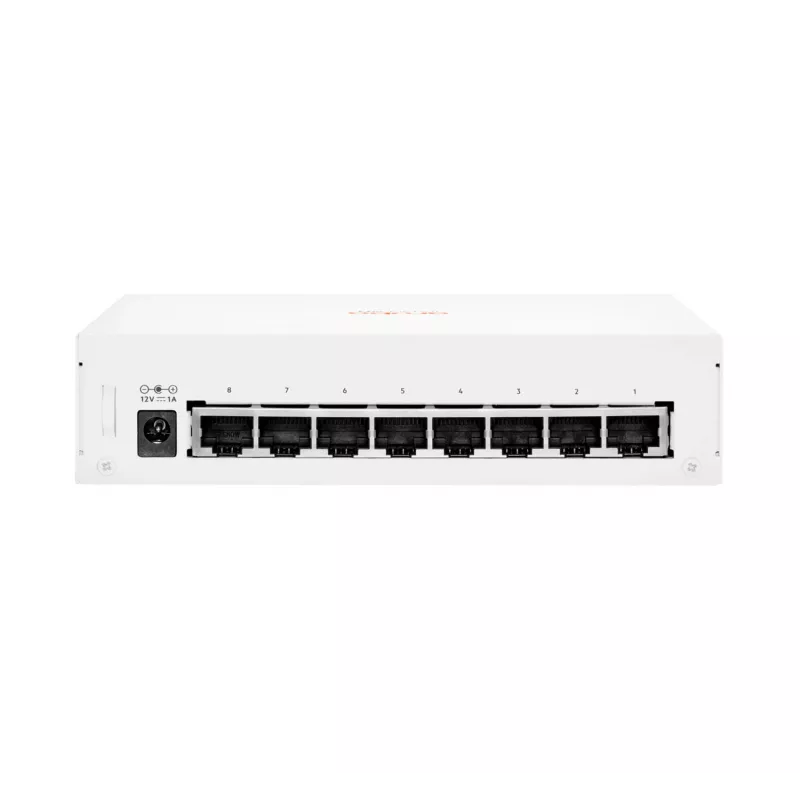
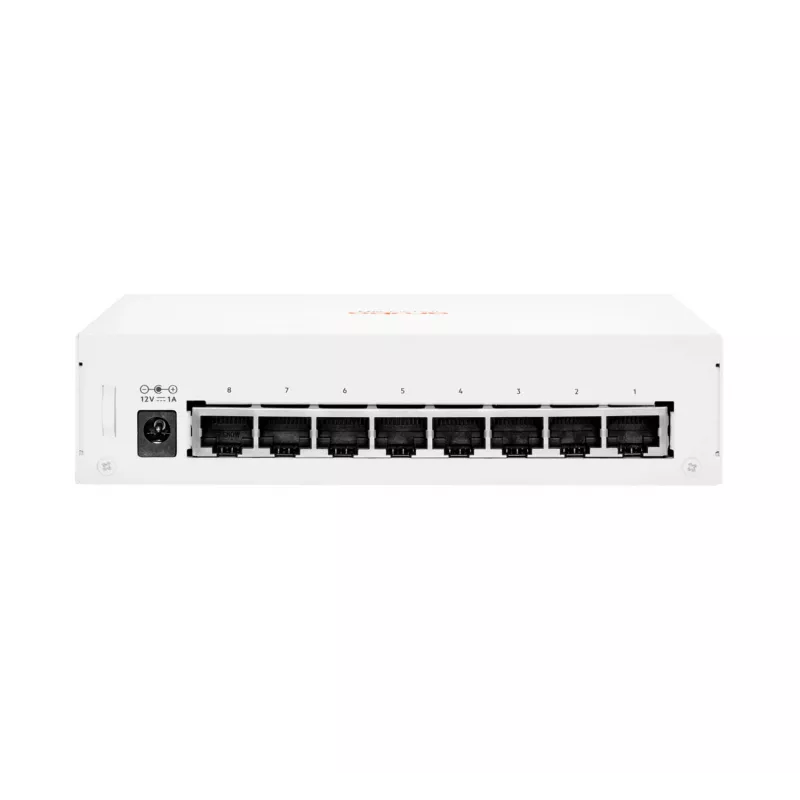
  • Ports: 8 × Gigabit Ethernet (10/100/1000) RJ-45
  • Switching capacity: 16 Gbit/s
  • PoE: Available in PoE models (up to 30 W per port on PoE variants; power budgets vary by model)
  • Standards: IEEE 802.3, 802.3ab, 802.3az, 802.3i, 802.3u, 802.3x, 802.3z
  • Jumbo frame support: Up to 9216 bytes
  • Physical: Fan-less design, white colour, weight approx. 0.59 kg

How to use

Place the Unmanaged Switch Aruba Instant On 1430 on a table, mount it on a wall or install it in a rack according to the model's mounting options, then connect Ethernet cables to the RJ-45 ports. No configuration is required: connected devices will establish network links automatically and, on PoE models, compatible devices will receive power. For fiber uplinks on 26-port models, insert the appropriate 1 G SFP transceivers into the SFP slots before connecting fiber cabling.

Recommendations

Install the switch in a well-ventilated, dry location away from direct heat sources. Use Cat5e or better cables for Gigabit links and verify power budget requirements when deploying multiple PoE devices to ensure sufficient total PoE capacity on PoE models.
Key Highlights
  • Small business and home office wired networks
  • Connecting printers, access points and IP phones
  • Basic network expansion and point-to-point uplinks
  • Quiet environments where fan-less operation is required
  • Switch type: Unmanaged Layer 2
  • Ports: 8 × Gigabit Ethernet (10/100/1000) RJ-45
  • Switching capacity: 16 Gbit/s
  • PoE: Available in PoE models (up to 30 W per port on PoE variants; power budgets vary by model)
  • Standards: IEEE 802.3, 802.3ab, 802.3az, 802.3i, 802.3u, 802.3x, 802.3z
  • Jumbo frame support: Up to 9216 bytes
  • Physical: Fan-less design, white colour, weight approx. 0.59 kg
Specifications
10G support
No
AC input frequency
50 - 60
AC input voltage
100 - 240
Auto-sensing
Yes
Basic switching RJ-45 Ethernet ports quantity
8
Basic switching RJ-45 Ethernet ports type
Gigabit Ethernet (10/100/1000)
Copper ethernet cabling technology
10BASE-T, 100BASE-TX, 1000BASE-T
Depth
37 mm
Ethernet LAN data rates
10, 100, 1000
Flow control support
Yes
Full duplex
Yes
Height
138 mm
Jumbo frames support
Yes
Latency (1 Gbps)
1.8 µs
Latency (10-100 Mbps)
2.7 µs
MAC address table
8192 entries
Networking standards
IEEE 802.3, IEEE 802.3ab, IEEE 802.3az, IEEE 802.3i, IEEE 802.3u, IEEE 802.3x, IEEE 802.3z
Number of power supply units
1
Operating relative humidity (H-H)
15 - 95
Operating temperature (T-T)
0 - 40
Packet buffer memory
2 MB
Power consumption (max)
12 W
Power over Ethernet (PoE)
No
Power source
AC
Power supply included
Yes
Product colour
White
Quality of Service (QoS) support
Yes
Storage relative humidity (H-H)
15 - 90
Storage temperature (T-T)
-40 - 70
Switch layer
L2
Switch type
Unmanaged
Switching capacity
16 Gbit/s
Throughput
11.9 Mpps
Weight
0.59 kg
Width
157 mm

Leaflet

Open Leaflet

Document

Open Document
Price history is not available yet
We are still collecting enough daily price data for this product.

Popular products in this category

WhatsApp
Hi, I’m DistriNode’s AI assistant. I can help you find products, compare options, create quote PDFs, or open support requests.