



Account Contact
Your Cart
Pay the courier with no extra fees.
Need help? DistriNode AI can handle any task on our site.

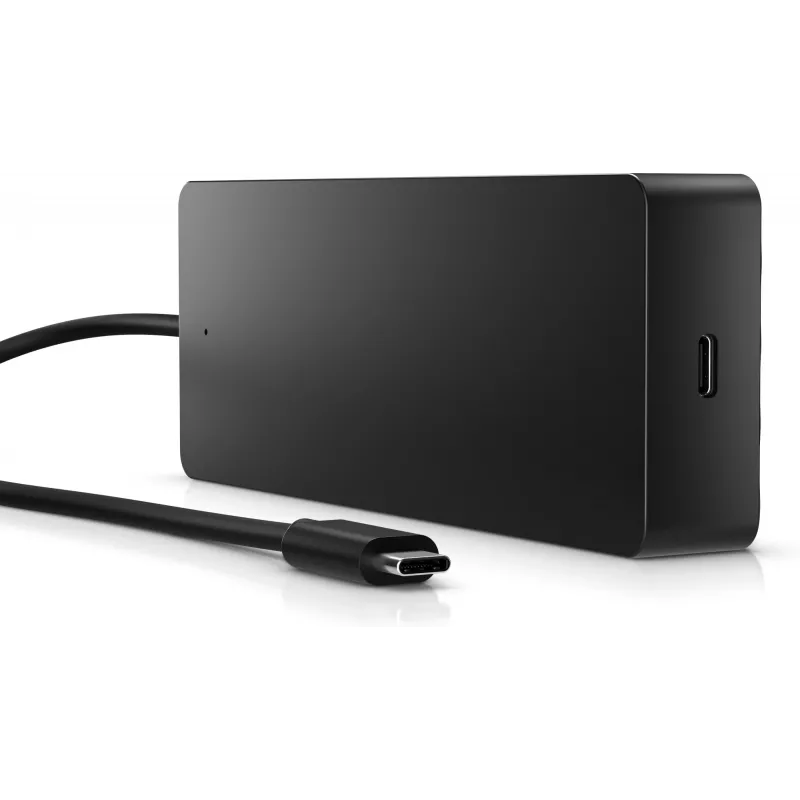
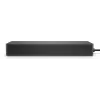
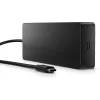
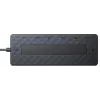
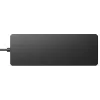
HP Universal USB-C Multiport Hub USB 3.2 Gen 1 Type-C Black

HP Universal USB-C Multiport Hub USB 3.2 Gen 1 Type-C Black
R2,180
The HP Universal USB-C Multiport Hub USB 3.2 Gen 1 Type-C Black is a compact, USB-powered hub that expands a USB-C® compatible PC with seven ports and a single power/data passthrough cable. It supports DisplayPort and HDMI outputs and can drive dual 4K displays using HDMI 2.0 plus DisplayPort 1.2. W... Read More
Stock 36 Code 131742 Brand HP Model 50H98AA#ABB Warranty 2 Years

Shipping & Returns

Estimated delivery Thursday, October 1
You will be kept updated through our detailed tracking system
Payment options
EFTPayFastBank CardSnapScanZapperGoogle PayApple PayMobicredMoreTymePay on Arrival

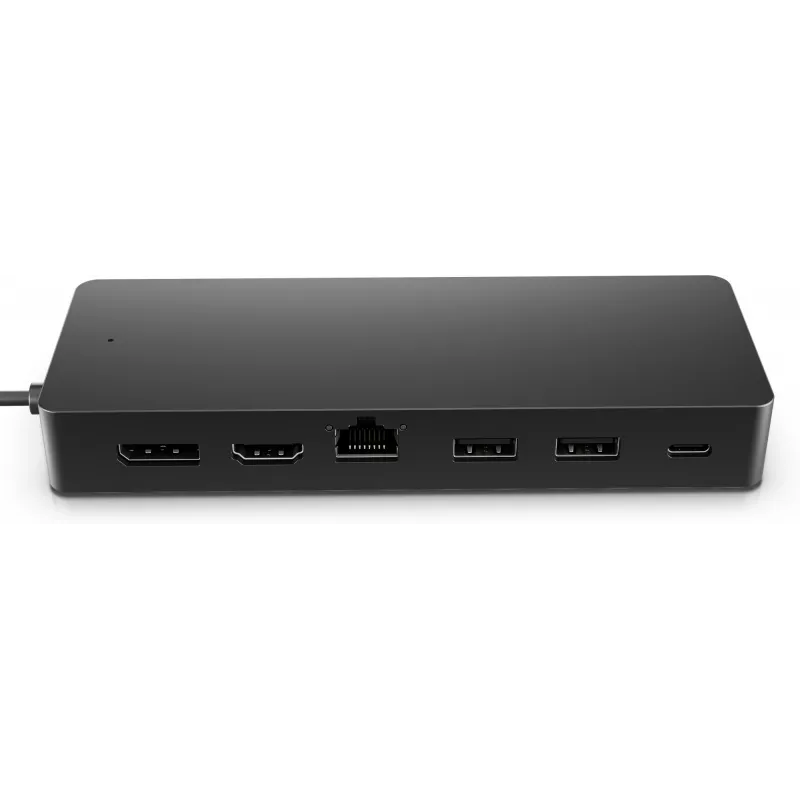
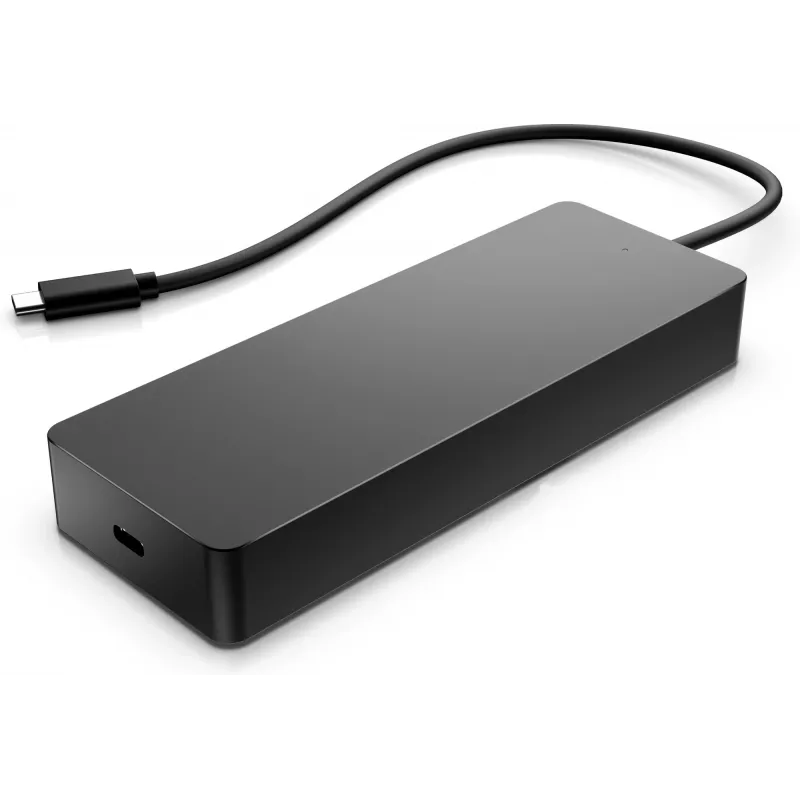
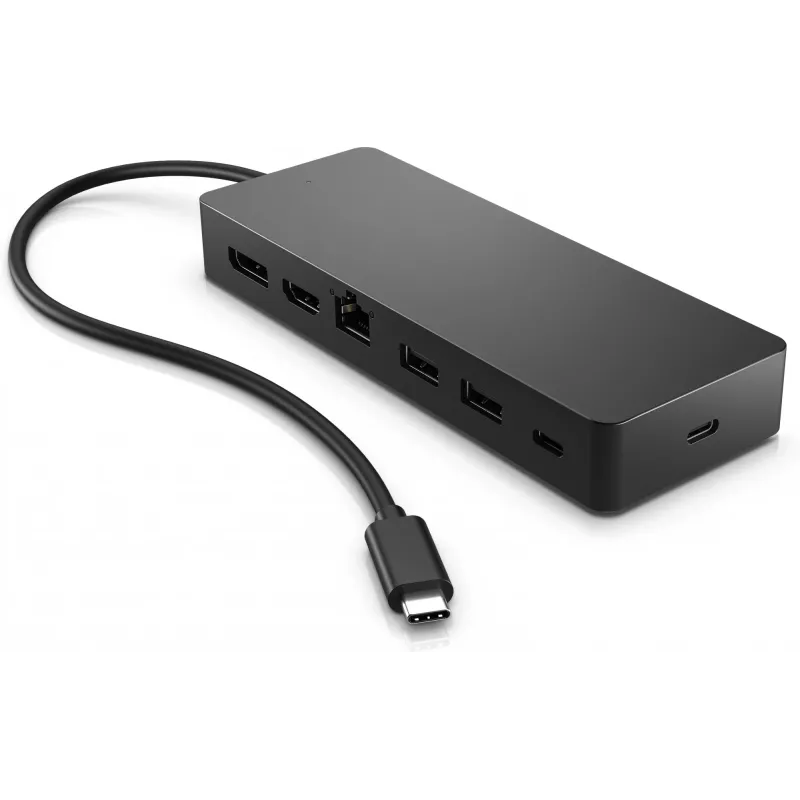
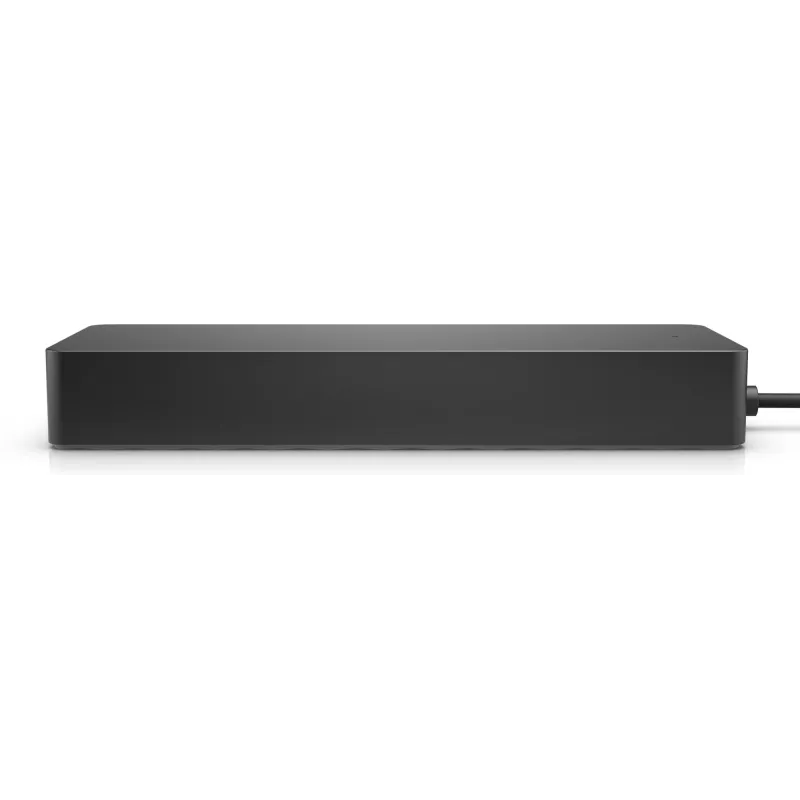
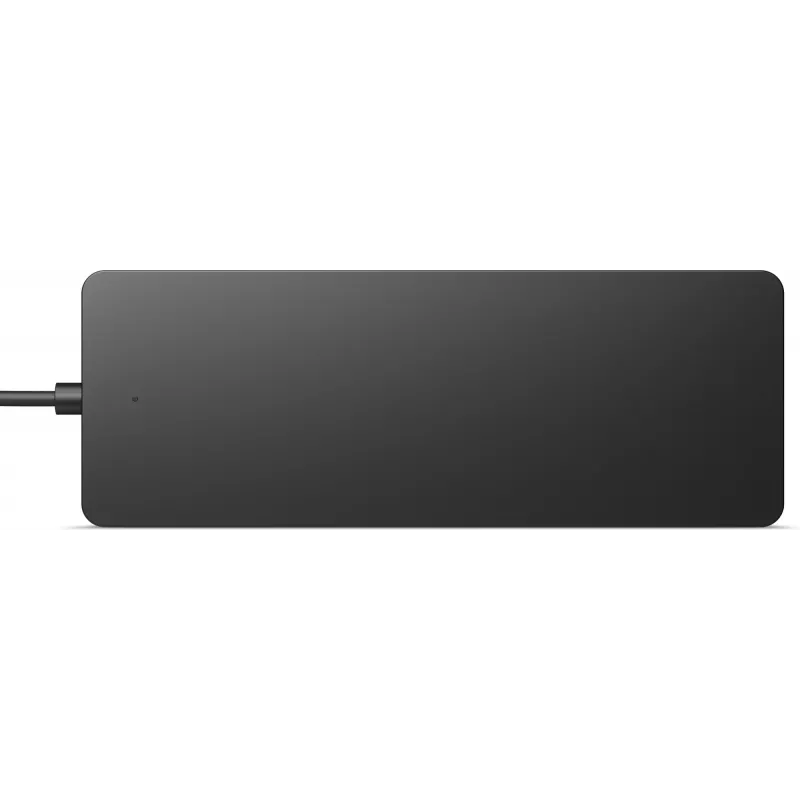
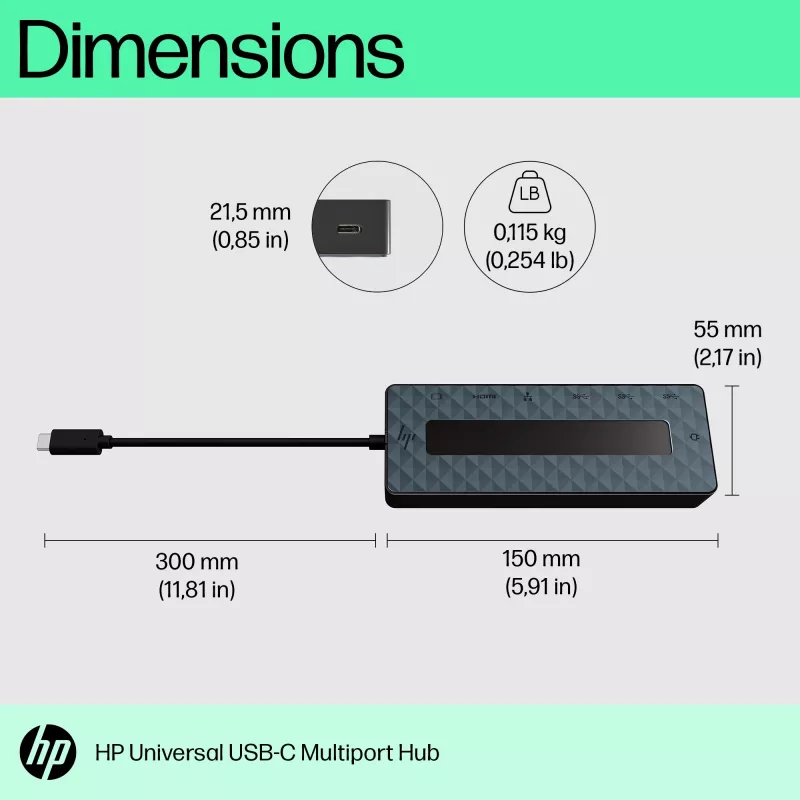
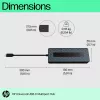
The HP Universal USB-C Multiport Hub USB 3.2 Gen 1 Type-C Black is a compact, USB-powered hub that expands a USB-C® compatible PC with seven ports and a single power/data passthrough cable. It supports DisplayPort and HDMI outputs and can drive dual 4K displays using HDMI 2.0 plus DisplayPort 1.2. With a lightweight, travel-friendly design (150 mm x 55 mm x 21.5 mm, 0.115 kg) the hub provides additional USB Type-A, Ethernet (RJ-45) and video connectivity in a single black enclosure.

Advantages

The hub offers multiple interfaces in one device — USB-C and USB-A data ports, HDMI and DisplayPort video outputs, and an RJ-45 Ethernet port — reducing the number of separate adapters needed. Its USB-powered operation and slim dimensions make it easy to carry and set up without an external power supply. Support for dual 4K displays via HDMI 2.0 and DisplayPort 1.2 enables higher-resolution multi-monitor setups for compatible systems.

Suitable for

  • Expanding connectivity on USB-C compatible laptops and PCs
  • Connecting external monitors via HDMI and DisplayPort (including dual 4K configurations when supported)
  • Adding wired network access through the RJ-45 port
  • Connecting USB peripherals using USB Type-A and Type-C ports

Key specifications

  • Host interface: USB 3.2 Gen 1 (Type-C)
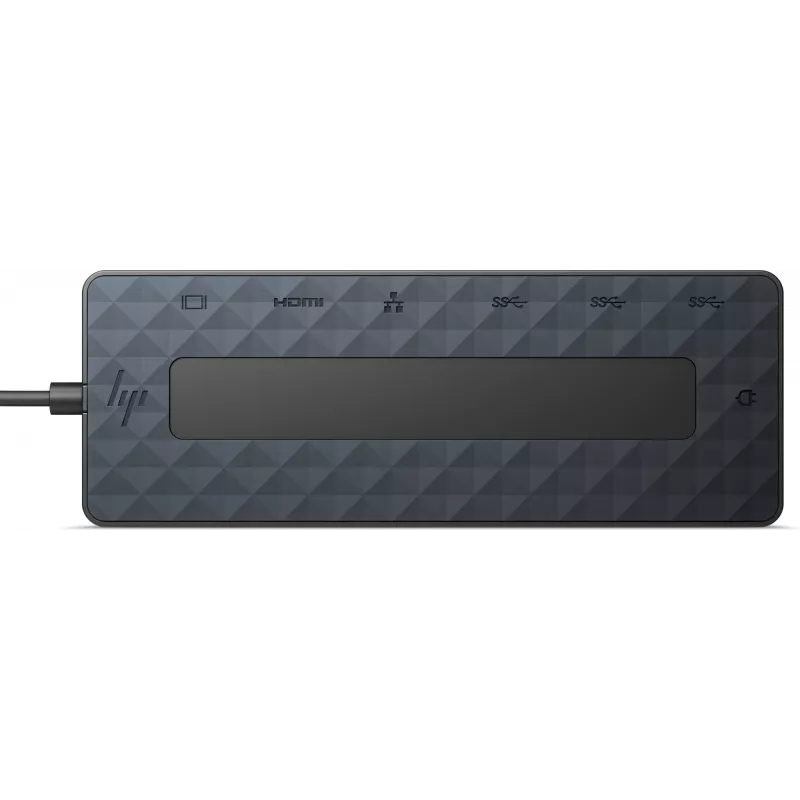
  • Hub interfaces: USB 3.2 Gen 1 Type-C, USB 3.2 Gen 1 Type-A, RJ-45, HDMI, DisplayPort
  • Video: HDMI 2.0 and DisplayPort 1.2 (supports dual 4K where system permits)
  • Power: USB-powered with one power/data passthrough cable
  • Dimensions: 150 mm x 55 mm x 21.5 mm
  • Weight: 0.115 kg
  • Colour: Black
  • Brand/Model: HP Universal USB-C Multiport Hub, MPN 50H98AA#ABB, EAN 196188637197

How to use

Connect the hub to a USB-C port on a compatible PC using the integrated USB-C cable. Plug monitors into the HDMI and/or DisplayPort outputs and connect wired network or USB peripherals to the RJ-45 and USB Type-A/Type-C ports respectively. If you plan to use dual 4K monitors, ensure your host system and graphics configuration support dual 4K output via the hub's HDMI 2.0 and DisplayPort 1.2 interfaces.

Recommendations

Use with USB-C® compatible systems and verify host USB and GPU capabilities for dual 4K output. For stable network performance, connect the Ethernet cable directly to the hub and keep firmware/drivers on the host up to date if required.

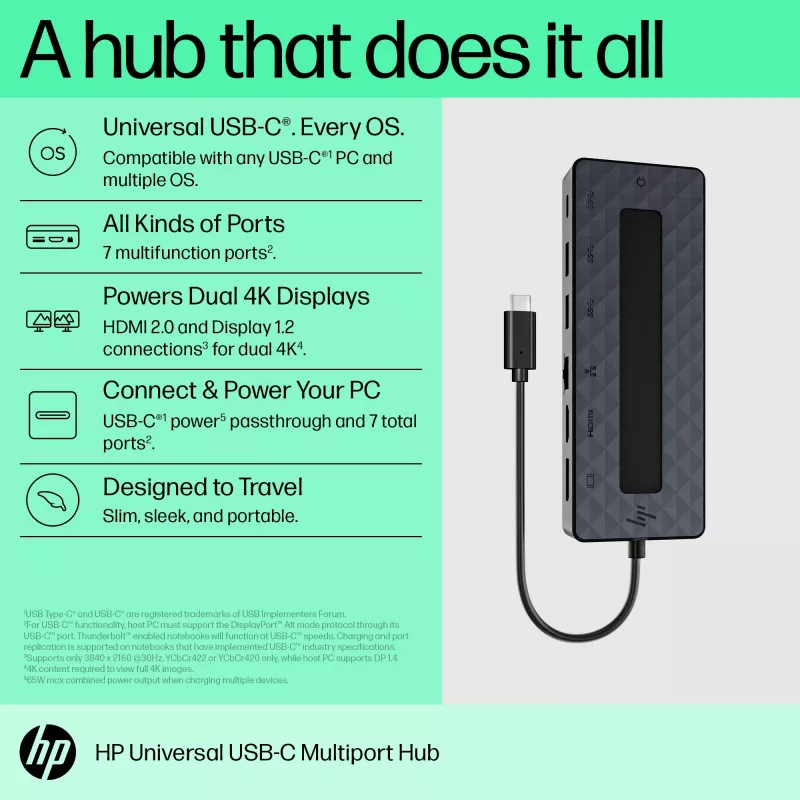
Universal USB-C®. Every OS

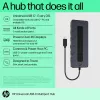
One simple, single USB-C®[1] cable plugs into your PC[3], regardless of the brand or OS so you can use your hub seamlessly. This hub now supports Windows®, macOS and Chrome OS®.

All Kinds of Ports

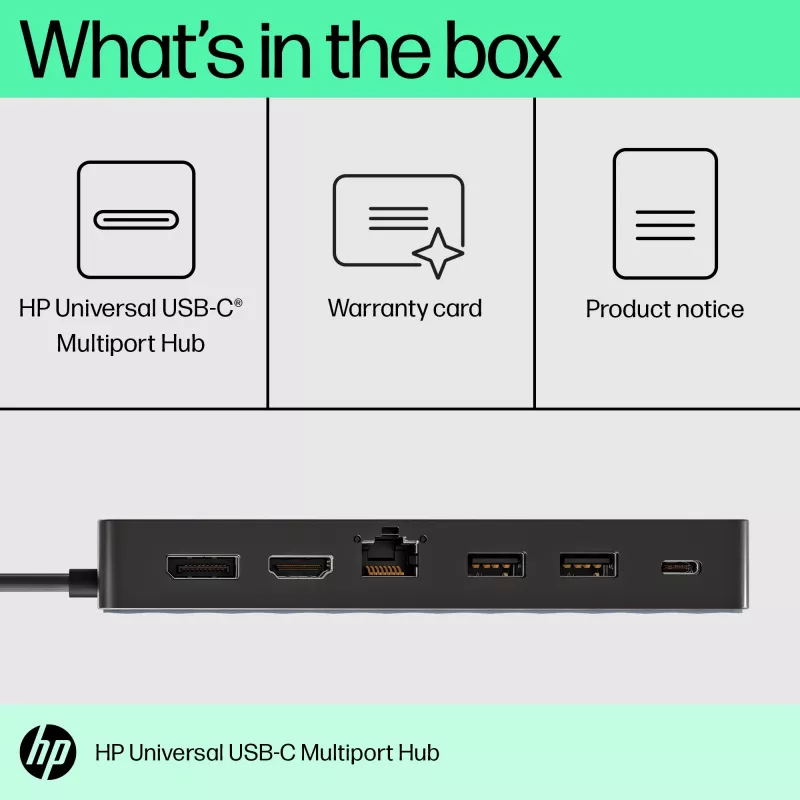
7 multifunction ports provide a complete solution for just about any data, video, or network connection[4]. 1 HDMI 2.0, 1 DisplayPort™ 1.2, 2 USB-A ports, 1 USB-C®[1] port, 1 USB-C®[1] passthrough port, and 1 ethernet port.

Powers Dual 4K Displays

This small but mighty hub supports[5] HDMI 2.0 and DisplayPort™ 1.2 connections for a higher quality resolution at 4K[2].

Designed to Travel

Slim and sleek design is portable for you to take on the go.

Connect & Power Your PC

Keep your PC charged via the USB-C® passthrough while powering up or connecting data through the 7 total ports. [1,4,6]
Key Highlights
  • Expanding connectivity on USB-C compatible laptops and PCs
  • Connecting external monitors via HDMI and DisplayPort (including dual 4K configurations when supported)
  • Adding wired network access through the RJ-45 port
  • Connecting USB peripherals using USB Type-A and Type-C ports
  • Host interface: USB 3.2 Gen 1 (Type-C)
  • Hub interfaces: USB 3.2 Gen 1 Type-C, USB 3.2 Gen 1 Type-A, RJ-45, HDMI, DisplayPort
  • Video: HDMI 2.0 and DisplayPort 1.2 (supports dual 4K where system permits)
  • Power: USB-powered with one power/data passthrough cable
  • Dimensions: 150 mm x 55 mm x 21.5 mm
  • Weight: 0.115 kg
  • Colour: Black
  • Brand/Model: HP Universal USB-C Multiport Hub, MPN 50H98AA#ABB, EAN 196188637197
Specifications
Box contents
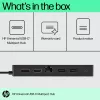
HP Universal USB-C Multiport Hub; Product notice; Warranty
Card reader integrated
No
Colour name
Black
Compatible operating systems
Windows 10; Windows 11; macOS; Chrome OS™
Connectivity technology
Wired
Country of origin
China, Vietnam, Thailand
Depth
55 mm
DisplayPort version
1.2
DisplayPorts quantity
1
Ethernet LAN
Yes
Ethernet LAN (RJ-45) ports
1
Ethernet LAN data rates
10,100,1000 Mbit/s
General Product Safety Regulation (GPSR) URL
https://support.hp.com/us-en/document/ish_6126692-6126777-16?openCLC=true
HDMI ports quantity
1
HDMI version
2.0
Headphone outputs
0
Height
21.5 mm
Host interface
USB 3.2 Gen 1 (3.1 Gen 1) Type-C
HP GTIN (EAN/UPC)
196188637197
Hub interfaces
DisplayPort, HDMI, RJ-45, USB 3.2 Gen 1 (3.1 Gen 1) Type-A, USB 3.2 Gen 1 (3.1 Gen 1) Type-C
Mac operating systems supported
MacOS
Microphone in
No
Operating relative humidity (H-H)
5 - 90%
Operating temperature (T-T)
0 - 35 °C
Other operating systems supported
ChromeOS
Package depth
65 mm
Package height
45 mm
Package weight
179 g
Package width
235 mm
Pallet gross weight
248.8 kg
Pallet weight (imperial)
248.8 kg (548.5 lbs)
Power supply type
USB
Product colour
Black
Special features
4K capability
Storage relative humidity (H-H)
5 - 95%
Storage temperature (T-T)
-20 - 60 °C
UNSPSC-code
43211609
USB 2.0 ports quantity
0
USB 3.2 Gen 1 (3.1 Gen 1) Type-A ports quantity
2
USB 3.2 Gen 1 (3.1 Gen 1) Type-C ports quantity
1
USB cable length
0.3 m
USB Power Delivery (USB PD)
Yes
USB Power Delivery up to
65 W
Warranty card
Yes
Weight
115 g
Width
150 mm
Windows operating systems supported
Windows 10, Windows 11

Document

Open Document

Leaflet

Open Leaflet
Price history over the last 6 months
HP Universal USB-C Multiport Hub USB 3.2 Gen 1 Type-C Black
Current
R2,180
Lowest
R1,535
Highest
R2,289
Change 24H
+R639   +41%
Week
+R63   +3%
Month
+R394   +22%

Popular products in this category

WhatsApp
Hi, I’m DistriNode’s AI assistant. I can help you find products, compare options, create quote PDFs, or open support requests.