
Account Contact
Your Cart
Pay the courier with no extra fees.
Need help? DistriNode AI can handle any task on our site.

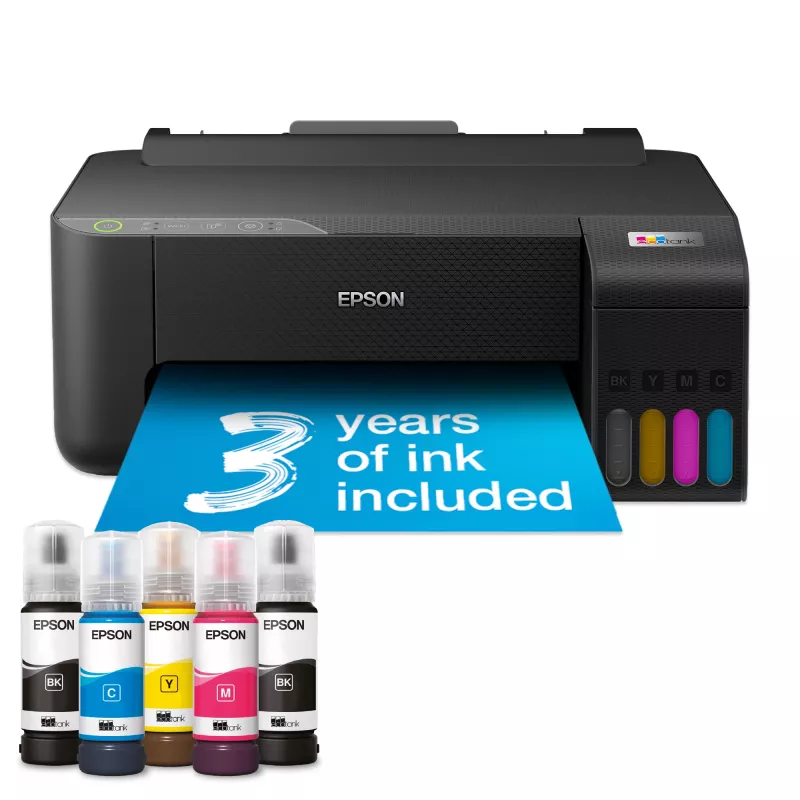
Epson EcoTank L1270 inkjet printer Colour 5760 x 1440 DPI A4 Wi-Fi

Epson EcoTank L1270 inkjet printer Colour 5760 x 1440 DPI A4 Wi-Fi
R5,321
The Epson EcoTank L1270 Colour is an inkjet printer designed for home and small office use, offering high-resolution colour output up to 5760 x 1440 DPI. Equipped with ultra-high-capacity refillable ink tanks, front ink level display and pre-installed printhead with Micro Piezo Heat-Free Technology,... Read More
Stock 1 Code 31437 Brand EPSON Model C11CJ71407 Warranty 2 Years

Shipping & Returns

Estimated delivery Tuesday, September 29
You will be kept updated through our detailed tracking system
Payment options
EFTPayFastBank CardSnapScanZapperGoogle PayApple PayMobicredMoreTymePay on Arrival

The Epson EcoTank L1270 Colour is an inkjet printer designed for home and small office use, offering high-resolution colour output up to 5760 x 1440 DPI. Equipped with ultra-high-capacity refillable ink tanks, front ink level display and pre-installed printhead with Micro Piezo Heat-Free Technology, it provides economical printing with wired and wireless connectivity and borderless photo capability up to 10×15 cm.

Advantages

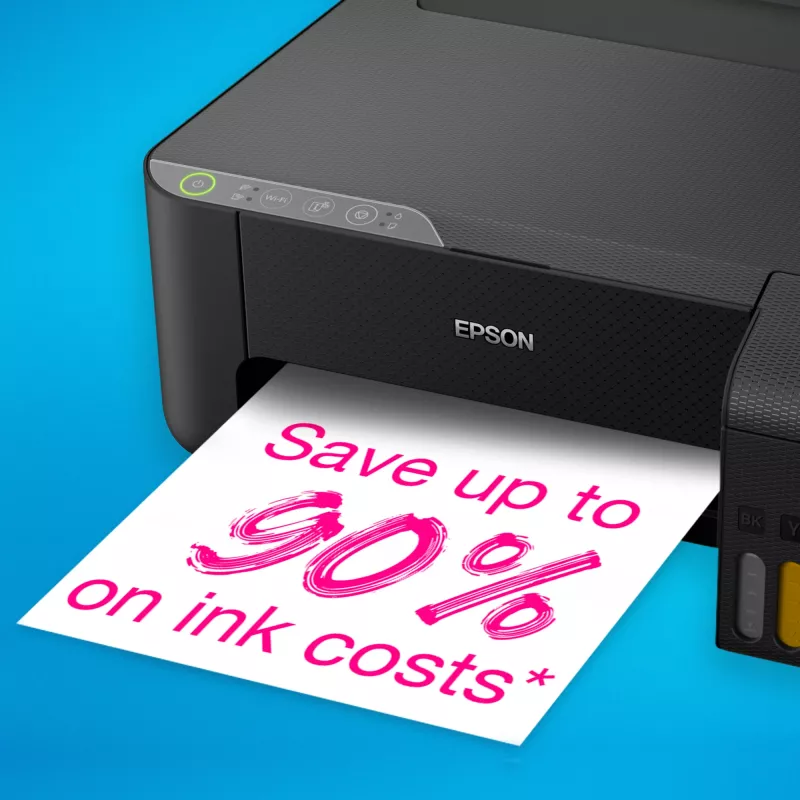
EcoTank’s refillable ink tanks eliminate the need for cartridges and use key-lock bottles to ensure mess-free, colour-correct refills. The printer delivers low running costs—up to 3 years of ink in the box and high page yields with included ink—while Heat-Free Technology reduces energy consumption and maintenance. A 100-sheet rear tray, front ink level display, full Wi‑Fi and Wi‑Fi Direct connectivity and a pre-installed printhead make setup and daily use straightforward.

Suitable for (tasks / use cases)

  • Everyday home printing of documents and photos
  • Small office or home-office colour documents and moderate volume printing
  • Borderless photo printing up to 10×15 cm
  • Mobile and tablet printing via Wi‑Fi and Epson Smart Panel app

Key specifications

  • Maximum resolution: 5760 × 1440 DPI
  • Colour: Yes (4 inks, refillable tanks)
  • Print speed (manufacturer data): up to 33 ppm black (see official specs)
  • Paper handling: 100-sheet rear tray, A4 maximum
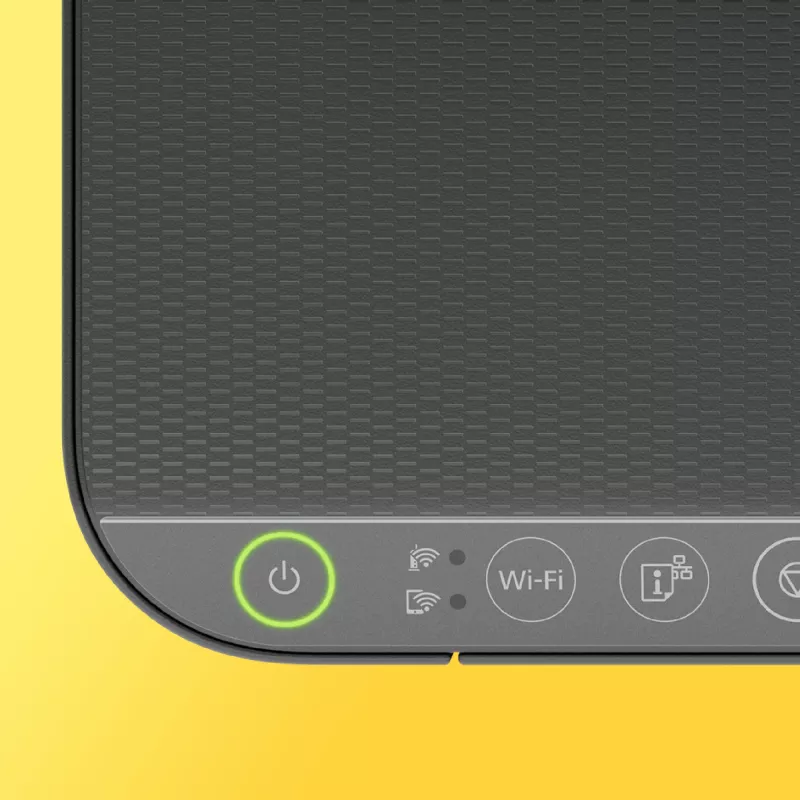
  • Connectivity: Wi‑Fi, Wi‑Fi Direct (no Ethernet LAN)
  • Product colour: Black
  • Weight: 2.9 kg
  • MPN / EAN: C11CJ71407 / 8715946727295

How to use

Fill the ink tanks using the supplied key-lock bottles, observing the correct colours and the front ink level display to avoid overfilling. Connect the printer to your network via Wi‑Fi or use Wi‑Fi Direct for direct device printing. Install the Epson Smart Panel app on your smartphone or tablet to set up, monitor, scan, copy and print. Place paper in the 100-sheet rear tray and select appropriate print settings for paper size and quality from your device or printer driver.

Recommendations

Use genuine Epson replacement inks for consistent print quality and to maintain the reliability of the Micro Piezo printhead. Keep the printer on a stable, level surface, and check the front ink level display regularly to plan refills and avoid interruptions.
Key Highlights
  • Everyday home printing of documents and photos
  • Small office or home-office colour documents and moderate volume printing
  • Borderless photo printing up to 10×15 cm
  • Mobile and tablet printing via Wi‑Fi and Epson Smart Panel app
  • Maximum resolution: 5760 × 1440 DPI
  • Colour: Yes (4 inks, refillable tanks)
  • Print speed (manufacturer data): up to 33 ppm black (see official specs)
  • Paper handling: 100-sheet rear tray, A4 maximum
  • Connectivity: Wi‑Fi, Wi‑Fi Direct (no Ethernet LAN)
  • Product colour: Black
  • Weight: 2.9 kg
  • MPN / EAN: C11CJ71407 / 8715946727295
Specifications
AC input voltage
100 - 240 V
Built-in display
No
Cables included
AC
Cartridge(s) included
Yes
Colour
Yes
Depth
347 mm
Duplex printing
Yes
Duplex printing mode
Manual
Energy Star Typical Electricity Consumption (TEC)
0.14 kWh/week
Envelopes sizes
10, C6, DL
Ethernet LAN
No
Height
169 mm
Included cartridge capacity (black)
8100 pages
Included cartridge capacity (CMY)
6500 pages
ISO A-series sizes (A0...A9)
A4, A5, A6
ISO B-series sizes (B0...B9)
B5, B6
Mac operating systems supported
Mac OS X 11.0 Big Sur, Mac OS X 10.7 Lion, Mac OS X 10.8 Mountain Lion, Mac OS X 10.9 Mavericks
Market positioning
Home & office
Maximum ISO A-series paper size
A4
Maximum resolution
5760 x 1440 DPI
Mobile printing technologies
Epson Connect
Multi-Purpose tray
Yes
Multi-Purpose tray input capacity
100 sheets
Number of print cartridges
4
Page description languages
ESC/P-R
Paper tray media types
Photo paper, Plain paper
Photo paper sizes
9x13,10x15,13x18,13x20,20x25
Power consumption (off)
0.2 W
Power consumption (printing)
12 W
Power consumption (ready)
3 W
Print speed (black, normal quality, A4/US Letter)
33 ppm
Print speed (colour, normal quality, A4/US Letter)
15 ppm
Printing colours
Black, Cyan, Magenta, Yellow
Product colour
Black
Server operating systems supported
Windows Server 2003 R2, Windows Server 2012 R2, Windows Server 2008, Windows Server 2012 x64, Windows Server 2008 R2, Windows Server 2016, Windows Server 2008 x64
Total number of input trays
1
Total output capacity
30 sheets
USB port
Yes
Weight
2.9 kg
Wi-Fi
Yes
Wi-Fi Direct
Yes
Width
375 mm
Windows operating systems supported
Windows Vista, Windows XP Professional x64

Leaflet

Open Leaflet
Price history over the last 6 months
Epson EcoTank L1270 inkjet printer Colour 5760 x 1440 DPI A4 Wi-Fi
Current
R5,321
Lowest
R3,228
Highest
R5,321
Change 24H
+R1,590   +43%
Week
+R1,919   +56%
Month
—   

Popular products in this category

WhatsApp
Hi, I’m DistriNode’s AI assistant. I can help you find products, compare options, create quote PDFs, or open support requests.