
Account Contact
Your Cart
Pay on delivery – no extra fees
Need help? Ask our AI

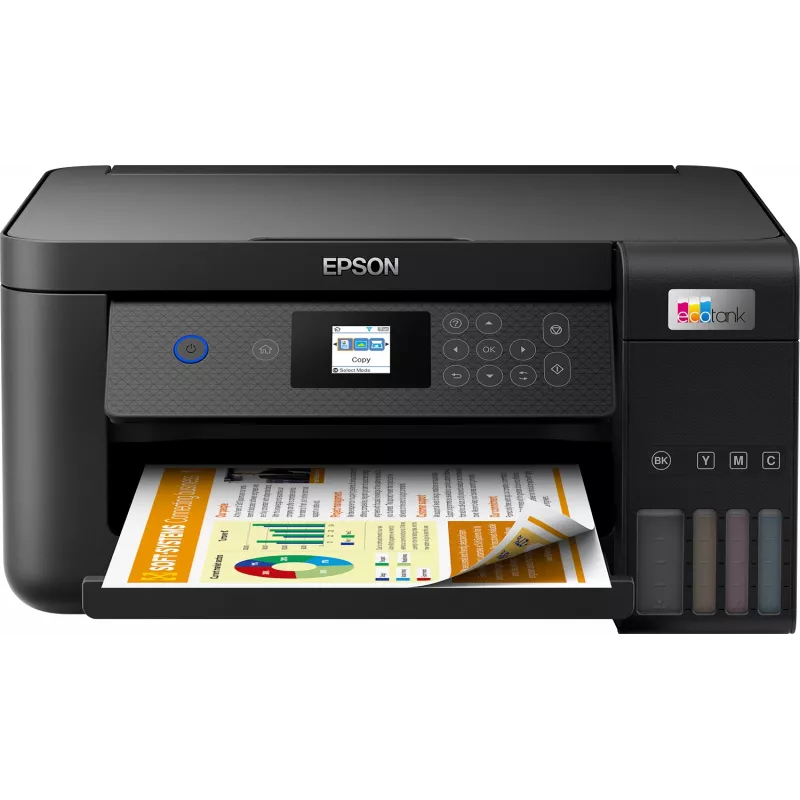
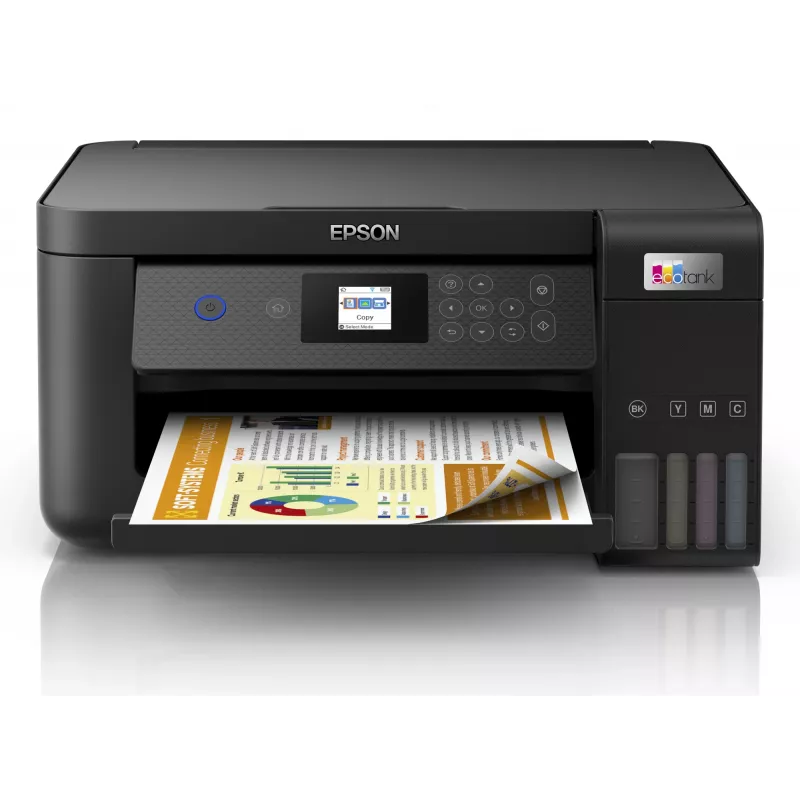
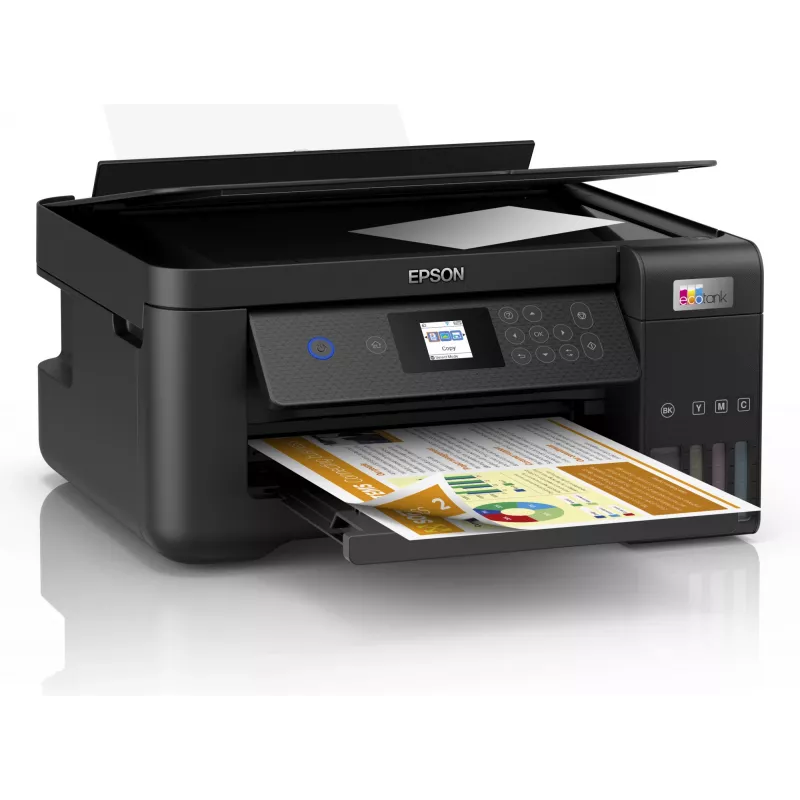
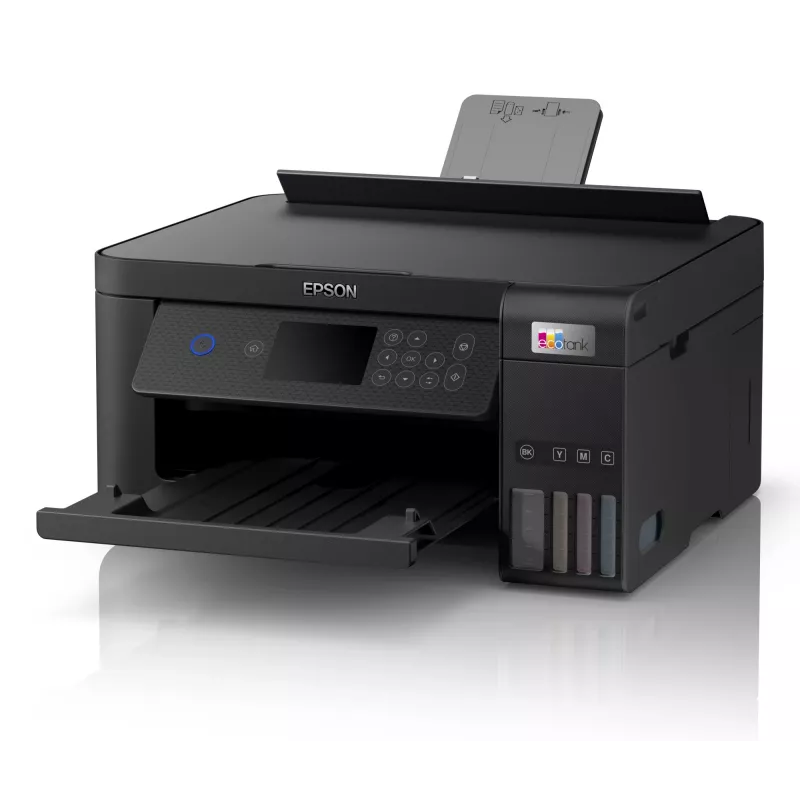
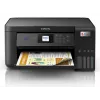
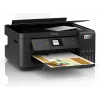
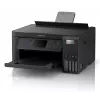
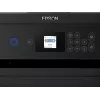
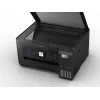
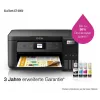
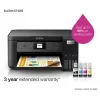
Epson EcoTank ET-2850 A4 Multifunction Wi-Fi Ink Tank Printer

Epson EcoTank ET-2850 A4 Multifunction Wi-Fi Ink Tank Printer
R10,552
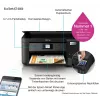
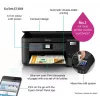
The Epson EcoTank inkjet printer offers cartridge-free home printing with ultra-high capacity refillable ink tanks and keyed bottles that prevent inserting the wrong colour. It includes an extra black ink bottle in the box and delivers a very low cost per page, making it suitable for regular home us... Read More
Stock Out Of StockNo Stock Code 27201 Brand EPSON Model C11CJ63405 Warranty 2 Years
CategoryMultifunction Printers

Shipping & Returns

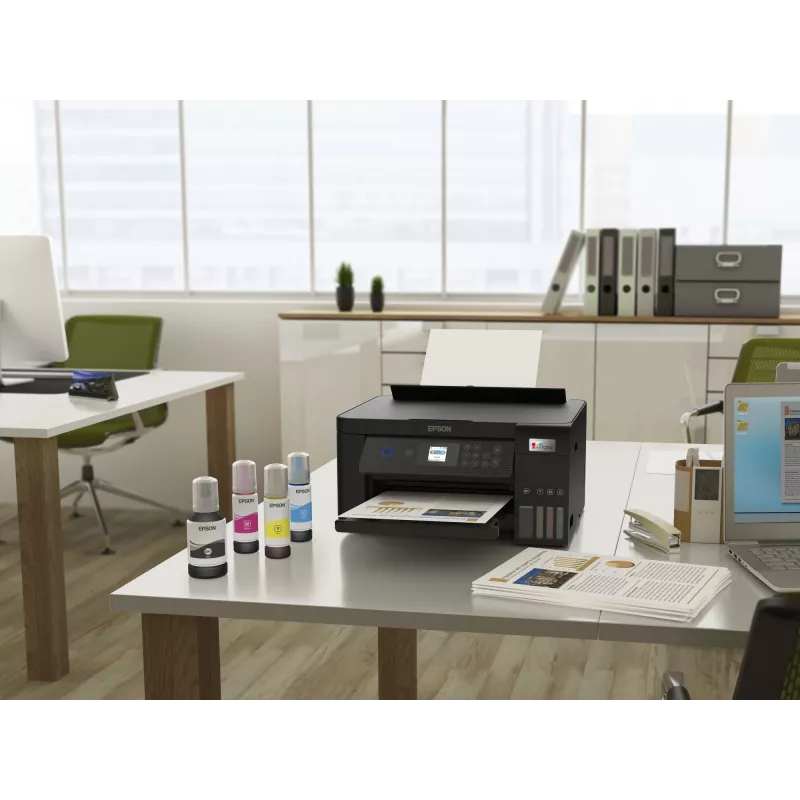
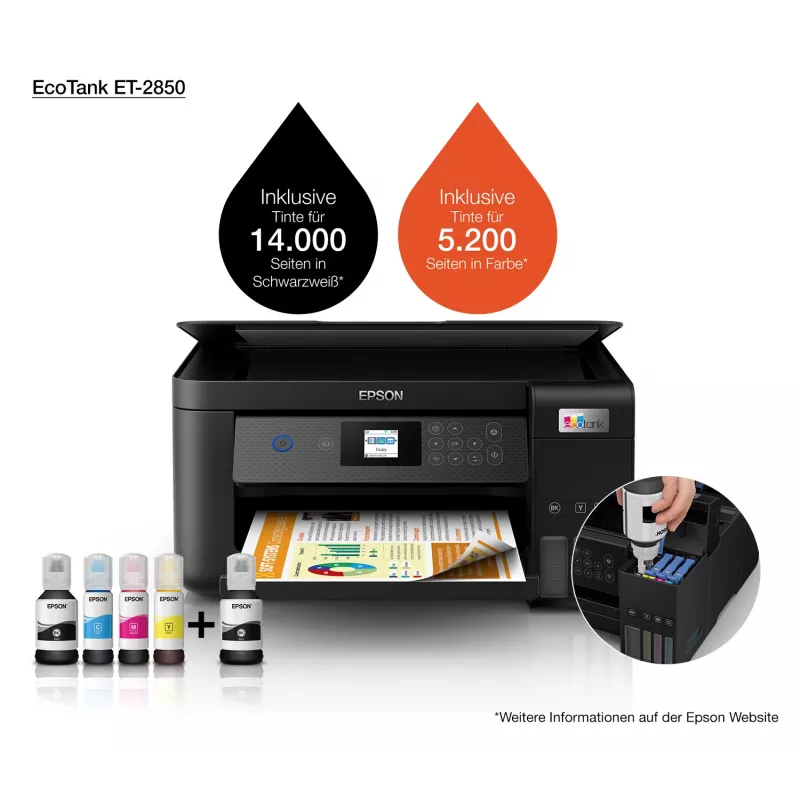
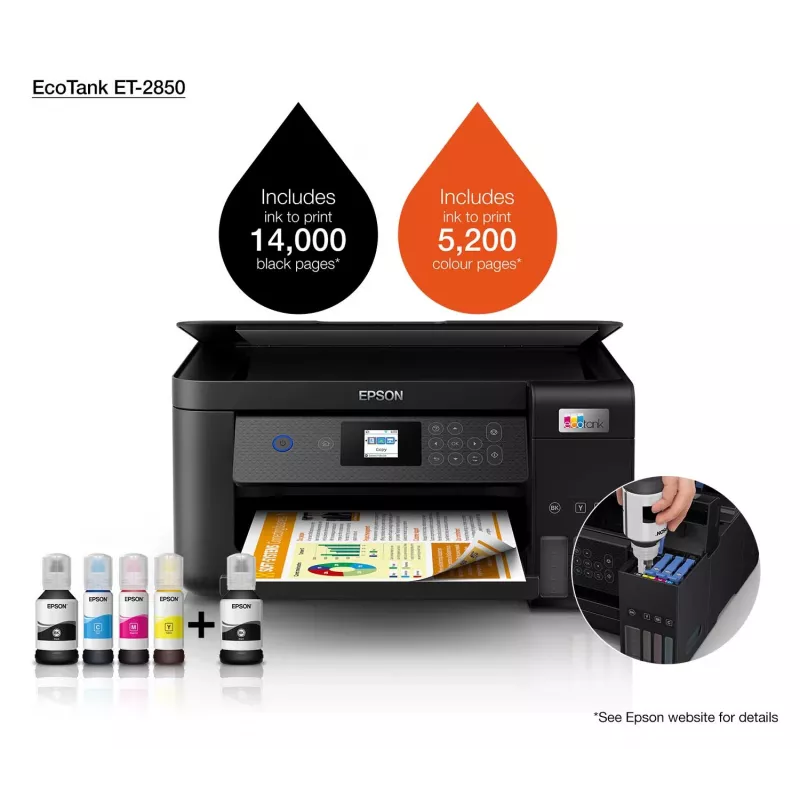
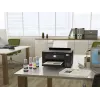
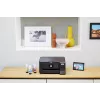
The Epson EcoTank inkjet printer offers cartridge-free home printing with ultra-high capacity refillable ink tanks and keyed bottles that prevent inserting the wrong colour. It includes an extra black ink bottle in the box and delivers a very low cost per page, making it suitable for regular home use where high-volume colour and black printing are needed.

Advantages

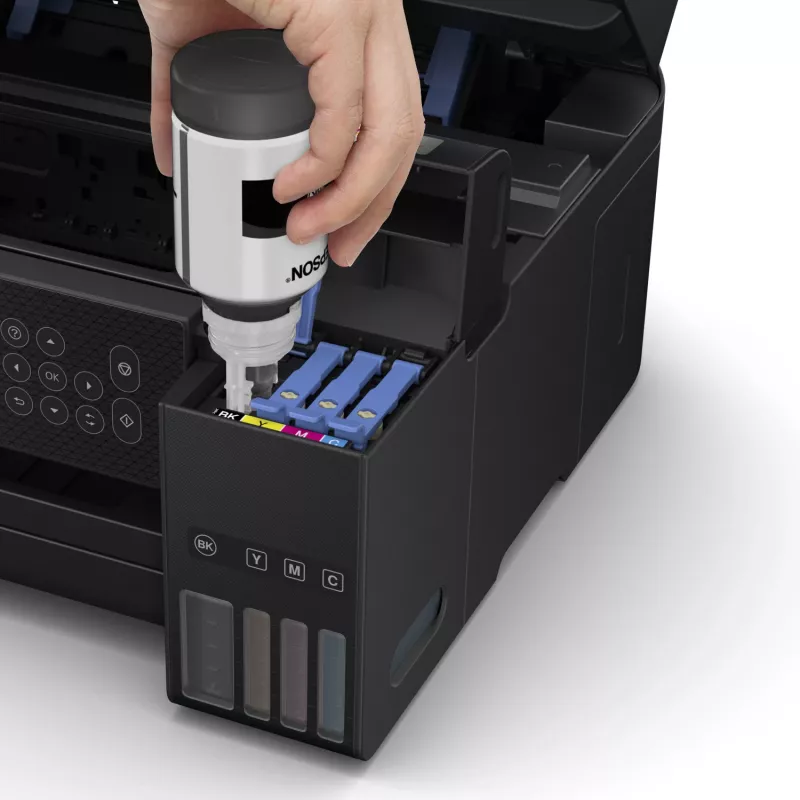
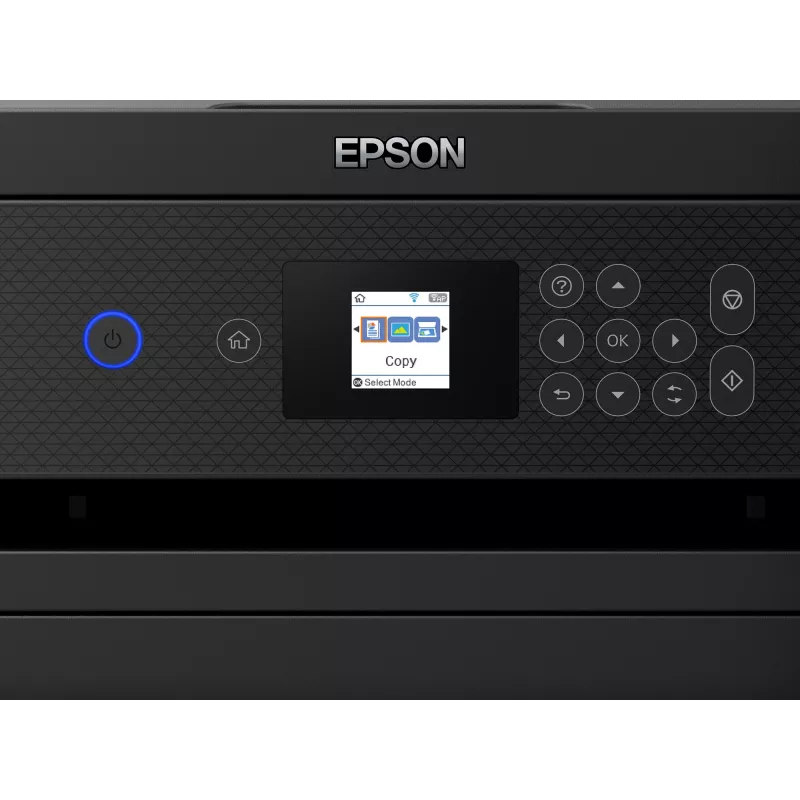
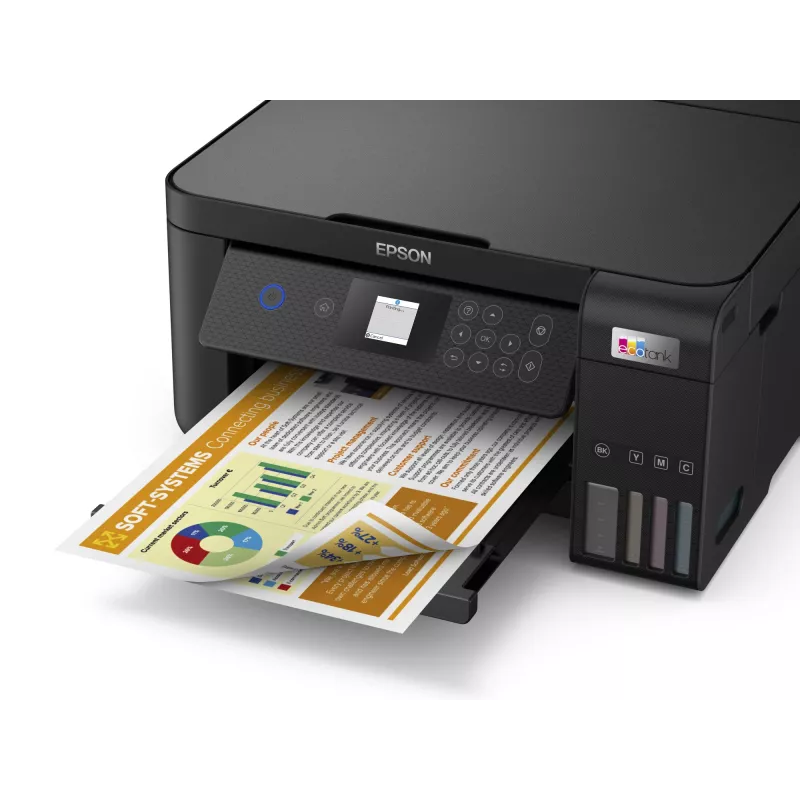
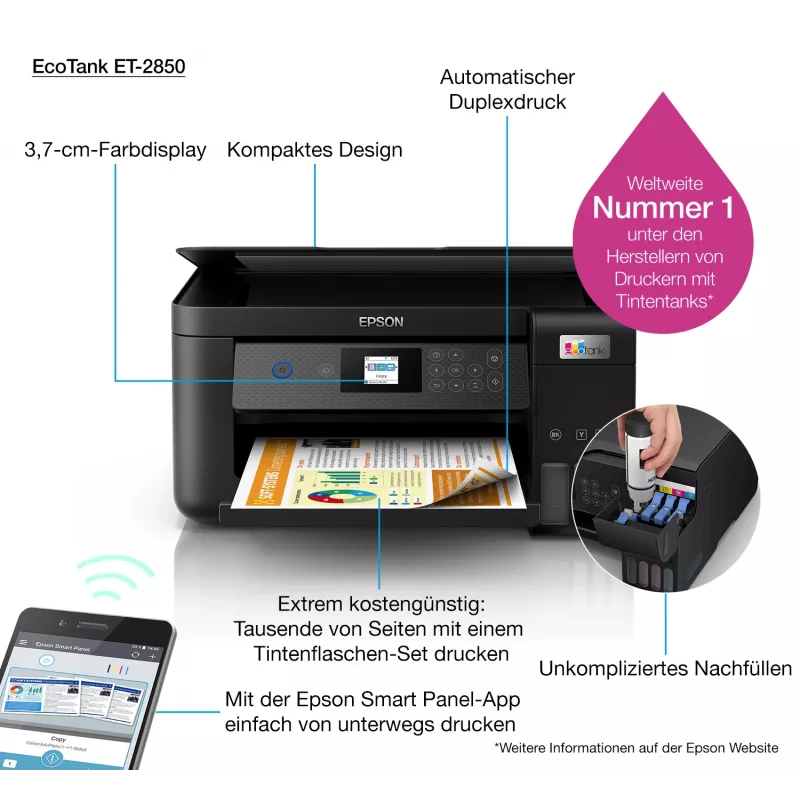
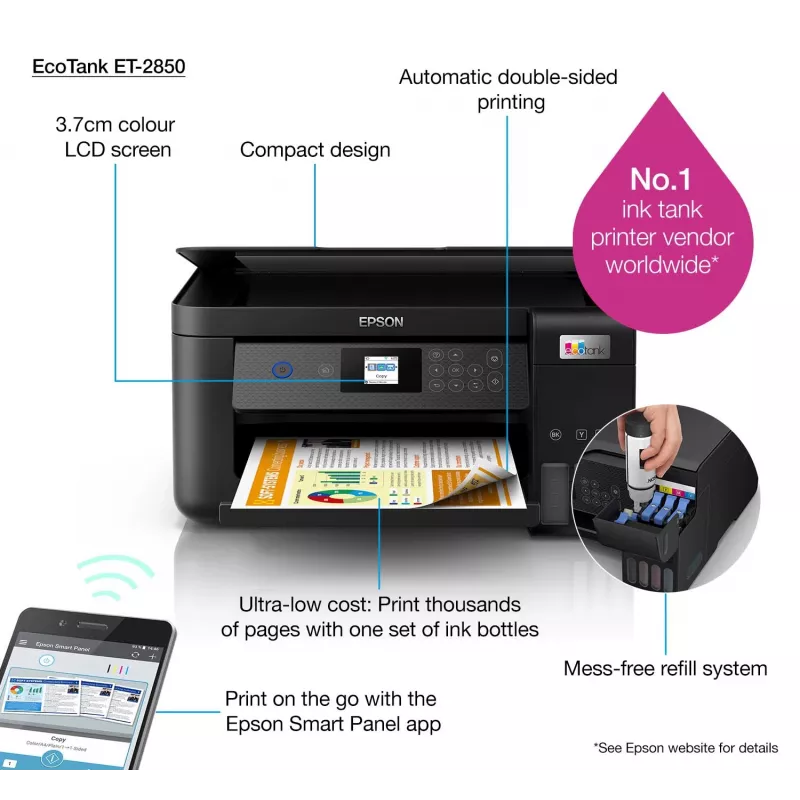
Cartridge-free EcoTank system reduces maintenance related to cartridge changes and enables mess-free refills. High-yield ink bottles provide up to thousands of pages from a single set, lowering ongoing printing costs. Built-in Wi‑Fi and Wi‑Fi Direct allow printing from smartphones, tablets and laptops. A colour LCD, automatic duplex printing and borderless photo capability expand functionality for everyday tasks. Micro Piezo Heat‑Free Technology reduces energy use and the pre-installed printhead simplifies setup.

Key specifications

  • Cartridge-free refillable ink tank system
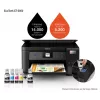
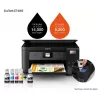
  • High-yield ink: up to 7,500 pages black / 6,000 pages colour per set*
  • Includes extra black ink bottle in-box
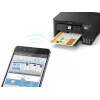
  • Connectivity: Wi‑Fi, Wi‑Fi Direct
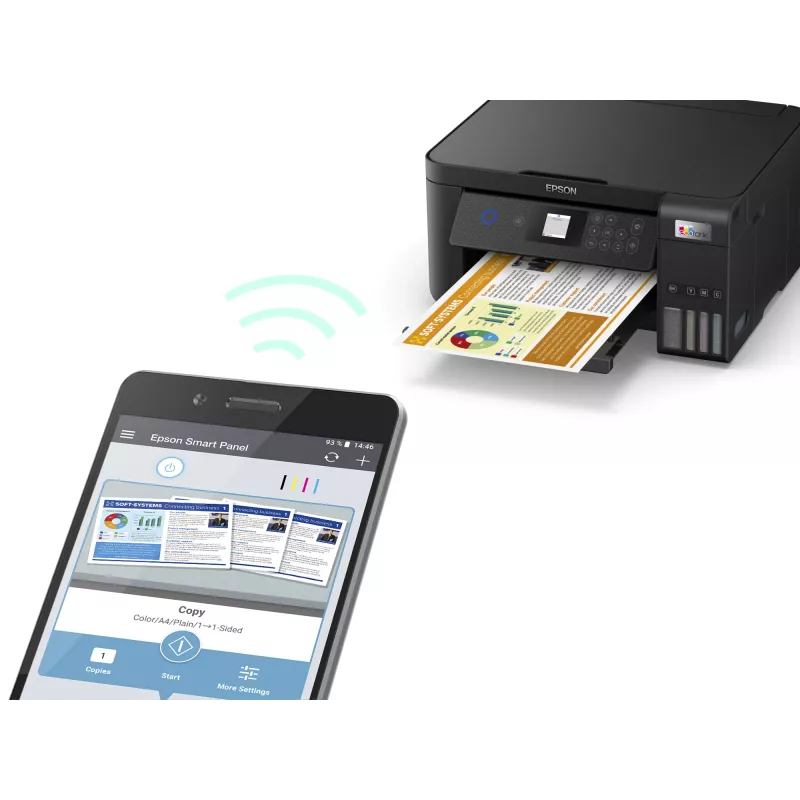
  • Control via Epson Smart Panel app for printing, copying and scanning
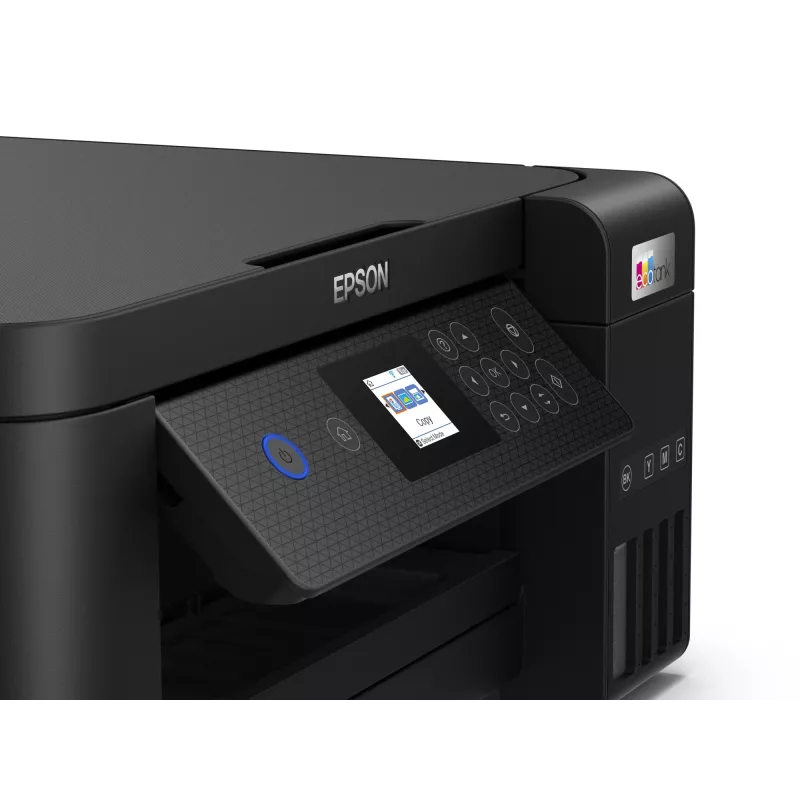
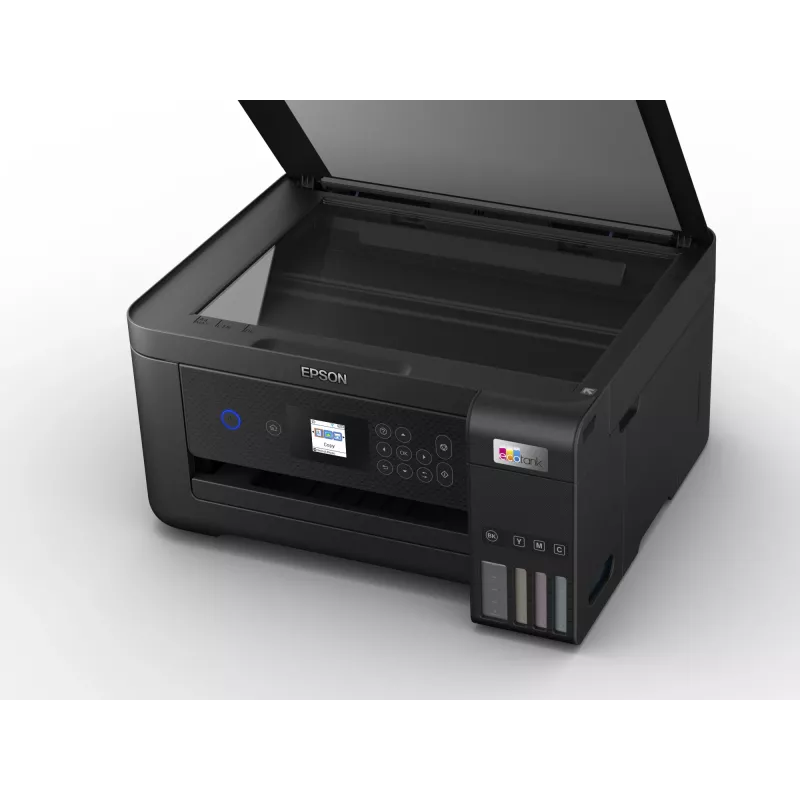
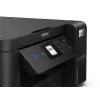
  • 3.7 cm colour LCD screen
  • Automatic double-sided (duplex) printing
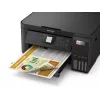
  • Borderless photo printing supported
  • Print speed up to 10.5 pages per minute*
  • Micro Piezo Heat‑Free printhead (pre-installed)

How to use

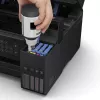
Fill the EcoTank reservoirs using the keyed ink bottles provided, matching each bottle to the correct tank to avoid errors. Connect the printer to your home network via Wi‑Fi or Wi‑Fi Direct, or install the Epson Smart Panel app on your smart device to set up, monitor and operate printing, copying and scanning functions. Use the colour LCD to access settings and enable automatic duplex for two-sided prints. Follow the quick start guide included with the printer for initial setup and alignment of the pre-installed printhead.

Recommendations

For economical everyday printing at home, use genuine Epson EcoTank ink bottles and follow the manufacturer’s maintenance instructions. Store spare ink bottles upright in a cool, dry place and use the Epson Smart Panel app to monitor ink levels and troubleshoot when needed.
Key Highlights
  • A4 multifunction printer with double-sided printing: Print, copy & scan
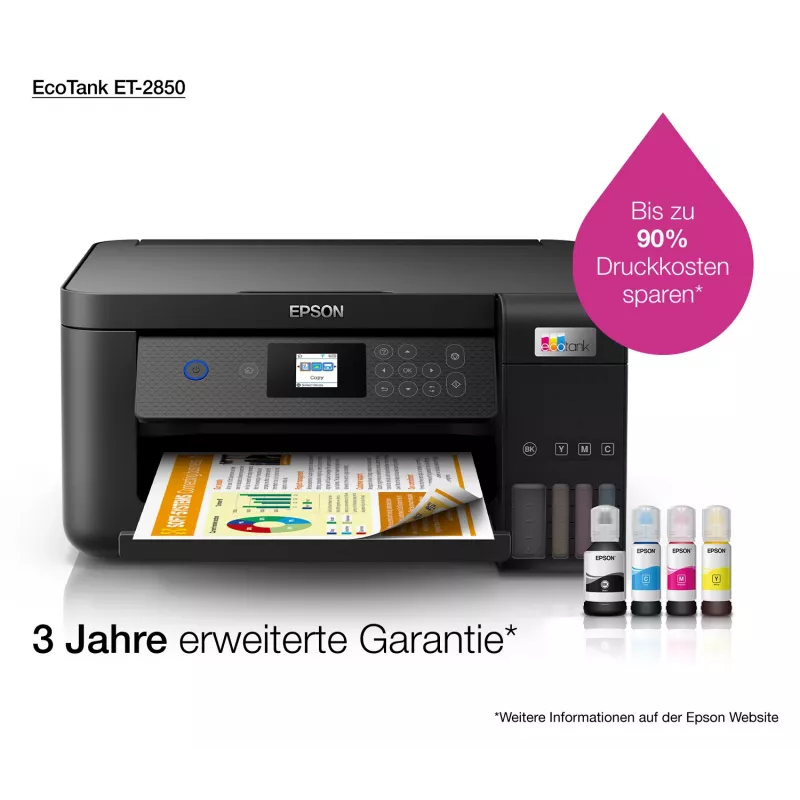
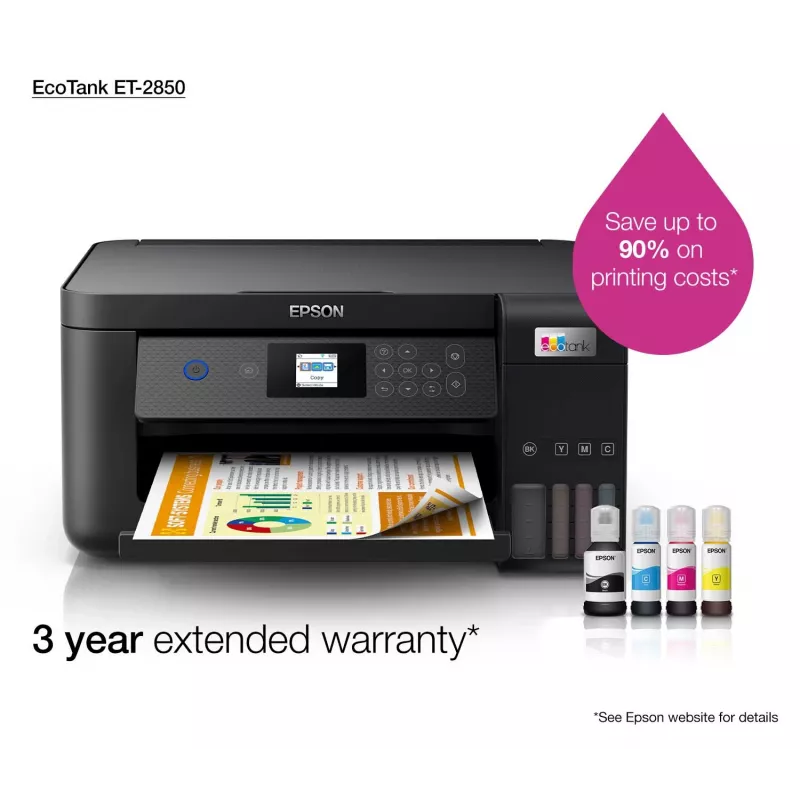
  • Ultra-low-cost printing: Save up to 90% on printing costs1
  • Up to 72 cartridges in one set of inks1: Print up to 7,500 pages in black and 6,000 pages in colour3
  • Hassle-free ink tank system: Enjoy mess-free refills with key-lock bottles and front-facing tanks
  • Epson Smart Panel app: Set up, monitor, print, scan and more, all from your smart device
  • Home & office Inkjet Colour printing
  • 5760 x 1440 DPI
  • Printing colours: Black
  • A4 33 ppm
  • Colour copying Colour scanning
  • Apple AirPrint
  • USB port Wi-Fi
  • 5.4 kg
Specifications
AC input frequency
50 - 60 Hz
AC input voltage
220 - 240 V
Borderless printing
Yes
Built-in display
Yes
Cables included
AC
Cartridge(s) included
Yes
Colour display
Yes
Copying
Colour copying
Country of origin
Philippines
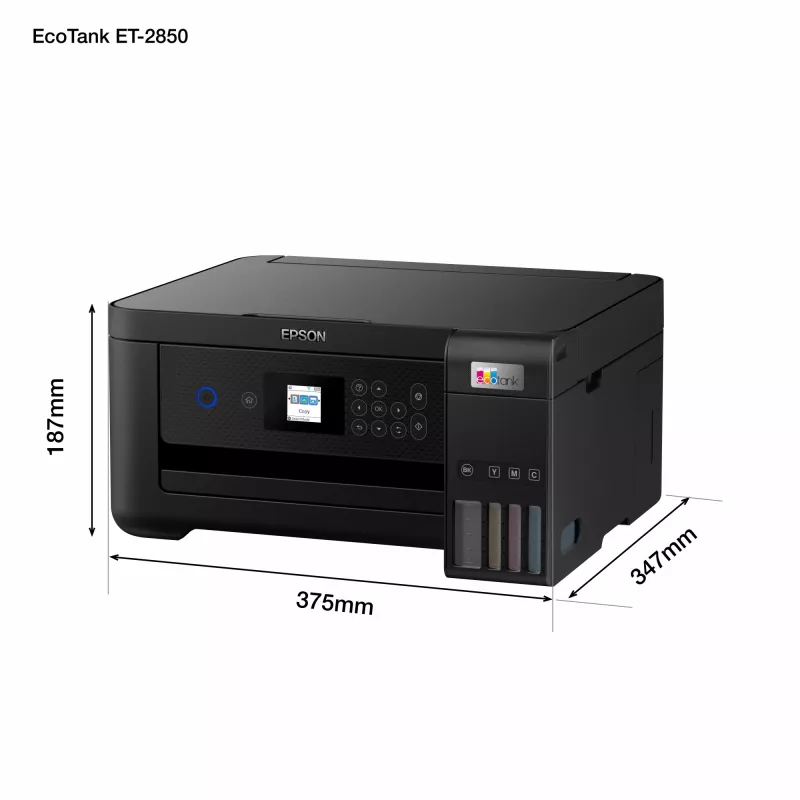
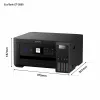
Depth
347 mm
Display
LCD
Display diagonal
3.81 cm (1.5")
Document formats supported
PDF
Duplex copying
Yes
Duplex copying mode
Auto
Duplex functions
Copy, Print, Scan
Duplex print speed (ISO/IEC 24734, A4) black
6 ppm
Duplex print speed (ISO/IEC 24734, A4) colour
4 ppm
Duplex printing
Yes
Duplex printing mode
Auto
Energy Star Typical Electricity Consumption (TEC)
0.14 kWh/week
Envelopes sizes
10, C6, DL
Faxing
No
Harmonized System (HS) code
84433100
Height
187 mm
Image formats supported
BMP, JPEG, PICT, TIFF, PNG
Included cartridge capacity (black)
14000 pages
Included cartridge capacity (CMY)
5200 pages
ISO A-series sizes (A0...A9)
A4, A5, A6
ISO B-series sizes (B0...B9)
B5, B6
ISO C-series sizes (C0...C9)
C6
Mac operating systems supported
Mac OS 8.0, Mac OS X 10.0 Cheetah
Market positioning
Home & office
Maximum duty cycle
30000 pages per month
Maximum ISO A-series paper size
A4
Maximum resolution
5760 x 1440 DPI
Mobile printing technologies
Apple AirPrint
Multi-Purpose tray
Yes
Multi-Purpose tray input capacity
100 sheets
Number of print cartridges
4
Number of users
2 user(s)
Optical scanning resolution
1200 x 2400 DPI
Package depth
445 mm
Package height
275 mm
Package weight
7.75 kg
Package width
415 mm
Pallet gross weight
0 g
Pallet weight (UK)
0 g
Paper tray media types
Photo paper, Plain paper
Photo paper sizes
9x13,10x15,13x18,13x20,20x25
Power consumption (average operating)
12 W
Power consumption (copying)
12 W
Power consumption (off)
0.2 W
Power consumption (PowerSave)
0.7 W
Power consumption (ready)
4.3 W
Print head nozzles
180 nozzles black, 59 nozzles per colour
Print speed (black, normal quality, A4/US Letter)
33 ppm
Print speed (colour, normal quality, A4/US Letter)
15 ppm
Print speed (ISO/IEC 24734) black
10.5 ppm
Print speed (ISO/IEC 24734) colour
5 ppm
Print technology
Inkjet
Printing
Colour printing
Printing colours
Black
Printing method
Epson Micro Piezo
Product colour
Black
Products per pallet
30 pc(s)
Products per pallet (UK)
40 pc(s)
Quantity per pack
1 pc(s)
Scan speed (colour)
28 ppm
Scan technology
CIS
Scan to
Cloud
Scanner type
Flatbed scanner
Scanning
Colour scanning
Security algorithms
64-bit WEP, 128-bit WEP, WPA-PSK, WPA-TKIP, WPA2-PSK, WPA2-AES
Time to first page (black, normal)
10 s
Time to first page (colour, normal)
16 s
Total input capacity
100 sheets
Total number of input trays
1
Total output capacity
30 sheets
USB port
Yes
Warranty card
Yes
Weight
5.4 kg
Wi-Fi
Yes
Width
375 mm
Windows operating systems supported
Windows 10, Windows 10 x64, Windows 7, Windows 7 x64, Windows 8, Windows 8 x64, Windows 8.1, Windows 8.1 x64, Windows Vista, Windows Vista x64, Windows XP Professional x64

Document

Open Document

Leaflet

Open Leaflet
Price history is not available yet
We are still collecting enough daily price data for this product.

Write a review

Rating *
Your name will be shown publicly – you can use a nickname. We invite buyers to write reviews; we check reviews before publishing and publish critical ones too.

Expert reviews

Independent reviews by tech media

techradar.com
7/10

Verdict: (Image credit: Epson)Arguably, this could be the best all-in-one printer for anyone who prints a lot of documents and the occasional photo thanks to its extremely low running cost and an ability to print on any kind of paper. It's no photo printer, so don...

Read the full review at techradar.com →
expertreviews.co.uk
8/10

“It sits in the middle of Epson’s ink tank range in terms of features, so it has most of the core essentials. However, there might be a few things you’ll miss if you have specific requirements, such as multiple paper trays or top-quality photo printing.”

Pros
  • Very cheap running costs
  • Prints thousands of pages out of the box
  • Good-quality prints
Cons
  • Four colours not ideal for photos
  • Slower than cartridge printers
Read the full review at expertreviews.co.uk →

More EPSON products in this category

Popular products in this category

WhatsApp
Messenger
Hi, I’m DistriNode’s AI assistant. I can help you find products, compare options, create quote PDFs, or open support requests.
All categories