Account Contact
Your Cart
Pay the courier with no extra fees.
Need help? DistriNode AI can handle any task on our site.

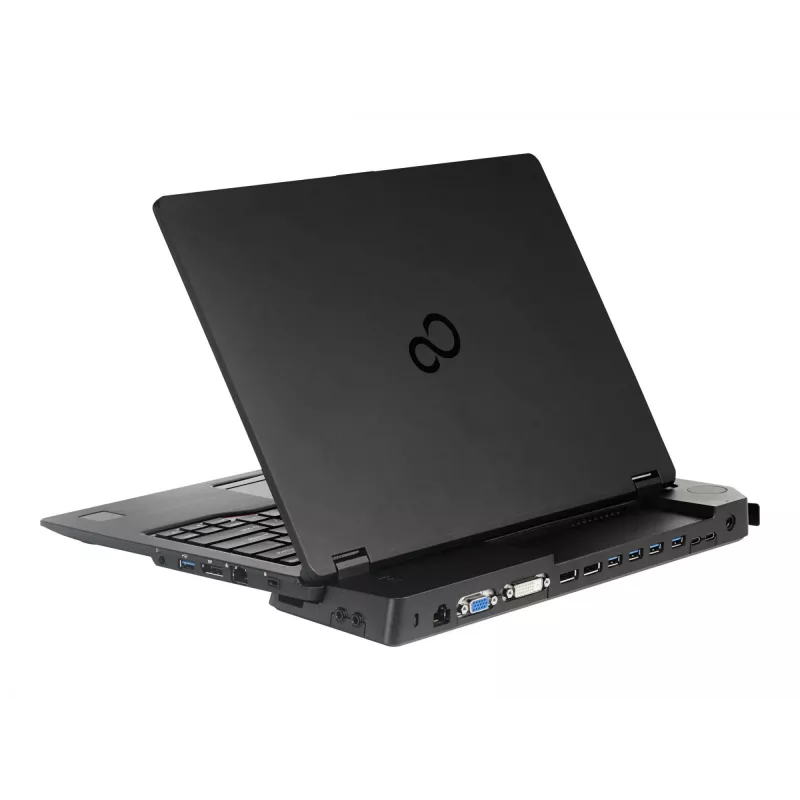
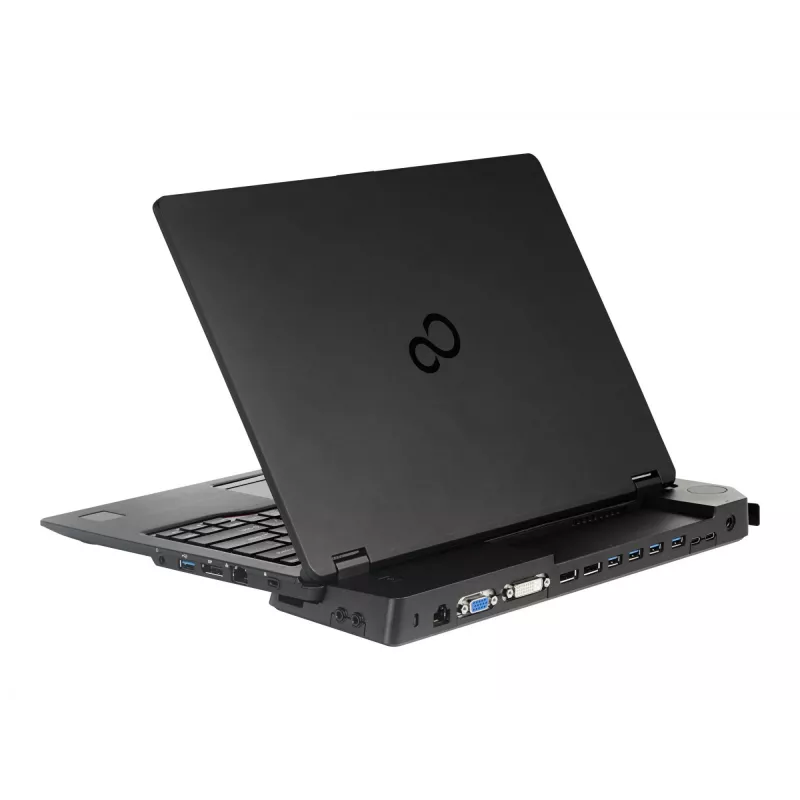
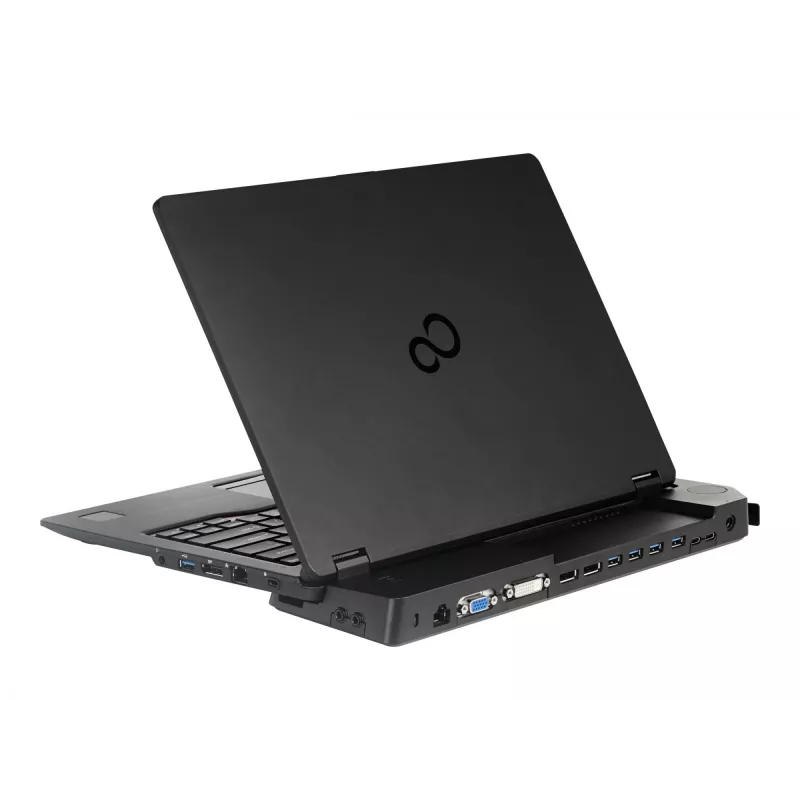
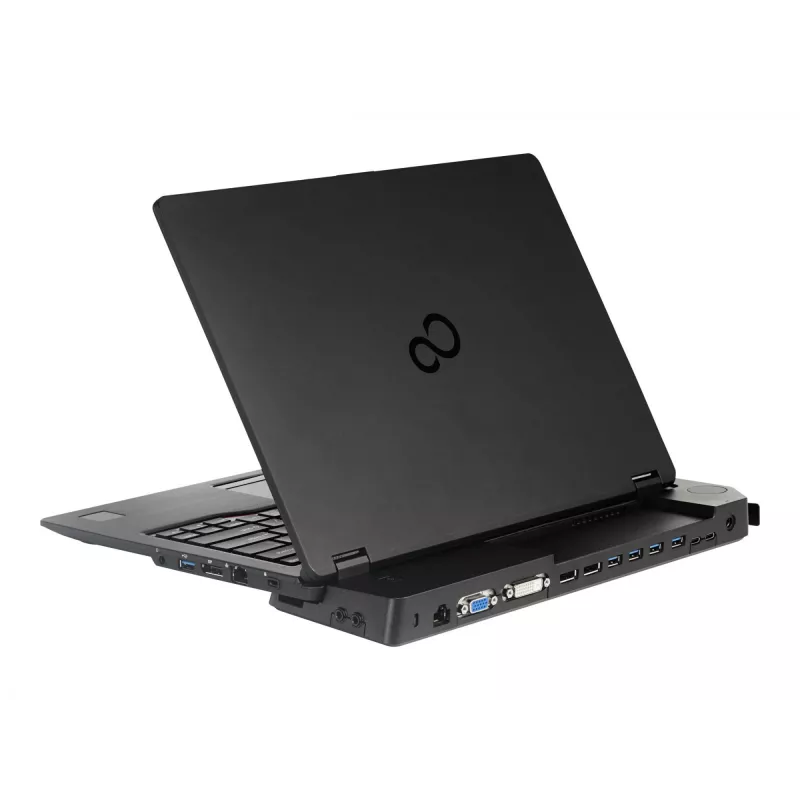
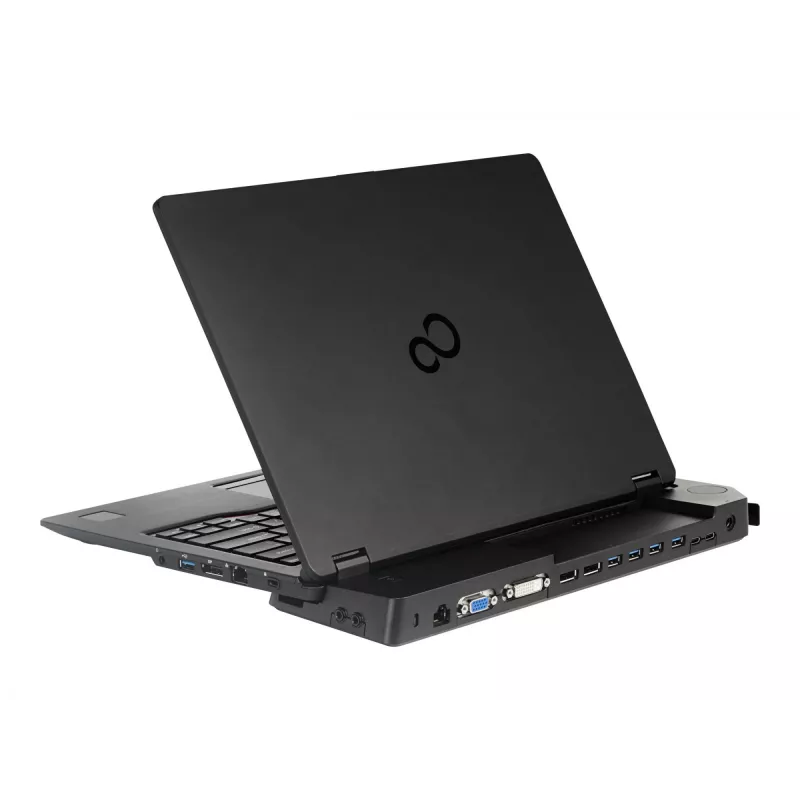
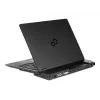
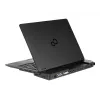
Docking station FUJITSU CF-WEB301WA for Panasonic laptops — VGA, RJ-45, 4× USB 2.0, 3.5 mm, Kensington, Black

Docking station FUJITSU CF-WEB301WA for Panasonic laptops — VGA, RJ-45, 4× USB 2.0, 3.5 mm, Kensington, Black
R724
The FUJITSU CF-WEB301WA docking station for Panasonic-compatible laptops is a compact black docking solution that expands connectivity for office and mobile work. It provides a VGA (D-Sub) video output, a single Ethernet (RJ-45) port for wired network access, four USB 2.0 Type-A ports for peripheral... Read More
Stock 50 Code 881060 Brand Fujitsu Model S26391-F1607-L219 Warranty 2 Years

Shipping & Returns

Estimated delivery Thursday, October 8
You will be kept updated through our detailed tracking system
Payment options
EFTPayFastBank CardSnapScanZapperGoogle PayApple PayMobicredMoreTymePay on Arrival

The FUJITSU CF-WEB301WA docking station for Panasonic-compatible laptops is a compact black docking solution that expands connectivity for office and mobile work. It provides a VGA (D-Sub) video output, a single Ethernet (RJ-45) port for wired network access, four USB 2.0 Type-A ports for peripherals, a 3.5 mm audio jack for headphones or speakers, and a Kensington cable lock slot for physical security. The unit is designed to simplify connecting an external display, network cable and multiple USB devices through a single docking interface.

Advantages

The docking station consolidates common connectivity needs into one device, reducing cable changes when moving between workspaces. Its VGA port supports connection to legacy monitors and projectors, while the Ethernet port offers stable wired network access where Wi‑Fi is unavailable or unreliable. Four USB 2.0 ports accommodate keyboards, mice, printers and other peripherals simultaneously. The 3.5 mm audio jack allows direct connection of headphones or external speakers, and the Kensington slot enables a physical security option. The black finish provides a neutral appearance suitable for most professional environments.

Suitable for

  • Connecting Panasonic-compatible laptops to external VGA monitors or projectors
  • Establishing a wired Ethernet connection in offices, meeting rooms or fieldwork sites
  • Attaching multiple USB peripherals such as keyboard, mouse, external storage or printer
  • Setting up a compact workstation where a single docking point simplifies cable management

Key specifications

  • Video output: 1 × VGA (D-Sub)
  • Network: 1 × Ethernet (RJ-45) port for wired LAN
  • USB ports: 4 × USB 2.0 Type-A
  • Audio: 3.5 mm headphone/speaker jack
  • Security: Kensington cable lock slot
  • Color: Black
  • Connectivity type: Docking

How to use

Place the docking station on a stable surface and connect it to the compatible Panasonic laptop using the docking connector provided with the device or the laptop-specific interface. Attach an external monitor to the VGA port using a VGA cable, and plug a network cable into the RJ-45 port for wired LAN access. Connect USB peripherals to the available USB 2.0 ports and plug headphones or speakers into the 3.5 mm audio jack. If required, secure the docking station and laptop with a Kensington cable lock. After connections are made, verify that the laptop recognises external devices and configure display and network settings in the operating system if necessary.

Recommendations

Use shielded cables for VGA and Ethernet connections to reduce signal interference. For optimal network performance, connect to a cable that matches the network speed supported by the environment. When using multiple USB devices with higher power requirements, verify that each peripheral operates correctly with USB 2.0 power limits or consider using externally powered peripherals where needed.

Key Highlights
  • Connecting Panasonic-compatible laptops to external VGA monitors or projectors
  • Establishing a wired Ethernet connection in offices, meeting rooms or fieldwork sites
  • Attaching multiple USB peripherals such as keyboard, mouse, external storage or printer
  • Setting up a compact workstation where a single docking point simplifies cable management
  • Video output: 1 × VGA (D-Sub)
  • Network: 1 × Ethernet (RJ-45) port for wired LAN
  • USB ports: 4 × USB 2.0 Type-A
  • Audio: 3.5 mm headphone/speaker jack
  • Security: Kensington cable lock slot
  • Color: Black
  • Connectivity type: Docking
Specifications
Brand compatibility
Fujitsu
Cable lock slot
Yes
Cable lock slot type
Kensington
Cables included
AC
Card reader integrated
No
Compatibility
Fujitsu LIFEBOOK U727 Fujitsu LIFEBOOK U747 Fujitsu LIFEBOOK U757
Connectivity technology
Docking
DC-in jack
Yes
DisplayPorts quantity
2
DVI-D ports quantity
1
Ethernet LAN
Yes
Ethernet LAN (RJ-45) ports
1
Ethernet LAN data rates
10,100,1000 Mbit/s
Harmonized System (HS) code
84733020
HDMI ports quantity
0
Headphone outputs
1
Microphone in
Yes
Output voltage
19 V
Power consumption (typical)
90 W
Power source type
AC
Product colour
Black
USB 2.0 ports quantity
0
USB 3.2 Gen 1 (3.1 Gen 1) Type-A ports quantity
4
USB 3.2 Gen 1 (3.1 Gen 1) Type-C ports quantity
2
VGA (D-Sub) ports quantity
1

Leaflet

Open Leaflet
Price history over the last 6 months
Docking station FUJITSU CF-WEB301WA for Panasonic laptops — VGA, RJ-45, 4× USB 2.0, 3.5 mm, Kensington, Black
Current
R724
Lowest
R546
Highest
R844
Change 24H
+R175   +32%
Week
+R94   +15%
Month
+R91   +14%

Independent reviews by tech media

Popular products in this category

WhatsApp
Hi, I’m DistriNode’s AI assistant. I can help you find products, compare options, create quote PDFs, or open support requests.