Account Contact
Your Cart
Pay the courier with no extra fees.
Need help? DistriNode AI can handle any task on our site.

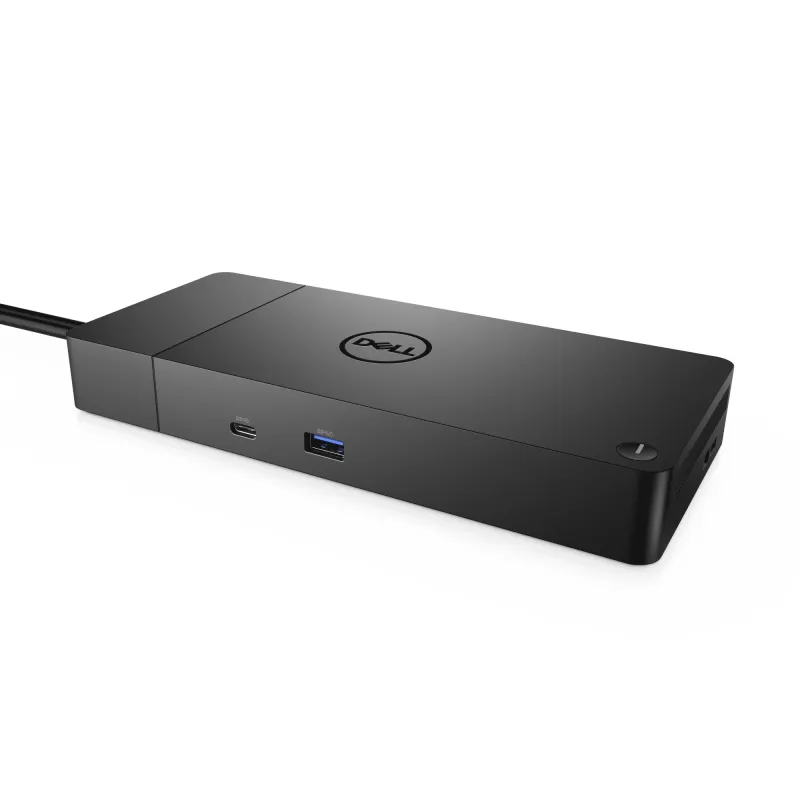
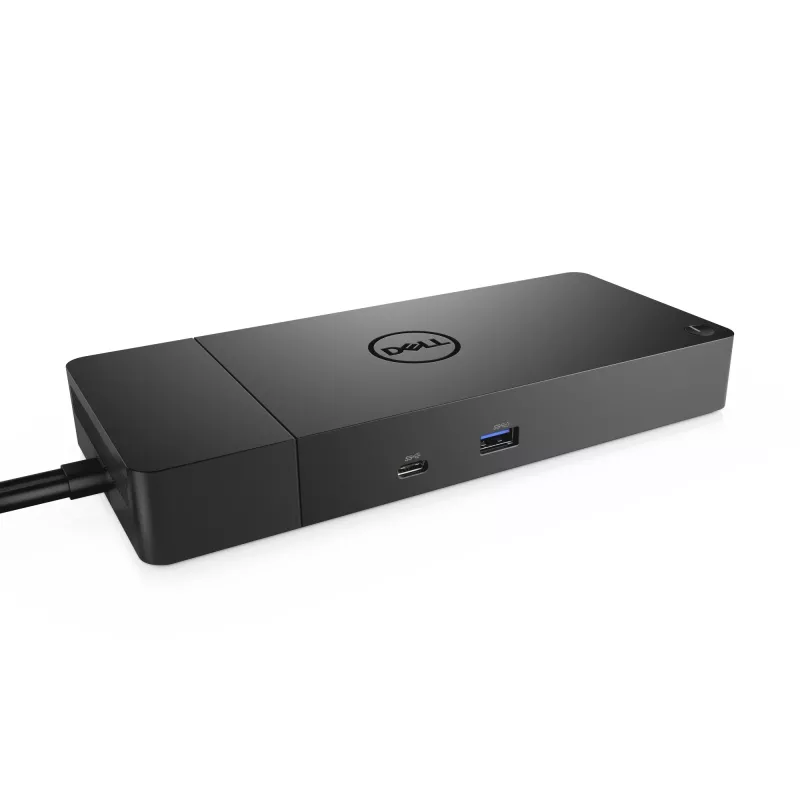
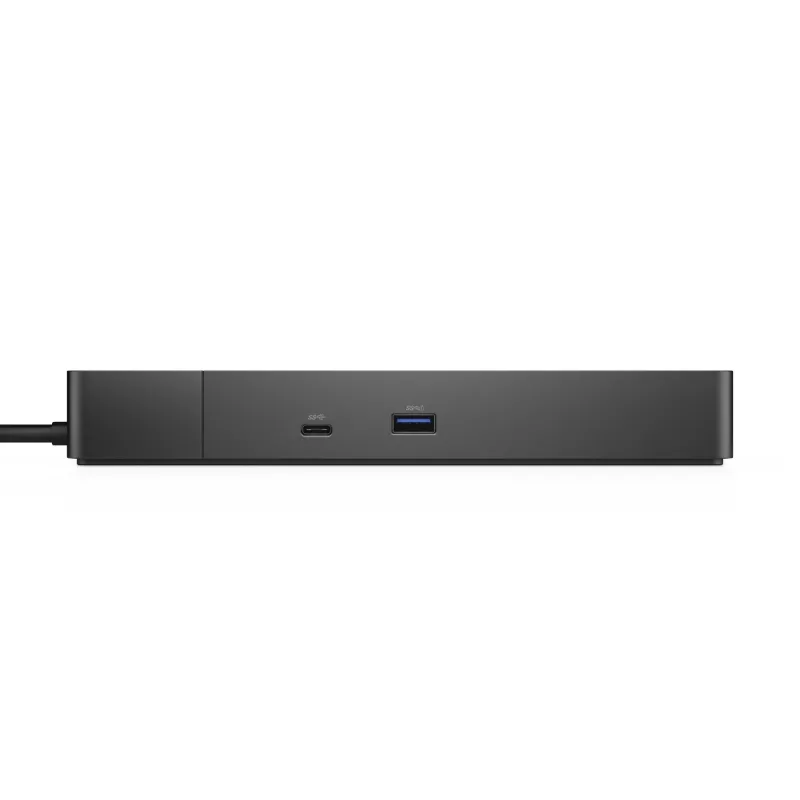
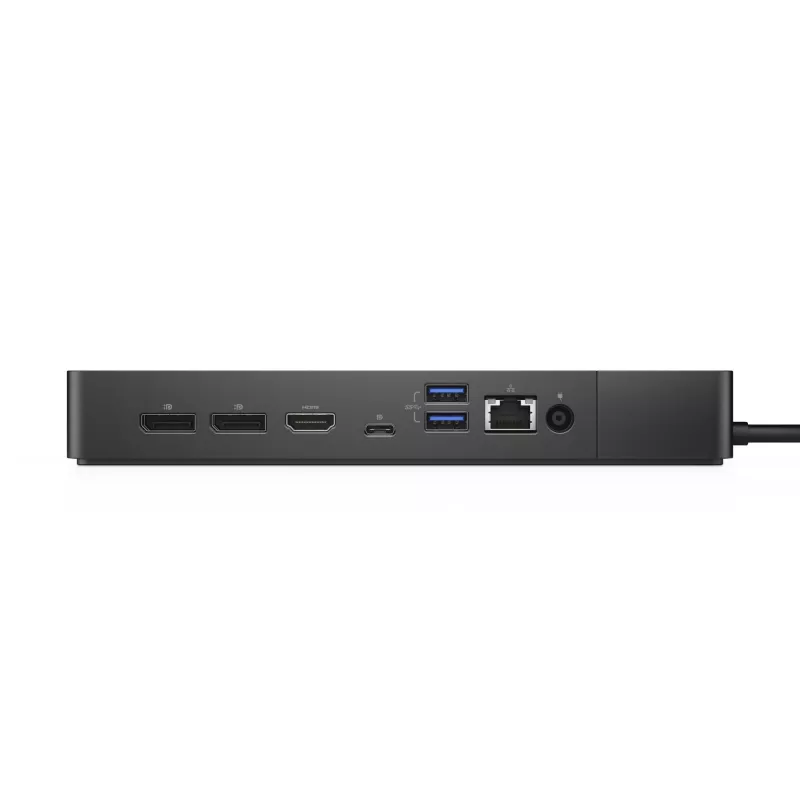
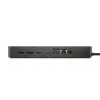
Docking Station DELL Performance Dock WD19DCS

Docking Station DELL Performance Dock WD19DCS
R7,614
The DELL Performance Dock WD19DCS is a wired docking station designed to expand connectivity for compatible Windows 10 systems. It uses a USB 3.2 Gen 2 Type-C interface for host connection and provides a range of ports including one Ethernet LAN (RJ-45), one HDMI output and three USB 3.2 Gen 1 Type-... Read More
Stock 136 Code 1475669 Brand DELL Model M4XVJ Warranty 2 Years

Shipping & Returns

Estimated delivery Tuesday, October 6
You will be kept updated through our detailed tracking system
Payment options
EFTPayFastBank CardSnapScanZapperGoogle PayApple PayMobicredMoreTymePay on Arrival

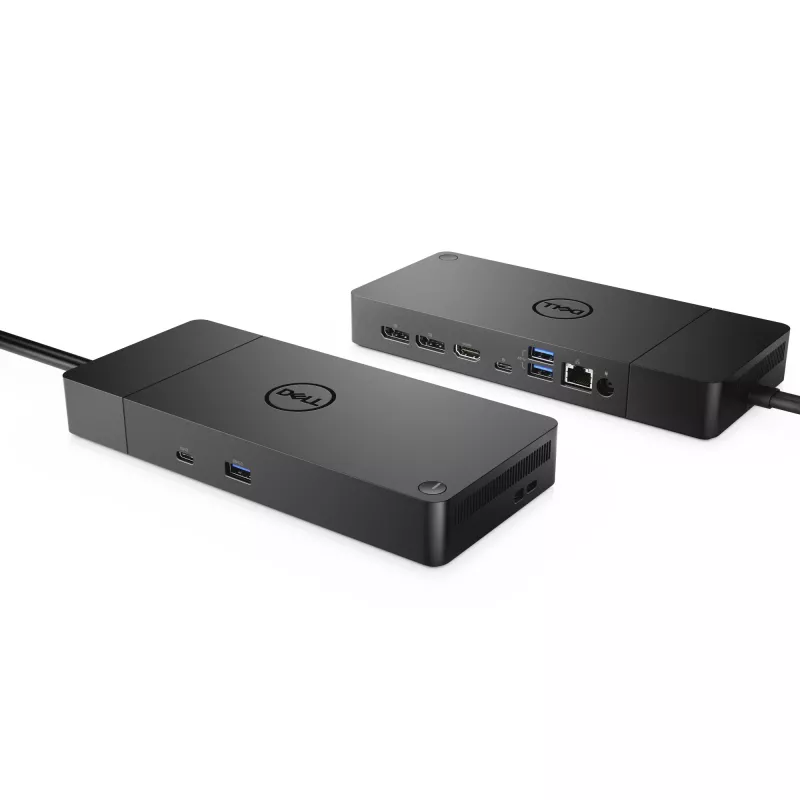
The DELL Performance Dock WD19DCS is a wired docking station designed to expand connectivity for compatible Windows 10 systems. It uses a USB 3.2 Gen 2 Type-C interface for host connection and provides a range of ports including one Ethernet LAN (RJ-45), one HDMI output and three USB 3.2 Gen 1 Type-A ports. The dock supports a maximum digital resolution of 5120 x 2880 pixels for high-resolution displays and is powered via DC with an AC input voltage range of 120–230 V at 50–60 Hz. The unit is finished in black and weighs approximately 0.585 kg.

Advantages

The docking station consolidates wired connectivity into a single hub, enabling a stable Gigabit Ethernet connection and multiple USB Type-A ports for peripherals. Support for up to 5120 x 2880 pixel output makes it suitable for high-resolution monitors. Its USB 3.2 Gen 2 Type-C host interface provides higher data throughput compared with earlier USB generations, and the AC input range allows use in different mains environments without additional converters.

Suitable for

  • Connecting a Windows 10 laptop to a wired Gigabit network and external peripherals
  • Driving a high-resolution external monitor up to 5120 x 2880 pixels
  • Expanding USB-A ports for mice, keyboards, storage and other accessories
  • Workstations or hot-desk setups that require stable wired connections and multiple peripherals

Key specifications

  • Host interface: USB 3.2 Gen 2 Type-C
  • Ethernet: 1 x RJ-45, 10/100/1000 Mbit/s
  • Video output: 1 x HDMI, maximum digital resolution 5120 x 2880 pixels
  • USB ports: 3 x USB 3.2 Gen 1 (Type-A)
  • Connectivity technology: Wired
  • Power: DC operation with AC input voltage 120–230 V, 50–60 Hz
  • Color: Black
  • Weight: 0.585 kg

How to use

Connect the dock to a compatible Windows 10 laptop using the USB-C host cable. Plug the AC power adapter into the dock and to a mains outlet within the 120–230 V, 50–60 Hz range. Attach an Ethernet cable to the RJ-45 port for wired network access, connect an external monitor to the HDMI output, and plug peripherals such as keyboard, mouse or external drives into the USB 3.2 Gen 1 Type-A ports. The operating system should detect connected devices; install any required drivers provided by Dell for full functionality if prompted.

Recommendations

For reliable network performance, use a high-quality Cat5e or Cat6 Ethernet cable. When driving very high-resolution displays, verify that both the host laptop and the HDMI display support the target resolution to ensure optimal output. Keep the dock in a well-ventilated area and use the supplied power adapter to maintain stable operation.

Key Highlights
  • Connecting a Windows 10 laptop to a wired Gigabit network and external peripherals
  • Driving a high-resolution external monitor up to 5120 x 2880 pixels
  • Expanding USB-A ports for mice, keyboards, storage and other accessories
  • Workstations or hot-desk setups that require stable wired connections and multiple peripherals
  • Host interface: USB 3.2 Gen 2 Type-C
  • Ethernet: 1 x RJ-45, 10/100/1000 Mbit/s
  • Video output: 1 x HDMI, maximum digital resolution 5120 x 2880 pixels
  • USB ports: 3 x USB 3.2 Gen 1 (Type-A)
  • Connectivity technology: Wired
  • Power: DC operation with AC input voltage 120–230 V, 50–60 Hz
  • Color: Black
  • Weight: 0.585 kg
Specifications
AC input frequency
50 - 60 Hz
AC input voltage
120 - 230 V
Card reader integrated
No
Connectivity technology
Wired
DC-in jack
Yes
Depth
90 mm
DisplayPort version
1.4
DisplayPorts quantity
2
Ethernet LAN
Yes
Ethernet LAN (RJ-45) ports
1
Ethernet LAN data rates
10,100,1000 Mbit/s
Harmonized System (HS) code
84733020
HDMI ports quantity
1
HDMI version
2.0
Headphone outputs
0
Height
29 mm
Host interface
USB 3.2 Gen 2 (3.1 Gen 2) Type-C
LED indicators
Yes
Linux operating systems supported
Yes
Maximum digital resolution
5120 x 2880 pixels
Microphone in
No
On/off switch
Yes
Operating relative humidity (H-H)
10 - 80%
Operating temperature (T-T)
0 - 35 °C
Package depth
315 mm
Package height
62 mm
Package width
300 mm
Power cable length
0.8 m
Power source type
DC
Power supply
210 W
PowerShare
Yes
Product colour
Black
Quantity per pack
1 pc(s)
Storage relative humidity (H-H)
5 - 90%
Storage temperature (T-T)
-20 - 60 °C
USB 2.0 ports quantity
0
USB 3.2 Gen 1 (3.1 Gen 1) Type-A ports quantity
3
VESA mounting
Yes
Weight
585 g
Width
205 mm
Windows operating systems supported
Windows 10, Windows 10 Education, Windows 10 Education x64, Windows 10 Enterprise, Windows 10 Enterprise x64, Windows 10 Home, Windows 10 Home x64, Windows 10 IOT Core, Windows 10 IoT Enterprise, Windows 10 Pro, Windows 10 Pro x64, Windows 10 x64

Document

Open Document

Leaflet

Open Leaflet
Price history over the last 6 months
Docking Station DELL Performance Dock WD19DCS
Current
R7,614
Lowest
R7,400
Highest
R10,040
Change 24H
+R211   +3%
Week
-R375   -5%
Month
-R1,206   -14%

Popular products in this category

WhatsApp
Hi, I’m DistriNode’s AI assistant. I can help you find products, compare options, create quote PDFs, or open support requests.