Account Contact
Your Cart
Pay the courier with no extra fees.
Need help? DistriNode AI can handle any task on our site.

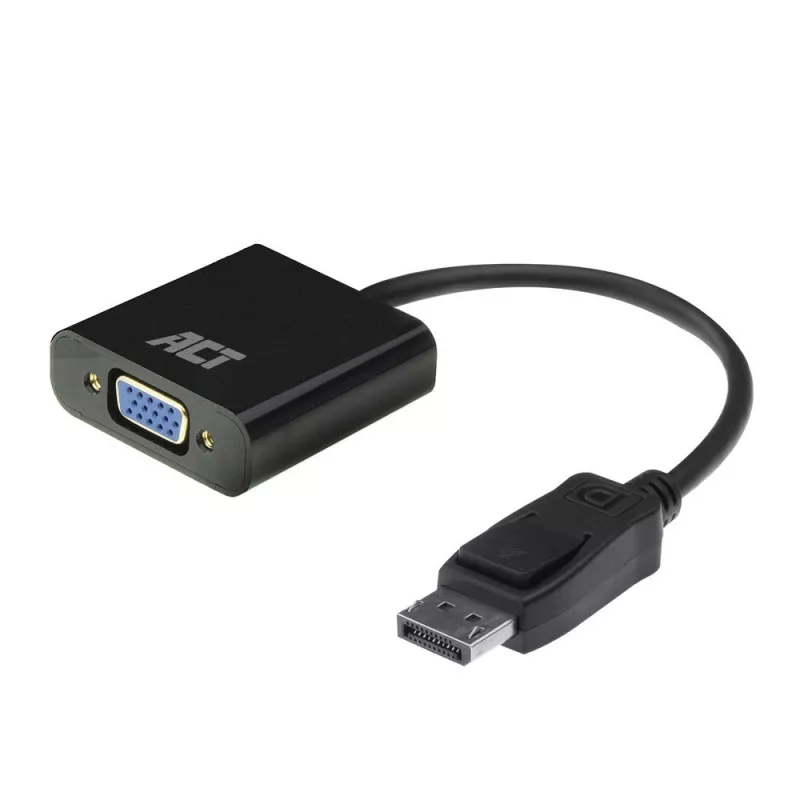
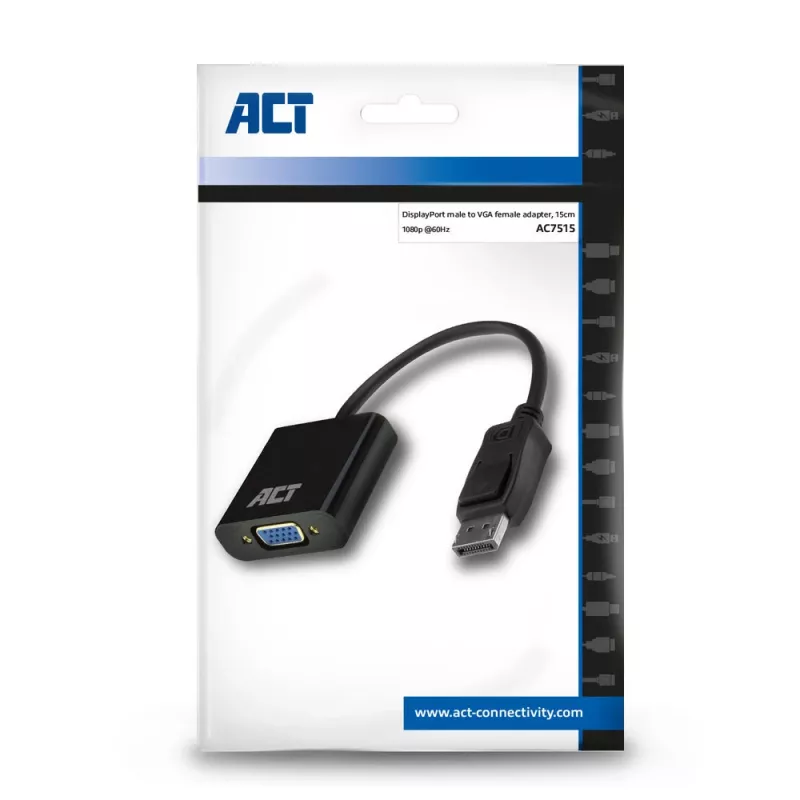
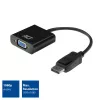
DisplayPort to VGA adapter ACT AC7515

DisplayPort to VGA adapter ACT AC7515
R832
The ACT AC7515 DisplayPort to VGA adapter connects a device with a DisplayPort output to a VGA (D-Sub) monitor or beamer. The compact adapter features a 0.15 m cable and supports a maximum resolution of 1920 x 1080 at 60 Hz, making it suitable for connecting older VGA displays to modern laptops and ... Read More
Stock 615 Code 1469440 Brand ACT Model AC7515 Warranty 2 Years

Shipping & Returns

Estimated delivery Tuesday, October 6
You will be kept updated through our detailed tracking system
Payment options
EFTPayFastBank CardSnapScanZapperGoogle PayApple PayMobicredMoreTymePay on Arrival

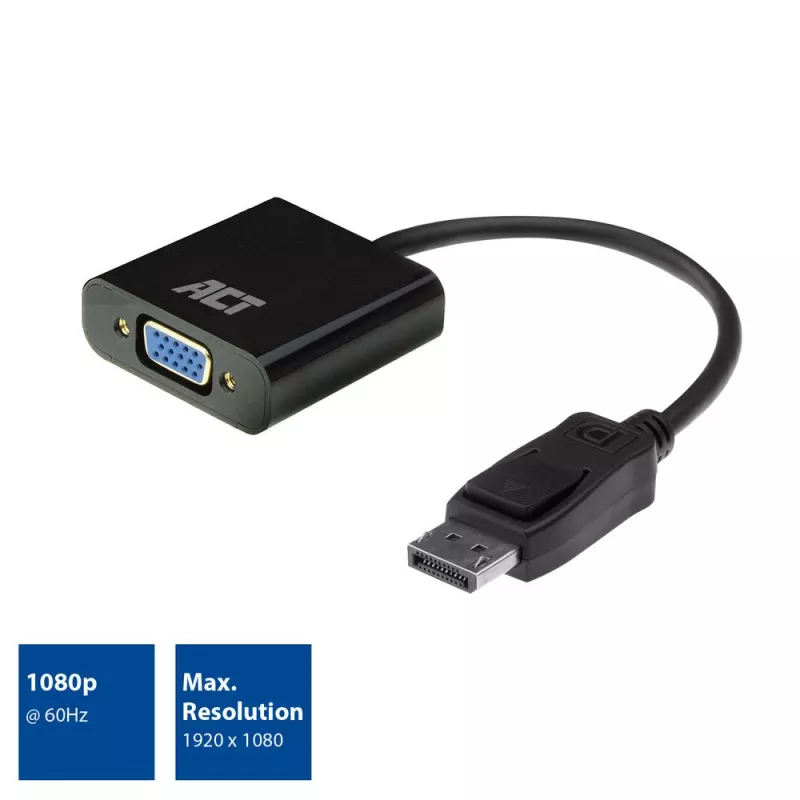
The ACT AC7515 DisplayPort to VGA adapter connects a device with a DisplayPort output to a VGA (D-Sub) monitor or beamer. The compact adapter features a 0.15 m cable and supports a maximum resolution of 1920 x 1080 at 60 Hz, making it suitable for connecting older VGA displays to modern laptops and workstations.

Advantages

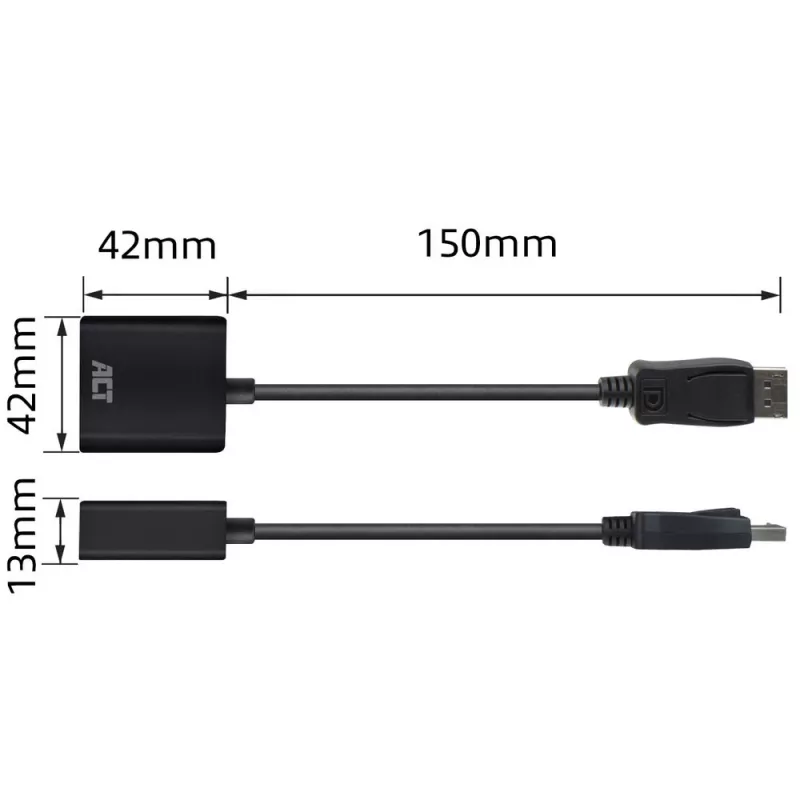
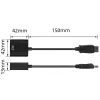
This DisplayPort to VGA adapter is small and lightweight with a 6 mm cable diameter and a 0.15 m length for minimal cable clutter. It provides a straightforward, reliable analog video conversion from DisplayPort to VGA without the need for external power. The black finish integrates unobtrusively with most devices and display setups.

Suitable for

  • Connecting laptops or desktops with DisplayPort output to VGA monitors
  • Presentations with beamers that accept VGA input
  • Using older VGA displays with modern DisplayPort-equipped devices

Key specifications

  • Maximum resolution: 1920 x 1080 @ 60 Hz
  • Cable length: 0.15 m
  • Cable diameter: 6 mm
  • Connector 1: DisplayPort
  • Connector 2: VGA (D-Sub)
  • Colour: Black
  • Brand: ACT, Model: AC7515, EAN: 8716065491258

How to use

Connect the DisplayPort plug to the DisplayPort output of your laptop or desktop. Attach the VGA end to the VGA input of the monitor or beamer and secure the VGA connector screws if present. Set the display resolution on your computer to 1920 x 1080 @ 60 Hz or a lower supported resolution if necessary. No drivers are typically required; the adapter performs a passive conversion to the VGA signal.

Recommendations

For best results, use short cable runs and avoid excessive bending of the 0.15 m cable. If the target display does not detect a signal, verify the DisplayPort source output is enabled and try adjusting the computer's display settings or reconnecting both ends.
Key Highlights
  • Connecting laptops or desktops with DisplayPort output to VGA monitors
  • Presentations with beamers that accept VGA input
  • Using older VGA displays with modern DisplayPort-equipped devices
  • Maximum resolution: 1920 x 1080 @ 60 Hz
  • Cable length: 0.15 m
  • Cable diameter: 6 mm
  • Connector 1: DisplayPort
  • Connector 2: VGA (D-Sub)
  • Colour: Black
  • Brand: ACT, Model: AC7515, EAN: 8716065491258
Specifications
AWG wire size
28
Cable diameter
6 mm
Cable length
0.15 m
Cable material
Copper
Connector 1
DisplayPort
Connector 1 form factor
Straight
Connector 1 gender
Male
Connector 2
VGA (D-Sub)
Connector 2 form factor
Straight
Connector 2 gender
Female
DisplayPort version
1.1
Harmonized System (HS) code
84733080
Jacket material
Polyvinyl chloride (PVC)
Maximum resolution
1920 x 1080 pixels
Package type
Polybag
Product colour
Black
Quantity per pack
1 pc(s)
Supported video modes
1080p

Leaflet

Open Leaflet
Price history over the last 6 months
DisplayPort to VGA adapter ACT AC7515
Current
R832
Lowest
R817
Highest
R832
Change 24H
+R12   +1%
Week
—   
Month
—   

Popular products in this category

WhatsApp
Hi, I’m DistriNode’s AI assistant. I can help you find products, compare options, create quote PDFs, or open support requests.