Account Contact
Your Cart
Pay on delivery – no extra fees
Need help? Ask our AI

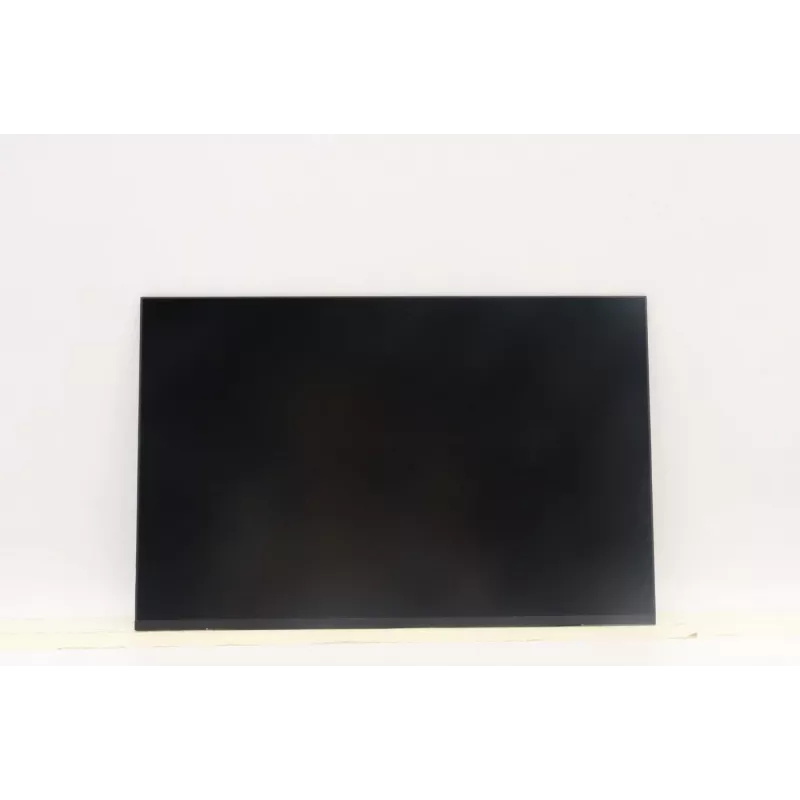
Display panel Lenovo 14.0-inch WUXGA IPS (5D11U14074) 1920×1200, IPS

Display panel Lenovo 14.0-inch WUXGA IPS (5D11U14074) 1920×1200, IPS
R2,371
Replacement display panel for Lenovo laptops: a 14.0-inch WUXGA (1920×1200) IPS screen, model 5D11U14074. This IPS module delivers a WUXGA resolution with a 16:10 aspect ratio, providing increased vertical workspace compared to standard 16:9 panels. The panel is designed as a direct replacement for ... Read More
Stock Out Of StockNo Stock Code 2364672 Brand LENOVO Model 5D11U14074 Warranty 2 Years

Shipping & Returns

Replacement display panel for Lenovo laptops: a 14.0-inch WUXGA (1920×1200) IPS screen, model 5D11U14074. This IPS module delivers a WUXGA resolution with a 16:10 aspect ratio, providing increased vertical workspace compared to standard 16:9 panels. The panel is designed as a direct replacement for compatible Lenovo notebooks and systems that accept a 14.0" WUXGA IPS module.

Advantages

The IPS technology ensures wide viewing angles and consistent color reproduction across the screen, reducing color shift when the display is viewed off-axis. With 1920×1200 resolution, the panel offers sharper text and more screen real estate for productivity tasks. As a factory-fit compatible display, it is suitable for repair or upgrade projects where original-format image quality and native resolution are required.

Suitable for

  • Repairing a compatible Lenovo laptop with a 14.0" WUXGA IPS module
  • Upgrading from a lower-resolution or TN-type 14.0" panel
  • Users who need increased vertical workspace for document editing and coding
  • Applications requiring stable color performance and wider viewing angles

Key specifications

  • Diagonal size: 14.0 inches
  • Native resolution: 1920 × 1200 pixels (WUXGA)
  • Panel type: IPS (In-Plane Switching)
  • Aspect ratio: 16:10
  • Intended use: laptop display replacement/upgrade

How to use

Install this 14.0" WUXGA IPS panel as a replacement for the original display in a compatible Lenovo notebook. Before installation, power off the device, disconnect the battery if possible, and follow the manufacturer or service manual instructions for removing the bezel, detaching the old panel, and reconnecting the display cable. Align the new panel in the same mounting points and secure it with the original screws. After assembly, power on the laptop and verify correct operation and native resolution settings in the operating system graphics settings.

Recommendations

Handle the panel by its edges, avoid touching the display surface and connector pins, and use an anti-static work surface or wrist strap when performing installation. Verify compatibility with your laptop model and check connector type and mounting bracket alignment prior to purchase.

Key Highlights
  • Repairing a compatible Lenovo laptop with a 14.0" WUXGA IPS module
  • Upgrading from a lower-resolution or TN-type 14.0" panel
  • Users who need increased vertical workspace for document editing and coding
  • Applications requiring stable color performance and wider viewing angles
  • Diagonal size: 14.0 inches
  • Native resolution: 1920 × 1200 pixels (WUXGA)
  • Panel type: IPS (In-Plane Switching)
  • Aspect ratio: 16:10
  • Intended use: laptop display replacement/upgrade
Price history over the last 6 months
Display panel Lenovo 14.0-inch WUXGA IPS (5D11U14074) 1920×1200, IPS
Current
R2,371
Lowest
R2,363
Highest
R2,486
Change 24H
+R8   +0%
Week
-R80   -3%
Month
-R48   -2%

Popular products in this category

WhatsApp
Hi, I’m DistriNode’s AI assistant. I can help you find products, compare options, create quote PDFs, or open support requests.