Account Contact
Your Cart
Pay on delivery – no extra fees
Need help? Ask our AI

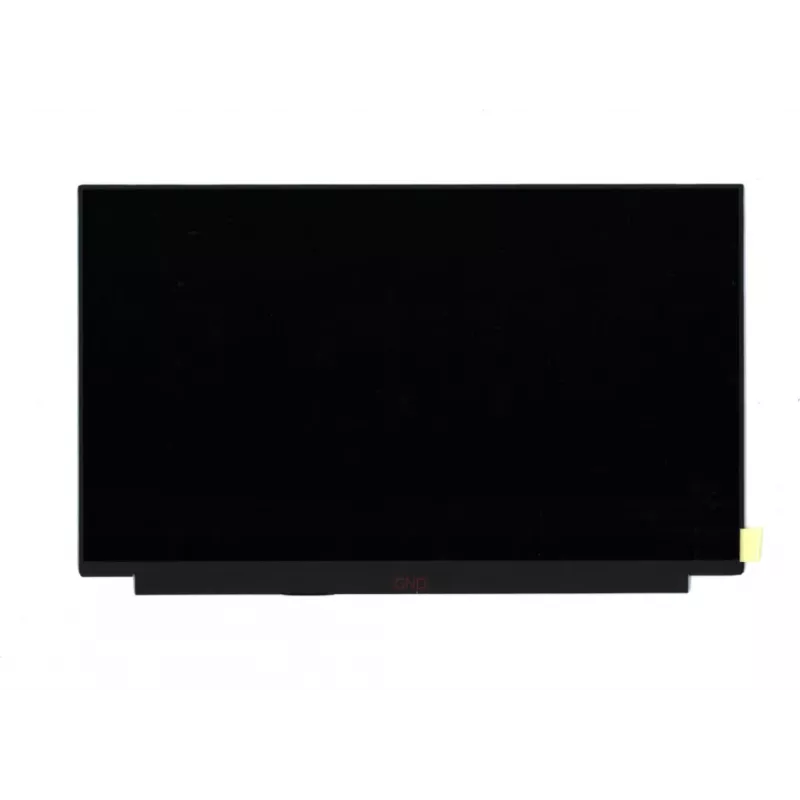
Display Lenovo FRU02HL703 13.3 inch Full HD

Display Lenovo FRU02HL703 13.3 inch Full HD
R2,964
The Lenovo FRU02HL703 13.3" Full HD is a replacement laptop display module with a 13.3-inch (33.8 cm) diagonal and Full HD resolution. Designed for compatibility with specific Lenovo laptop models, the screen provides sharp image detail and wide viewing for everyday tasks including office work, web ... Read More
Stock Out Of StockNo Stock Code 2553865 Brand LENOVO Model FRU02HL703 Warranty 2 Years

Shipping & Returns

The Lenovo FRU02HL703 13.3" Full HD is a replacement laptop display module with a 13.3-inch (33.8 cm) diagonal and Full HD resolution. Designed for compatibility with specific Lenovo laptop models, the screen provides sharp image detail and wide viewing for everyday tasks including office work, web browsing and media playback. The panel is intended as a direct-fit component to restore or upgrade an existing laptop display.

Advantages

The panel delivers Full HD clarity on a compact 13.3" surface, improving text legibility and image sharpness compared with lower-resolution screens. As an original-equivalent Lenovo display, it is engineered to match the laptop’s mounting points and electrical interface, which helps simplify replacement and maintain original performance. The display supports typical laptop brightness and color reproduction suitable for general productivity and multimedia use without requiring additional adapters.

Suitable for

  • Replacing a damaged or non-functional 13.3" Lenovo laptop screen
  • Upgrading from a lower-resolution 13.3" panel to Full HD
  • Repair shops performing display replacements on compatible Lenovo models
  • Users needing a direct-fit replacement display for office, study or media playback

Key specifications

  • Diagonal: 13.3 inches (33.8 cm)
  • Resolution: Full HD (1920 × 1080 pixels)
  • Panel type: laptop LCD panel (internal replacement display)
  • Intended use: compatible with Lenovo laptop models requiring a 13.3" Full HD module

How to use

Turn off the laptop and disconnect power and battery where possible before beginning replacement. Remove the bezel and existing panel following the laptop manufacturer’s service instructions or a repair guide for the exact model. Disconnect the display cable and any brackets, then install the Lenovo FRU02HL703 panel by aligning mounting points and reconnecting the cable. Reattach the bezel and battery, then power on the laptop to verify image, backlight and touch (if applicable) functionality.

Recommendations

Handle the panel by its edges to avoid pressure on the glass and circuitry. Use anti-static precautions and the proper screw sizes for reassembly. If uncertain about compatibility or installation steps, consult Lenovo service documentation or a qualified technician to ensure correct fit and to avoid damage.

Key Highlights
  • Replacing a damaged or non-functional 13.3" Lenovo laptop screen
  • Display
  • Upgrading from a lower-resolution 13.3" panel to Full HD
  • Brand compatibility: Lenovo
  • Repair shops performing display replacements on compatible Lenovo models
  • Display type: IPS 33.8 LED backlight
  • Users needing a direct-fit replacement display for office, study or media playback
  • Black
  • Diagonal: 13.3 inches (33.8 cm)
  • 1 pc(s)
  • Resolution: Full HD (1920 × 1080 pixels)
  • Panel type: laptop LCD panel (internal replacement display)
  • Intended use: compatible with Lenovo laptop models requiring a 13.3" Full HD module
Specifications
Brand compatibility
Lenovo
Display diagonal
13.3 "
Display type
IPS
Harmonized System (HS) code
84732990
HD type
Full HD
LED backlight
Yes
Product colour
Black
Quantity per pack
1 pc(s)
Type
Display

Leaflet

Open Leaflet
Price history is not available yet
We are still collecting enough daily price data for this product.

Popular products in this category

WhatsApp
Hi, I’m DistriNode’s AI assistant. I can help you find products, compare options, create quote PDFs, or open support requests.