Account Contact
Your Cart
Pay the courier with no extra fees.
Need help? DistriNode AI can handle any task on our site.

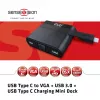
CLUB3D USB Type C to VGA + USB 3.0 + USB Type C Charging Mini Dock

CLUB3D USB Type C to VGA + USB 3.0 + USB Type C Charging Mini Dock
R1,595
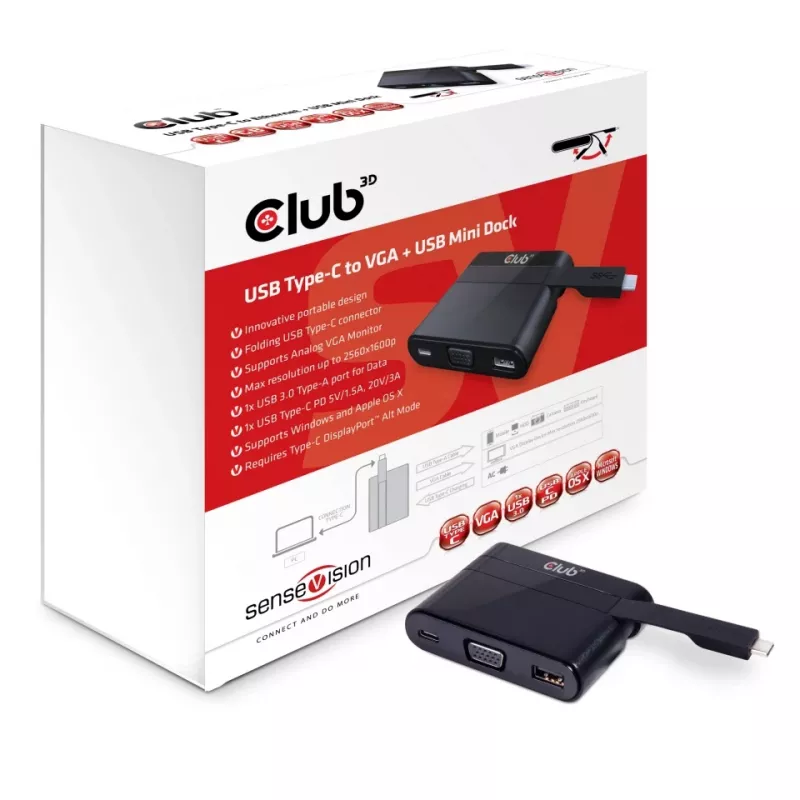
The CLUB3D Mini Dock USB Type C to VGA USB 3.0 (model CSV-1532) is a compact wired adapter for laptops and ultrabooks with a USB Type-C port that supports DisplayPort™ Alternate Mode. It provides a D-Sub VGA output supporting up to WQXGA 2560x1600 resolution for connecting an analog monitor, a USB 3... Read More
Stock 10 Code 25222 Brand CLUB 3D Model CSV-1532 Warranty 2 Years

Shipping & Returns

Estimated delivery Tuesday, October 6
You will be kept updated through our detailed tracking system
Payment options
EFTPayFastBank CardSnapScanZapperGoogle PayApple PayMobicredMoreTymePay on Arrival

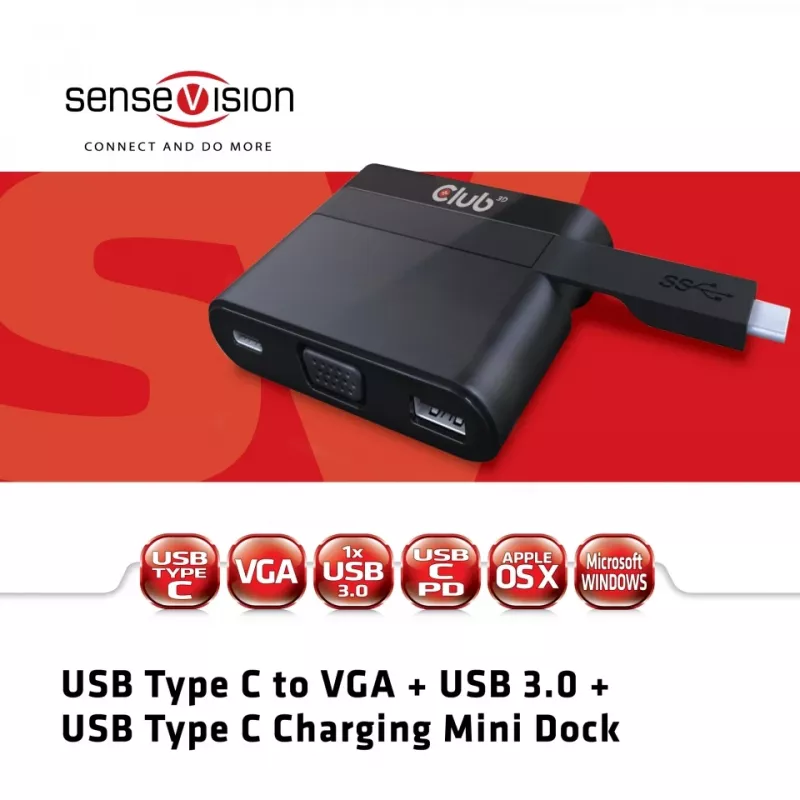
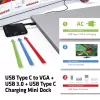
The CLUB3D Mini Dock USB Type C to VGA USB 3.0 (model CSV-1532) is a compact wired adapter for laptops and ultrabooks with a USB Type-C port that supports DisplayPort™ Alternate Mode. It provides a D-Sub VGA output supporting up to WQXGA 2560x1600 resolution for connecting an analog monitor, a USB 3.2 Gen 1 Type-A port for USB sticks, peripherals and external HDDs, and a USB Type-C PD input that can charge the host device with up to 60 W while the dock is in use. The mini dock is lightweight, portable and compatible with Microsoft Windows and Apple macOS when the host supports DisplayPort Alt Mode.

Advantages

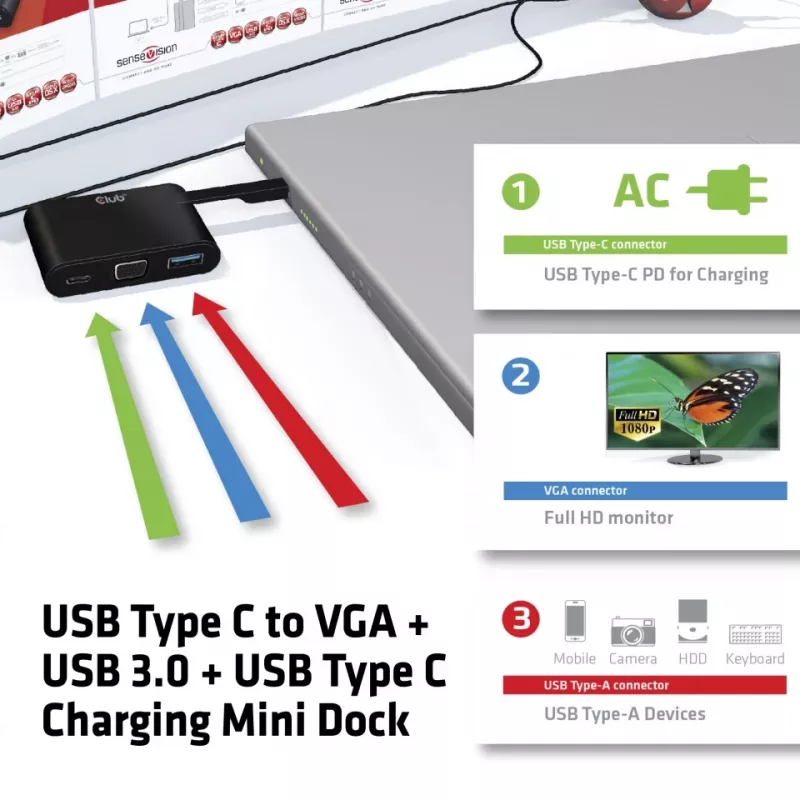
This mini dock combines video, data and power in a single compact adapter, enabling connection of an analog VGA display and USB peripherals through one USB-C host connection. The USB 3.2 Gen 1 Type-A port delivers high-speed data transfer for storage devices and accessories, while the Type-C PD input allows simultaneous charging of the connected laptop with up to 60 W. Its small footprint and 51 g weight make it easy to carry and fit into mobile work setups.

Suitable for

  • Connecting a VGA projector or legacy monitor to a USB-C laptop
  • Adding a USB-A port for flash drives, mice, keyboards or external HDDs
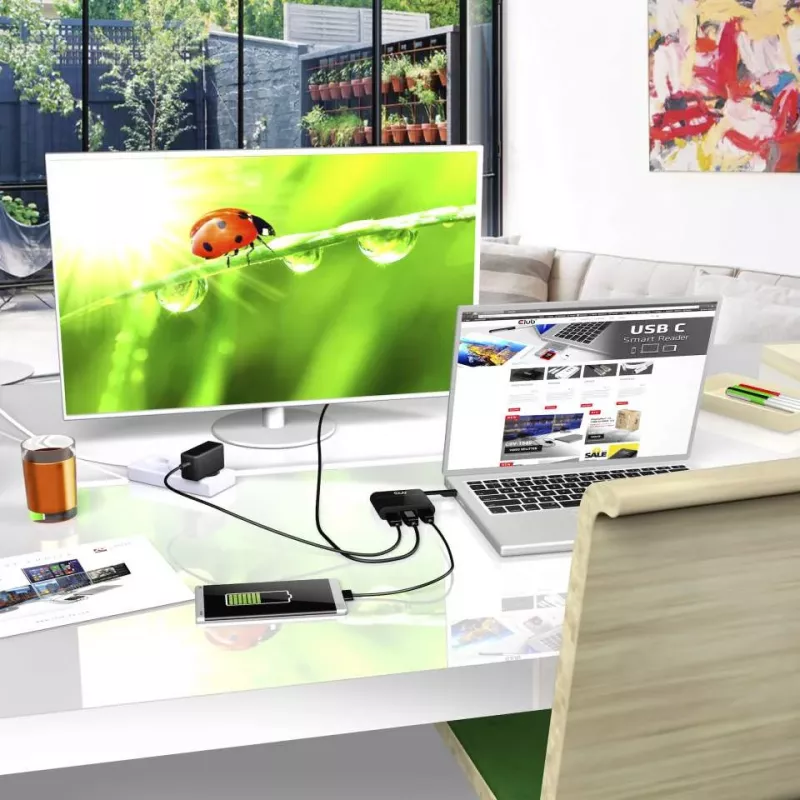
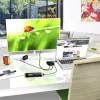
  • Charging a USB-C laptop while using external display and peripherals

Key specifications

  • Model: CLUB3D CSV-1532
  • Host interface: USB Type-C (requires DisplayPort™ Alt Mode)
  • Video output: VGA (D-Sub), up to WQXGA 2560x1600
  • USB ports: 1 × USB 3.2 Gen 1 (Type-A), 1 × USB 2.0 (if present per source data)
  • Power delivery: USB Type-C PD input, up to 60 W
  • Connectivity: Wired
  • Compatibility: Microsoft Windows and Apple macOS (requires DP Alt Mode)
  • Dimensions: 78 × 19 × 60 mm
  • Weight: 0.051 kg
  • Colour: Black

How to use

Connect the mini dock to your laptop’s USB-C port that supports DisplayPort Alternate Mode. Attach a VGA monitor to the D-Sub port and connect USB devices to the USB 3.0 Type-A port. If you need to charge the laptop while using the dock, connect a USB-C PD power adapter to the dock’s Type-C input (supporting up to 60 W). Ensure your operating system supports the connected devices; no additional drivers are usually required for modern Windows and macOS versions when DP Alt Mode is available.

Recommendations

Use a USB-C power adapter rated up to 60 W to ensure adequate charging while driving an external display. For best video quality over VGA, use a good-quality VGA cable and verify the monitor supports the requested resolution. Confirm the laptop’s USB-C port supports DisplayPort Alt Mode before use.
Key Highlights
  • Connecting a VGA projector or legacy monitor to a USB-C laptop
  • Adding a USB-A port for flash drives, mice, keyboards or external HDDs
  • Charging a USB-C laptop while using external display and peripherals
  • Model: CLUB3D CSV-1532
  • Host interface: USB Type-C (requires DisplayPort™ Alt Mode)
  • Video output: VGA (D-Sub), up to WQXGA 2560x1600
  • USB ports: 1 × USB 3.2 Gen 1 (Type-A), 1 × USB 2.0 (if present per source data)
  • Power delivery: USB Type-C PD input, up to 60 W
  • Connectivity: Wired
  • Compatibility: Microsoft Windows and Apple macOS (requires DP Alt Mode)
  • Dimensions: 78 × 19 × 60 mm
  • Weight: 0.051 kg
  • Colour: Black
Specifications
Card reader integrated
No
Compliance certificates
RoHS
Connectivity technology
Wired
Country of origin
China
Depth
19 mm
Ethernet LAN
No
Ethernet LAN (RJ-45) ports
0
Harmonized System (HS) code
8473 3020
HDMI ports quantity
0
Headphone outputs
0
Height
60 mm
Host interface
USB 3.2 Gen 1 (3.1 Gen 1) Type-C
Mac compatibility
Yes
Number of displays supported
1
Package depth
45 mm
Package height
135 mm
Package width
135 mm
Paper/cardboard packaging weight
61 g
Plastic packaging weight
6 g
Product colour
Black
Quantity per pack
1 pc(s)
Total paper/cardboard packaging weight
0 g
Total plastic packaging weight
0 g
USB 2.0 ports quantity
1
USB 3.2 Gen 1 (3.1 Gen 1) Type-A ports quantity
1
USB 3.2 Gen 1 (3.1 Gen 1) Type-C ports quantity
1
VGA (D-Sub) ports quantity
1
Weight
51 g
Width
78 mm
Windows operating systems supported
Windows 10, Windows 10 Education, Windows 10 Education x64, Windows 10 Enterprise, Windows 10 Enterprise x64, Windows 10 Home, Windows 10 Home x64, Windows 10 IOT Core, Windows 10 Pro, Windows 10 Pro x64, Windows 8.1, Windows 8.1 Enterprise, Windows 8.1 Enterprise x64, Windows 8.1 Pro, Windows 8.1 Pro x64, Windows 8.1 x64

Leaflet

Open Leaflet
Price history over the last 6 months
CLUB3D USB Type C to VGA + USB 3.0 + USB Type C Charging Mini Dock
Current
R1,595
Lowest
R1,289
Highest
R1,595
Change 24H
+R44   +3%
Week
+R298   +23%
Month
+R298   +23%

Popular products in this category

WhatsApp
Hi, I’m DistriNode’s AI assistant. I can help you find products, compare options, create quote PDFs, or open support requests.