


Ask a Question About This Product
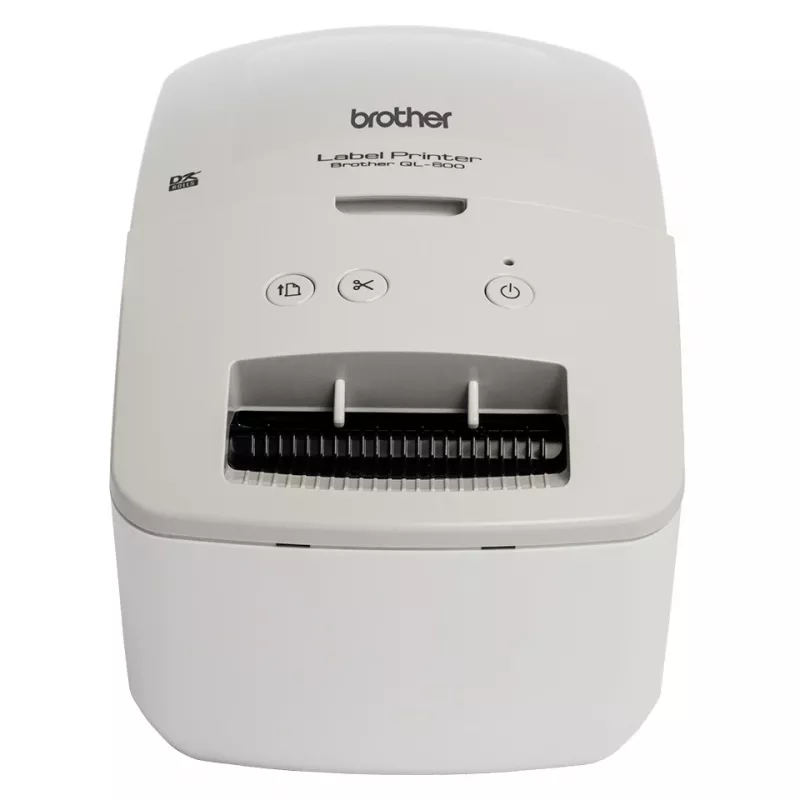
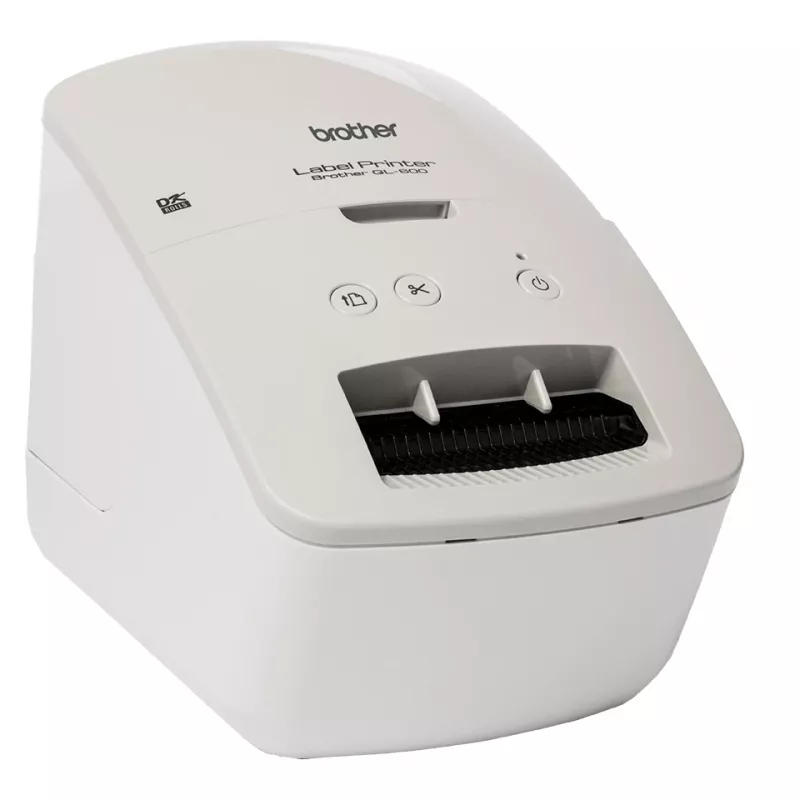
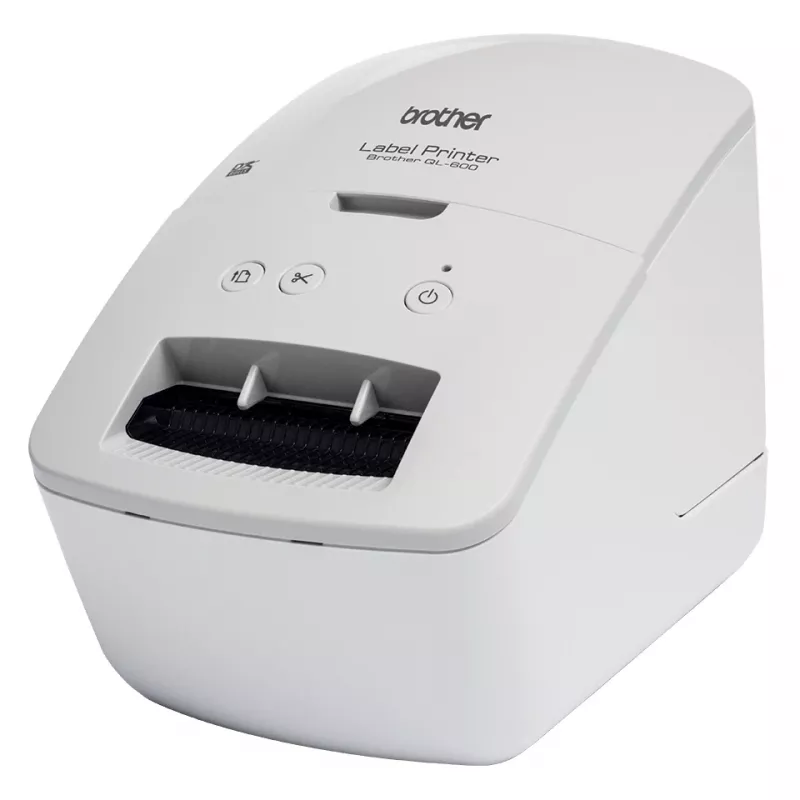
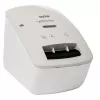
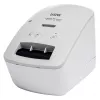
Brother QL-600G label printer Direct thermal Colour 300 x 600 DPI 71 mm/sec Wired & Wireless DK
Shipping & Returns


-90x90h.webp "Build-Your-Own Gaming PC — Ryzen 7 7700 + RTX 5070, 32GB DDR5 | DistriNode")


-90x90w.webp "DistriNode Ryzen 5 8500G Office PC (Radeon Integrated Graphics) — Build Your Own")
R19,377
Ex Tax:R16,850


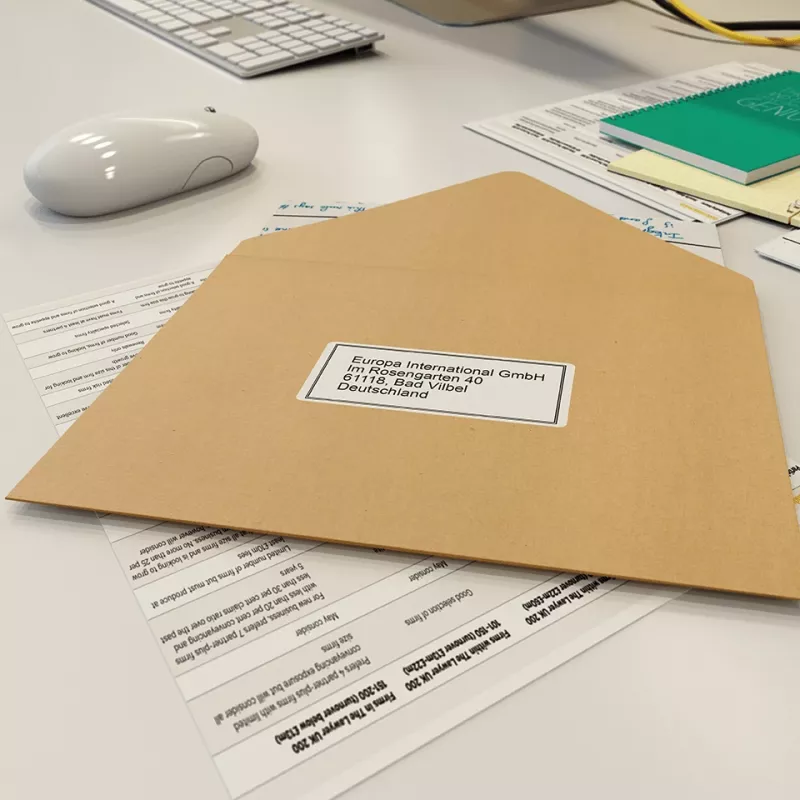
Find the latest prices on Rymans The smart, compact design of the QL-600G address label printer allows it to sit neatly on your desk, connected to your PC or Mac's USB interface. Using P-touch Editor label design software (available as a free download) you can add text, images, barcodes, frames and other items onto your labels before printing. Use the integrated cutter together with one of the continuous DK label rolls to create labels up to one metre in length - ideal for signs and banners. Or add to this a large range of various pre-sized die-cut label rolls, and you have the ideal postage or shipping label printer that can do so much more.
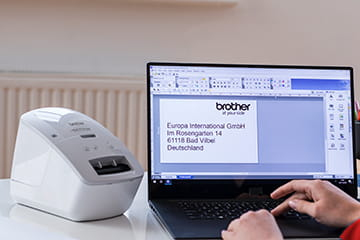
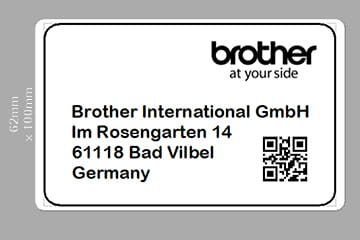
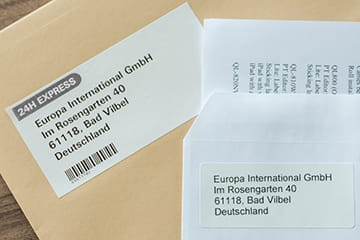

Address, signage and general label printing for your home or office
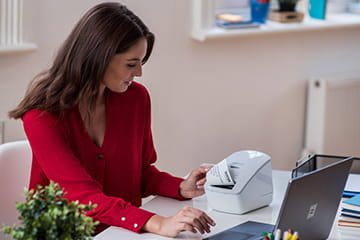
The Brother QL-600G is a compact label printer that once connected to your computer lets you design and print labels on demand, quickly and efficiently.
Choose the label size you need
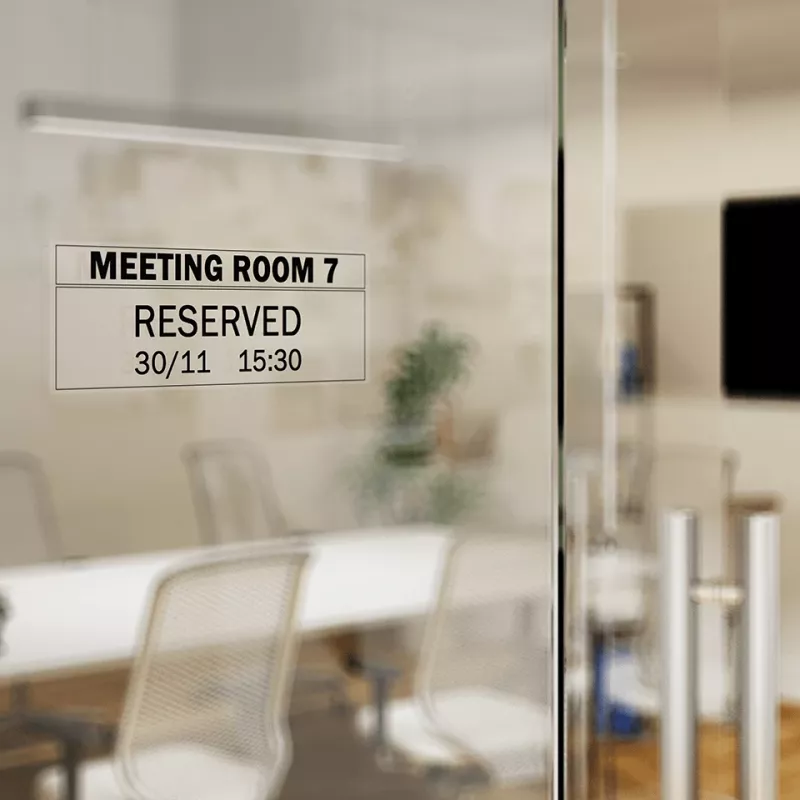
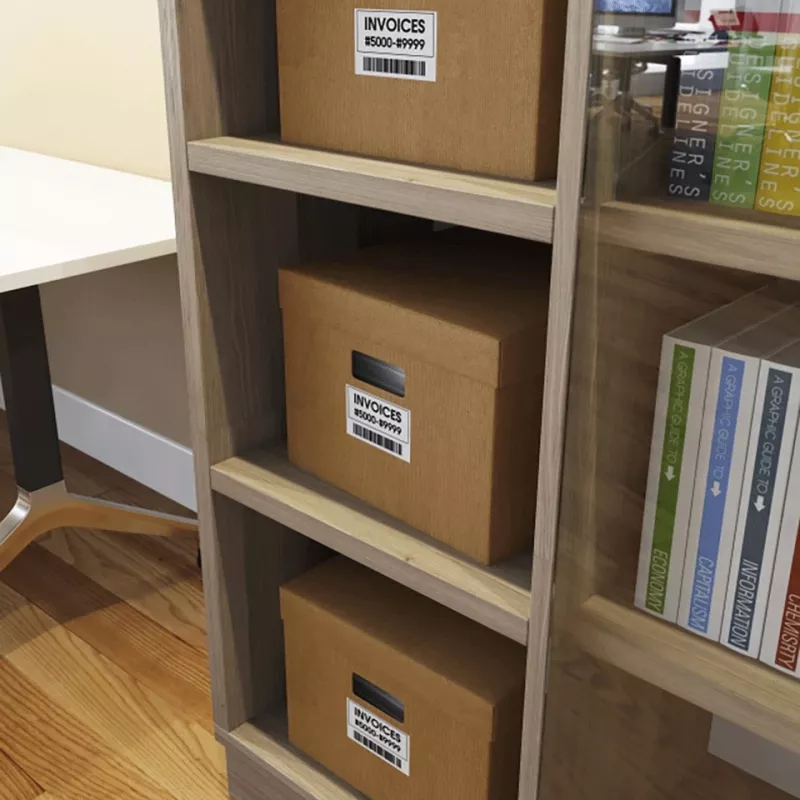
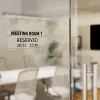
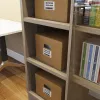
Every QL-600G label printer comes with a 62mm width continuous length label roll in the box. Brother's unique continuous roll technology allows you to print any sized label you need from one roll. From address labels, storage boxes and indoor signage, you can complete all your labelling requirements without the need for multiple rolls.
Free label editing software for Windows PC’s and Mac
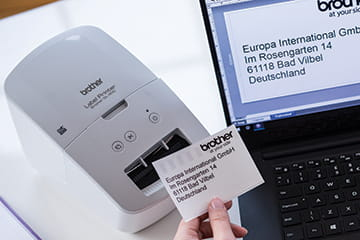
Brother's easy to use, free editing software, P-touch Editor, gives users the opportunity to fully customise their labels. Available on both Windows and MAC, you can import existing graphic files, use the enhanced symbols or clip-art files included to create logos or custom art.
Design your perfect label
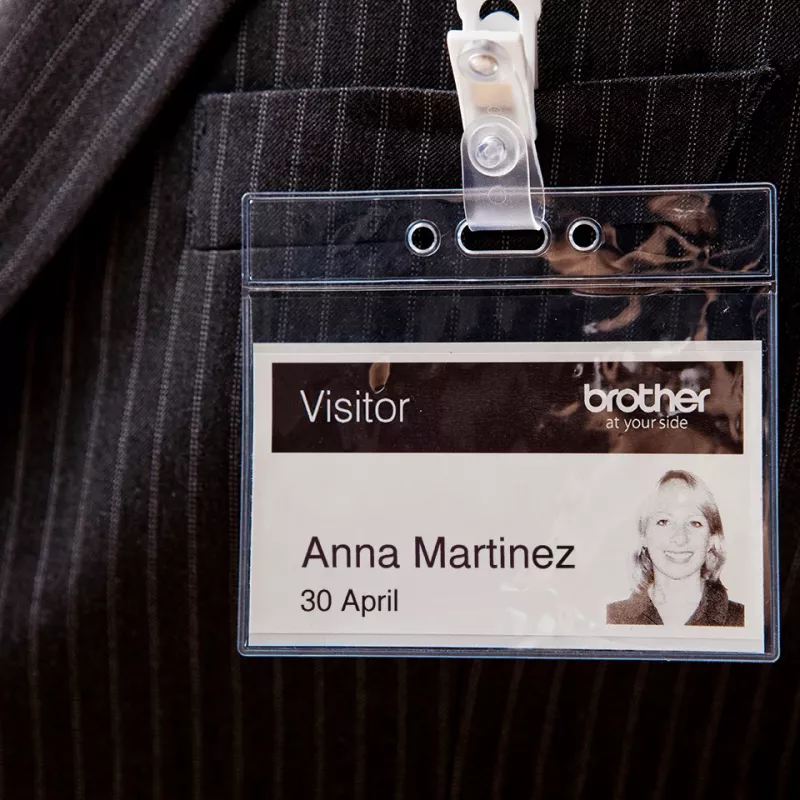
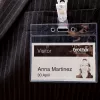
From a simple address label containing just text, you can then add images (such as a company logo), barcodes and frames. Use the fonts installed on your computer to create the exact label required.
Many different label sizes to choose from
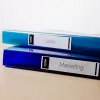
As well as a range of continuous length rolls that can be cut to your exact size requirement, there are also many popular sized die-cut labels available. These pre-sized labels have rounded corners and are quick and easy to peel, ideal for when a larger number of labels need to be printed and applied.
Change label rolls quickly and easily
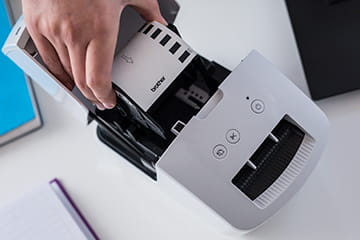
Unlike some other label printers on the market, all Brother DK label rolls are supplied on a label spindle. All you have to do is drop-in your roll, feed it into the printer then close the top cover. It takes just seconds and ensures the labels are installed correctly, every time.
Comes with a 3 year warranty as standard
The Brother QL-600G includes a three year return-to-base warranty as standard, ensuring that in the unlikely event of a fault developing you have the reassurance of a manufacturer's warranty to get you up and running again quickly.
How to use
Install the free P-touch Editor software on your Windows PC or Mac, connect the QL-600G to your computer, and design your label using available fonts, clip art or imported graphics. Open the top cover, drop in the DK roll on the spindle, feed the label into the printer and close the cover. Compose the label in the software, select the desired size on the continuous roll or choose a die-cut size, then send the job to print.
Recommendations
For consistent results use genuine Brother DK rolls and select the appropriate label width and resolution in the software. For frequent, high-volume applications consider using die-cut DK labels for faster peeling and application.
Popular products in this category
- Citizen CLS621IINEBXX Printer Black
- Brother PTP710BT label printer Thermal transfer 180 x 360 DPI 20 mm/sec Wired & Wireless TZe Bluetooth
- Epson CW-C4000e (mk) label printer Inkjet Colour 1200 x 1200 DPI 102 mm/sec Wired
- Brother TJ-4121TN label printer Thermal line 300 x 300 DPI Wired Ethernet LAN
- Niimbot B21 Pro Portable Label Printer (green)
- DYMO LetraTag 200B Bluetooth Label Maker | Compact Label Printer | Connects Through Bluetooth Wireless Technology to iOS and Android | Includes 1 White Paper Label Tape | Black
- Brother PT-E110 label printer Thermal transfer 180 x 180 DPI 20 mm/sec HGe/TZe QWERTY
- DYMO LabelManager ™ 280 QWERTZ Kitcase