





Account Contact
Your Cart
Pay on delivery – no extra fees
Need help? Ask our AI

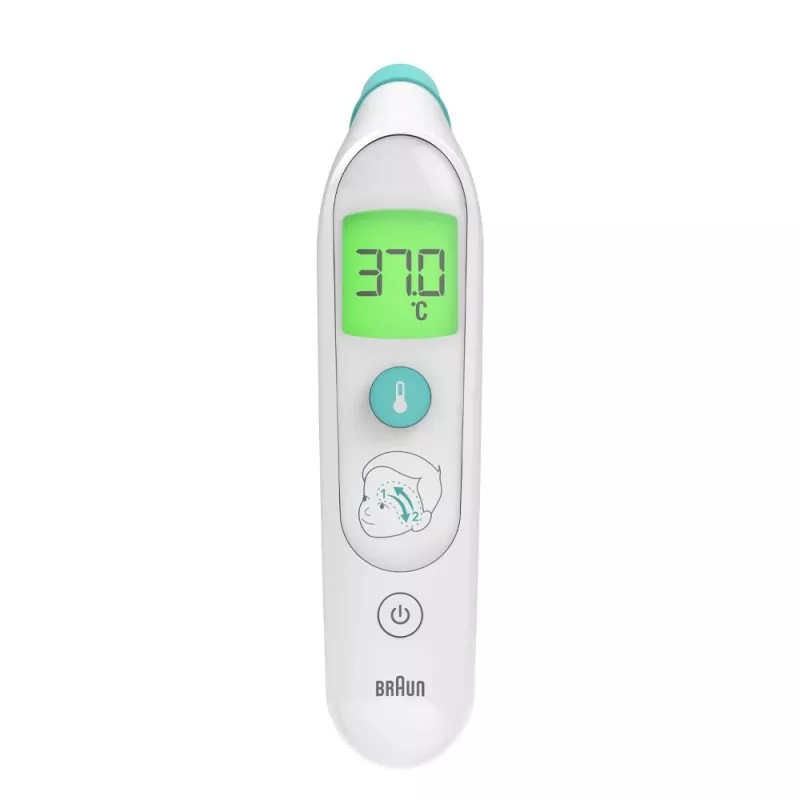
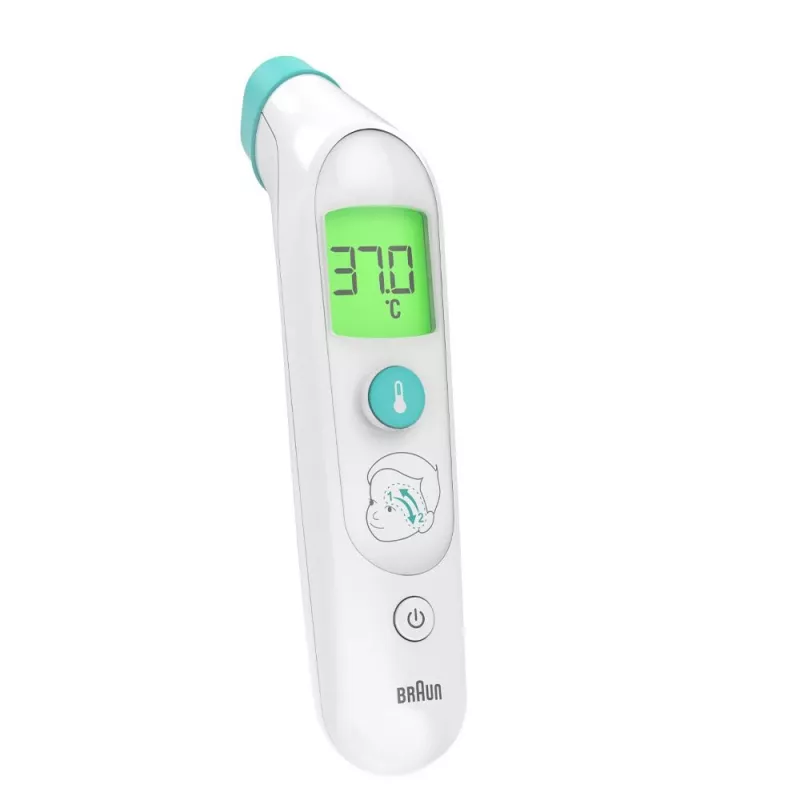
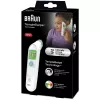
Braun BST200WE Remote sensing thermometer White Forehead Buttons

Braun BST200WE Remote sensing thermometer White Forehead Buttons
R900
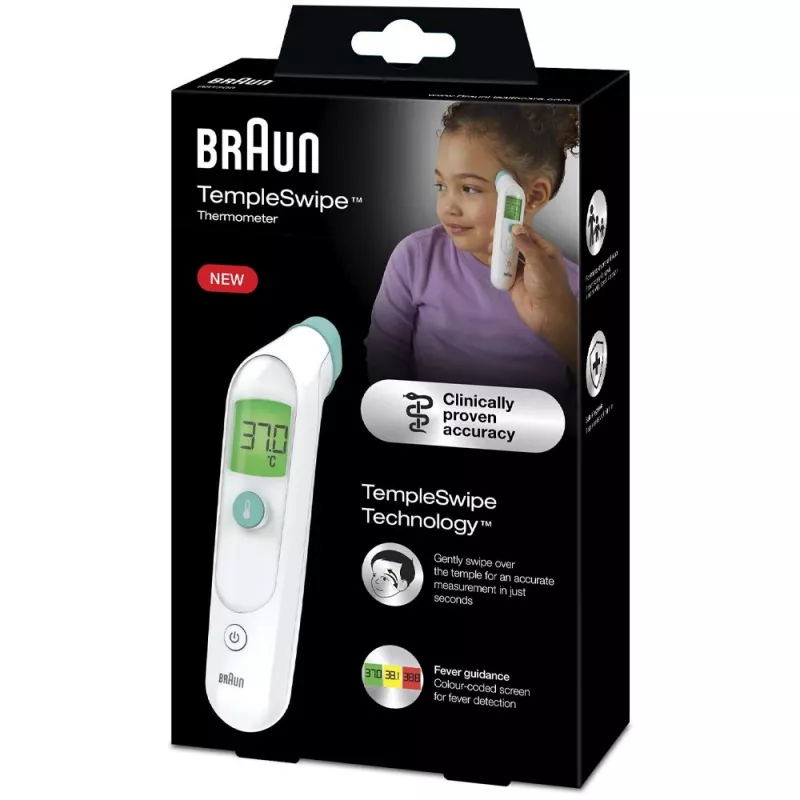
The Braun TempleSwipe™ thermometer measures body temperature by gently swiping the temporal area above the eyebrow. Using Braun TempleSwipe Technology™, the sensor captures multiple infrared heat points during a single swipe to determine an accurate temperature quickly. The device is designed for fa... Read More
Stock Out Of StockNo Stock Code 2399348 Brand BRAUN Model ST200WE Warranty 2 Years

Shipping & Returns

The Braun TempleSwipe™ thermometer measures body temperature by gently swiping the temporal area above the eyebrow. Using Braun TempleSwipe Technology™, the sensor captures multiple infrared heat points during a single swipe to determine an accurate temperature quickly. The device is designed for fast, hygienic and simple use, suitable for the whole family including newborns. The display provides colour-coded fever guidance (green, yellow, red) for immediate interpretation of results.

Advantages

TempleSwipe Technology™ provides a precise reading from the temporal artery with a single swipe. The method is non-invasive and comfortable for children and adults. Colour-coded fever indication simplifies result interpretation. The thermometer is fast and easy to operate, with hygienic use thanks to a removable protective cap.

Key specifications

  • Measurement method: temporal artery swipe
  • Technology: Braun TempleSwipe Technology™ (multiple infrared points)
  • Result display: colour-coded (green, yellow, red)
  • Suitable for: whole family, including newborns
  • Operation: place above eyebrow, press button, swipe to ear and back until long beep
  • Hygiene: removable protective cap

How to use

Remove the protective cap and place the thermometer against the skin just above the eyebrow. Press the temperature button to start. Keeping skin contact, slowly swipe the thermometer down the temple toward the ear and back to the eyebrow in one smooth motion until a long beep indicates the measurement is complete. Read the temperature and interpret it using the colour-coded display.

Recommendations

For consistent results, ensure the skin is dry and free from cosmetics or heavy sweat. Maintain contact during the swipe and follow the long beep before removing the device. Replace the protective cap after use to keep the sensor clean.
Key Highlights
  • TempleSwipe Technology™: Gently swipe over the temple for an accurate measurement in just seconds
  • Colour-coded fever guidance
  • Fast, gentle and easy to use
  • Clinically-proven accuracy
  • Safe and hygienic
  • Suitable for all ages: infants, children and adults
  • TempleSwipe Technology™
Specifications
Batteries included
Yes
Battery type
AA
Compliance certificates
CE
Control type
Buttons
Depth
51 mm
Height
216 mm
Manual
Yes
Number of batteries supported
2
Product colour
White
Sustainability compliance
Yes
Thermometer location
Forehead
Type
Remote sensing thermometer
Units of measurement
°C
Weight
310 g
Width
137 mm

Leaflet

Open Leaflet
Price history is not available yet
We are still collecting enough daily price data for this product.

Popular products in this category

WhatsApp
Hi, I’m DistriNode’s AI assistant. I can help you find products, compare options, create quote PDFs, or open support requests.