Account Contact
Your Cart
Pay the courier with no extra fees.
Need help? DistriNode AI can handle any task on our site.

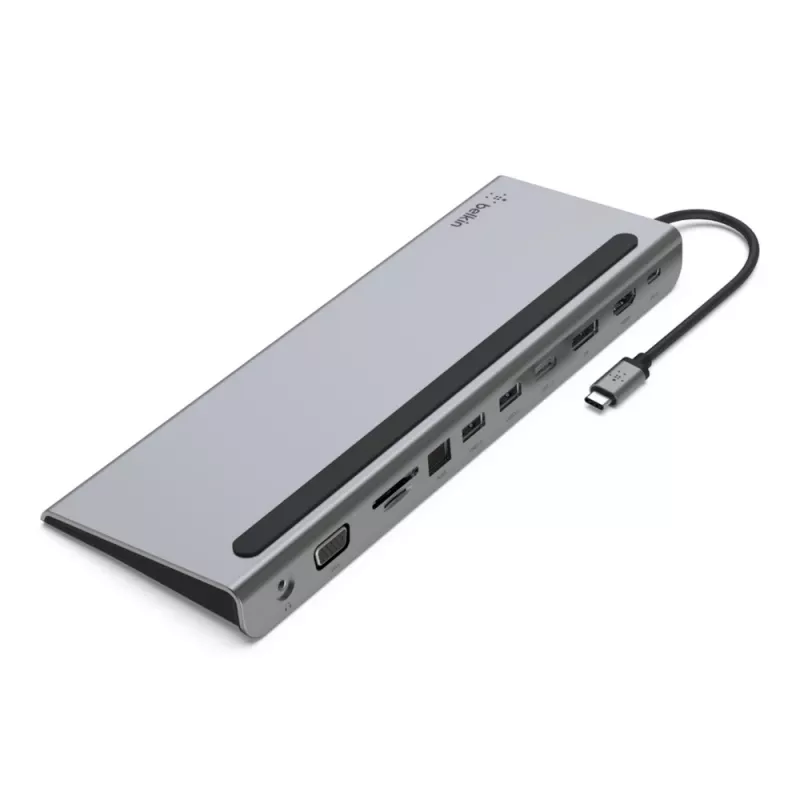
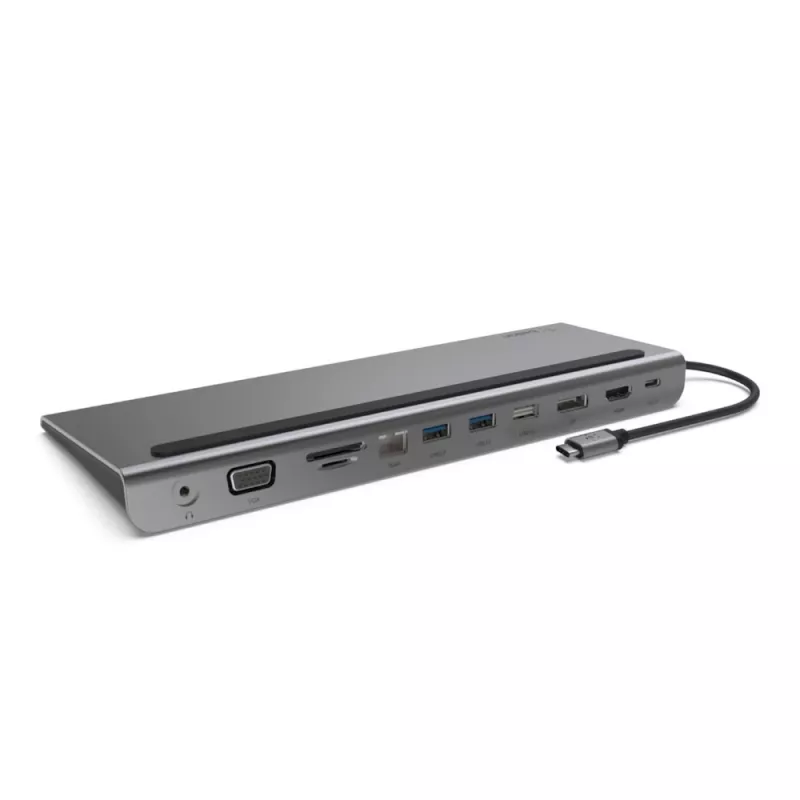
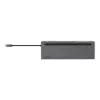
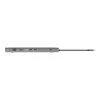
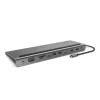
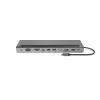
BELKIN USB-c 11-in-1 Multiport Dock

BELKIN USB-c 11-in-1 Multiport Dock
R2,566
Turn your USB-C laptop into a full-featured workstation with the Belkin INC004BTSGY USB-C 11-in-1 Multiport Dock. This compact dock restores a wide range of ports removed from modern laptops, offering wired connectivity, support for MicroSD and SD cards, HDMI, DisplayPort and VGA video outputs, Giga... Read More
Stock 7 Code 119877 Brand Belkin Model INC004BTSGY Warranty 2 Years

Shipping & Returns

Estimated delivery Friday, October 9
You will be kept updated through our detailed tracking system
Payment options
EFTPayFastBank CardSnapScanZapperGoogle PayApple PayMobicredMoreTymePay on Arrival

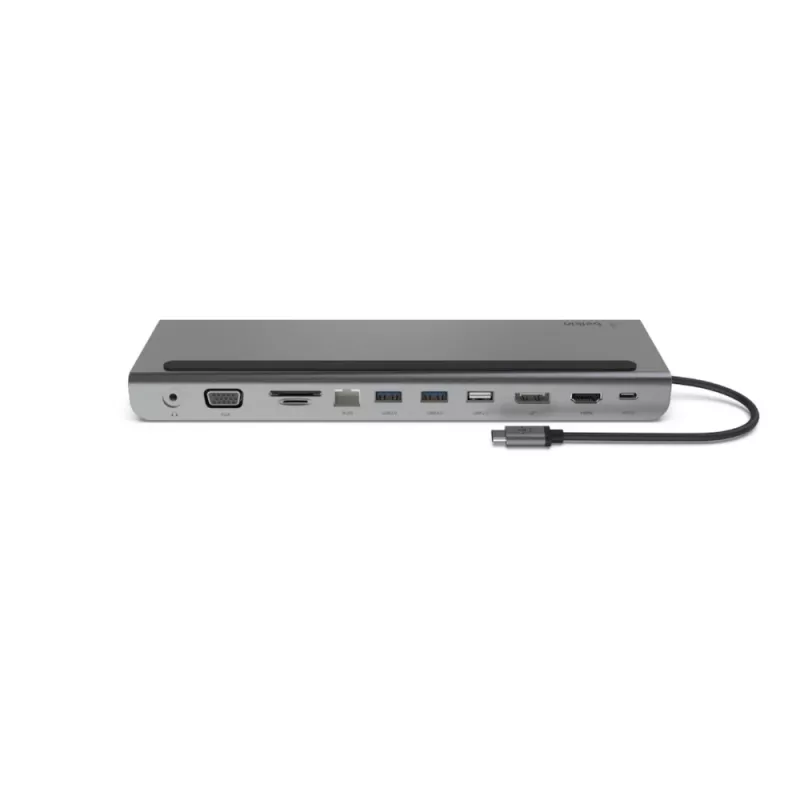
Turn your USB-C laptop into a full-featured workstation with the Belkin INC004BTSGY USB-C 11-in-1 Multiport Dock. This compact dock restores a wide range of ports removed from modern laptops, offering wired connectivity, support for MicroSD and SD cards, HDMI, DisplayPort and VGA video outputs, Gigabit Ethernet and multiple USB ports while delivering up to 100W pass-through charging and data transfer up to 5 Gbps.

Advantages

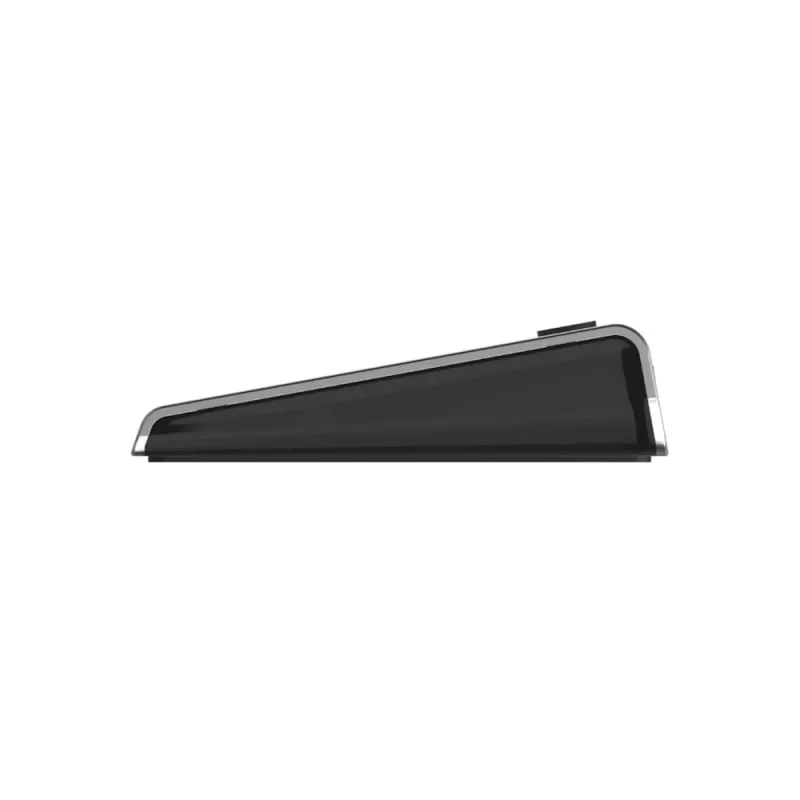
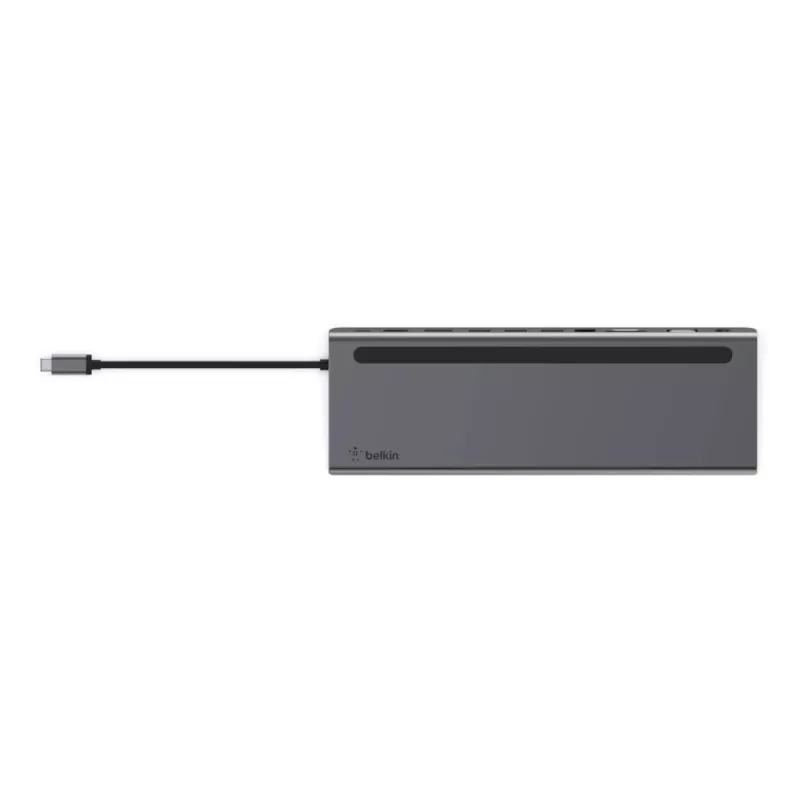
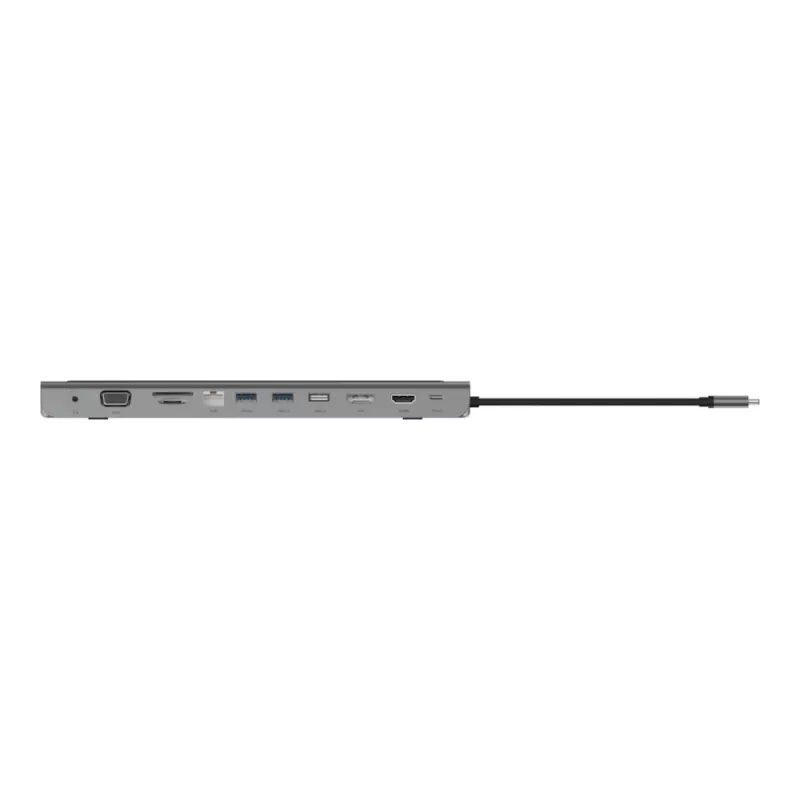
The Belkin INC004BTSGY provides up to 100W pass-through charging so you can charge your laptop while using connected peripherals. It supports up to 5 Gbps data transfer for fast file access between drives and the host PC. Multiple video outputs (HDMI, DisplayPort and VGA) allow connecting high-definition displays, and the Gigabit Ethernet port ensures reliable wired network access. The dock includes SD and MicroSD card slots and several USB ports to expand connectivity in a compact grey and black enclosure.

Suitable for

  • Expanding ports on USB-C laptops for home or office use
  • Connecting external monitors (HDMI, DisplayPort, VGA) for presentations or multi-screen setups
  • Fast wired network access via Gigabit Ethernet
  • Transferring files from SD or MicroSD cards and USB drives
  • Charging the laptop while using multiple peripherals (pass-through up to 100W)

Key specifications

  • Model: Belkin INC004BTSGY
  • Interfaces: USB 3.2 Gen 1 Type-C (host), 2 × USB-A (3.2 Gen 1), 1 × USB-A (2.0), HDMI ×1, VGA ×1, DisplayPort ×1, SD & MicroSD card slots, RJ-45 Gigabit Ethernet
  • Power delivery: Pass-through charging up to 100W
  • Data transfer rate: Up to 5 Gbps
  • Ethernet speed: 1000 Mbit/s (Gigabit Ethernet)
  • Dimensions: 260 × 23 × 90 mm
  • Weight: 0.3488 kg
  • Colour: Grey, Black

How to use

Connect the dock to your laptop using the USB-C host cable. Plug an external monitor into HDMI, DisplayPort or VGA depending on the display supported. Insert SD or MicroSD cards into the appropriate slots and connect USB drives to the available USB-A ports. Connect the Ethernet cable to the RJ-45 port for wired network access. If required, connect your laptop charger to the dock’s USB-C power-in port to enable pass-through charging up to 100W while peripherals are in use.

Recommendations

For best results, use a laptop USB-C port that supports DisplayPort Alt Mode and Power Delivery. When connecting multiple high-resolution displays or power-hungry peripherals, ensure your laptop charger provides sufficient wattage to maintain charging while under load.
Key Highlights
  • Expanding ports on USB-C laptops for home or office use
  • Connecting external monitors (HDMI, DisplayPort, VGA) for presentations or multi-screen setups
  • Fast wired network access via Gigabit Ethernet
  • Transferring files from SD or MicroSD cards and USB drives
  • Charging the laptop while using multiple peripherals (pass-through up to 100W)
  • Model: Belkin INC004BTSGY
  • Interfaces: USB 3.2 Gen 1 Type-C (host), 2 × USB-A (3.2 Gen 1), 1 × USB-A (2.0), HDMI ×1, VGA ×1, DisplayPort ×1, SD & MicroSD card slots, RJ-45 Gigabit Ethernet
  • Power delivery: Pass-through charging up to 100W
  • Data transfer rate: Up to 5 Gbps
  • Ethernet speed: 1000 Mbit/s (Gigabit Ethernet)
  • Dimensions: 260 × 23 × 90 mm
  • Weight: 0.3488 kg
  • Colour: Grey, Black
Specifications
Card reader integrated
Yes
Compatibility
Acer Chromebook ASUS Chromebook Dell XPS 15" Google Pixelbook HP Envy 360 iPad 3rd gen iPad 4th gen iPad mini 6th Gen Lenovo Chromebook MacBook Air 13" (2018) Macbook Pro 15" (2016) MacBook Pro 15" (2017) MacBook Pro 15" (2018) MacBook Pro 16" (2019) Portege X20W-E Portege X30-E Surface Book 2 Surface Pro 3 Surface Pro X ThinkPad X1 Carbon Yoga 730 Yoga 920
Compatible memory cards
MicroSD (TransFlash), SD
Connectivity technology
Wired
Data transfer rate
5 Gbit/s
Depth
23 mm
DisplayPort version
1.2
DisplayPorts quantity
1
Ethernet LAN
Yes
Ethernet LAN (RJ-45) ports
1
Ethernet LAN data rates
1000 Mbit/s
Harmonized System (HS) code
84733020
HDMI ports quantity
1
HDMI version
1.4
Headphone connectivity
3.5 mm
Headphone outputs
1
Height
90 mm
Host interface
USB 3.2 Gen 1 (3.1 Gen 1) Type-C
Maximum refresh rate
60 Hz
Number of displays supported
3
Power connector
USB Type-C
Power source type
USB
Product colour
Black, Grey
Quantity per pack
1 pc(s)
USB 2.0 ports quantity
1
USB 3.2 Gen 1 (3.1 Gen 1) Type-A ports quantity
2
USB 3.2 Gen 1 (3.1 Gen 1) Type-C ports quantity
1
USB cable length
0.162 m
USB Power Delivery
Yes
USB Power Delivery up to
100 W
VGA (D-Sub) ports quantity
1
Weight
348.8 g
Width
260 mm
Price history over the last 6 months
BELKIN USB-c 11-in-1 Multiport Dock
Current
R2,566
Lowest
R1,711
Highest
R3,240
Change 24H
+R149   +6%
Week
+R57   +2%
Month
+R45   +2%

Popular products in this category

WhatsApp
Hi, I’m DistriNode’s AI assistant. I can help you find products, compare options, create quote PDFs, or open support requests.