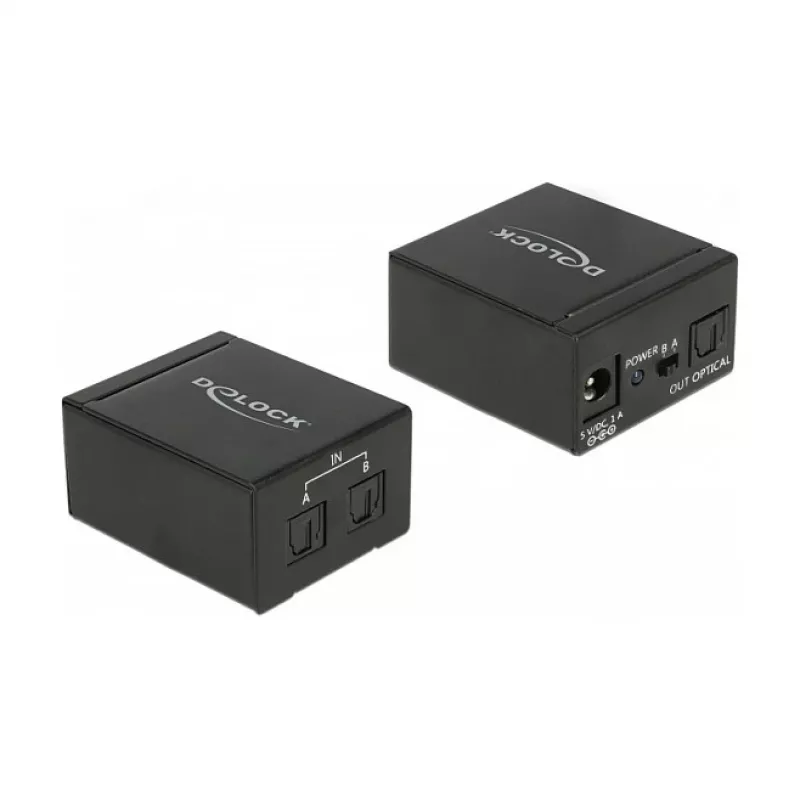
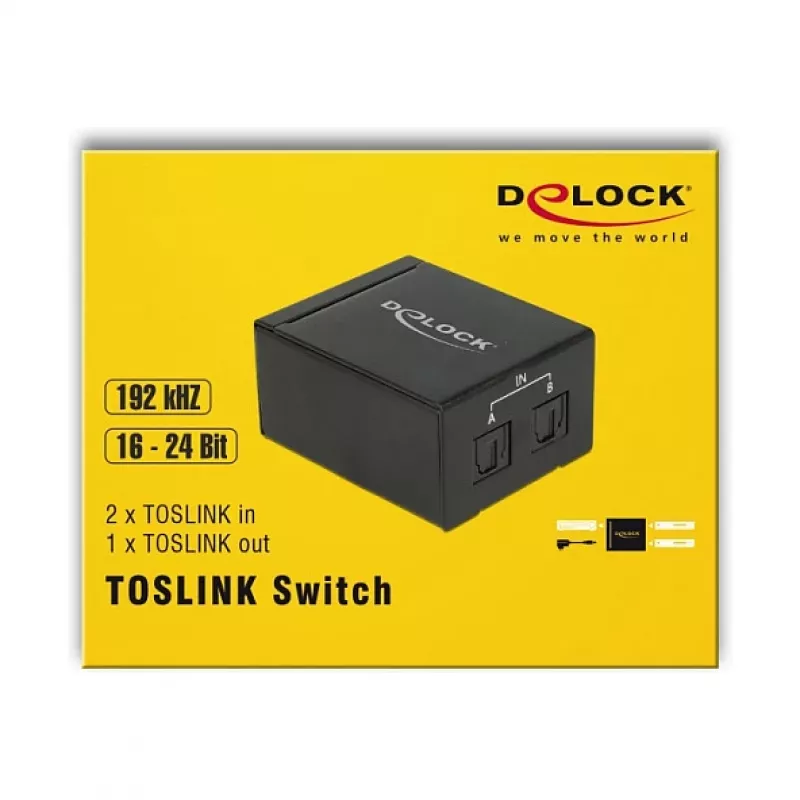
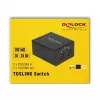
The DeLOCK 18767 audio switch lets you connect up to two TOSLINK (optical) source devices to a single TOSLINK amplifier or receiver and switch between them using the button on the unit. The compact black housing (41 × 50 × 21 mm) and support for Toslink input and output make it suitable for simple d... Read More
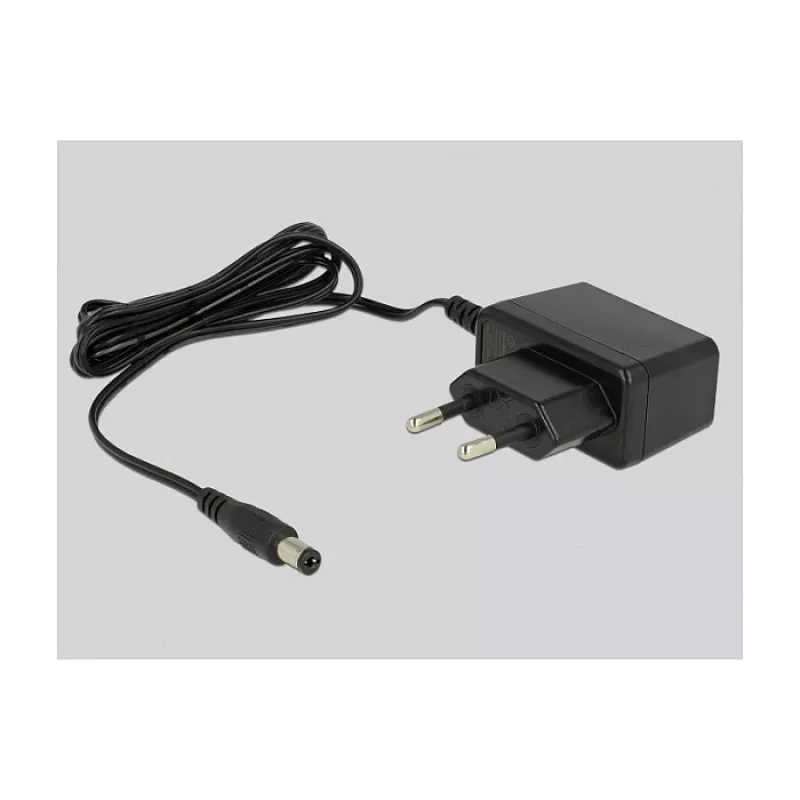
The DeLOCK 18767 audio switch lets you connect up to two TOSLINK (optical) source devices to a single TOSLINK amplifier or receiver and switch between them using the button on the unit. The compact black housing (41 × 50 × 21 mm) and support for Toslink input and output make it suitable for simple digital audio setups that require two inputs and one optical output. The device accepts AC 100–240 V, 50–60 Hz and provides a 5 V output for its operation.
Advantages
The switch supports two optical input channels and one optical output, enabling seamless switching between sources without replugging cables. Its small footprint and black finish allow easy placement in home or office audio systems. Standard AC power compatibility ensures use in different regions.
Suitable for
Connecting two TOSLINK audio sources to one TOSLINK amplifier or soundbar
Home theater setups with limited optical inputs
Desk or small-room audio installations requiring simple source switching
Key specifications
Brand: DELOCK
Model: 18767
Inputs: 2 × TOSLINK (optical)
Output: 1 × TOSLINK (optical)
Audio channels: supports up to 5.1 output
Dimensions: 41 × 50 × 21 mm
Colour: Black
Power: AC 100–240 V, 50–60 Hz input; 5 V output
MPN: 18767
EAN: 4043619187676
How to use
Connect up to two Toslink sources to the device’s input ports and connect the output port to the TOSLINK input of your amplifier or soundbar. Plug the unit into mains power. Use the button on the device to switch between the connected optical sources; the active input is selected each time the button is pressed.
Recommendations
Place the switch close to the amplifier to avoid long optical cable runs. Ensure connectors are clean and aligned when inserting Toslink plugs to maintain optimal signal quality.
Key Highlights
Connecting two TOSLINK audio sources to one TOSLINK amplifier or soundbar
Home theater setups with limited optical inputs
Desk or small-room audio installations requiring simple source switching



-90x90h.webp "Build-Your-Own Gaming PC — Ryzen 7 7700 + RTX 5070, 32GB DDR5 | DistriNode")


