Account Contact
Your Cart
Pay the courier with no extra fees.
Need help? DistriNode AI can handle any task on our site.

Addressing label Sigel LA315

Addressing label Sigel LA315
R563
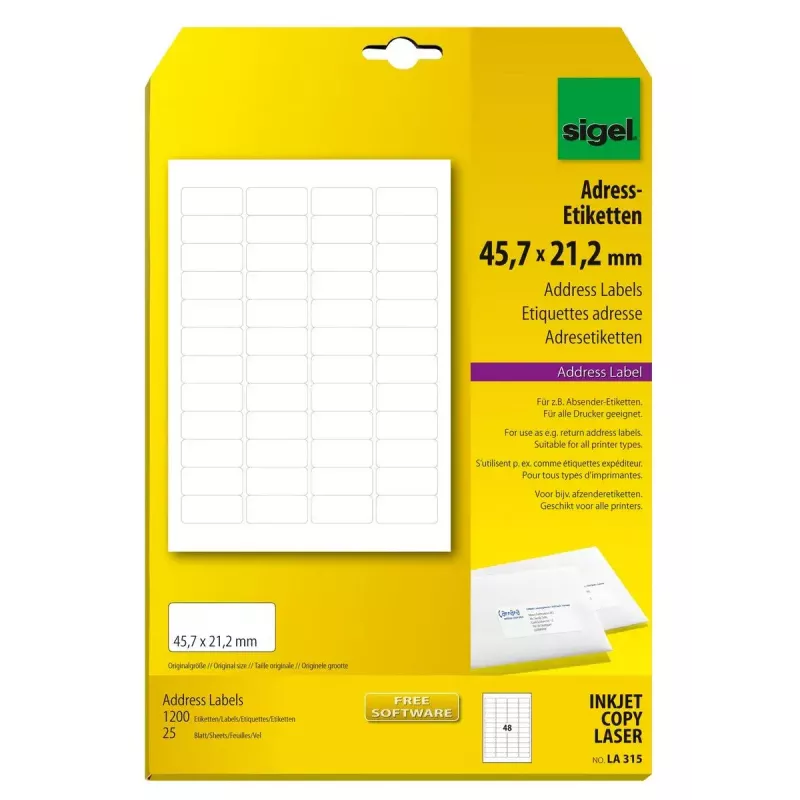
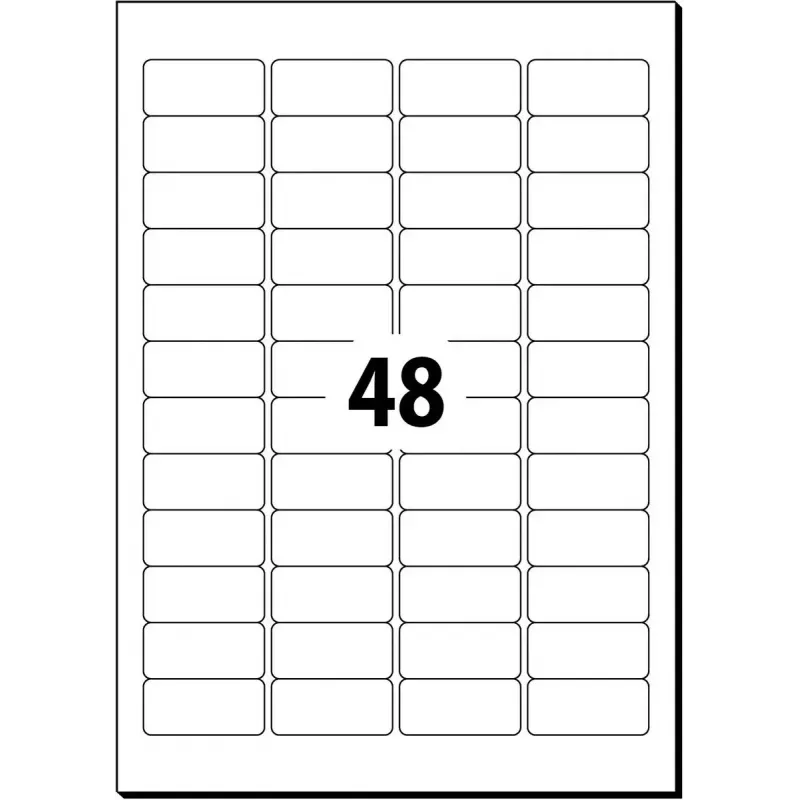
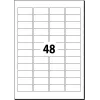
The Sigel LA315 addressing label is a sheet label designed for both laser and inkjet printers. Each label has a rounded rectangle shape and measures 4.57 cm x 2.12 cm, arranged as 48 labels per A4 sheet. The pack contains 25 sheets, providing a total of 1,200 labels suitable for addressing, organizi... Read More
Stock 31 Code 1499605 Brand SIGEL Model LA315 Warranty 2 Years

Shipping & Returns

Estimated delivery Tuesday, October 6
You will be kept updated through our detailed tracking system
Payment options
EFTPayFastBank CardSnapScanZapperGoogle PayApple PayMobicredMoreTymePay on Arrival

The Sigel LA315 addressing label is a sheet label designed for both laser and inkjet printers. Each label has a rounded rectangle shape and measures 4.57 cm x 2.12 cm, arranged as 48 labels per A4 sheet. The pack contains 25 sheets, providing a total of 1,200 labels suitable for addressing, organizing files, creating name tags, and marking small items with a clear, consistent look.

Advantages

These addressing labels are compatible with most laser and inkjet printers, enabling fast printing of multiple labels in one pass. The rounded rectangle design provides a tidy, professional appearance, while the precise dimensions support template-based printing for consistent alignment. With 48 labels per sheet and 25 sheets per pack, the product delivers a high label count for repetitive tasks and reduces the need for frequent reordering.

Suitable for (tasks / use cases)

  • Mailing and addressing envelopes
  • Labeling folders and documents for office organization
  • Creating small product or price labels
  • Name tags for events and meetings
  • Marking storage boxes and personal items

Key specifications

  • Label shape: rounded rectangle
  • Single label dimensions: 4.57 cm x 2.12 cm
  • Labels per sheet: 48
  • Sheets per pack: 25
  • Total labels per pack: 1,200
  • Printer compatibility: laser and inkjet

How to use

Choose or create a label template matching the label dimensions and layout (48 per A4 sheet) in your word processor or label-design software. Load the sheet into your laser or inkjet printer according to the printer manufacturer's instructions for labelled media, ensuring correct paper orientation and tray selection. Print a test sheet on plain paper to confirm alignment, then print onto the label sheets. After printing, peel labels from the backing and apply to clean, dry surfaces, pressing firmly to ensure adhesion.

Recommendations

For best results, store label sheets flat in a dry environment and avoid exposure to high humidity or extreme temperatures. Use printer settings for label or heavy paper and allow printed labels to dry before stacking. When printing variable data or barcodes, verify readability after printing and adjust print density if necessary.

Key Highlights
  • Mailing and addressing envelopes
  • Labeling folders and documents for office organization
  • Creating small product or price labels
  • Name tags for events and meetings
  • Marking storage boxes and personal items
  • Label shape: rounded rectangle
  • Single label dimensions: 4.57 cm x 2.12 cm
  • Labels per sheet: 48
  • Sheets per pack: 25
  • Total labels per pack: 1,200
  • Printer compatibility: laser and inkjet
Specifications
Format
A4
Label height
21.2 mm
Label width
45.7 mm
Labels per pack
1200 pc(s)
Labels per sheet
48 pc(s)
Media sheets per package
25 sheets
Print technology
Laser/Inkjet
Product colour
White
Shape
Rounded rectangle
Price history over the last 6 months
Addressing label Sigel LA315
Current
R563
Lowest
R552
Highest
R791
Change 24H
+R9   +2%
Week
-R203   -27%
Month
-R206   -27%

Popular products in this category

WhatsApp
Hi, I’m DistriNode’s AI assistant. I can help you find products, compare options, create quote PDFs, or open support requests.