Account Contact
Your Cart
Pay the courier with no extra fees.
Need help? DistriNode AI can handle any task on our site.

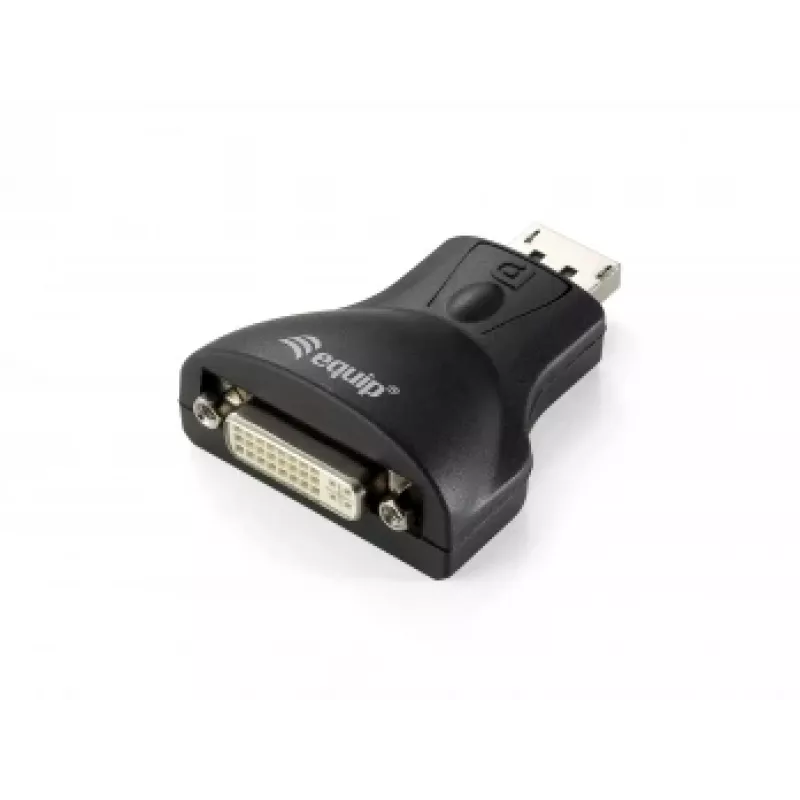
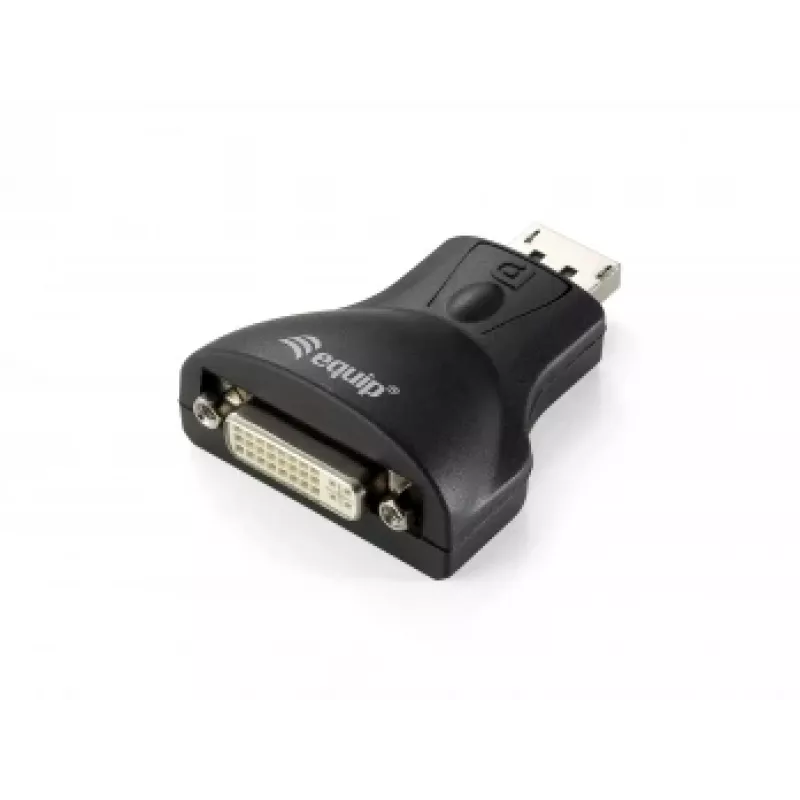
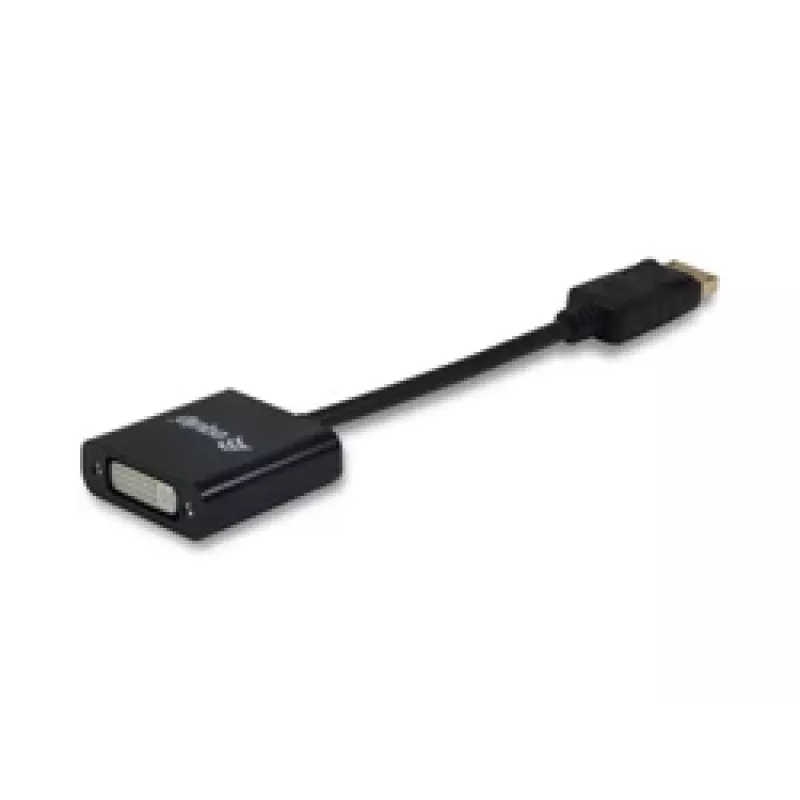
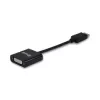
Adapter DisplayPort to DVI-I Dual Link Equip 133431

Adapter DisplayPort to DVI-I Dual Link Equip 133431
R376
The equip® DisplayPort to DVI-I Dual Link Adapter (model 133431) provides an economical solution for connecting DisplayPort-equipped devices such as PCs and laptops to DVI-I displays. Constructed from quality materials, the compact adapter (0.2 m cable, 45 mm × 16 mm housing, 38 g) offers a simple w... Read More
Stock 500 Code 91496 Brand EQUIP Model 133431 Warranty 2 Years

Shipping & Returns

Estimated delivery Thursday, October 1
You will be kept updated through our detailed tracking system
Payment options
EFTPayFastBank CardSnapScanZapperGoogle PayApple PayMobicredMoreTymePay on Arrival

The equip® DisplayPort to DVI-I Dual Link Adapter (model 133431) provides an economical solution for connecting DisplayPort-equipped devices such as PCs and laptops to DVI-I displays. Constructed from quality materials, the compact adapter (0.2 m cable, 45 mm × 16 mm housing, 38 g) offers a simple wired interface conversion while remaining lightweight and portable.

Advantages

This adapter supports DisplayPort-to-DVI-I Dual Link conversion without requiring changes to your existing monitor. Its small size and low weight make it easy to carry and install. The adapter has a DisplayPort connector on one end and a DVI connector on the other, providing a straightforward, passive solution for compatible devices.

Suitable for

  • Connecting a DisplayPort-equipped PC or laptop to a DVI-I monitor
  • Using an existing DVI-I display with modern DisplayPort sources
  • Temporary setups, meetings, or mobile work where compact adapters are needed

Key specifications

  • Brand: EQUIP
  • Model (MPN): 133431
  • EAN: 4015867153123
  • Connector 1: DisplayPort
  • Connector 2: DVI-I (Dual Link)
  • Cable length: 0.2 m
  • Dimensions: 45 mm (W) × 16 mm (D)
  • Weight: 0.038 kg
  • Colour: Black

How to use

Plug the DisplayPort end into the source device (PC or laptop) and connect the DVI-I end to the display. Ensure both devices are powered on and set the display input to the DVI source if necessary. This passive adapter converts the physical interface; if your DisplayPort output does not supply the required signal for DVI-I, a powered converter may be required.

Recommendations

Use this adapter for direct DisplayPort-to-DVI-I connections where the source supports DVI signalling over DisplayPort. For resolutions or setups that require active conversion, choose an active DisplayPort-to-DVI converter to ensure compatibility.
Key Highlights
  • Connecting a DisplayPort-equipped PC or laptop to a DVI-I monitor
  • Using an existing DVI-I display with modern DisplayPort sources
  • Temporary setups, meetings, or mobile work where compact adapters are needed
  • Brand: EQUIP
  • Model (MPN): 133431
  • EAN: 4015867153123
  • Connector 1: DisplayPort
  • Connector 2: DVI-I (Dual Link)
  • Cable length: 0.2 m
  • Dimensions: 45 mm (W) × 16 mm (D)
  • Weight: 0.038 kg
  • Colour: Black
Specifications
Cable length
0.2 m
Connector 1
DisplayPort
Connector 1 gender
Male
Connector 2
DVI
Connector 2 gender
Female
Depth
16 mm
Harmonized System (HS) code
84733080
Height
250 mm
Maximum resolution
1920 x 1080 pixels
Package depth
26 mm
Package height
190 mm
Package weight
65 g
Package width
90 mm
Product colour
Black
Weight
38 g
Width
45 mm

Leaflet

Open Leaflet

Leaflet

Open Leaflet
Price history over the last 6 months
Adapter DisplayPort to DVI-I Dual Link Equip 133431
Current
R376
Lowest
R198
Highest
R376
Change 24H
+R24   +7%
Week
+R28   +8%
Month
+R36   +11%

Popular products in this category

WhatsApp
Hi, I’m DistriNode’s AI assistant. I can help you find products, compare options, create quote PDFs, or open support requests.