Account Contact
Your Cart
Pay the courier with no extra fees.
Need help? DistriNode AI can handle any task on our site.

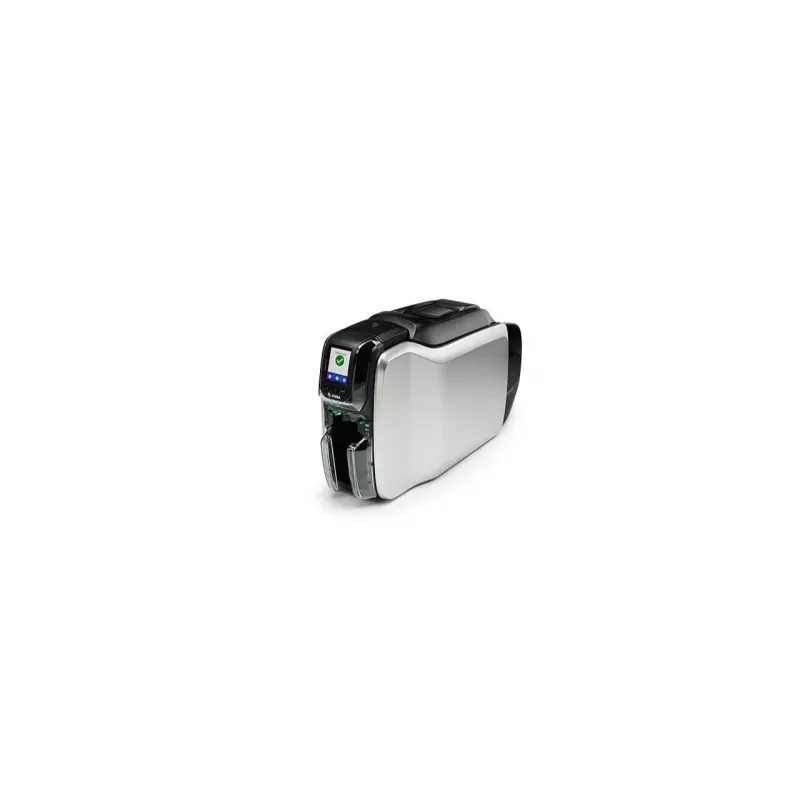
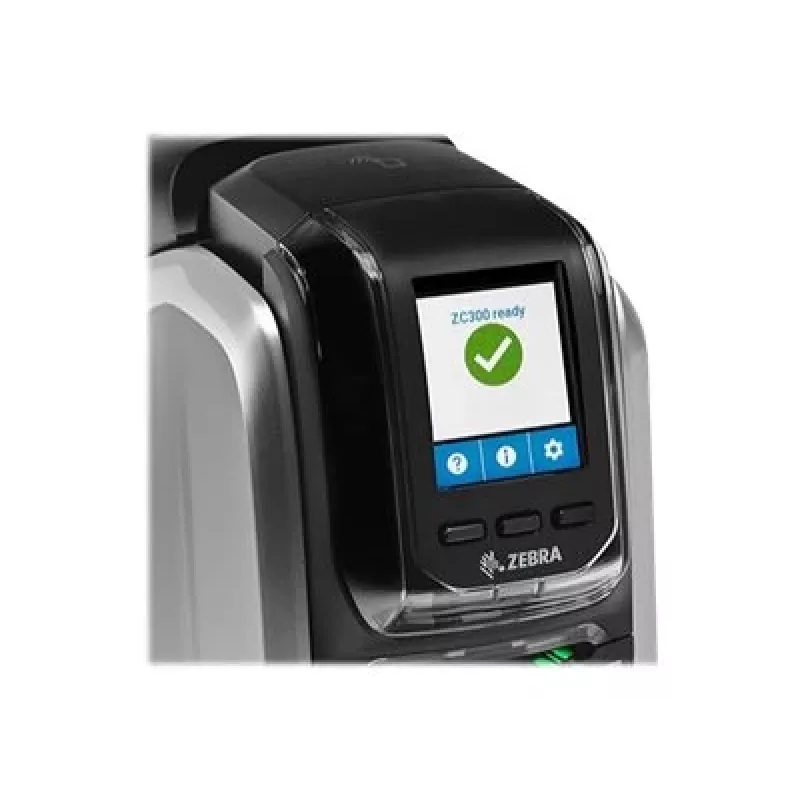
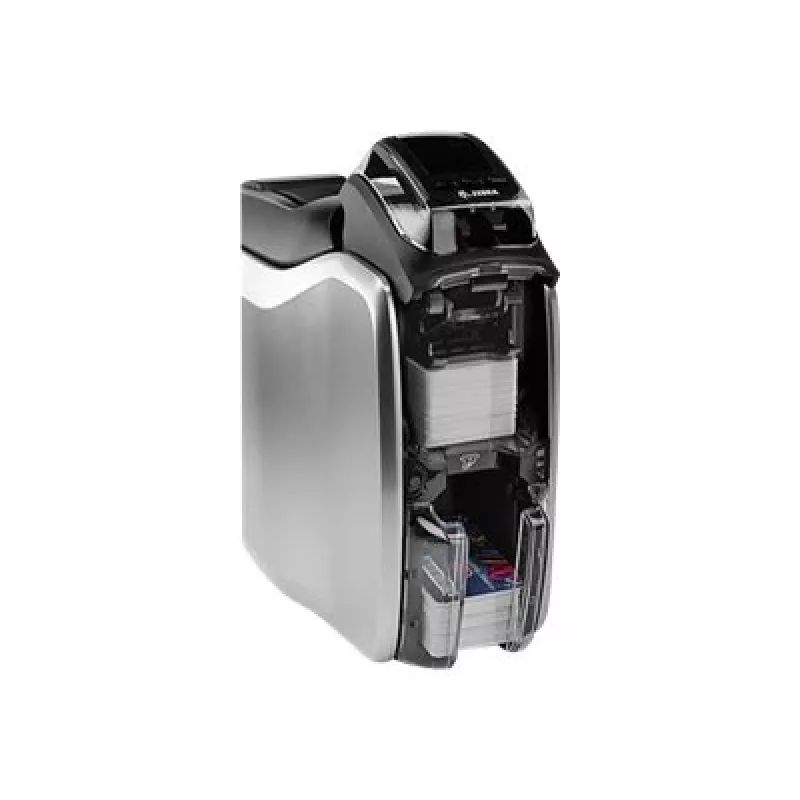
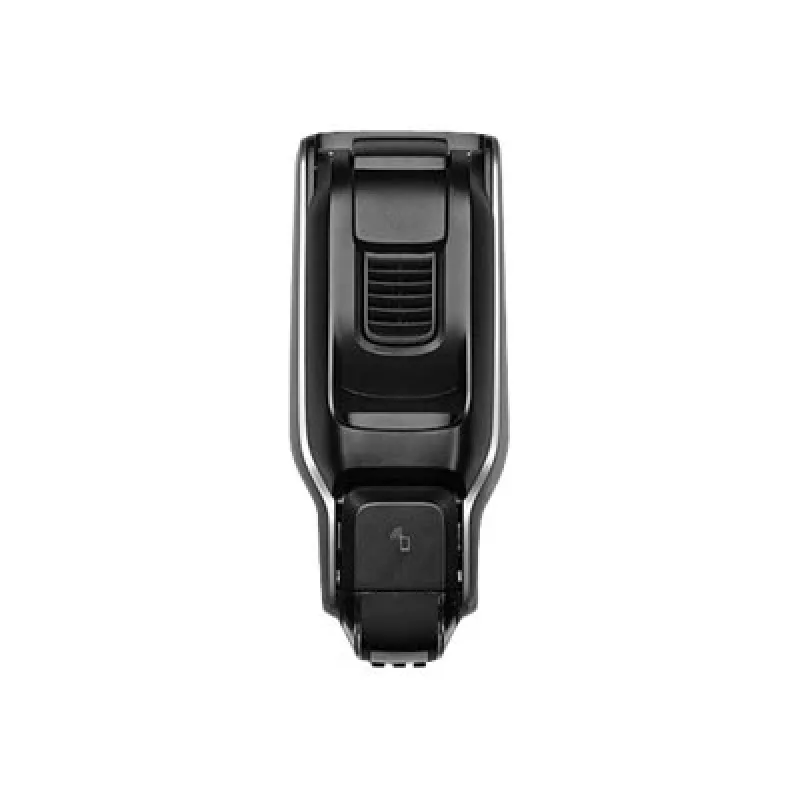
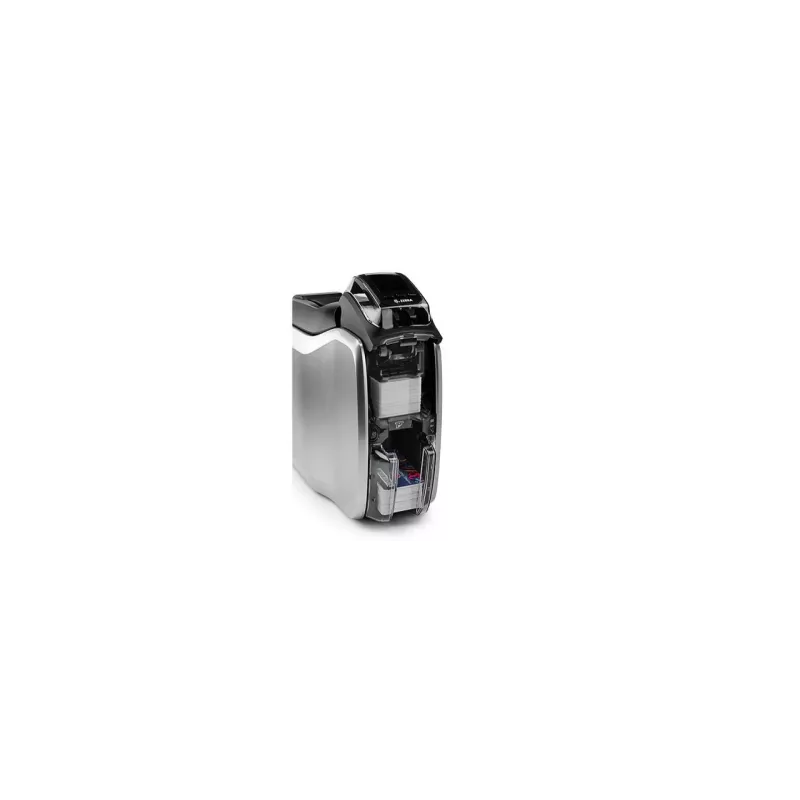
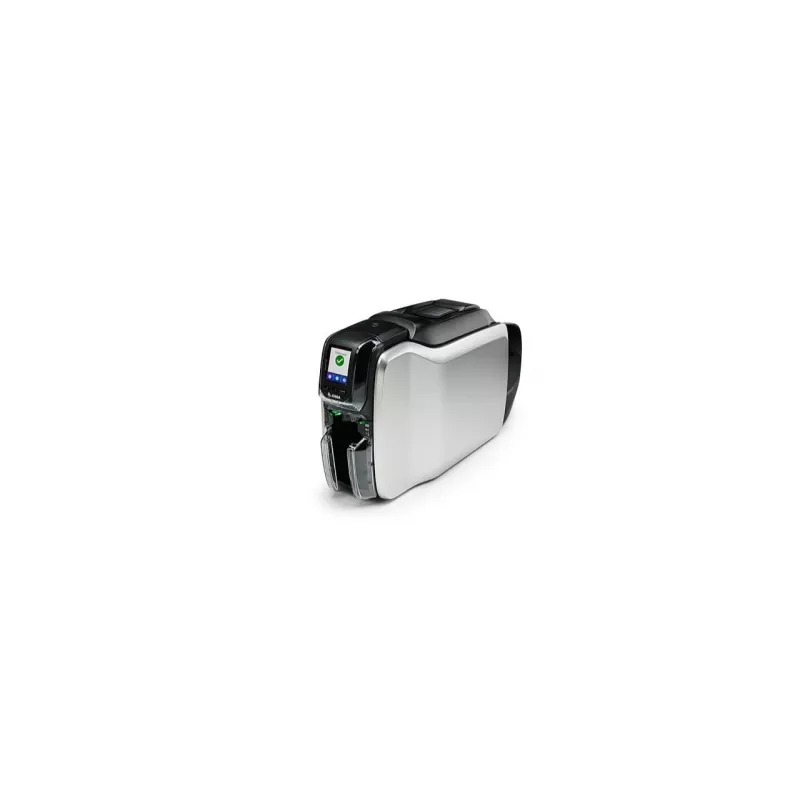
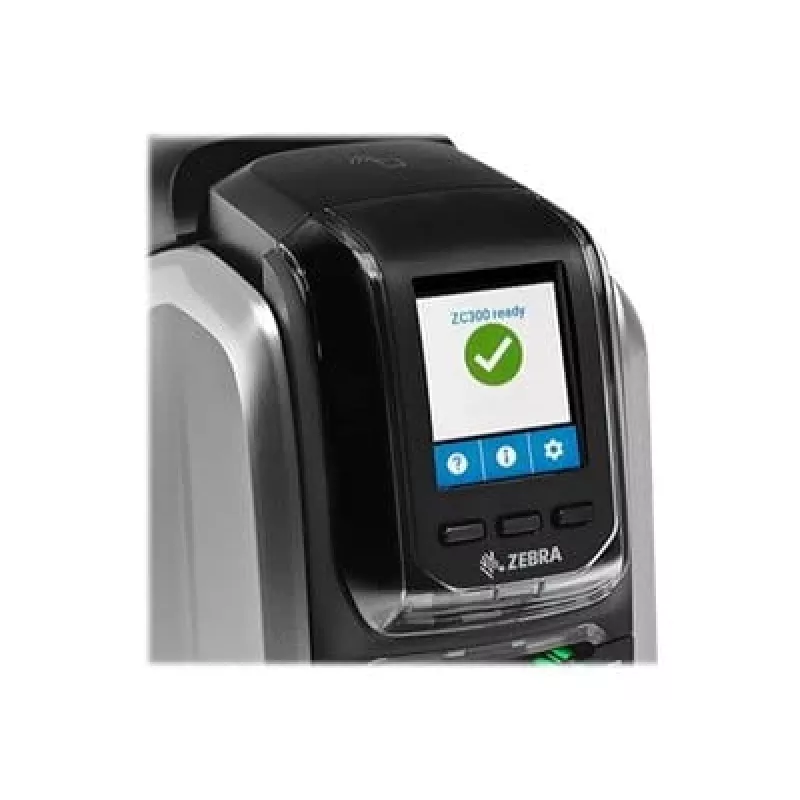
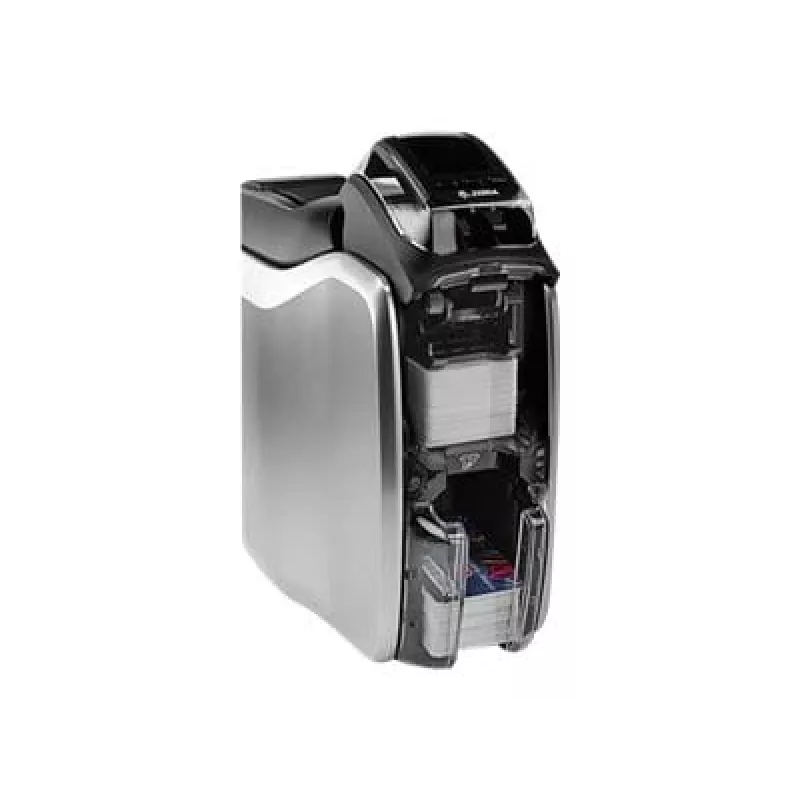
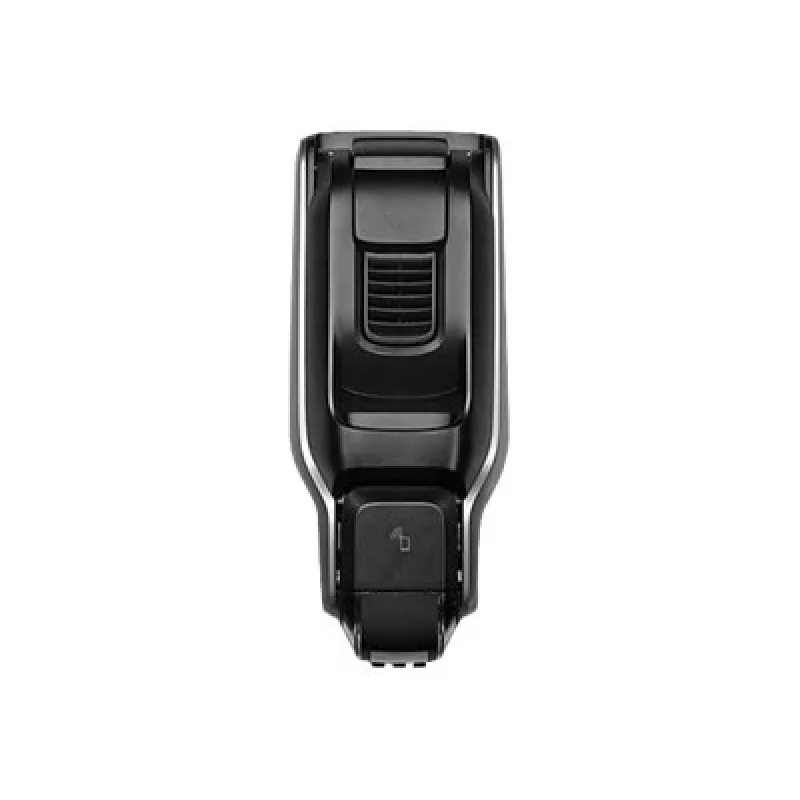
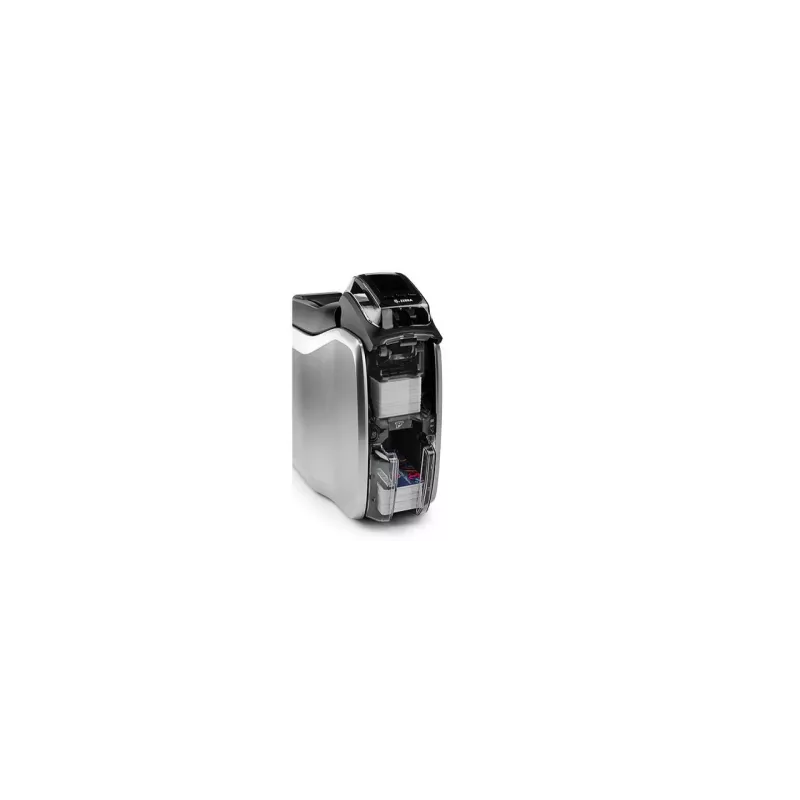
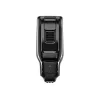
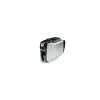
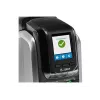
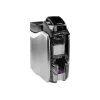
Zebra ZC300 plastic card printer Dye-sublimation/Thermal transfer Colour 300 x 300 DPI Wi-Fi

Zebra ZC300 plastic card printer Dye-sublimation/Thermal transfer Colour 300 x 300 DPI Wi-Fi
R28,899
The Opticon P1080383-417 cutter module is a replacement cutter unit designed to integrate with compatible barcode printers and label-handling equipment. It provides reliable label cutting performance intended for continuous retail and logistics workflows. The module is constructed for durability and... Read More
Stock 5 Code 879440 Brand ZEBRA Model ZC32-000CQ00EM00 Warranty 2 Years

Shipping & Returns

Estimated delivery Wednesday, October 7
You will be kept updated through our detailed tracking system
Payment options
EFTPayFastBank CardSnapScanZapperGoogle PayApple PayMobicredMoreTymePay on Arrival

The Opticon P1080383-417 cutter module is a replacement cutter unit designed to integrate with compatible barcode printers and label-handling equipment. It provides reliable label cutting performance intended for continuous retail and logistics workflows. The module is constructed for durability and straightforward installation, enabling quick restoration of cutting functionality in devices where the original cutter has worn or failed.

Advantages

The cutter module delivers consistent, precise label separation to reduce jams and misfeeds. Built with durable materials and engineering suitable for frequent use, it minimizes downtime and maintenance requirements. Its form factor and mounting points match common assemblies for compatibility with a range of barcode printing and scanning systems, which simplifies replacement and reduces integration time.

Suitable for

  • Replacing worn or damaged cutter units in barcode printers and label dispensers
  • Maintenance operations in retail point-of-sale and back-office labeling
  • Logistics environments requiring reliable, repeatable label cutting
  • Service and repair workflows for devices that support Opticon cutter modules

Key specifications

  • Function: automatic label cutter module for barcode/label printers
  • Compatibility: compatible with devices designed to accept Opticon P1080383-417 form-factor cutters
  • Durability: engineered for frequent cutting cycles in commercial environments
  • Mounting: designed for direct replacement with matching mechanical interfaces and connector locations
  • Performance: precise cutting action to minimize label jams and ensure clean separations

How to use

Power down the host device and follow the manufacturer's service instructions to access the cutter assembly. Remove any mounting screws or retention clips, disconnect electrical connectors if present, and extract the old cutter module. Install the Opticon P1080383-417 cutter module by aligning it with the mounting points and connectors, secure it with the original fasteners, and reconnect power. Run a test print and cut cycle to verify correct operation and adjust media guides or sensor settings according to the printer's service manual if necessary.

Recommendations

Use the module in environments within the host device's specified operating conditions, avoid exposure to excessive dust or moisture, and perform periodic inspections for wear. Replace the cutter module when cutting quality degrades or when mechanical damage is visible. Always consult the host device manufacturer’s service documentation for detailed installation procedures and safety precautions.

Key Highlights
  • Replacing worn or damaged cutter units in barcode printers and label dispensers
  • Maintenance operations in retail point-of-sale and back-office labeling
  • Logistics environments requiring reliable, repeatable label cutting
  • Service and repair workflows for devices that support Opticon cutter modules
  • Function: automatic label cutter module for barcode/label printers
  • Compatibility: compatible with devices designed to accept Opticon P1080383-417 form-factor cutters
  • Durability: engineered for frequent cutting cycles in commercial environments
  • Mounting: designed for direct replacement with matching mechanical interfaces and connector locations
  • Performance: precise cutting action to minimize label jams and ensure clean separations
Specifications
AC input frequency
47 - 60 Hz
AC input voltage
90 - 264 V
Built-in display
Yes
Cable lock slot
Yes
Cable lock slot type
Kensington
Card feeder
No
Card types
PVC, PVC Composite
Colour
Yes
Depth
468 mm
Display
LCD
Duplex print speed (colour)
140 card/h
Duplex printing
Yes
Ethernet interface type
Fast Ethernet
Ethernet LAN
Yes
Harmonized System (HS) code
84433210
Height
258 mm
Internal memory
2048 MB
Maximum resolution
300 x 300 DPI
Operating relative humidity (H-H)
20 - 80%
Operating temperature (T-T)
15 - 35 °C
Print speed (colour)
200 card/h
Print speed (monochrome)
900 card/h
Print technology
Dye-sublimation/Thermal transfer
Product colour
Black, Silver
Security algorithms
AES
Total input capacity
100 sheets
USB port
Yes
USB version
2.0
Weight
4.4 kg
Wi-Fi
Yes
Wi-Fi standards
Wi-Fi 5 (802.11ac)
Width
157 mm
Windows operating systems supported
Windows 10, Windows 7, Windows 8

Leaflet

Open Leaflet
Price history over the last 6 months
Zebra ZC300 plastic card printer Dye-sublimation/Thermal transfer Colour 300 x 300 DPI Wi-Fi
Current
R28,899
Lowest
R25,085
Highest
R29,150
Change 24H
+R2,255   +8%
Week
+R2,503   +9%
Month
+R3,565   +14%
WhatsApp
Hi, I’m DistriNode’s AI assistant. I can help you find products, compare options, create quote PDFs, or open support requests.