Account Contact
Your Cart
Pay on delivery – no extra fees
Need help? Ask our AI

Graphics Tablet XP-Pen DECO 01 V3 — 5080 lpi, 254 x 158.75 mm, Black, USB (Wired & Wireless)

Graphics Tablet XP-Pen DECO 01 V3 — 5080 lpi, 254 x 158.75 mm, Black, USB (Wired & Wireless)
R1,331
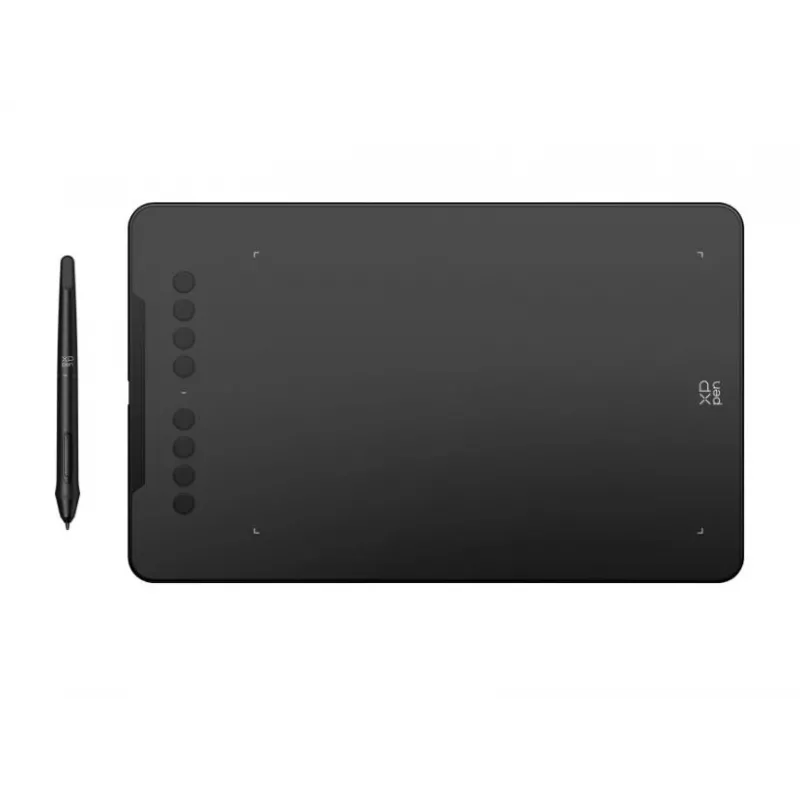
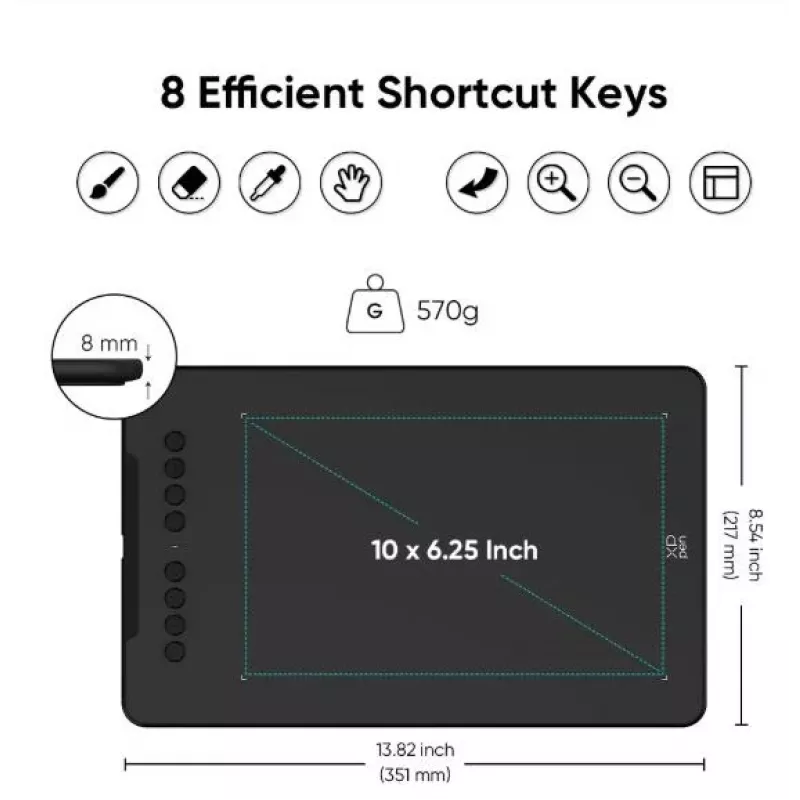
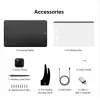
XP-Pen DECO 01 V3 is a graphics tablet designed for digital illustration, photo editing and general digital content creation. The tablet offers a 10 × 6.25 inch (254 × 158.75 mm) active area with 5080 lpi resolution, a slim 8 mm profile and wired or wireless USB connectivity. The battery-free stylus... Read More
Stock Out Of StockNo Stock Code 2262462 Brand XPPEN Model DECO01V3 Warranty 2 Years
CategoryGraphic Tablets & Pen Displays

Shipping & Returns

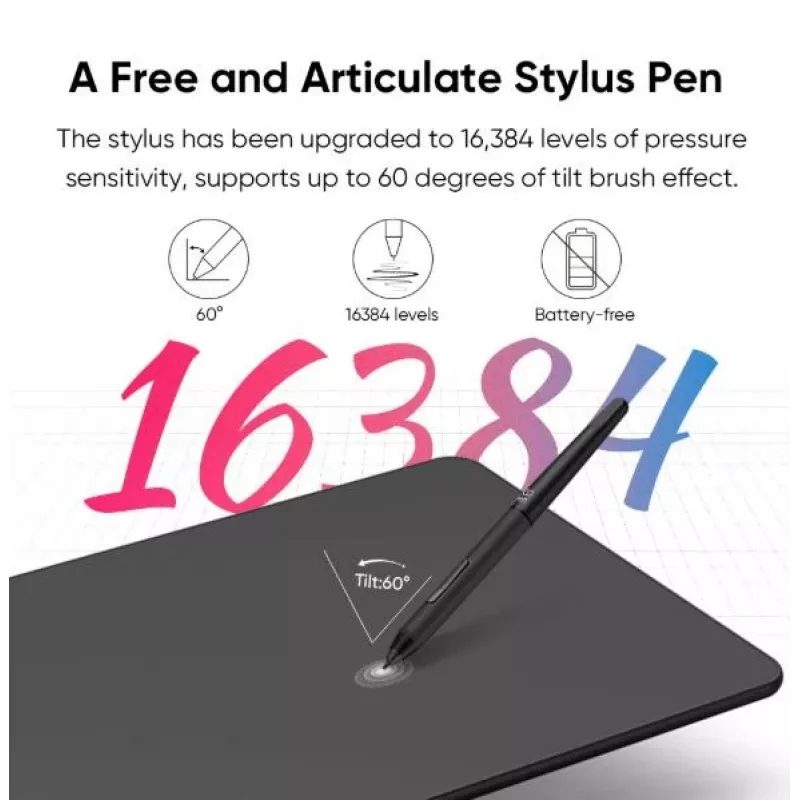
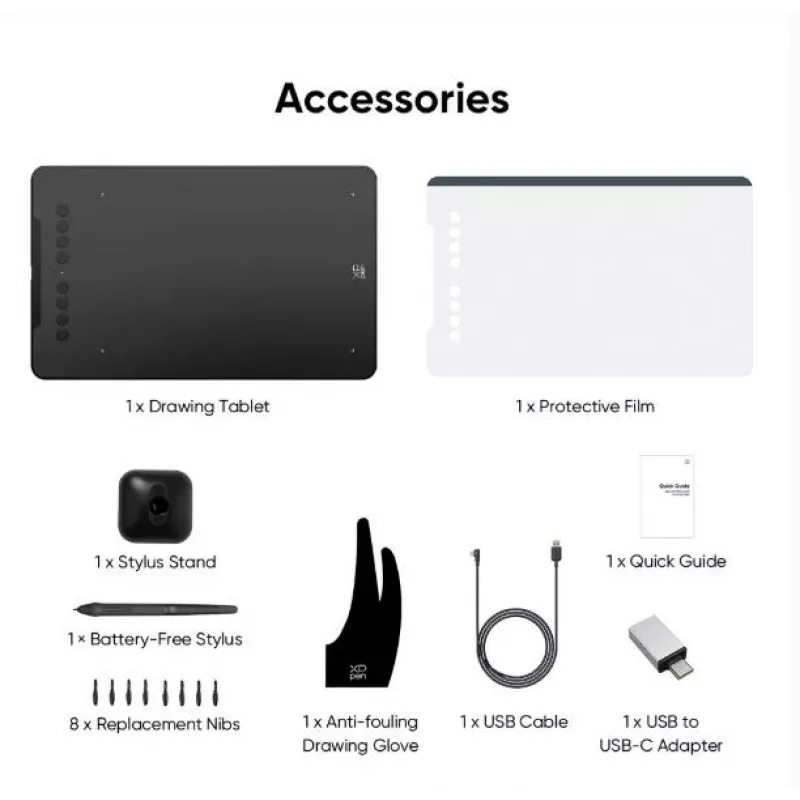
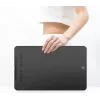
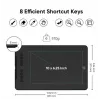
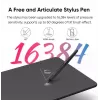
XP-Pen DECO 01 V3 is a graphics tablet designed for digital illustration, photo editing and general digital content creation. The tablet offers a 10 × 6.25 inch (254 × 158.75 mm) active area with 5080 lpi resolution, a slim 8 mm profile and wired or wireless USB connectivity. The battery-free stylus provides 16,384 levels of pressure sensitivity and up to 60° tilt support to reproduce natural lines and shading, while eight programmable express keys let you assign shortcuts for common actions in creative software. The tablet is compatible with Windows 7/8/10, Mac OS X 10.10 and Android 10.0+ (with the XPPen Tools app).

Advantages

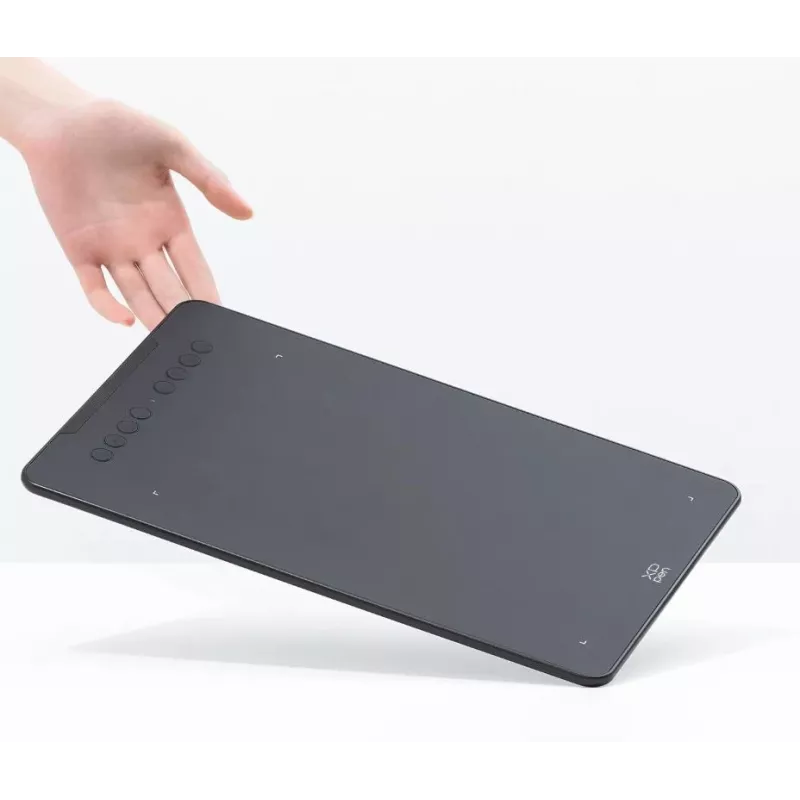
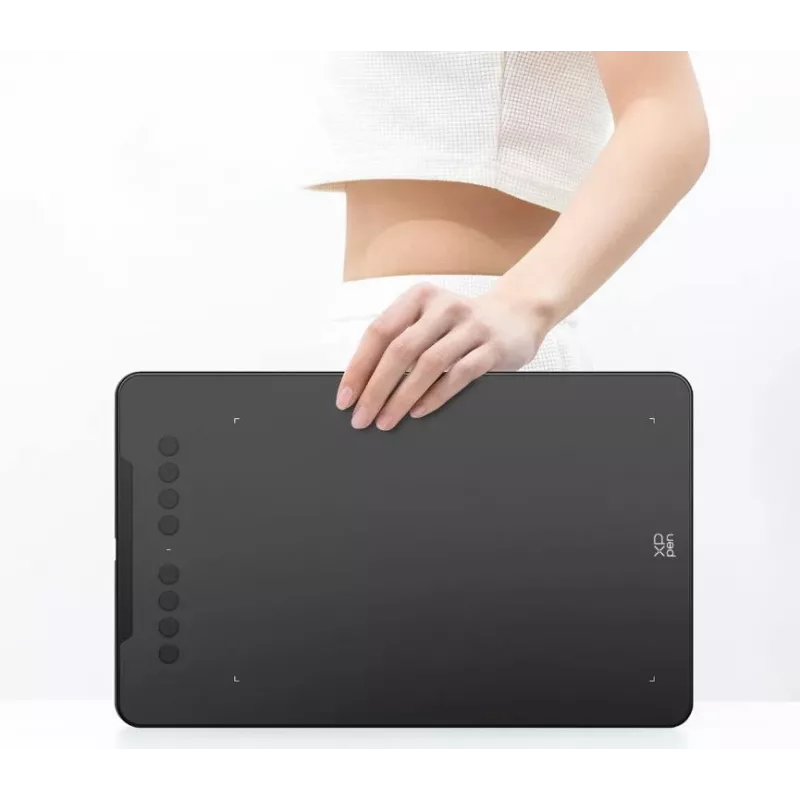
The large active area and high resolution enable precise control of strokes and fine detail for drawing and retouching. A high report rate and ±0.01 inch accuracy deliver responsive cursor tracking and reliable mapping. The stylus is passive (no battery) and supports 16,384 pressure levels and 60° tilt for nuanced brush effects and natural shading. Built-in customizable express keys reduce workflow interruptions by providing quick access to shortcuts, and the thin, lightweight design makes the tablet easy to carry.

Suitable for

  • Digital illustration and concept art
  • Photo editing and retouching
  • Graphic design and layout work
  • Annotating documents and digital note-taking
  • Mobile drawing on compatible Android devices

Key specifications

  • Active area: 254 × 158.75 mm (10 × 6.25 in)
  • Resolution: 5080 lines per inch (LPI)
  • Pressure sensitivity: 16,384 levels
  • Tilt support: up to 60°
  • Report rate: up to ≥220 points per second
  • Accuracy: ±0.01 inch
  • Maximum reading height: 10 mm
  • Tablet thickness: 8 mm
  • Express keys: 8 programmable round buttons
  • Connectivity: USB wired and wireless modes supported
  • Color options: black, pink, green

How to use

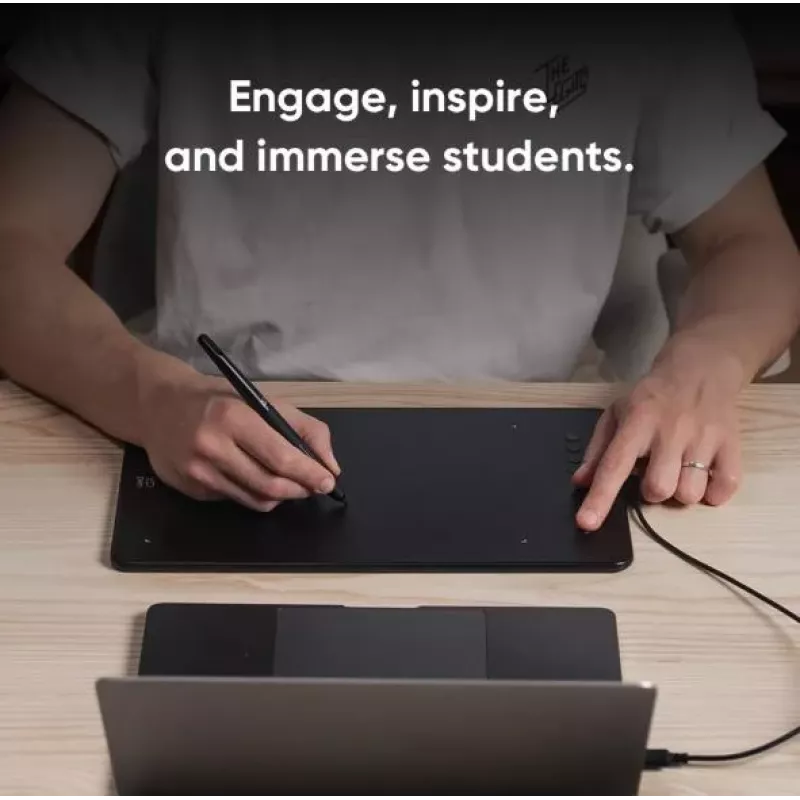
Connect the tablet to your computer or compatible Android device using the supplied USB cable or switch to wireless mode if available. Install the XPPen driver or XPPen Tools application and follow on-screen instructions to configure mapping, pressure curves and express key assignments. Use the passive stylus directly on the active area to draw, edit or navigate; apply pressure to vary stroke width and tilt the pen to activate tilt brush effects where supported by your software. Adjust tablet mapping to match your display aspect ratio for accurate cursor positioning.

Recommendations

For best results, keep drivers and the XPPen Tools app updated, calibrate mapping when switching between devices or displays, and assign frequently used commands to the express keys to streamline your workflow. When using on Android, ensure the device runs Android 10.0 or later and install the XPPen Tools app for optimal compatibility and screen mapping.

Key Highlights
  • Digital illustration and concept art
  • Photo editing and retouching
  • Graphic design and layout work
  • Annotating documents and digital note-taking
  • Mobile drawing on compatible Android devices
  • Active area: 254 × 158.75 mm (10 × 6.25 in)
  • Resolution: 5080 lines per inch (LPI)
  • Pressure sensitivity: 16,384 levels
  • Tilt support: up to 60°
  • Report rate: up to ≥220 points per second
  • Accuracy: ±0.01 inch
  • Maximum reading height: 10 mm
  • Tablet thickness: 8 mm
  • Express keys: 8 programmable round buttons
  • Connectivity: USB wired and wireless modes supported
  • Color options: black, pink, green
Specifications
Buttons quantity
8
Cables included
USB
Connectivity technology
Wired & Wireless
Device interface
USB
Height
8 mm
Mac operating systems supported
Mac OS X 10.10 Yosemite
Maximum reading height
10 mm
Number of programmable keys
8
Pen holder
Yes
Pen included
Yes
Pen report rate (points per second)
200
Pressure levels
8192
Product colour
Black
Resolution
5080
Tablet input type
Pen
USB Type-C ports quantity
1
Windows operating systems supported
Windows 8, Windows 7, Windows 10
Wireless pen
Yes
Working area
254 x 158.8
Price history over the last 6 months
Graphics Tablet XP-Pen DECO 01 V3 — 5080 lpi, 254 x 158.75 mm, Black, USB (Wired & Wireless)
Current
R1,331
Lowest
R1,318
Highest
R1,381
Change 24H
-R3   0%
Week
-R6   0%
Month
-R1   0%

Write a review

Rating *
Your name will be shown publicly – you can use a nickname. We invite buyers to write reviews; we check reviews before publishing and publish critical ones too.

More XPPEN products in this category

Popular products in this category

WhatsApp
Messenger
Hi, I’m DistriNode’s AI assistant. I can help you find products, compare options, create quote PDFs, or open support requests.
All categories