Account Contact
Your Cart
Pay the courier with no extra fees.
Need help? DistriNode AI can handle any task on our site.

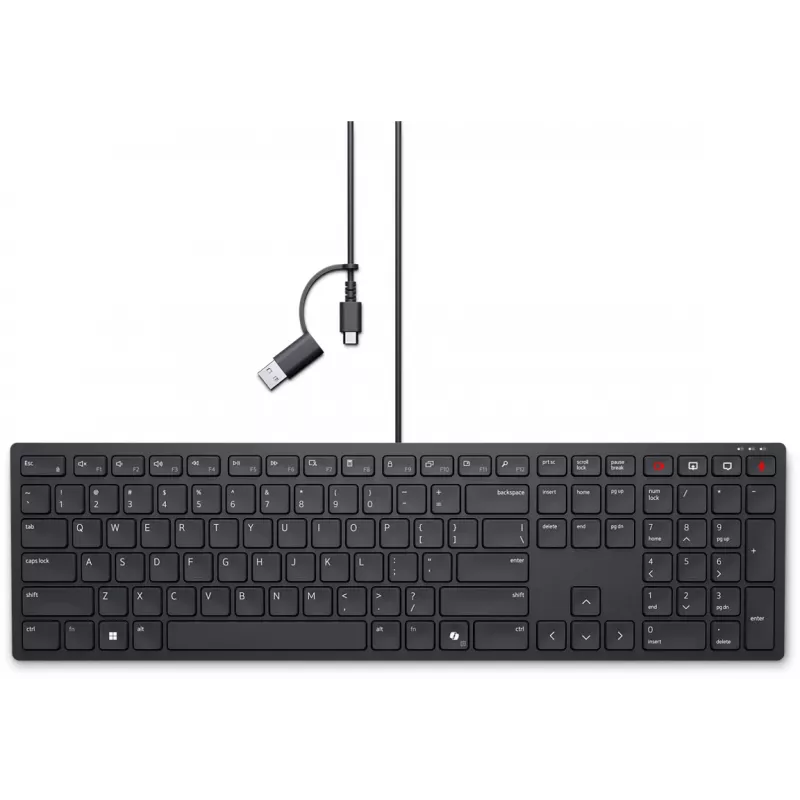
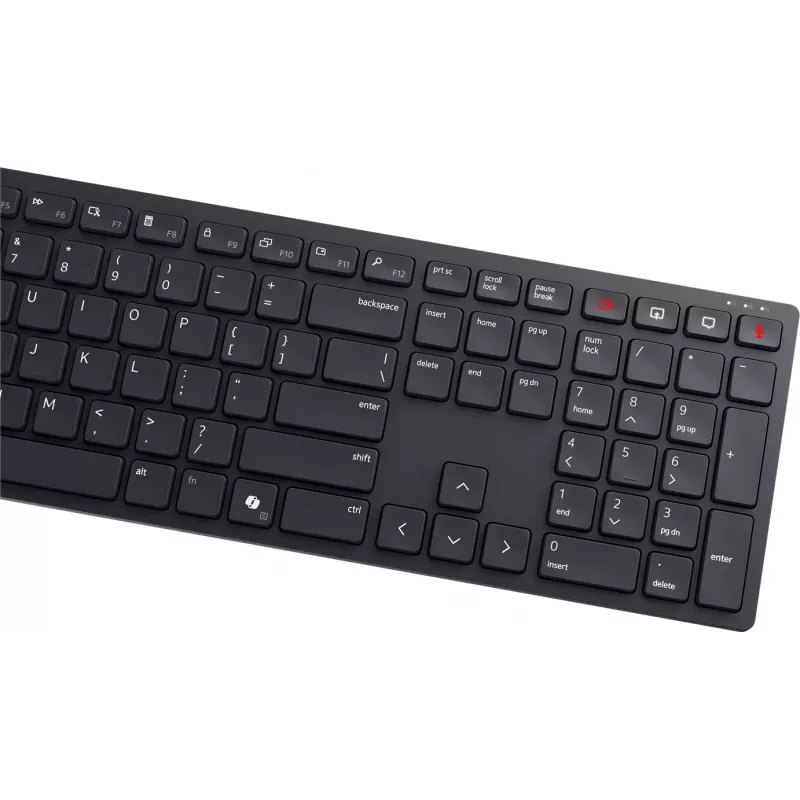
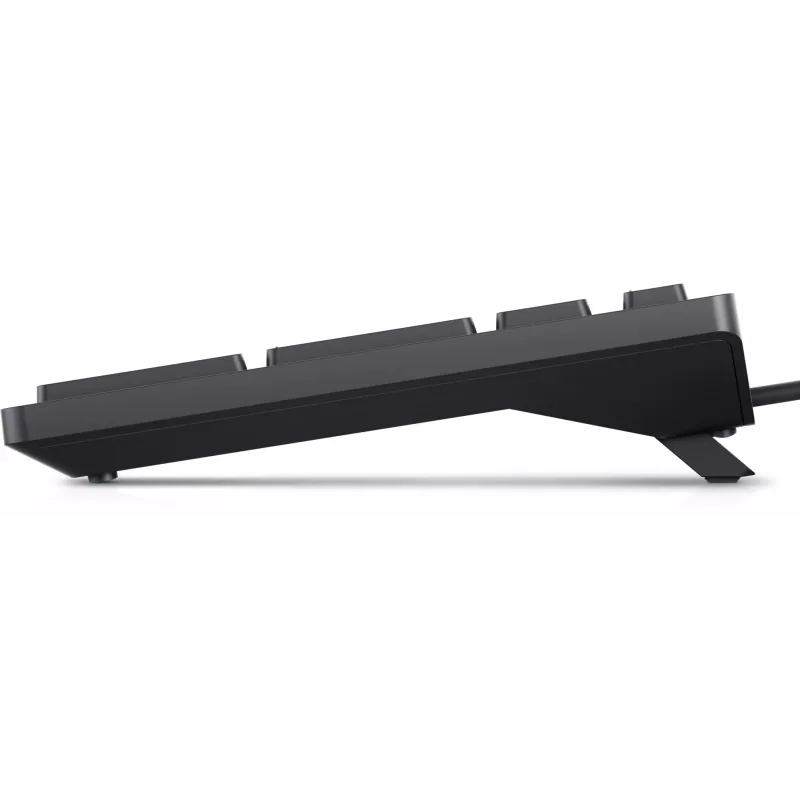
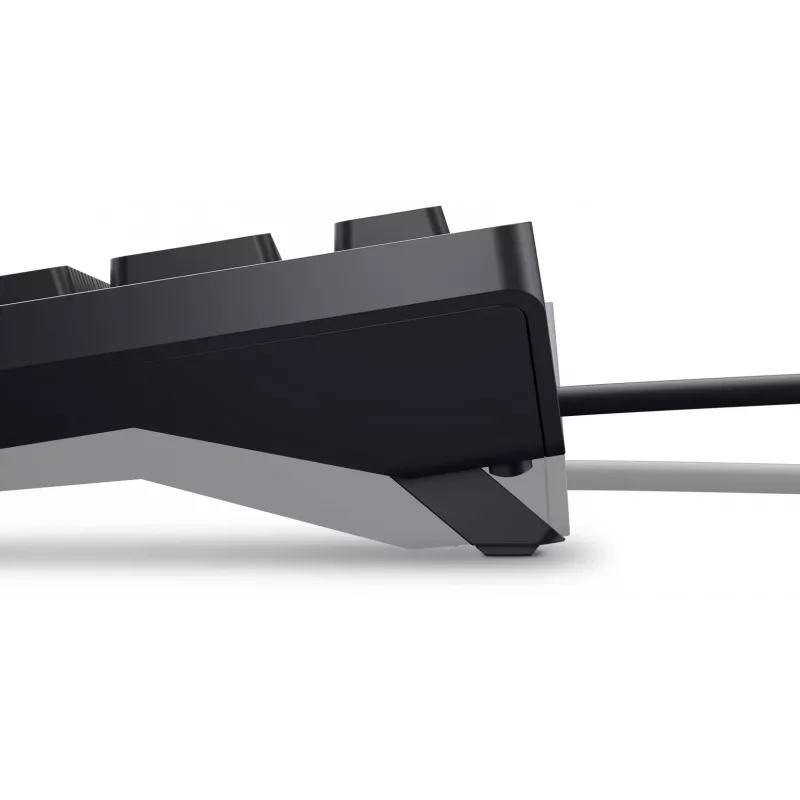
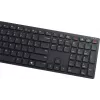
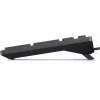
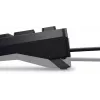
Wired Dell KB525C Keyboard Lithuanian QWERTY USB-C Black

Wired Dell KB525C Keyboard Lithuanian QWERTY USB-C Black
36 mo.
Wired Dell KB525C Keyboard Lithuanian QWERTY USB-C Black
R786
USB-C to USB adapter in black color provides a simple way to connect USB-A devices to computers and mobile devices with USB-C ports. It supports common operating systems including Windows 11, Windows 10, Windows 8, Windows 7, Linux, macOS and Android, and is suitable for file transfer, charging and ... Read More
Stock 5 Code 302339 Brand DELL Model 580-BBSV Warranty 3 Years

Shipping & Returns

Estimated delivery Thursday, October 1
You will be kept updated through our detailed tracking system
Payment options
EFTPayFastBank CardSnapScanZapperGoogle PayApple PayMobicredMoreTymePay on Arrival

USB-C to USB adapter in black color provides a simple way to connect USB-A devices to computers and mobile devices with USB-C ports. It supports common operating systems including Windows 11, Windows 10, Windows 8, Windows 7, Linux, macOS and Android, and is suitable for file transfer, charging and connecting peripherals.

Advantages

This compact adapter offers plug-and-play compatibility without additional drivers on supported systems. Its small form factor makes it convenient for travel and everyday use, while the black finish matches many devices and accessories. The adapter supports reversed-direction connectivity between USB-C hosts and USB-A peripherals, enabling straightforward connection of legacy USB devices.

Key specifications

  • Connector types: USB-C (male) to USB-A (female)
  • Colour: Black
  • Compatible operating systems: Windows 11, Windows 10, Windows 8, Windows 7, Linux, macOS, Android
  • Functions: Data transfer and charging

How to use

Insert the USB-C end into the USB-C port of your computer, smartphone or tablet. Plug the USB-A device into the adapter's USB-A receptacle. The connected device should be recognised automatically by the operating system; for charging, ensure the host port provides sufficient power. Remove the adapter by pulling straight from the port when finished.

Recommendations

For optimal performance, use with cables and devices in good condition and avoid forcing connectors. If a device is not recognised, try a different port or restart the host device. This adapter is designed for standard USB-A peripherals; it does not change protocol-specific features such as USB Power Delivery profiles beyond basic charging.

Key Highlights
  • Connector types: USB-C (male) to USB-A (female)
  • Colour: Black
  • Compatible operating systems: Windows 11, Windows 10, Windows 8, Windows 7, Linux, macOS, Android
  • Functions: Data transfer and charging
Price history over the last 6 months
Wired Dell KB525C Keyboard Lithuanian QWERTY USB-C Black
Current
R786
Lowest
R696
Highest
R1,043
Change 24H
+R84   +12%
Week
+R91   +13%
Month
+R38   +5%

Popular products in this category

WhatsApp
Hi, I’m DistriNode’s AI assistant. I can help you find products, compare options, create quote PDFs, or open support requests.