Account Contact
Your Cart
Pay the courier with no extra fees.
Need help? DistriNode AI can handle any task on our site.

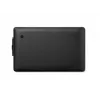
WACOM Pen Display - Cintiq 22 - 22in - 1920x1080 (Full HD)

WACOM Pen Display - Cintiq 22 - 22in - 1920x1080 (Full HD)
R20,321
The Wacom Cintiq 22 is a professional creative pen display with a 21.5-inch Full HD (1920 x 1080) screen designed for digital drawing, illustration and design work. It combines a high-resolution display, reduced parallax and an anti-glare surface with the battery-free Wacom Pro Pen 2, offering 8,192... Read More
Stock 18 Code 111860 Brand WACOM Model DTK2260K0A Warranty 2 Years

Shipping & Returns

Estimated delivery Thursday, October 1
You will be kept updated through our detailed tracking system
Payment options
EFTPayFastBank CardSnapScanZapperGoogle PayApple PayMobicredMoreTymePay on Arrival

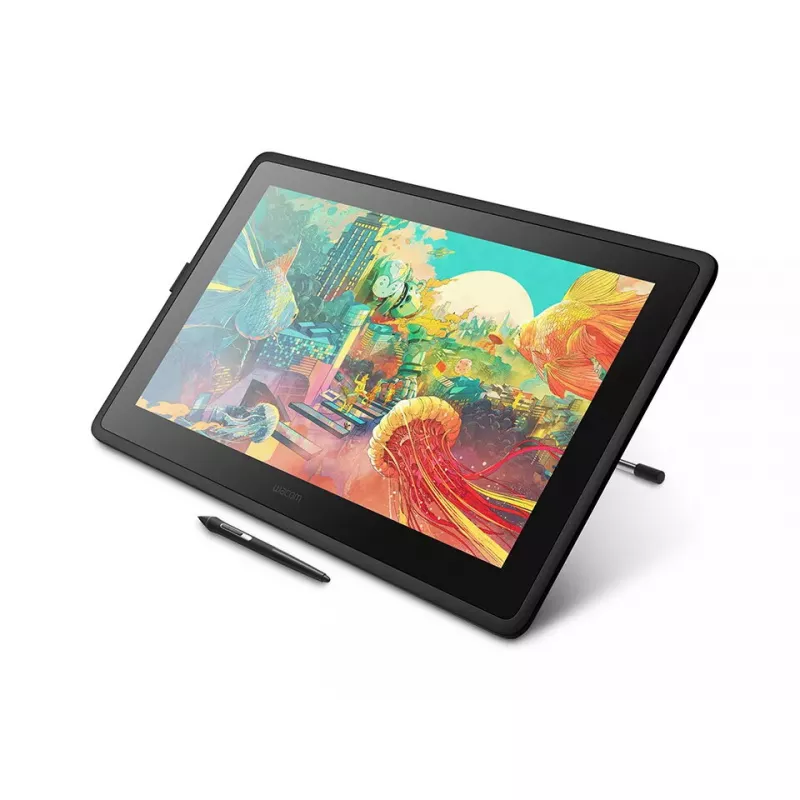
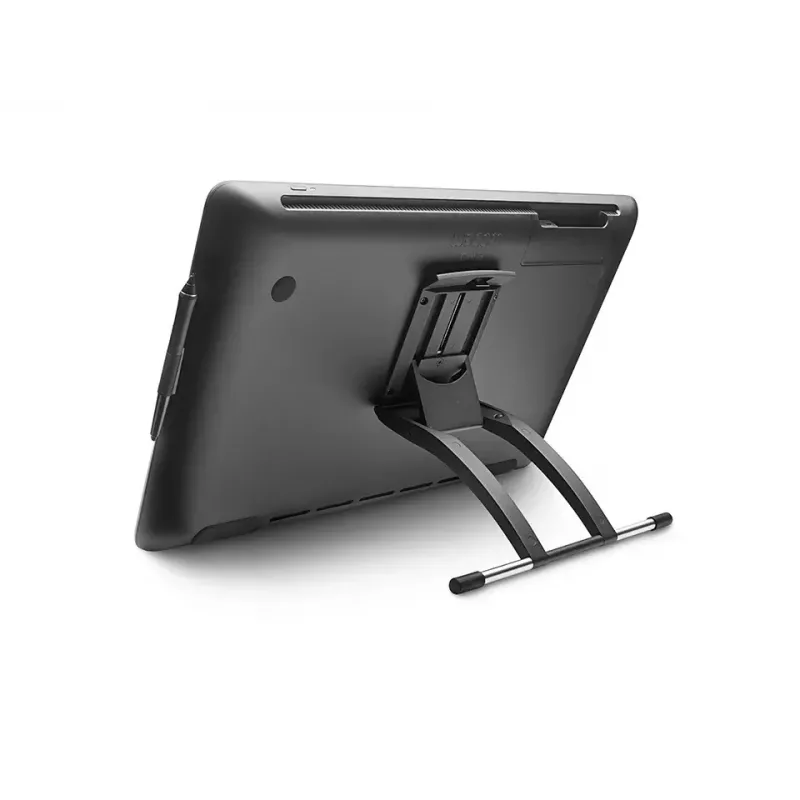
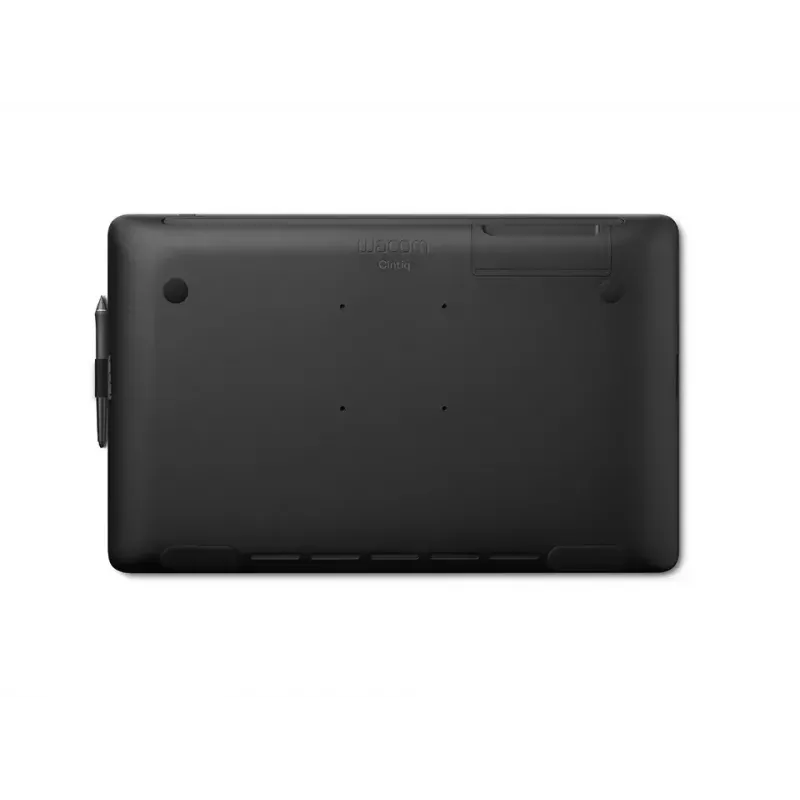
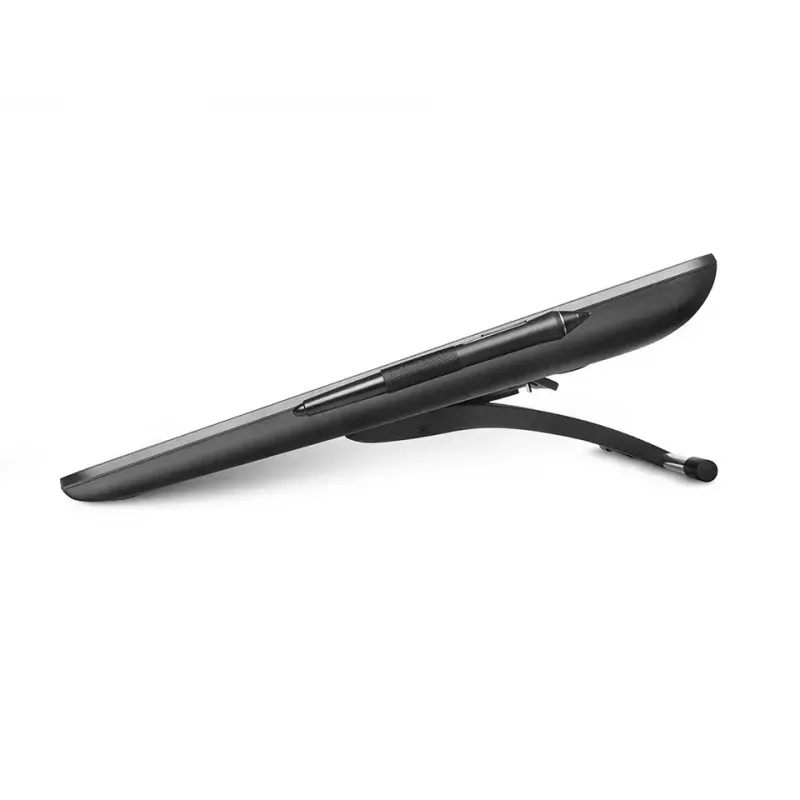
The Wacom Cintiq 22 is a professional creative pen display with a 21.5-inch Full HD (1920 x 1080) screen designed for digital drawing, illustration and design work. It combines a high-resolution display, reduced parallax and an anti-glare surface with the battery-free Wacom Pro Pen 2, offering 8,192 levels of pressure sensitivity and tilt recognition for precise, natural strokes. The device connects via wired USB and includes an AC adapter (12V, 3A). Its slim black housing and foldable legs allow ergonomic positioning for extended creative sessions.

Advantages

The Wacom Cintiq 22 provides accurate pen input with 8,192 pressure levels and low activation force, plus tilt detection for nuanced brush control. The Pro Pen 2 is battery-free (EMR technology) so it never needs recharging. The 21.5" full HD display has an anti-glare coating and reduced parallax for precise cursor alignment, while durable, scratch-resistant materials help ensure long-term reliability. Foldable legs and a roomy drawing area reduce arm fatigue and help you find a comfortable working angle.

Suitable for

  • Digital illustration and concept art
  • Photo editing and retouching
  • Graphic design and layout work
  • 3D sculpting and texture painting
  • Education and online teaching with pen input

Key specifications

  • Model: Wacom Cintiq 22 (DTK2260K0A)
  • Display size: 21.5 inches (16:9)
  • Resolution: 1920 x 1080 (Full HD)
  • Pressure sensitivity: 8,192 levels
  • Pen: Wacom Pro Pen 2 (battery-free, EMR, tilt support, programmable side buttons)
  • Connectivity: Wired (USB)
  • Power: AC adapter 12V, 3A
  • Colour: Black
  • Durability: Anti-glare surface, reduced parallax, scratch-resistant materials

How to use

Connect the Wacom Cintiq 22 to a compatible Windows or Mac computer using the provided USB cable and the AC adapter. Install the latest Wacom drivers from the official Wacom website to enable full pen functionality and customize the pen buttons and pressure settings. Position the display using the foldable legs or an optional stand to achieve a comfortable drawing angle. Use the Wacom Pro Pen 2 to draw directly on the screen; the pen requires no charging and responds to pressure and tilt for natural strokes.

Recommendations

For best results, keep drivers up to date, calibrate the display and pen input in the Wacom settings, and work in a well-lit area to reduce eye strain. Use the anti-glare surface and adjustable angle to minimise reflections and maintain a stable USB connection to ensure consistent pen performance.

Key Highlights
  • Digital illustration and concept art
  • Photo editing and retouching
  • Graphic design and layout work
  • 3D sculpting and texture painting
  • Education and online teaching with pen input
  • Model: Wacom Cintiq 22 (DTK2260K0A)
  • Display size: 21.5 inches (16:9)
  • Resolution: 1920 x 1080 (Full HD)
  • Pressure sensitivity: 8,192 levels
  • Pen: Wacom Pro Pen 2 (battery-free, EMR, tilt support, programmable side buttons)
  • Connectivity: Wired (USB)
  • Power: AC adapter 12V, 3A
  • Colour: Black
  • Durability: Anti-glare surface, reduced parallax, scratch-resistant materials
Specifications
AC adapter included
Yes
AC adapter output current
3 A
AC adapter output voltage
12 V
AC adapter power
36 W
Aspect ratio
16:9
Brightness
210 cd/m²
Cables included
AC, HDMI, USB
Colour gamut
72%
Connectivity technology
Wired
Contrast ratio (typical)
1000:1
Depth
40 mm
Device interface
USB
Display diagonal
54.6 cm (21.5")
Display number of colours
16.78 million colours
Display resolution
1920 x 1080 pixels
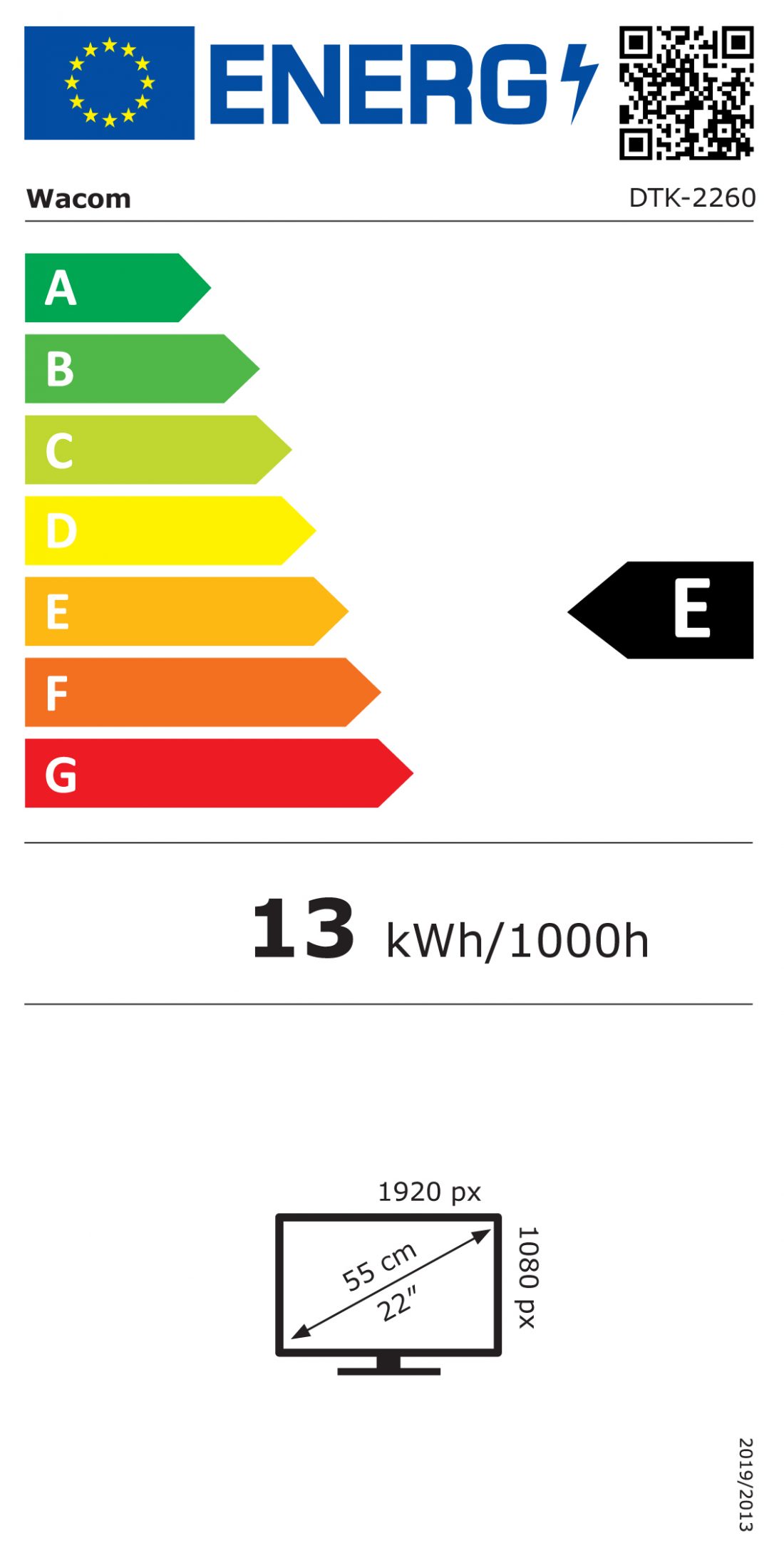
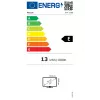
Energy consumption (SDR) per 1000 hours
13 kWh
Energy efficiency class (SDR)
E
Energy efficiency scale
A to G
Harmonized System (HS) code
84713000
HDMI cable length
2 m
HDMI ports quantity
1
Height
359 mm
Mac operating systems supported
Mac OS X 10.12 Sierra, Mac OS X 10.13 High Sierra, Mac OS X 10.14 Mojave
Manual
Yes
Pen included
Yes
Power cable length
1.8 m
Pressure levels
8192
Product colour
Black
Quick start guide
Yes
Response time
22 ms
Tablet stand
Yes
Tablet weight
5.58 kg
Tilt angle range
16 - 82°
USB 2.0 ports quantity
1
USB cable length
2 m
USB Type-C charging port
No
Viewing angle, horizontal
178°
Viewing angle, vertical
178°
Width
570 mm
Windows operating systems supported
Windows 10, Windows 7, Windows 8, Windows 8.1
Wireless pen
Yes

Energy label

Open Energy label
Energy label

Document

Open Document
Price history over the last 6 months
WACOM Pen Display - Cintiq 22 - 22in - 1920x1080 (Full HD)
Current
R20,321
Lowest
R19,292
Highest
R20,647
Change 24H
+R674   +3%
Week
+R857   +4%
Month
+R1,029   +5%

Popular products in this category

WhatsApp
Hi, I’m DistriNode’s AI assistant. I can help you find products, compare options, create quote PDFs, or open support requests.