Account Contact
Your Cart
Pay on delivery – no extra fees
Need help? Ask our AI

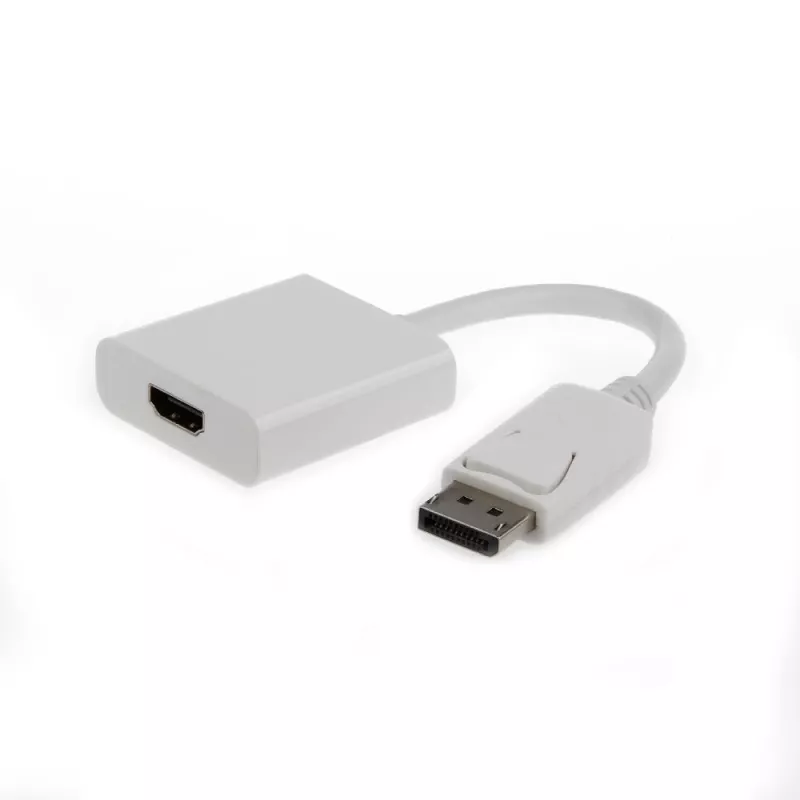
Video cable adapter GEMBIRD DisplayPort to HDMI Type A 0.1 m white

Video cable adapter GEMBIRD DisplayPort to HDMI Type A 0.1 m white
R681
The Gembird A-DPM-HDMIF-002-W is a 0.1 m video cable adapter that converts a DisplayPort output to an HDMI Type A (Standard) input. Its compact white housing allows installation in constrained spaces and provides a direct connection between DisplayPort-equipped computers or graphics cards and HDMI d... Read More
Stock Out Of StockNo Stock Code 298254 Brand GEMBIRD Model A-DPM-HDMIF-002-W Warranty 2 Years

Shipping & Returns

The Gembird A-DPM-HDMIF-002-W is a 0.1 m video cable adapter that converts a DisplayPort output to an HDMI Type A (Standard) input. Its compact white housing allows installation in constrained spaces and provides a direct connection between DisplayPort-equipped computers or graphics cards and HDMI displays or TVs.

Advantages

The adapter offers a short, low-profile connection that requires no additional cables or power, ensuring simple and reliable transmission of video signals. Its compact design reduces cable clutter and fits easily behind monitors or in tight setups. The white finish integrates well with light-coloured devices and interiors.

Suitable for

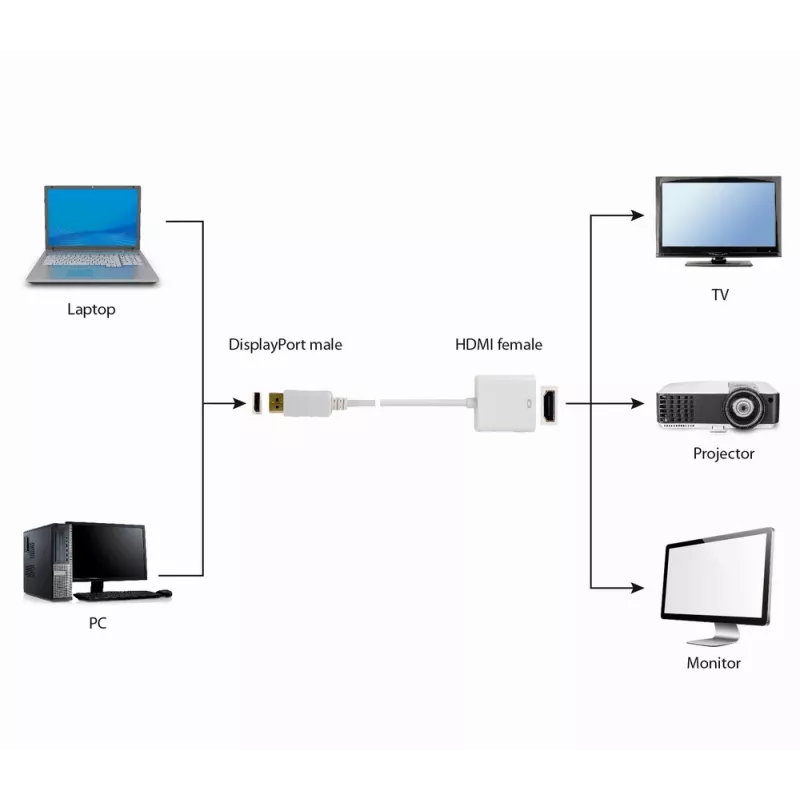
  • Connecting a DisplayPort-equipped PC or laptop to an HDMI monitor or TV
  • Home multimedia setups where space is limited
  • Office workstations that require a single-cable video connection

Key specifications

  • Length: 0.1 m
  • Input connector: DisplayPort
  • Output connector: HDMI Type A (Standard)
  • Colour: White

How to use

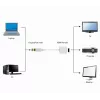
Insert the DisplayPort end of the adapter into the DisplayPort output on your computer or graphics card, then connect an HDMI cable from the adapter’s HDMI Type A end to the HDMI input on your monitor or TV. Select the appropriate input source on the display and configure display settings on the computer if necessary.

Recommendations

Use short, high-quality HDMI cables to maintain signal integrity. Ensure the computer’s graphics drivers are up to date for optimal compatibility. Avoid applying excessive force when inserting or removing connectors to prevent damage.
Key Highlights
  • Connecting a DisplayPort-equipped PC or laptop to an HDMI monitor or TV
  • Home multimedia setups where space is limited
  • Office workstations that require a single-cable video connection
  • Length: 0.1 m
  • Input connector: DisplayPort
  • Output connector: HDMI Type A (Standard)
  • Colour: White
Specifications
Cable length
0.1 m
Connector 1
DisplayPort
Connector 1 gender
Male
Connector 2
HDMI Type A (Standard)
Connector 2 gender
Female
Depth
375 mm
Height
280 mm
Package depth
170 mm
Package height
15 mm
Package weight
40 g
Package width
120 mm
Product colour
White
Weight
30 g
Width
280 mm
Price history is not available yet
We are still collecting enough daily price data for this product.

Popular products in this category

WhatsApp
Hi, I’m DistriNode’s AI assistant. I can help you find products, compare options, create quote PDFs, or open support requests.