Account Contact
Your Cart
Pay the courier with no extra fees.
Need help? DistriNode AI can handle any task on our site.

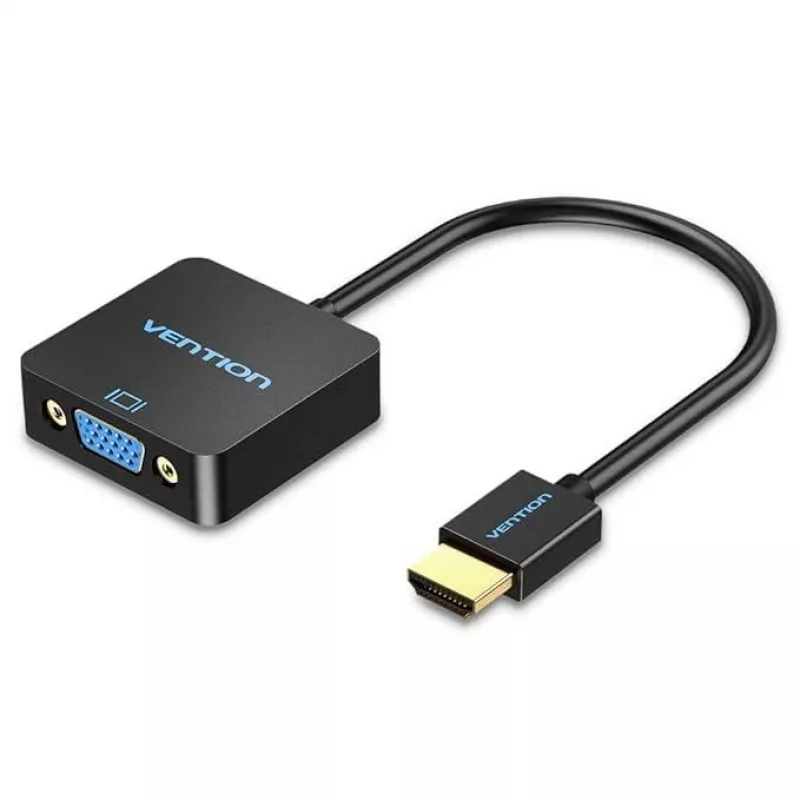
Vention ACPBB video adapter DisplayPort (male) to HDMI Type A (Standard) Grey

Vention ACPBB video adapter DisplayPort (male) to HDMI Type A (Standard) Grey
R244
Vention ACPBB is a compact video adapter that converts a DisplayPort male connector to an HDMI Type A (Standard) output. It provides a direct digital video link from a DisplayPort-equipped source — such as a workstation, laptop or media player — to an HDMI display or projector, supporting plug-and-p... Read More
Stock 30 Code 772054 Brand VENTION Model ACPBB Warranty 2 Years

Shipping & Returns

Estimated delivery Tuesday, September 29
You will be kept updated through our detailed tracking system
Payment options
EFTPayFastBank CardSnapScanZapperGoogle PayApple PayMobicredMoreTymePay on Arrival

Vention ACPBB is a compact video adapter that converts a DisplayPort male connector to an HDMI Type A (Standard) output. It provides a direct digital video link from a DisplayPort-equipped source — such as a workstation, laptop or media player — to an HDMI display or projector, supporting plug-and-play operation without additional drivers. The adapter is finished in grey and designed for simple, space-saving connections where a DisplayPort-to-HDMI interface is needed.

Advantages

The adapter supports high refresh rates up to 144 Hz for compatible displays and delivers an uncompressed digital video signal over a single compact connector. Its plug-and-play design requires no driver installation and its small form factor makes it easy to carry and install in tight spaces.

Suitable for

  • Connecting a desktop or laptop DisplayPort output to an HDMI monitor or TV
  • Connecting media players or workstations to HDMI projectors
  • Temporary or portable setups where space is limited

When it may not be suitable

This adapter only converts a DisplayPort output to an HDMI input and does not convert HDMI to DisplayPort. It carries video signals but does not provide separate audio control or advanced signal conversion features such as upscaling or EDID management. Compatibility with very high resolutions or non-standard refresh-rate combinations depends on the source and display capabilities.

Key specifications

  • Input connector: DisplayPort (male)
  • Output connector: HDMI Type A (Standard) (female)
  • Maximum refresh rate: up to 144 Hz (dependent on source and display)
  • Signal type: digital video
  • Colour: grey

How to use

Connect the DisplayPort male end of the adapter to the DisplayPort output on your computer or media device, then plug an HDMI cable into the adapter's HDMI Type A female port and connect the other end to your HDMI monitor, TV, or projector. Power on both devices; most setups will detect the display automatically and enable output without additional drivers. Adjust display resolution and refresh rate in the source device’s display settings as needed.

What to consider before purchase

  • Ensure your source device provides a DisplayPort output (not an HDMI output).
  • Verify the target display accepts HDMI Type A input.
  • Check that your desired resolution and refresh rate are supported by both the source and the display.

Recommendations

For best results use a high-quality HDMI cable rated for the desired resolution and refresh rate, and set the display resolution and refresh rate in the source device to match the monitor’s native capabilities.
Key Highlights
  • Connecting a desktop or laptop DisplayPort output to an HDMI monitor or TV
  • Connecting media players or workstations to HDMI projectors
  • Temporary or portable setups where space is limited
  • Input connector: DisplayPort (male)
  • Output connector: HDMI Type A (Standard) (female)
  • Maximum refresh rate: up to 144 Hz (dependent on source and display)
  • Signal type: digital video
  • Colour: grey
  • Ensure your source device provides a DisplayPort output (not an HDMI output).
  • Verify the target display accepts HDMI Type A input.
  • Check that your desired resolution and refresh rate are supported by both the source and the display.
Specifications
Connector 1
DisplayPort
Connector 1 form factor
Straight
Connector 1 gender
Male
Connector 2
HDMI Type A (Standard)
Connector 2 form factor
Straight
Connector 2 gender
Female
Connector contacts plating
Gold
Connector housing material
Aluminium
Depth
39.5 mm
DisplayPort version
1.4
HDMI version
2.1
Height
10 mm
Maximum refresh rate
144 Hz
Plug and Play
Yes
Product colour
Grey
Width
24.3 mm
Price history over the last 6 months
Vention ACPBB video adapter DisplayPort (male) to HDMI Type A (Standard) Grey
Current
R244
Lowest
R157
Highest
R244
Change 24H
+R31   +15%
Week
+R87   +56%
Month
+R87   +55%

Popular products in this category

WhatsApp
Hi, I’m DistriNode’s AI assistant. I can help you find products, compare options, create quote PDFs, or open support requests.