Account Contact
Your Cart
Pay the courier with no extra fees.
Need help? DistriNode AI can handle any task on our site.

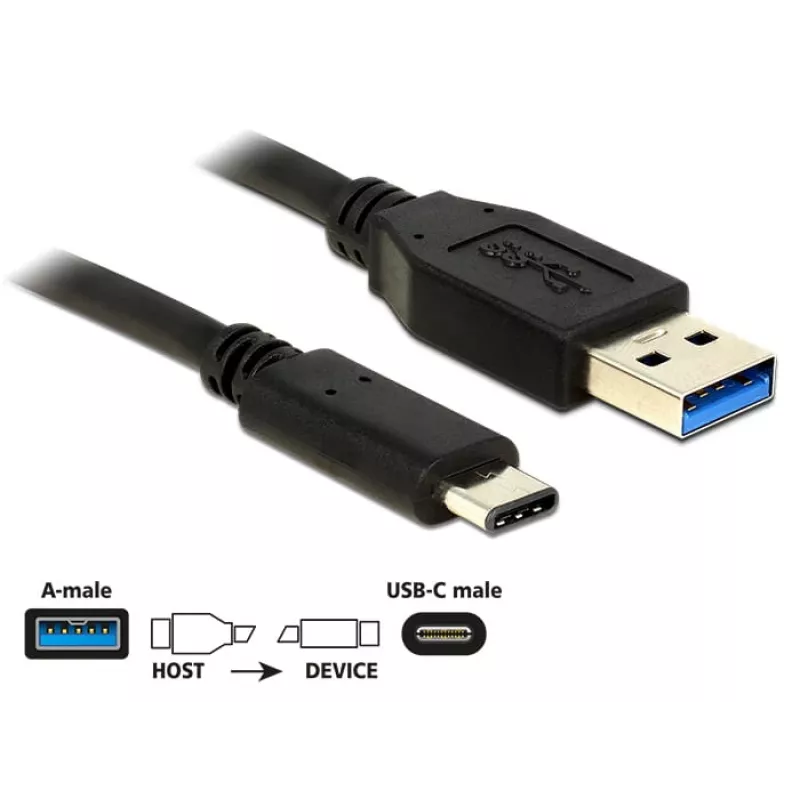
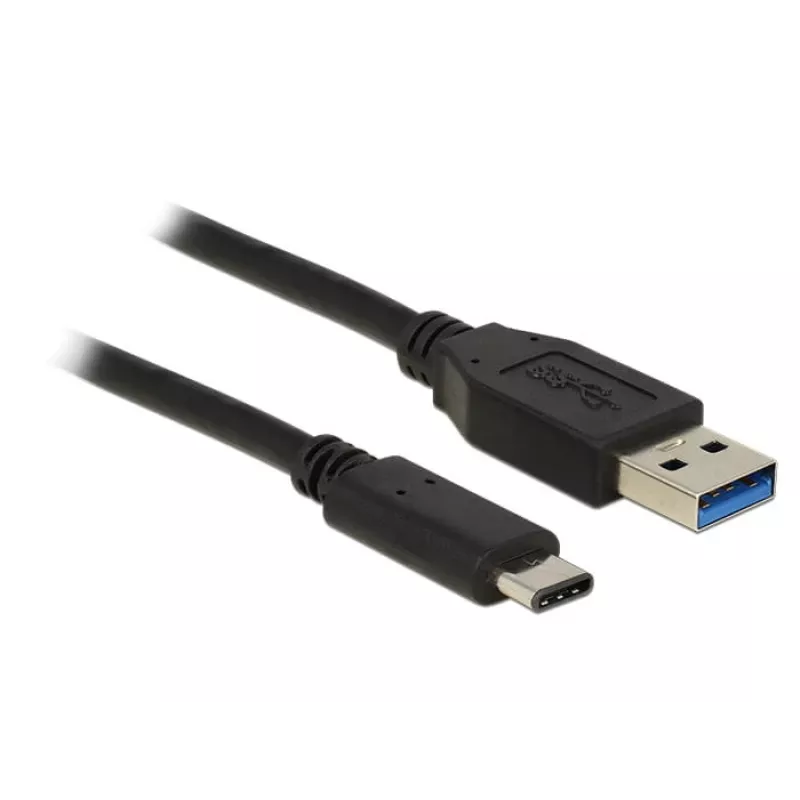
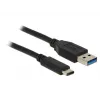
USB Cable DeLOCK 1m USB3.1-C/USB3.1-A 83870

USB Cable DeLOCK 1m USB3.1-C/USB3.1-A 83870
R213
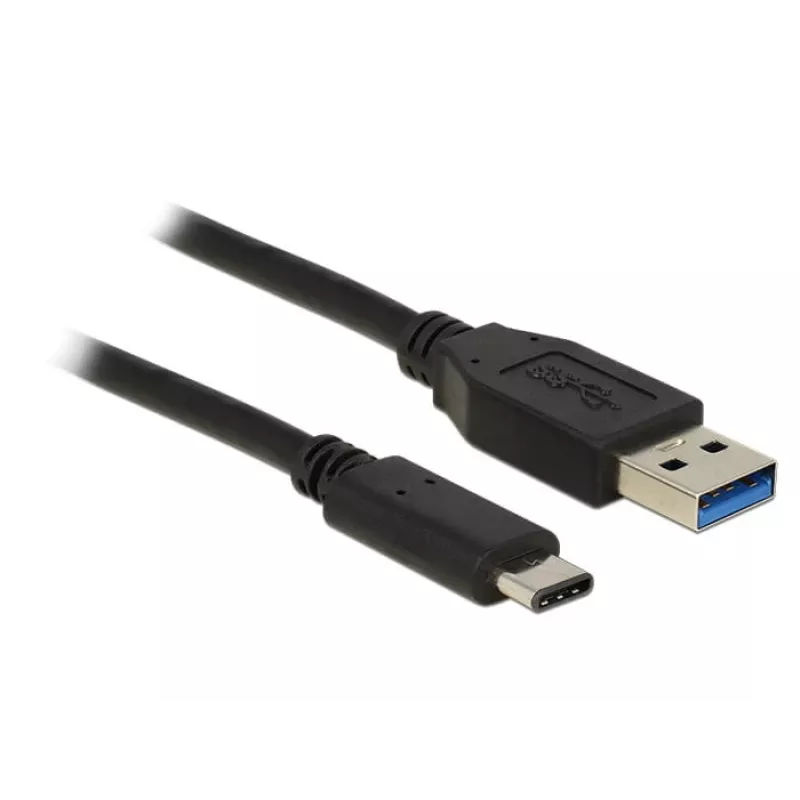
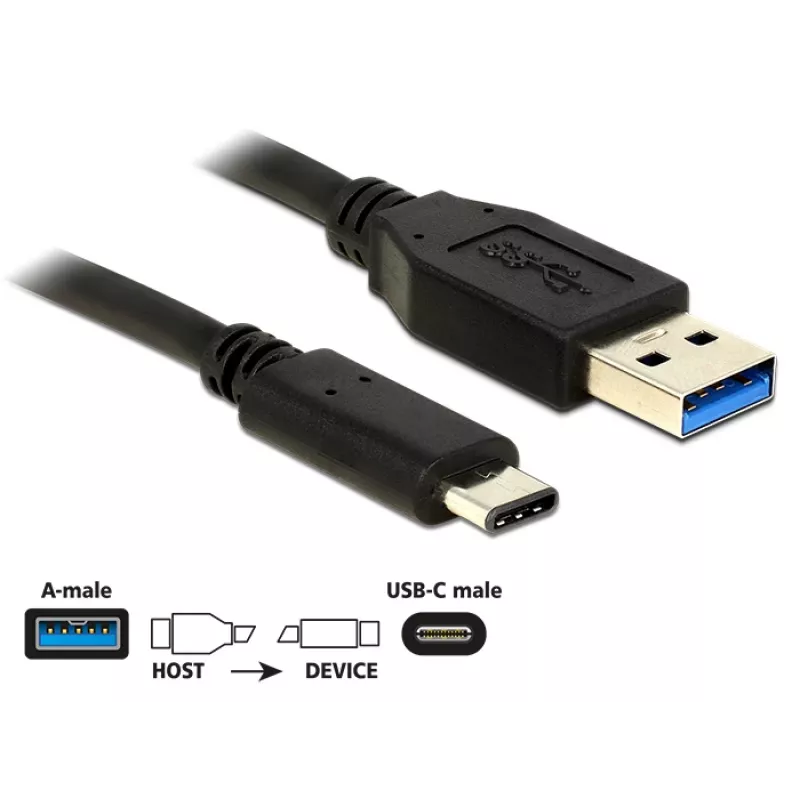
The DeLOCK USB Cable 1m USB3.1-C/USB3.1-A (model 83870) is a 1-metre cable for connecting devices with a USB Type-C™ connector, such as smartphones or external drives, to computers or laptops with a USB Type-A port. It supports USB 3.2 Gen 2 (USB 3.1 Gen 2) data transfer rates up to 10 Gbit/s and is... Read More
Stock 3 Code 1417203 Brand DELOCK Model USB-26610 Warranty 2 Years

Shipping & Returns

Estimated delivery Thursday, October 1
You will be kept updated through our detailed tracking system
Payment options
EFTPayFastBank CardSnapScanZapperGoogle PayApple PayMobicredMoreTymePay on Arrival

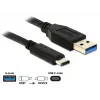
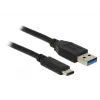
The DeLOCK USB Cable 1m USB3.1-C/USB3.1-A (model 83870) is a 1-metre cable for connecting devices with a USB Type-C™ connector, such as smartphones or external drives, to computers or laptops with a USB Type-A port. It supports USB 3.2 Gen 2 (USB 3.1 Gen 2) data transfer rates up to 10 Gbit/s and is finished in black.

Advantages

This cable provides high-speed data transfer up to 10 Gbit/s, a reversible USB Type-C connector for easy insertion, and a standard USB Type-A plug for compatibility with a wide range of PCs and laptops. The 1 m length balances reach and portability while the black finish offers a neutral, unobtrusive appearance.

Suitable for

  • Transferring large files between a smartphone or external drive and a PC
  • Connecting USB-C devices to laptops or desktops with USB-A ports
  • Everyday syncing and backup tasks

Key specifications

  • Connector 1: USB A (male)
  • Connector 2: USB C (male)
  • USB version: USB 3.2 Gen 2 (USB 3.1 Gen 2)
  • Maximum data transfer rate: 10 Gbit/s
  • Cable length: 1 m
  • Colour: Black

How to use

Plug the USB Type-A connector into an available USB-A port on your PC or laptop. Insert the USB Type-C connector into the USB-C port of your device. The reversible USB-C plug allows insertion in either orientation. After connecting, the host device should recognise the peripheral and establish a data connection; use your operating system's file manager or transfer software to move files.

Recommendations

For best performance, connect to a USB 3.2 Gen 2-compatible host port and use with devices that support USB 3.2 Gen 2 to achieve the full 10 Gbit/s transfer rate. Avoid sharp bends and strain at the connector ends to prolong cable life.
Key Highlights
  • Transferring large files between a smartphone or external drive and a PC
  • Connecting USB-C devices to laptops or desktops with USB-A ports
  • Everyday syncing and backup tasks
  • Connector 1: USB A (male)
  • Connector 2: USB C (male)
  • USB version: USB 3.2 Gen 2 (USB 3.1 Gen 2)
  • Maximum data transfer rate: 10 Gbit/s
  • Cable length: 1 m
  • Colour: Black
Specifications
AWG wire size
30
Cable diameter
4.5 mm
Cable length
1 m
Connector 1
USB A
Connector 1 form factor
Straight
Connector 1 gender
Male
Connector 2
USB C
Connector 2 form factor
Straight
Connector 2 gender
Male
Harmonized System (HS) code
84733080
Maximum data transfer rate
10 Gbit/s
Package type
Polybag
Product colour
Black
Quantity per pack
1 pc(s)
USB version
USB 3.2 Gen 2 (3.1 Gen 2)
Price history over the last 6 months
USB Cable DeLOCK 1m USB3.1-C/USB3.1-A 83870
Current
R213
Lowest
R180
Highest
R219
Change 24H
+R31   +17%
Week
+R33   +18%
Month
+R32   +18%

Popular products in this category

WhatsApp
Hi, I’m DistriNode’s AI assistant. I can help you find products, compare options, create quote PDFs, or open support requests.