Account Contact
Your Cart
Pay the courier with no extra fees.
Need help? DistriNode AI can handle any task on our site.

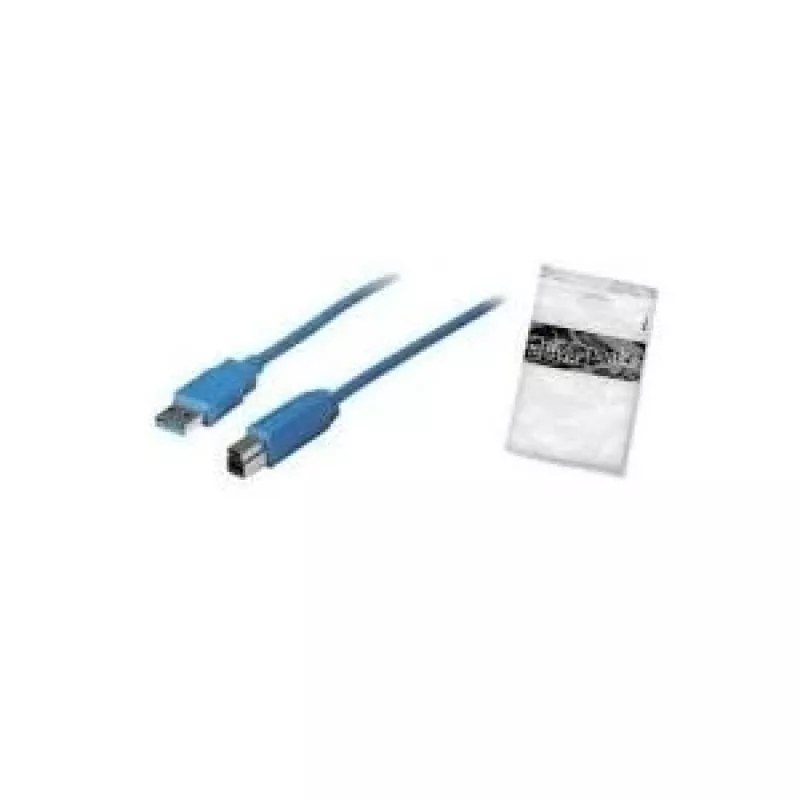
USB A - USB B Cable ShiverPeaks 1m

USB A - USB B Cable ShiverPeaks 1m
R310
The ShiverPeaks USB A - USB B Cable 1m is a blue, 1-metre data cable designed for connecting USB B devices such as printers and scanners to a computer with a USB A port. The cable supports USB 3.2 Gen 1 transfer speeds up to 5 Gbit/s and features male USB A and male USB B connectors for direct devic... Read More
Stock 478 Code 2256261 Brand SHIVERPEAKS Model BS77031 Warranty 2 Years

Shipping & Returns

Estimated delivery Tuesday, October 6
You will be kept updated through our detailed tracking system
Payment options
EFTPayFastBank CardSnapScanZapperGoogle PayApple PayMobicredMoreTymePay on Arrival

The ShiverPeaks USB A - USB B Cable 1m is a blue, 1-metre data cable designed for connecting USB B devices such as printers and scanners to a computer with a USB A port. The cable supports USB 3.2 Gen 1 transfer speeds up to 5 Gbit/s and features male USB A and male USB B connectors for direct device-to-host connections. Its length and connector type make it suitable for typical desktop and office setups where a short, reliable connection is required.

Advantages

This USB A to USB B cable delivers up to 5 Gbit/s data transfer using the USB 3.2 Gen 1 standard, enabling faster file transfers and improved responsiveness for compatible devices. The 1 m length provides a balance between reach and tidy cable management. The cable’s blue color helps with quick identification among other cables. Male-to-male connectors ensure simple plug-and-play connectivity without additional adapters.

Suitable for

  • Connecting printers and multifunction devices to desktop or laptop computers
  • Linking scanners and external CD/DVD drives that use USB B ports
  • Short-range data connections in offices, home workstations, and point-of-sale setups

Key specifications

  • Connector types: USB A (male) to USB B (male)
  • USB standard: USB 3.2 Gen 1 (backward compatible with USB 2.0/1.1)
  • Maximum data transfer rate: up to 5 Gbit/s
  • Cable length: 1 m
  • Color: blue

How to use

Plug the USB A connector into an available USB A port on your computer or host device and insert the USB B connector into the corresponding port on your printer, scanner or other peripheral. The cable supports plug-and-play operation; most operating systems will automatically recognize the connected device. For best performance, connect both ends firmly and avoid sharp bends near the connectors.

Recommendations

Use this cable for short-distance connections where a tidy workspace and reliable data transfer are required. For devices that require power over USB or very long runs, consider verifying device power needs and using a longer or powered cable as appropriate. Keep the cable away from high-interference sources (large transformers, heavy machinery) to maintain signal integrity.

Key Highlights
  • Connecting printers and multifunction devices to desktop or laptop computers
  • Linking scanners and external CD/DVD drives that use USB B ports
  • Short-range data connections in offices, home workstations, and point-of-sale setups
  • Connector types: USB A (male) to USB B (male)
  • USB standard: USB 3.2 Gen 1 (backward compatible with USB 2.0/1.1)
  • Maximum data transfer rate: up to 5 Gbit/s
  • Cable length: 1 m
  • Color: blue
Specifications
Cable colour
Blue
Cable length
1 m
Connector 1
USB A
Connector 1 form factor
Straight
Connector 1 gender
Male
Connector 2
USB B
Connector 2 form factor
Straight
Connector 2 gender
Male
Connector contacts plating
Nickel
Maximum data transfer rate
5 Gbit/s
Product colour
Blue
USB version
USB 3.2 Gen 1 (3.1 Gen 1)
Price history over the last 6 months
USB A - USB B Cable ShiverPeaks 1m
Current
R310
Lowest
R300
Highest
R310
Change 24H
+R9   +3%
Week
—   
Month
—   

Popular products in this category

WhatsApp
Hi, I’m DistriNode’s AI assistant. I can help you find products, compare options, create quote PDFs, or open support requests.