Account Contact
Your Cart
Pay the courier with no extra fees.
Need help? DistriNode AI can handle any task on our site.

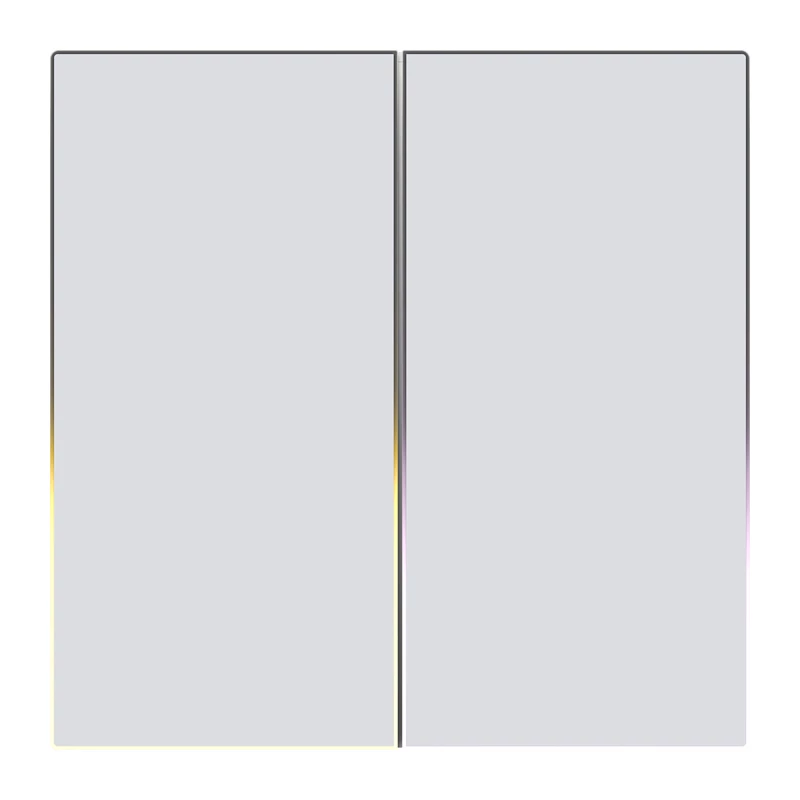
Touch Light Switch Avatto TS60-EU-W2 ZigBee Dual TUYA White, wall-mounted touch controller

Touch Light Switch Avatto TS60-EU-W2 ZigBee Dual TUYA White, wall-mounted touch controller
R687
Avatto ZTS60-EU-W2 Touch Light Switch Dual TUYA is a Zigbee 3.0 smart two-gang wall switch designed to control household lighting via a smartphone app and a compatible Zigbee gateway. The switch supports touch control and remote operation, allows scheduling and automation through the AVATTO app, and... Read More
Stock Out Of Stock Code 876987 Brand AVATTO Model ZTS60-EU-W2 Warranty 2 Years

Shipping & Returns

Avatto ZTS60-EU-W2 Touch Light Switch Dual TUYA is a Zigbee 3.0 smart two-gang wall switch designed to control household lighting via a smartphone app and a compatible Zigbee gateway. The switch supports touch control and remote operation, allows scheduling and automation through the AVATTO app, and is suitable for standard home installations.

Advantages

The switch features Zigbee 3.0 compatibility for stable mesh connectivity and remote control through a gateway. Its flame-retardant PC housing and rated current of 10 A with a maximum load of 800 W per circuit provide safe and durable operation. Installation and pairing are straightforward: connect L, N and L1 according to the wiring diagram, then press and hold the button for 5 seconds to enter pairing mode and add the device in the app.

Key specifications

  • Manufacturer: Avatto
  • Model: ZTS60 (ZTS60-EU-W2)
  • Type: Intelligent two-gang light switch
  • Communication protocol: Zigbee 3.0
  • Power supply: AC 100–240 V, 50/60 Hz
  • Maximum load: 800 W per circuit (resistive load)
  • Maximum current: 10 A
  • Standby power consumption: 0.1 mA
  • Housing material: Flame-retardant PC
  • Dimensions: 80 × 80 mm
  • Wiring: L (phase), N (neutral), L1 (load 1)

How to use

Turn off mains power before installation. Connect the wires to the switch terminals: L — phase, N — neutral, L1 — load (for each circuit). Restore power, then put the switch into pairing mode by pressing and holding the touch button for about 5 seconds until the backlight flashes. Open the AVATTO app, ensure the Zigbee gateway is active and connected to a 2.4 GHz network, and follow the app prompts to add the device. After pairing, control the lights from the app, create schedules and automations, or use the touch panel locally.

Recommendations

Use a compatible Zigbee gateway and a 2.4 GHz Wi‑Fi connection for stable remote control. Observe the rated current and maximum load per circuit when connecting lighting fixtures. If unsure about wiring, consult a qualified electrician.
Key Highlights
  • Manufacturer: Avatto
  • Model: ZTS60 (ZTS60-EU-W2)
  • Type: Intelligent two-gang light switch
  • Communication protocol: Zigbee 3.0
  • Power supply: AC 100–240 V, 50/60 Hz
  • Maximum load: 800 W per circuit (resistive load)
  • Maximum current: 10 A
  • Standby power consumption: 0.1 mA
  • Housing material: Flame-retardant PC
  • Dimensions: 80 × 80 mm
  • Wiring: L (phase), N (neutral), L1 (load 1)
Price history over the last 6 months
Touch Light Switch Avatto TS60-EU-W2 ZigBee Dual TUYA White, wall-mounted touch controller
Current
R687
Lowest
R656
Highest
R692
Change 24H
+R25   +4%
Week
+R27   +4%
Month
+R25   +4%

Popular products in this category

WhatsApp
Hi, I’m DistriNode’s AI assistant. I can help you find products, compare options, create quote PDFs, or open support requests.