Account Contact
Your Cart
Pay on delivery – no extra fees
Need help? Ask our AI

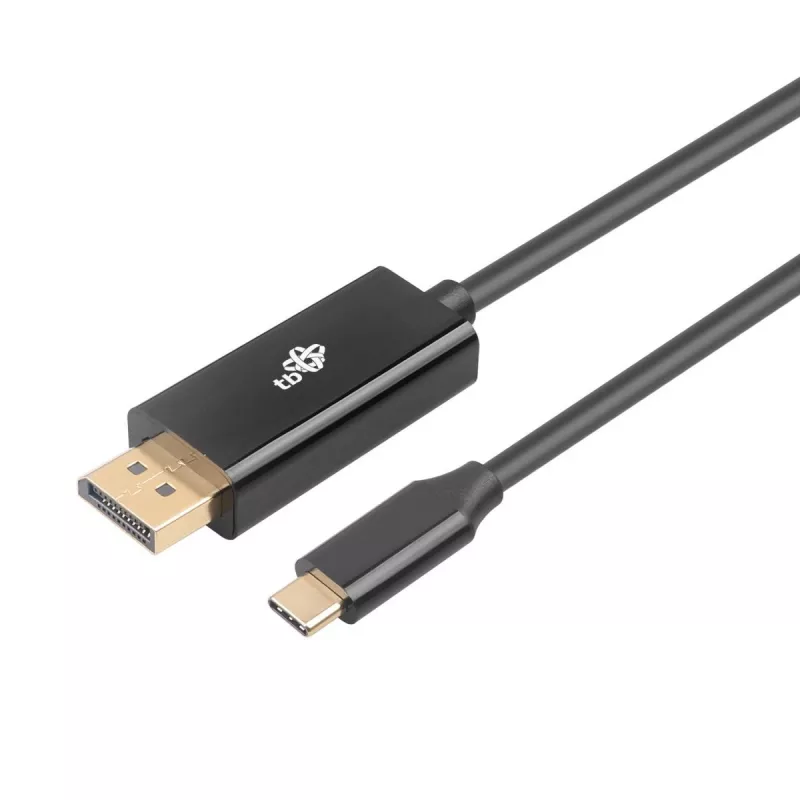
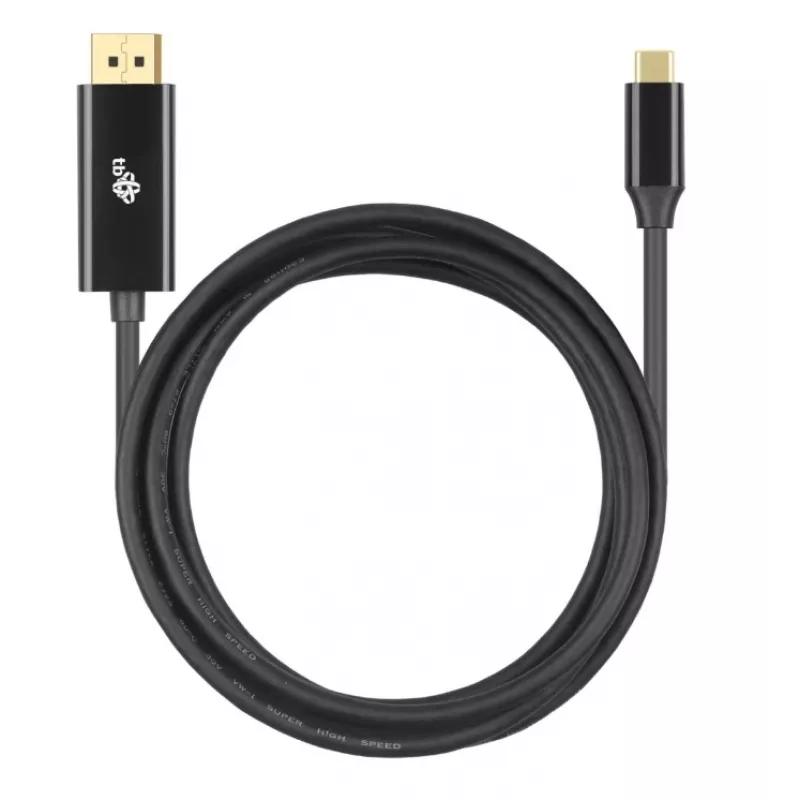
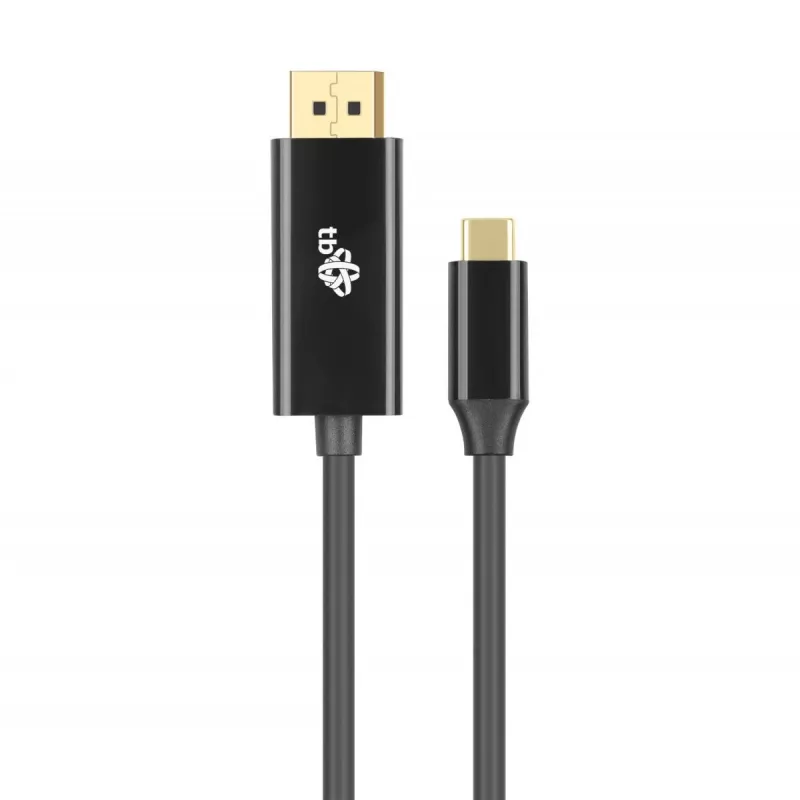
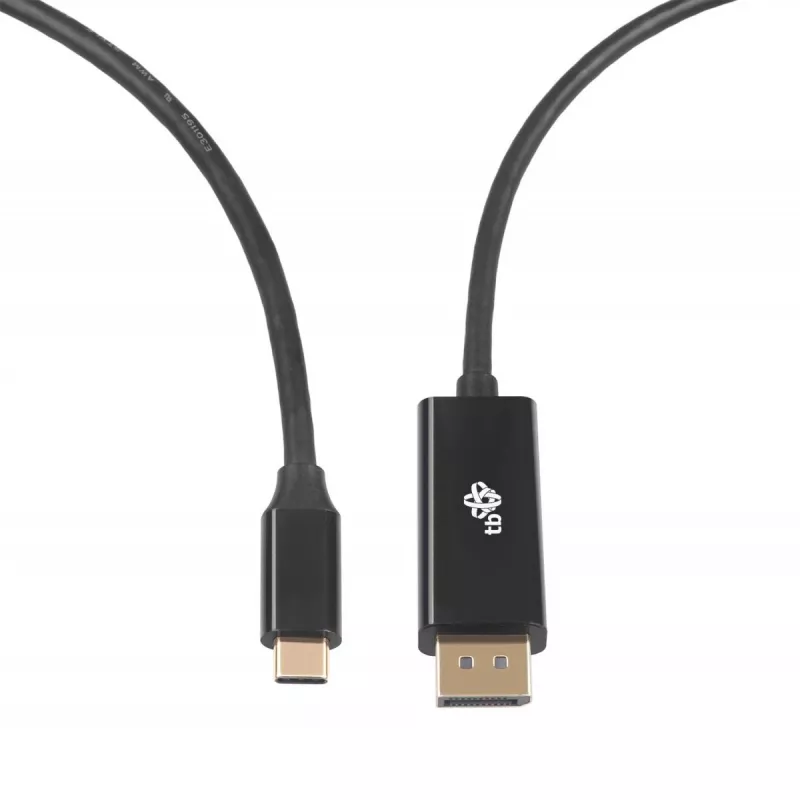
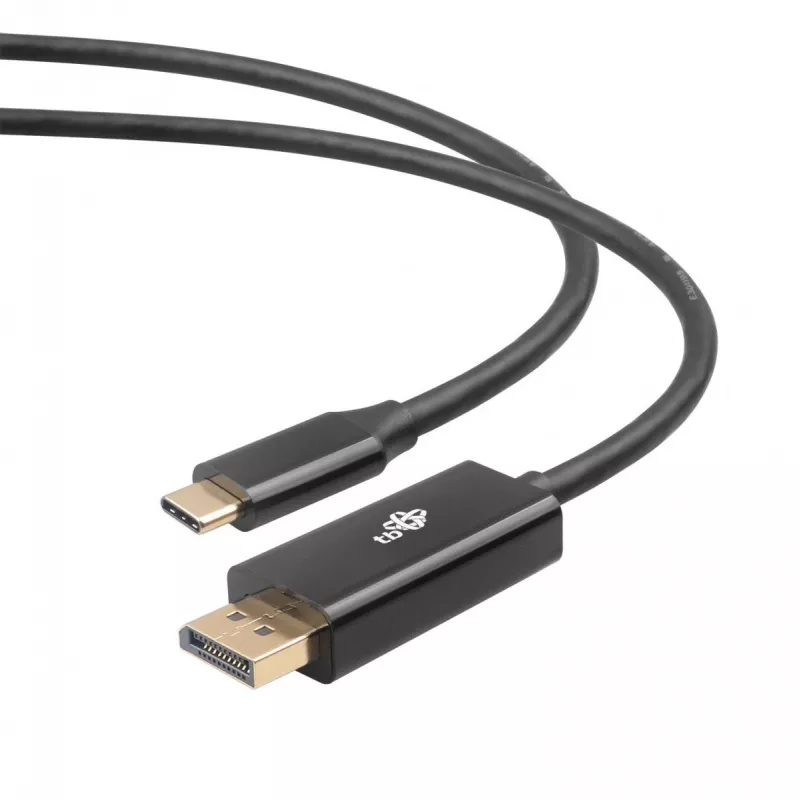
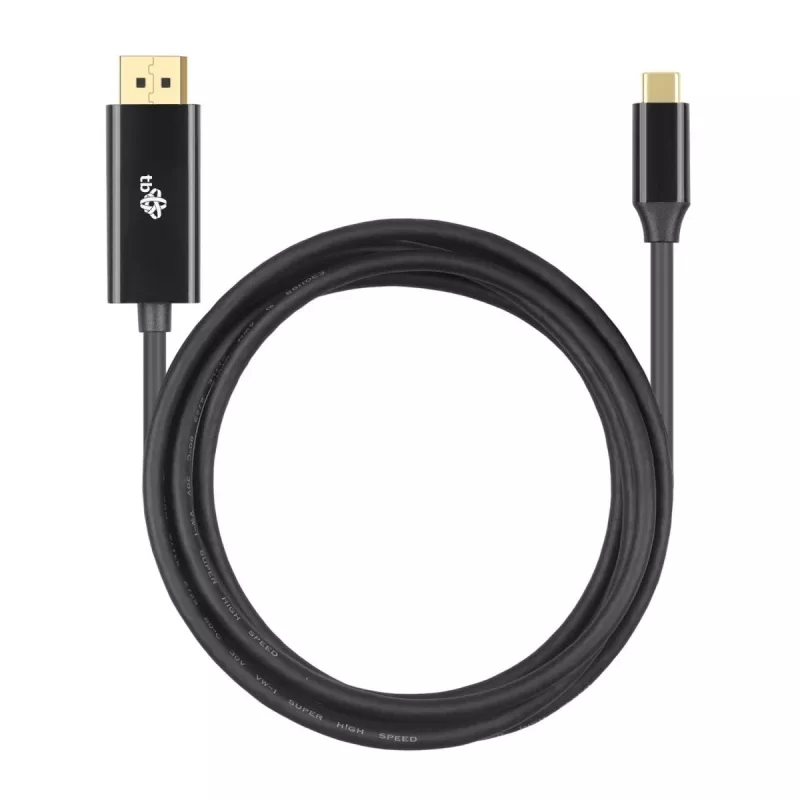
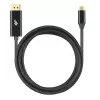
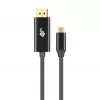
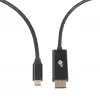
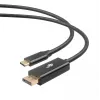
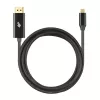
USB-C to DisplayPort cable TB AKTBXVDUSBCDP2B 2 m — black

USB-C to DisplayPort cable TB AKTBXVDUSBCDP2B 2 m — black
60 mo.
USB-C to DisplayPort cable TB AKTBXVDUSBCDP2B 2 m — black
R398
TB USB-C to DisplayPort cable AKTBXVDUSBCDP2B, 2 m — black provides a direct wired video connection between a USB-C source that supports Alt Mode and a DisplayPort-enabled monitor or projector. The 2 meter length balances reach and signal stability for desktop and meeting-room setups. This single-ca... Read More
Stock Out Of StockNo Stock Code 98522 Brand TB Model AKTBXVDUSBCDP2B Warranty 5 Years

Shipping & Returns

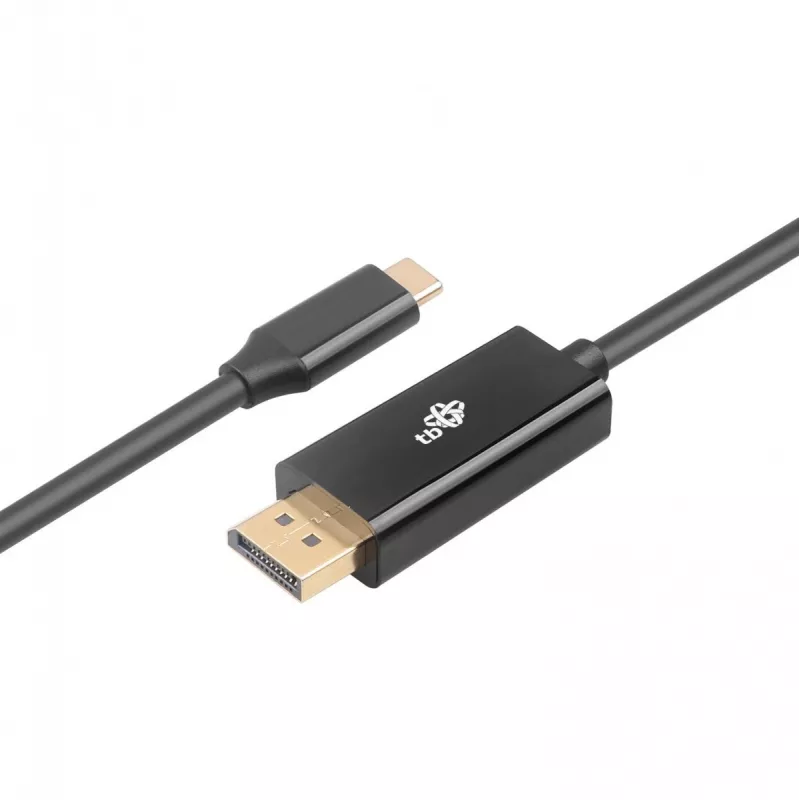
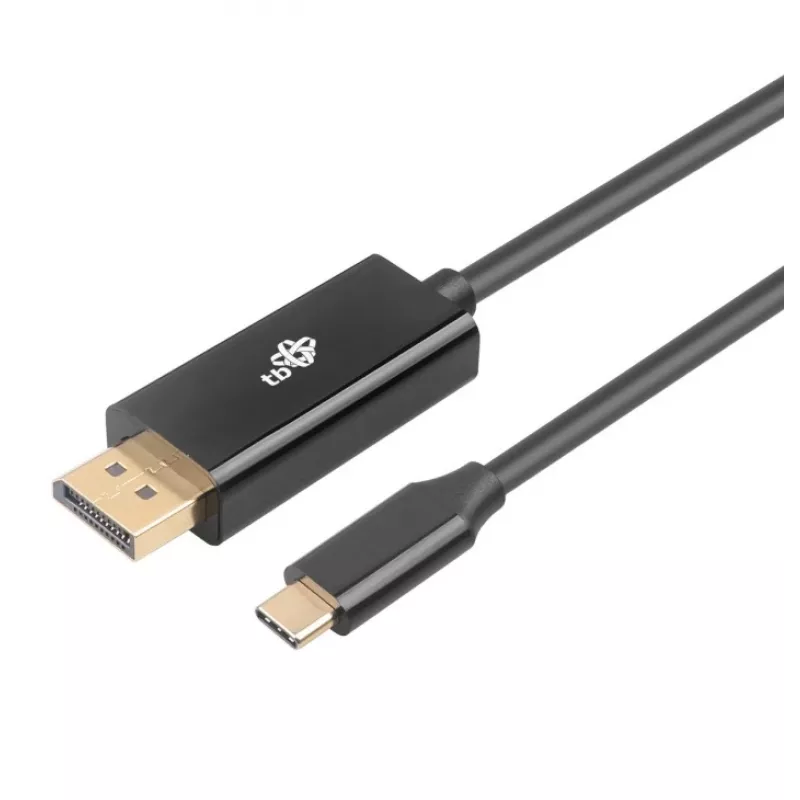
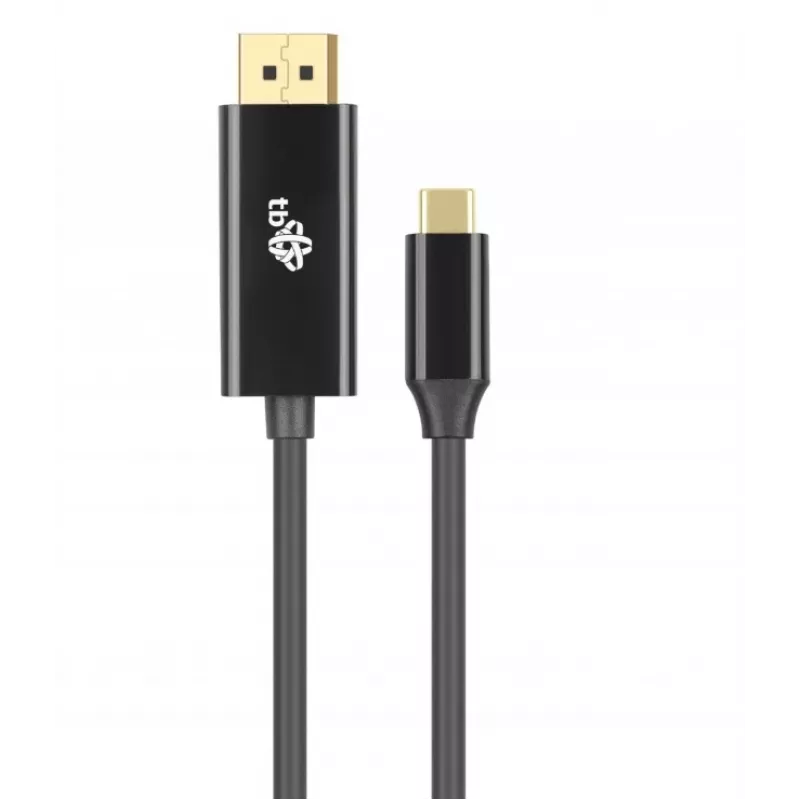
TB USB-C to DisplayPort cable AKTBXVDUSBCDP2B, 2 m — black provides a direct wired video connection between a USB-C source that supports Alt Mode and a DisplayPort-enabled monitor or projector. The 2 meter length balances reach and signal stability for desktop and meeting-room setups. This single-cable solution supports plug-and-play operation without additional drivers when used with compatible devices and simplifies connecting laptops, tablets or smartphones with USB-C video output to DisplayPort displays.

Advantages

This USB-C to DisplayPort cable offers a straightforward, reliable way to transmit video over a 2 m distance. The cable supports native USB-C Alt Mode video output on the source device, delivering a direct DisplayPort signal to the display. Its black jacket and compact connectors are designed for typical office and home environments, and the single-cable format reduces clutter compared with multi-adapter setups. The device requires no external power or software when used with devices that natively support USB-C video output.

Suitable for

  • Connecting USB-C enabled laptops to DisplayPort monitors for office work and multi-monitor setups
  • Presentations using tablets or laptops with USB-C video output to projectors or conference-room displays
  • Home entertainment setups where a smartphone or laptop outputs video to a DisplayPort-compatible TV or monitor
  • Temporary workstation setups or hot-desk environments requiring quick, portable video connections

Key specifications

  • Cable type: USB-C (source, Alt Mode) to DisplayPort (display)
  • Length: 2 meters
  • Color: black
  • Connection: plug-and-play with compatible USB-C Alt Mode devices
  • Use: one-way video transmission from USB-C to DisplayPort

How to use

Connect the USB-C end to a device that supports video output over USB-C (DisplayPort Alt Mode) and plug the DisplayPort end into the target monitor, TV or projector. The connected display should be set to the correct input; most modern operating systems automatically detect the external display. No drivers are normally required for standard video output, but device-specific settings such as resolution and scaling can be adjusted in the operating system display settings if needed.

Recommendations

Use the cable with devices that explicitly support DisplayPort Alternate Mode over USB-C. Avoid excessive bending or kinking near the connectors and route the cable to prevent strain. For optimal video quality, set the output device to a resolution and refresh rate supported by the connected display.
Key Highlights
  • Connecting USB-C enabled laptops to DisplayPort monitors for office work and multi-monitor setups
  • Presentations using tablets or laptops with USB-C video output to projectors or conference-room displays
  • Home entertainment setups where a smartphone or laptop outputs video to a DisplayPort-compatible TV or monitor
  • Temporary workstation setups or hot-desk environments requiring quick, portable video connections
  • Cable type: USB-C (source, Alt Mode) to DisplayPort (display)
  • Length: 2 meters
  • Color: black
  • Connection: plug-and-play with compatible USB-C Alt Mode devices
  • Use: one-way video transmission from USB-C to DisplayPort
Price history over the last 6 months
USB-C to DisplayPort cable TB AKTBXVDUSBCDP2B 2 m — black
Current
R398
Lowest
R284
Highest
R398
Change 24H
+R108   +37%
Week
—   
Month
—   

Popular products in this category

WhatsApp
Hi, I’m DistriNode’s AI assistant. I can help you find products, compare options, create quote PDFs, or open support requests.