Account Contact
Your Cart
Pay the courier with no extra fees.
Need help? DistriNode AI can handle any task on our site.

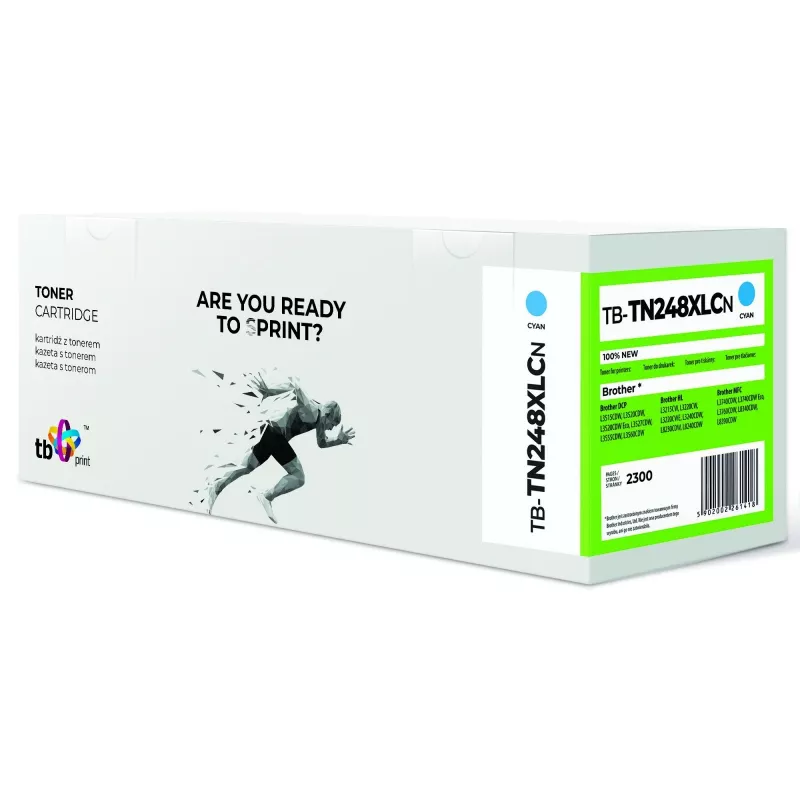
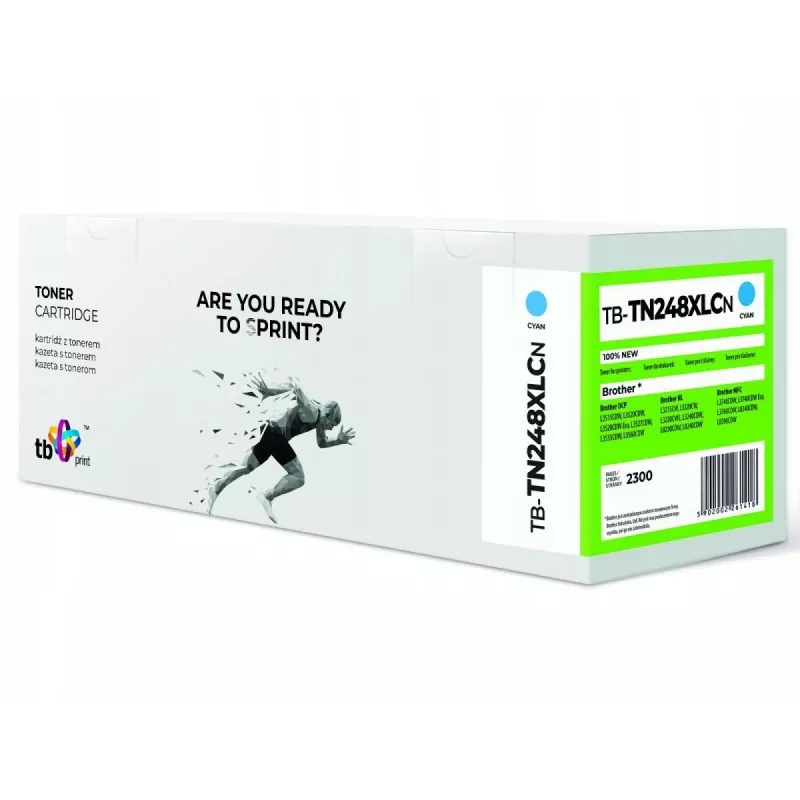
Toner Brother TN248XLC 3000 pages Cyan

Toner Brother TN248XLC 3000 pages Cyan
60 mo.
Toner Brother TN248XLC 3000 pages Cyan
R638
The TB Toner Brother TN248XLC 3000 pages Cyan is a cyan toner cartridge designed to deliver consistent color output and reliable page yield. With a rated capacity of up to 3000 pages, this cartridge is intended for users who need frequent color prints with stable saturation and clear details. The to... Read More
Stock 30 Code 103397 Brand TB PRINT Model TB-TN248XLCN Warranty 5 Years

Shipping & Returns

Estimated delivery Friday, October 2
You will be kept updated through our detailed tracking system
Payment options
EFTPayFastBank CardSnapScanZapperGoogle PayApple PayMobicredMoreTymePay on Arrival

The TB Toner Brother TN248XLC 3000 pages Cyan is a cyan toner cartridge designed to deliver consistent color output and reliable page yield. With a rated capacity of up to 3000 pages, this cartridge is intended for users who need frequent color prints with stable saturation and clear details. The toner is compatible with a range of Brother printers and is supplied in a form factor that fits standard cartridge bays for straightforward replacement.

Advantages

This cyan toner provides uniform color density across pages and maintains legibility of fine text and graphic elements. The cartridge is engineered for straightforward installation and steady feeding, reducing the chance of print interruptions. Its yield rating supports higher-volume color jobs while maintaining predictable replacement intervals and minimizing unexpected downtime.

Suitable for

  • Printing color documents and reports in small offices
  • Producing marketing materials, flyers and brochures
  • Home users needing reliable color prints for schoolwork and personal documents
  • Mixed black-and-color office workflows with moderate monthly volume

Key specifications

  • Color: Cyan
  • Estimated page yield: up to 3000 pages (ISO/IEC standard conditions)
  • Cartridge type: Toner cartridge for laser printers
  • Compatibility: Designed for select Brother laser printers that accept TN248-series cartridges
  • Form factor: Single-color replaceable cartridge

How to use

Turn off the printer and open the front cover or cartridge access panel according to the printer manual. Remove the empty cartridge by gently pulling it out, then unpack the replacement toner and remove any protective seals or tabs. Insert the cartridge into the correct slot until it clicks into place, close the access panel, and power the printer on. Perform a test print or alignment if prompted by the device to ensure correct installation and color calibration.

Recommendations

Store the cartridge in a cool, dry place away from direct sunlight and extreme temperatures. Handle the cartridge by its sides to avoid contact with the drum or toner outlet. For consistent color results, allow the printer to complete any built-in calibration cycles and use printer driver settings that match the paper type and print quality needed.

Key Highlights
  • Printing color documents and reports in small offices
  • Producing marketing materials, flyers and brochures
  • Home users needing reliable color prints for schoolwork and personal documents
  • Mixed black-and-color office workflows with moderate monthly volume
  • Color: Cyan
  • Estimated page yield: up to 3000 pages (ISO/IEC standard conditions)
  • Cartridge type: Toner cartridge for laser printers
  • Compatibility: Designed for select Brother laser printers that accept TN248-series cartridges
  • Form factor: Single-color replaceable cartridge
Price history over the last 6 months
Toner Brother TN248XLC 3000 pages Cyan
Current
R638
Lowest
R432
Highest
R700
Change 24H
+R202   +46%
Week
+R205   +47%
Month
+R201   +46%

Popular products in this category

WhatsApp
Hi, I’m DistriNode’s AI assistant. I can help you find products, compare options, create quote PDFs, or open support requests.