Account Contact
Your Cart
Pay the courier with no extra fees.
Need help? DistriNode AI can handle any task on our site.

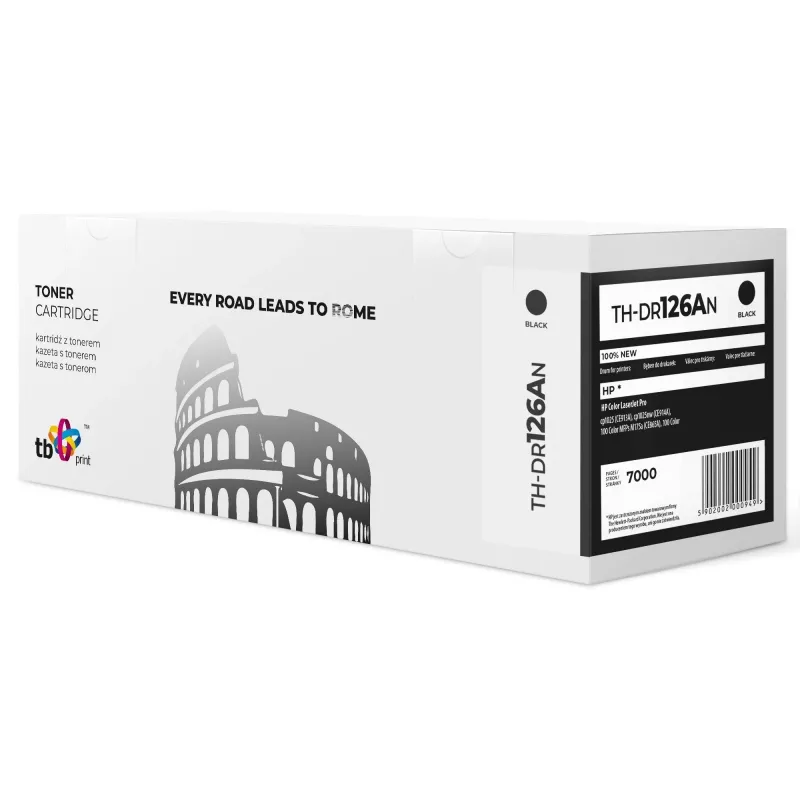
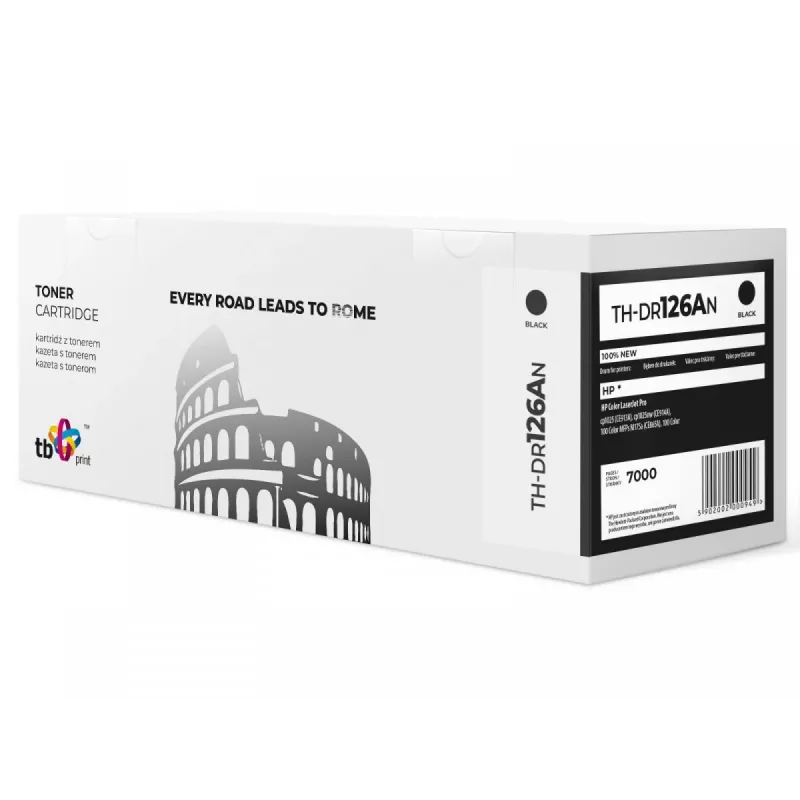
Drum HP LJ CP1025 TH-DR126AN 100% new 15000 pages black

Drum HP LJ CP1025 TH-DR126AN 100% new 15000 pages black
60 mo.
Drum HP LJ CP1025 TH-DR126AN 100% new 15000 pages black
R861
The TH-DR126AN drum for HP LJ CP1025 is a 100% new replacement imaging drum engineered to deliver up to 15,000 pages of consistent black output. Designed to match the form and fit required by HP LaserJet CP1025 printers, this drum supports sharp text reproduction and uniform density across pages, he... Read More
Stock 5 Code 95998 Brand TB PRINT Model TH-DR126AN Warranty 5 Years

Shipping & Returns

Estimated delivery Thursday, October 1
You will be kept updated through our detailed tracking system
Payment options
EFTPayFastBank CardSnapScanZapperGoogle PayApple PayMobicredMoreTymePay on Arrival

The TH-DR126AN drum for HP LJ CP1025 is a 100% new replacement imaging drum engineered to deliver up to 15,000 pages of consistent black output. Designed to match the form and fit required by HP LaserJet CP1025 printers, this drum supports sharp text reproduction and uniform density across pages, helping to maintain print quality for documents and graphics. Installation is straightforward, and the unit is intended for use where reliable monochrome performance and long drum life are required.

Advantages

This drum offers high page yield and stable black density, reducing the frequency of replacements. Manufactured as a new unit rather than remanufactured, it provides predictable performance and lower risk of defects. The design aims for easy installation and compatibility with the HP LaserJet CP1025 series, while the high yield helps lower running costs for high-volume black printing.

Key specifications

  • Type: replacement imaging drum for monochrome black output
  • Compatibility: designed for HP LaserJet CP1025 series printers
  • Yield: up to 15,000 pages (black, based on standard coverage)
  • Condition: 100% new unit

How to use

Remove the printer cover and take out the used drum assembly according to the HP LaserJet CP1025 user manual. Unpack the replacement drum, remove any protective seals or tapes, and insert the new drum into the printer until it clicks into place. Close the printer cover and run a test print or print quality check to confirm proper installation and alignment. Follow the printer’s on-screen prompts if it requires confirmation of the new drum.

Recommendations

Store the drum in a dry, dust-free environment and avoid exposure to direct sunlight or high temperatures. For stable results, pair the drum with compatible toner cartridges designed for HP LJ CP1025 and perform periodic printer maintenance, such as cleaning rollers and contacts, to extend drum life and maintain print quality.

Key Highlights
  • Office documents and reports requiring consistent black text
  • Home printing where longer service intervals are preferred
  • Print jobs with mixed text and graphics that need uniform density
  • Environments seeking cost-effective replacement parts for HP LJ CP1025
  • Type: replacement imaging drum for monochrome black output
  • Compatibility: designed for HP LaserJet CP1025 series printers
  • Yield: up to 15,000 pages (black, based on standard coverage)
  • Condition: 100% new unit
Price history over the last 6 months
Drum HP LJ CP1025 TH-DR126AN 100% new 15000 pages black
Current
R861
Lowest
R679
Highest
R893
Change 24H
+R173   +25%
Week
+R178   +26%
Month
+R176   +26%

Popular products in this category

WhatsApp
Hi, I’m DistriNode’s AI assistant. I can help you find products, compare options, create quote PDFs, or open support requests.