Account Contact
Your Cart
Pay the courier with no extra fees.
Need help? DistriNode AI can handle any task on our site.

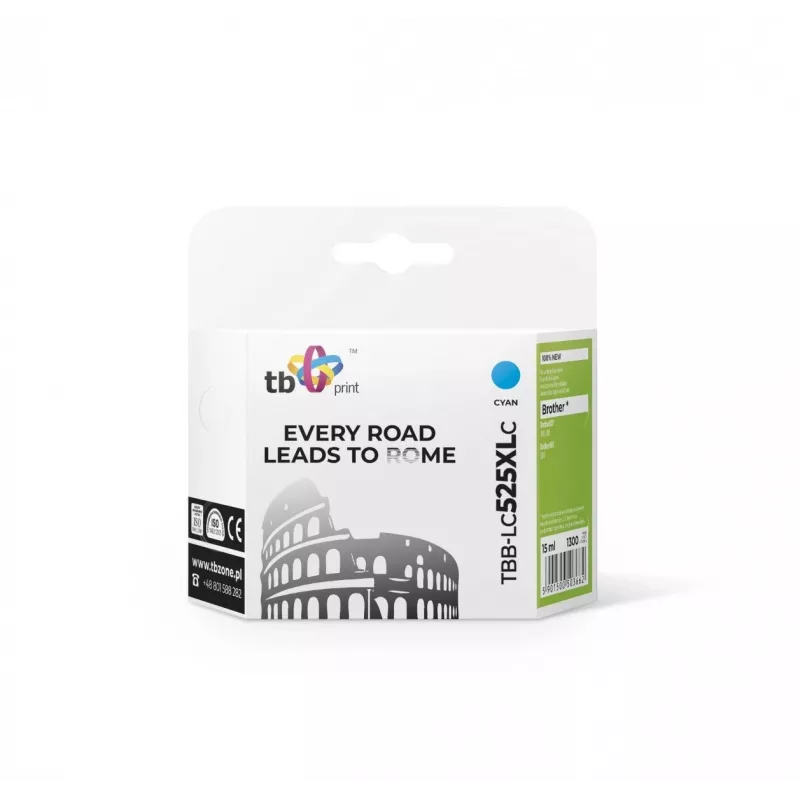
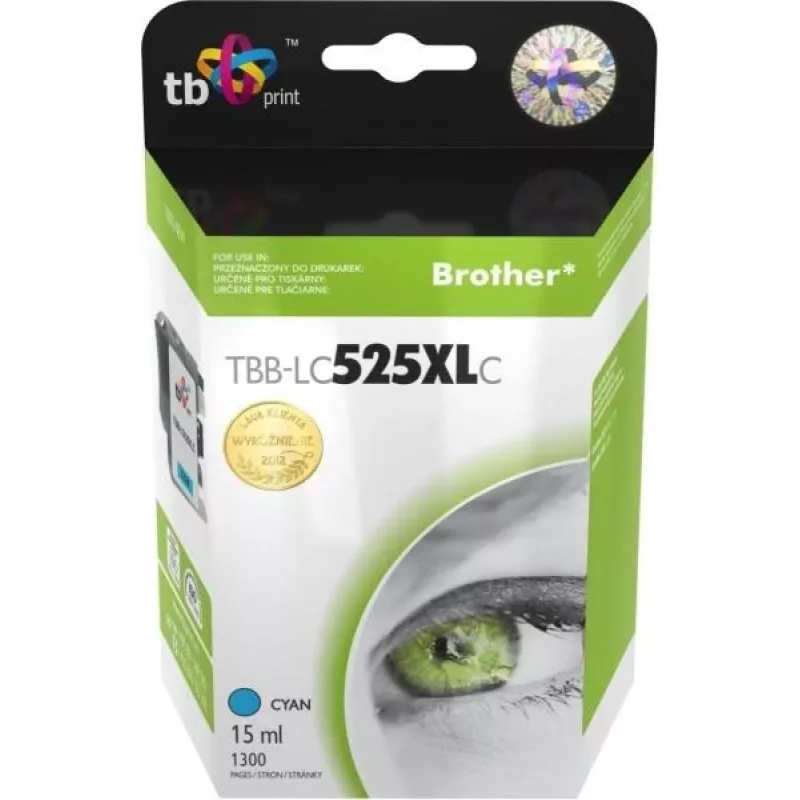
Cartridge Brother LC525/535 Cyan

Cartridge Brother LC525/535 Cyan
60 mo.
Cartridge Brother LC525/535 Cyan
R71
The TB Cartridge Brother LC525/535 Cyan delivers cyan toner designed for use in compatible Brother inkjet printers. It is intended to reproduce cyan tones with clarity and consistent color output, supporting everyday document printing and color graphics. The cartridge is described as offering a page... Read More
Stock 30 Code 92764 Brand TB Model TBB-LC525XLC Warranty 5 Years

Shipping & Returns

Estimated delivery Thursday, October 1
You will be kept updated through our detailed tracking system
Payment options
EFTPayFastBank CardSnapScanZapperGoogle PayApple PayMobicredMoreTymePay on Arrival

The TB Cartridge Brother LC525/535 Cyan delivers cyan toner designed for use in compatible Brother inkjet printers. It is intended to reproduce cyan tones with clarity and consistent color output, supporting everyday document printing and color graphics. The cartridge is described as offering a page yield of approximately 1,200 pages and is suitable for both home and small office environments where reliable color printing is required.

Advantages

The cartridge provides stable color density and predictable page yield to help maintain consistent print quality over multiple replacement cycles. Installation is straightforward and follows standard cartridge-replacement procedures for Brother printers, enabling quick swaps with minimal downtime. Using a manufacturer-compatible cyan cartridge supports accurate color reproduction for documents, diagrams and images while helping to avoid frequent replenishment.

Suitable for

  • Everyday color documents and reports
  • Color diagrams, charts and presentations
  • Home printing and small office use
  • Replacement in compatible Brother inkjet printers

Key specifications

  • Color: Cyan
  • Approximate page yield: 1,200 pages (coverage per manufacturer standard)
  • Compatibility: Designed for use in Brother LC525 and LC535 series compatible printers
  • Form factor: Single-color ink cartridge

How to use

Before installation, power on the printer and open the cartridge access cover according to the printer manual. Remove the empty cartridge by gently releasing the latch or lever, then unpack the new cartridge and remove any protective tape or packaging. Insert the cartridge into the correct slot for cyan until it clicks into place, then close the access cover. Allow the printer to complete any initialization or alignment routines; print a test page to confirm correct installation and color output.

Recommendations

Store unused cartridges in a cool, dry place away from direct sunlight. Use within the manufacturer’s recommended period after opening packaging to maintain print quality. For best results, run regular printhead alignment and occasional color test pages to ensure accurate cyan reproduction and to detect low-ink conditions early.

Key Highlights
  • Everyday color documents and reports
  • Color diagrams, charts and presentations
  • Home printing and small office use
  • Replacement in compatible Brother inkjet printers
  • Color: Cyan
  • Approximate page yield: 1,200 pages (coverage per manufacturer standard)
  • Compatibility: Designed for use in Brother LC525 and LC535 series compatible printers
  • Form factor: Single-color ink cartridge
Specifications
Brand compatibility
Brother
Colour ink page yield
1300 pages
Colour ink volume
15 ml
Compatibility
DCP-J100, J105, Brother MFC-J200
OEM code
LC525 / 535 CY
Package type
Box
Print technology
Inkjet printing
Printing colours
Cyan
Quantity per pack
1 pc(s)
Type
No
Price history over the last 6 months
Cartridge Brother LC525/535 Cyan
Current
R71
Lowest
R35
Highest
R97
Change 24H
+R35   +98%
Week
+R35   +100%
Month
+R35   +99%

Popular products in this category

WhatsApp
Hi, I’m DistriNode’s AI assistant. I can help you find products, compare options, create quote PDFs, or open support requests.