Account Contact
Your Cart
Pay the courier with no extra fees.
Need help? DistriNode AI can handle any task on our site.

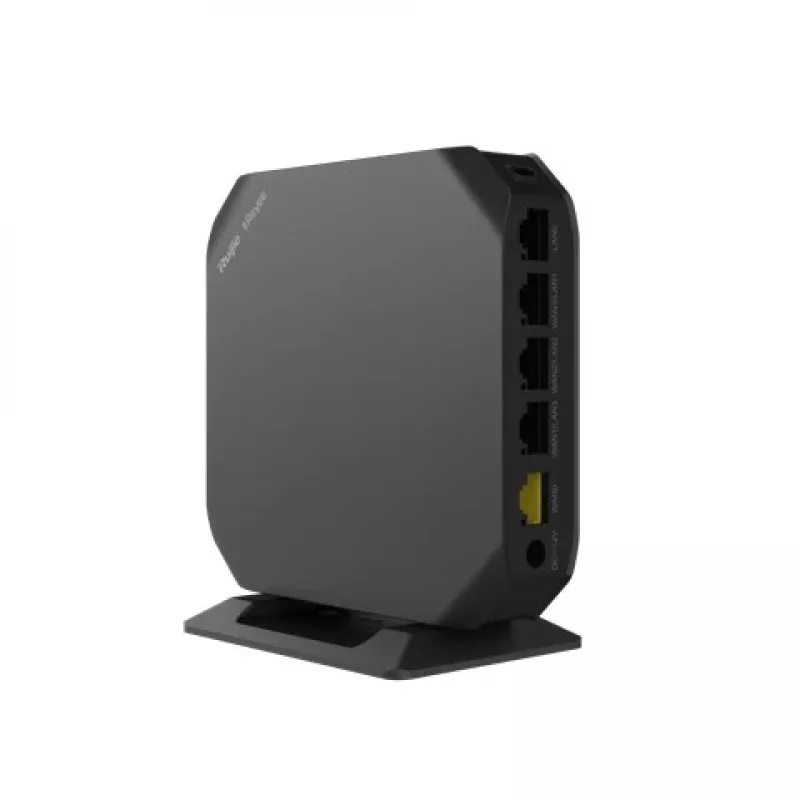
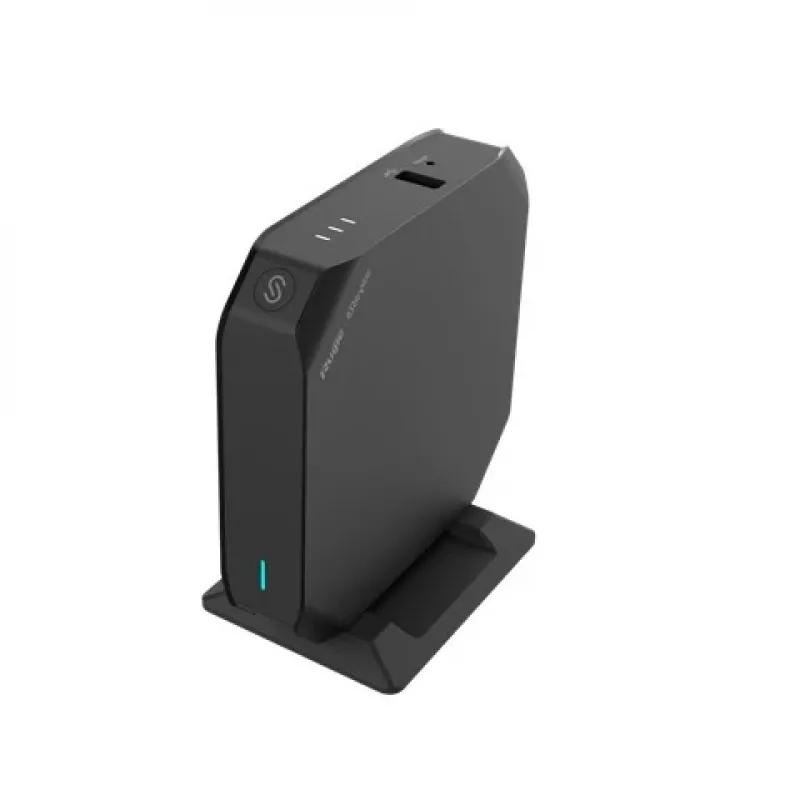
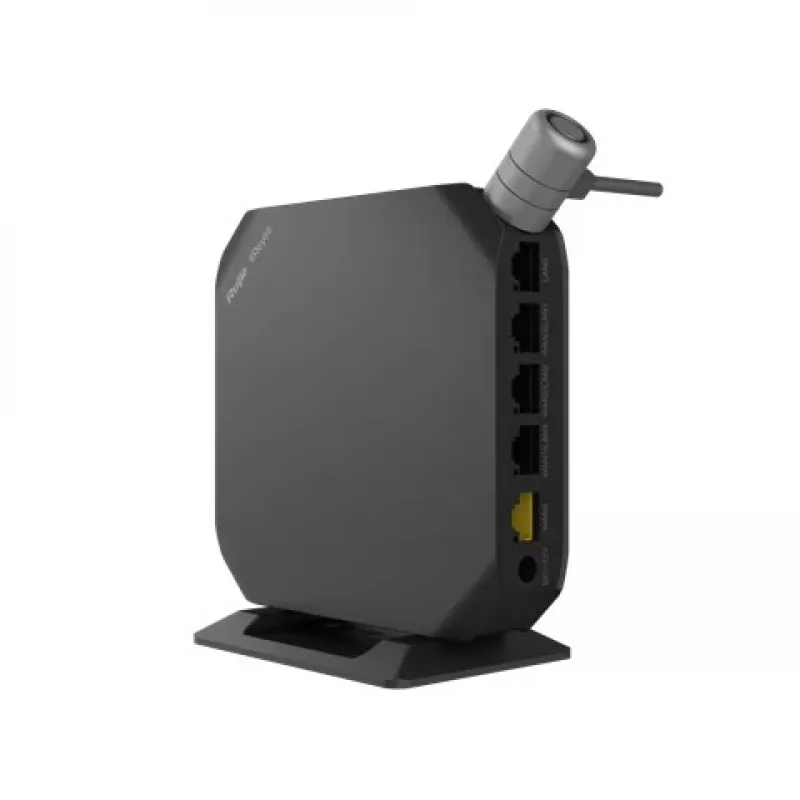
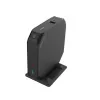
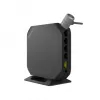
Tabletop router RUIJIE RG-EG105GW(T) Dual-band Wi-Fi 5, 2.4/5 GHz, 5 Gigabit LAN ports, internal antennas

Tabletop router RUIJIE RG-EG105GW(T) Dual-band Wi-Fi 5, 2.4/5 GHz, 5 Gigabit LAN ports, internal antennas
36 mo.
Tabletop router RUIJIE RG-EG105GW(T) Dual-band Wi-Fi 5, 2.4/5 GHz, 5 Gigabit LAN ports, internal antennas
R2,580
The Ruijie Networks RG-EG105GW(T) Dual-band Wi-Fi 5 tabletop router delivers concurrent 2.4 GHz and 5 GHz wireless connectivity based on the 802.11ac standard. Designed for small offices and homes, the unit combines dual-band Wi-Fi, five Gigabit Ethernet LAN ports and internal omni-directional anten... Read More
Stock 1 Code 1221305 Brand RUIJIE Model RG-EG105GW(T) Warranty 3 Years

Shipping & Returns

Estimated delivery Thursday, October 8
You will be kept updated through our detailed tracking system
Payment options
EFTPayFastBank CardSnapScanZapperGoogle PayApple PayMobicredMoreTymePay on Arrival

The Ruijie Networks RG-EG105GW(T) Dual-band Wi-Fi 5 tabletop router delivers concurrent 2.4 GHz and 5 GHz wireless connectivity based on the 802.11ac standard. Designed for small offices and homes, the unit combines dual-band Wi-Fi, five Gigabit Ethernet LAN ports and internal omni-directional antennas in a compact black housing to provide stable local network access and fast wired connections at 10/100/1000 Mbit/s.

Advantages

The router supports dual-band operation to separate traffic between legacy 2.4 GHz devices and higher-speed 5 GHz clients, improving overall wireless performance. Built-in Gigabit Ethernet LAN ports provide reliable wired throughput for desktops, NAS or media devices. Internal omni-directional antennas offer broad coverage without external antenna clutter, and compatibility with common Wi‑Fi standards ensures interoperability with a wide range of client devices.

Suitable for (tasks / use cases)

  • Small home networks with mixed 2.4 GHz and 5 GHz devices
  • Small office deployments requiring multiple wired connections
  • Streaming HD media and online conferencing on 5 GHz
  • Basic wired backhaul for network printers, storage, or IP cameras

Key specifications

  • Wi‑Fi bands: Dual‑band (2.4 GHz and 5 GHz)
  • Top wireless standard: Wi‑Fi 5 (802.11ac); backward compatible with 802.11a/b/g/n
  • Ethernet ports: 5 × Gigabit Ethernet LAN (RJ‑45) supporting 10/100/1000 Mbit/s
  • Antennas: Internal omni‑directional antennas for broad indoor coverage
  • Color: Black

How to use

Place the router on a stable tabletop or shelf in a central location for best wireless coverage. Connect the internet source to the router according to your network setup and use the Gigabit Ethernet LAN ports to attach wired devices. Access the router’s management interface to configure SSIDs for 2.4 GHz and 5 GHz, set security options (WPA2/WPA3 if supported by client devices), and adjust channel settings to reduce interference. Reboot the device after configuration changes to ensure settings are applied.

Recommendations

To maintain consistent performance, position the device away from large metal objects and sources of electromagnetic interference. Use the 5 GHz band for latency-sensitive tasks like video conferencing or gaming, and reserve 2.4 GHz for devices that require greater range. Keep firmware up to date through the manufacturer’s update process to ensure security and compatibility.

Key Highlights
  • Small home networks with mixed 2.4 GHz and 5 GHz devices
  • Small office deployments requiring multiple wired connections
  • Streaming HD media and online conferencing on 5 GHz
  • Basic wired backhaul for network printers, storage, or IP cameras
  • Wi‑Fi bands: Dual‑band (2.4 GHz and 5 GHz)
  • Top wireless standard: Wi‑Fi 5 (802.11ac); backward compatible with 802.11a/b/g/n
  • Ethernet ports: 5 × Gigabit Ethernet LAN (RJ‑45) supporting 10/100/1000 Mbit/s
  • Antennas: Internal omni‑directional antennas for broad indoor coverage
  • Color: Black
Specifications
3G/4G USB modem compatibility
No
Antenna design
Internal
Antenna direction type
Omni-directional
Built-in processor
Yes
Cabling technology
10/100/1000Base-T(X)
Depth
120 mm
DSL WAN
No
Dynamic DNS (DDNS)
Yes
Ethernet LAN
Yes
Ethernet LAN (RJ-45) ports
5
Ethernet LAN data rates
10, 1000, 100
Ethernet LAN interface type
Gigabit Ethernet
Ethernet WAN
Yes
Flow control support
Yes
Height
28 mm
Intelligent Mesh technology
Yes
MIMO
Yes
MU-MIMO technology
Yes
Output current
1.5 A
Output voltage
12
Power source type
DC
Processor frequency
800 MHz
Product colour
Black
Product type
Tabletop router
Reset button
Yes
SIM card slot
No
Static route
Yes
Top Wi-Fi standard
Wi-Fi 5 (802.11ac)
USB port
No
VPN support
OpenVPN, IPsec VPN , PPTP VPN , L2TP VPN
WAN connection type
RJ-45
Wi-Fi band
Dual-band (2.4 GHz / 5 GHz)
Wi-Fi standards
802.11g, 802.11b, 802.11a, Wi-Fi 4 (802.11n), Wi-Fi 5 (802.11ac)
Width
120 mm
WLAN data transfer rate (first band)
400 Mbit/s
WLAN data transfer rate (second band)
867 Mbit/s

Leaflet

Open Leaflet

Document

Open Document
Price history over the last 6 months
Tabletop router RUIJIE RG-EG105GW(T) Dual-band Wi-Fi 5, 2.4/5 GHz, 5 Gigabit LAN ports, internal antennas
Current
R2,580
Lowest
R2,429
Highest
R2,580
Change 24H
+R30   +1%
Week
+R125   +5%
Month
+R110   +4%

Popular products in this category

WhatsApp
Hi, I’m DistriNode’s AI assistant. I can help you find products, compare options, create quote PDFs, or open support requests.