

Account Contact
Your Cart
Pay on delivery – no extra fees
Need help? Ask our AI

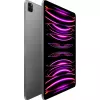
Tablet Apple iPad Pro 6th Gen 12.9 inch M2 16GB 1TB iPadOS

Tablet Apple iPad Pro 6th Gen 12.9 inch M2 16GB 1TB iPadOS
R34,561
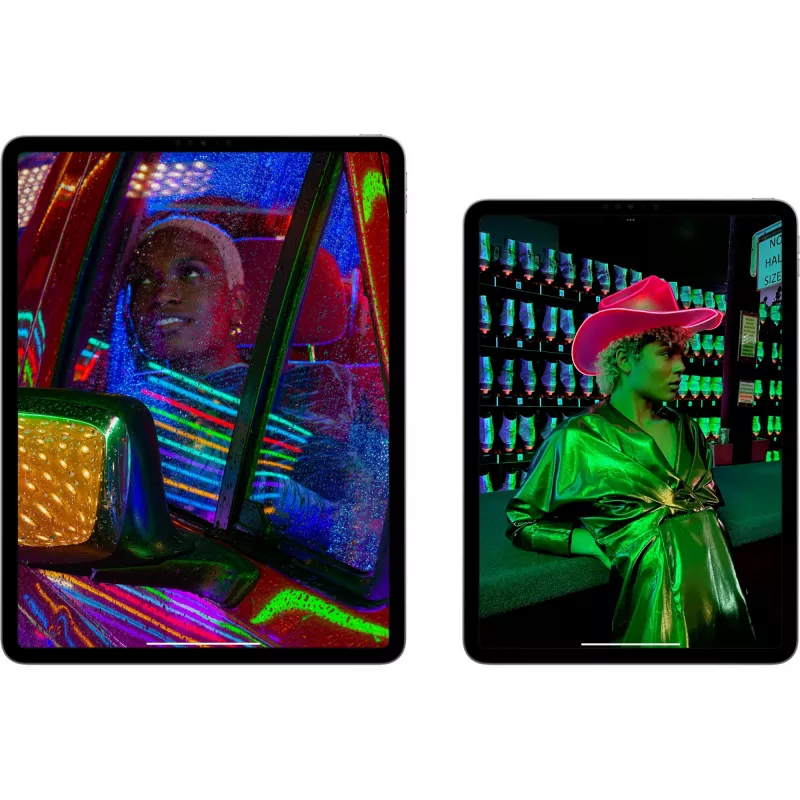
The Apple iPad Pro 6th Gen 12.9" with M2 delivers a high-resolution 12.9-inch Mini LED display (2732 x 2048) and is powered by the Apple M2 processor with 16 GB of RAM and 1 TB of internal storage. It runs iPadOS 16, includes a 12 MP front camera and 12 MP rear camera, supports Wi‑Fi 6E for fast wir... Read More
Stock Out Of StockNo Stock Code 126389 Brand Apple Model MNXW3FD/A Warranty 2 Years

Shipping & Returns

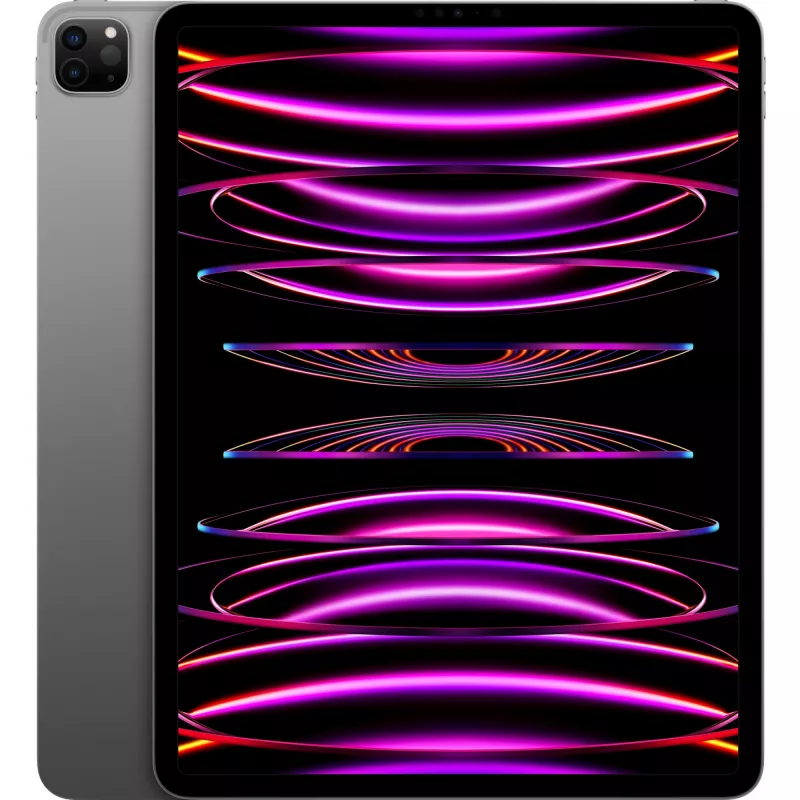
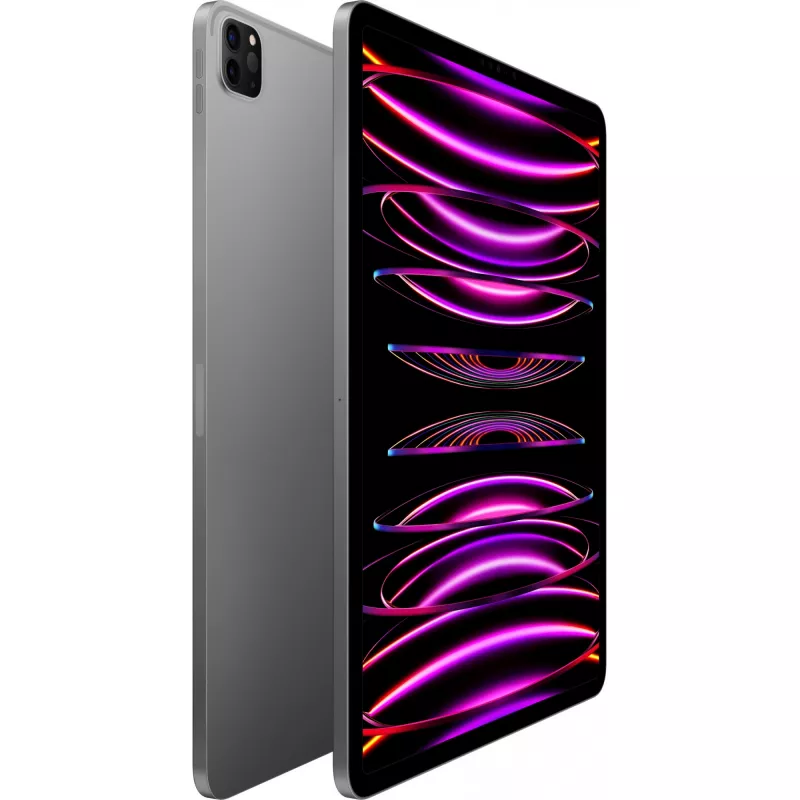
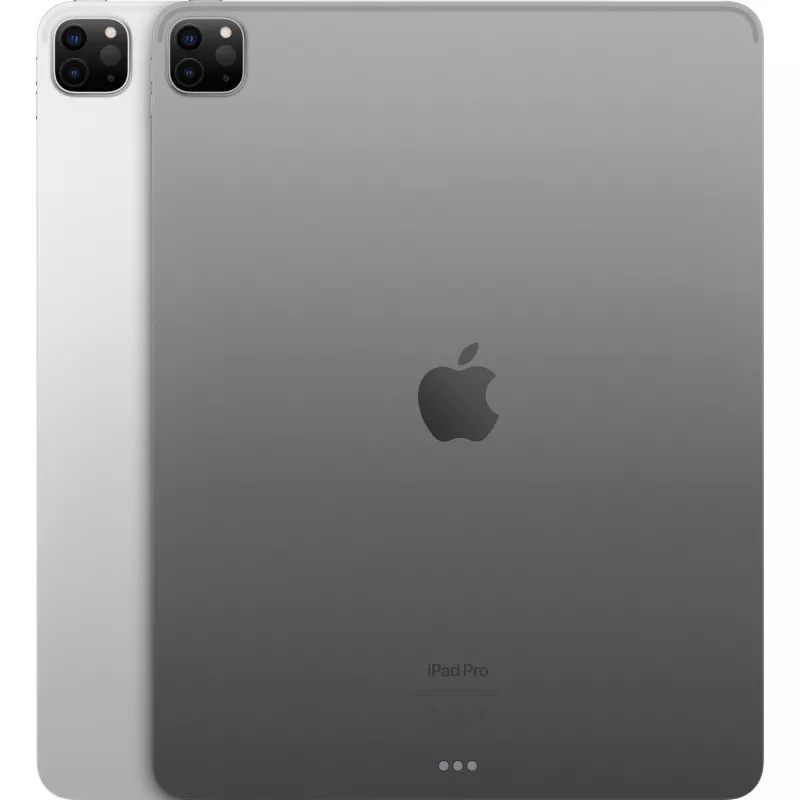
The Apple iPad Pro 6th Gen 12.9" with M2 delivers a high-resolution 12.9-inch Mini LED display (2732 x 2048) and is powered by the Apple M2 processor with 16 GB of RAM and 1 TB of internal storage. It runs iPadOS 16, includes a 12 MP front camera and 12 MP rear camera, supports Wi‑Fi 6E for fast wireless connectivity, and comes in grey with a weight of approximately 0.682 kg.

Advantages

This iPad Pro combines the M2 chip’s processing power with a Mini LED Liquid Retina XDR display for accurate colour and high brightness, while 16 GB of RAM and 1 TB storage support demanding apps and large media libraries. The device supports advanced Apple Pencil features and benefits from iPadOS 16 multitasking and professional app compatibility. Wi‑Fi 6E enables faster and more reliable wireless connections.

Suitable for

  • Professional photo and video editing
  • Graphic design and digital illustration with Apple Pencil
  • Multitasking with heavy productivity apps
  • Large media storage and file management

Key specifications

  • Display: 12.9" Mini LED, 2732 x 2048 pixels
  • Processor: Apple M2
  • Memory: 16 GB RAM
  • Storage: 1 TB internal
  • Cameras: 12 MP rear, 12 MP front
  • Connectivity: Wi‑Fi 6E (no mobile network)
  • Operating system: iPadOS 16
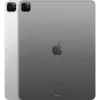
  • Colour: Grey; Weight: 0.682 kg

How to use

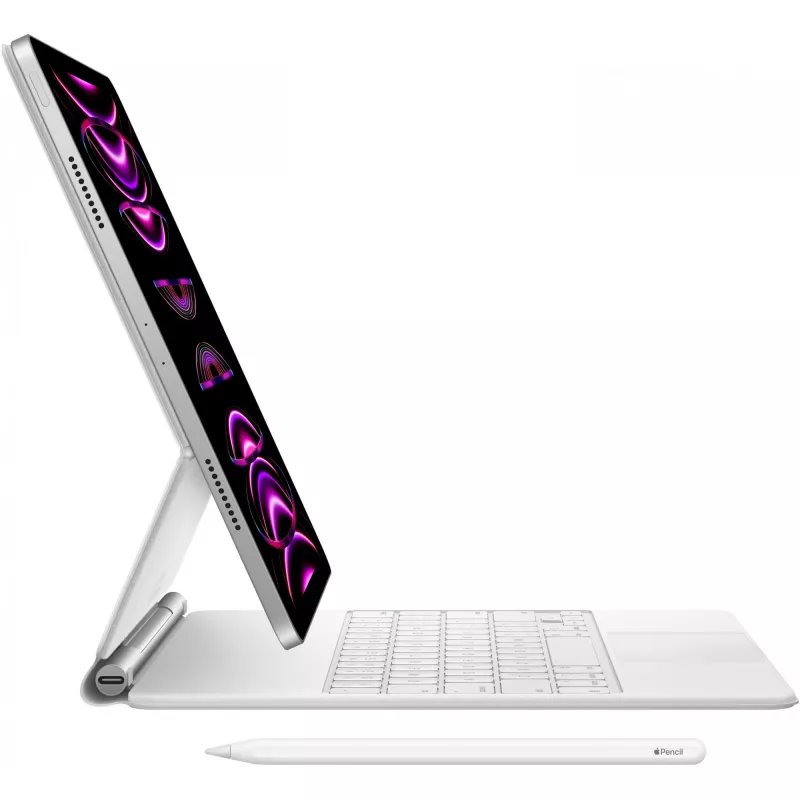
Set up the iPad Pro by following the on‑screen activation steps and sign in with your Apple ID to enable iCloud, App Store and Apple services. Use the Apple Pencil (sold separately) for drawing and note‑taking, and install apps from the App Store for editing, design or productivity tasks. Connect to a Wi‑Fi 6E network for optimal wireless performance and use iPadOS 16 gestures and multitasking features to arrange apps and workspaces efficiently.

Recommendations

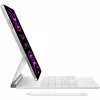
For professional workflows, keep the device updated to the latest iPadOS release, use cloud backup or external storage for large projects, and pair with an Apple Pencil and compatible keyboard to maximize productivity.
Yes, it does that. And then some.

Yes, it does that. And then some.

iPad is so versatile, it’s more than up to any task. Whether you’re working on a project, expressing your creativity, or playing an immersive game, iPad is a fun and powerful way to get it done. Here are just a few of the countless things you can do with iPad.

Run powerful apps effortlessly.

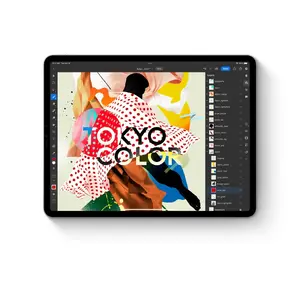
iPad works with the powerful apps you’re familiar with, like Adobe Photoshop or Microsoft Office, with the added ease of using them with touch.
Run powerful apps effortlessly.
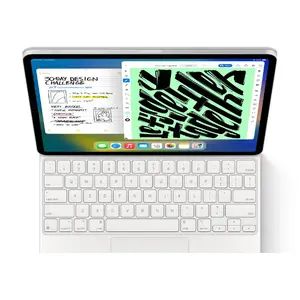
Use multiple apps at once and work between them.

Use multiple apps at once and work between them.

Multitasking with iPad is more intuitive and powerful than ever. Work seamlessly across apps. Use Slide Over or Split View to work with multiple apps at the same time, and even drag and drop content between apps with touch or a trackpad. And on iPad Pro and iPad Air, you can use Stage Manager to overlap, stack, and resize app windows.

Wi‑Fi when you have it. Cellular when you don’t.

Cellular capability means iPad keeps you connected from just about anywhere. So you don’t miss a beat even if you’re away from Wi‑Fi.
Wi‑Fi when you have it. Cellular when you don’t.
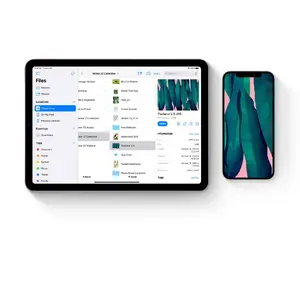
Store and share all your stuff with Files.

Store and share all your stuff with Files.

You can organize, share, and get to all your stuff with the Files app. Manage what’s on your iPad, in iCloud, or on cloud services like Box. Easily access files stored on a thumb drive or other external devices, too.

Take amazing notes with Apple Pencil.
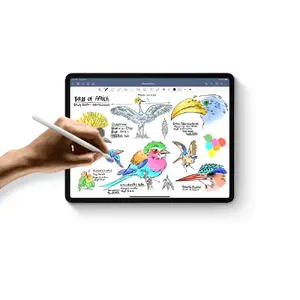
Whether you’re taking class notes, keeping a journal, or brainstorming a solution, iPad is always ready to capture your brightest ideas. Then you can easily share them, build on them, and bring them to life.
Take amazing notes with Apple Pencil.
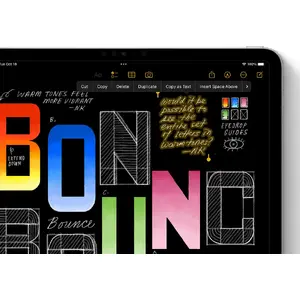
Convert your handwritten notes to typed text.

Convert your handwritten notes to typed text.

With iPad, your handwriting can be just as powerful as typed text. Start with your handwritten note, then with a few taps, copy and paste it as typed text.

Draw perfect shapes by hand.
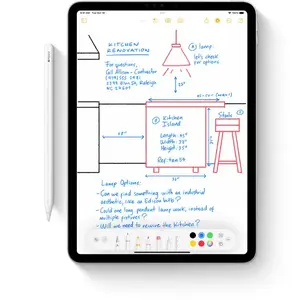
Draw familiar shapes freehand with Apple Pencil and watch as shape recognition snaps them into their ideal form.
Draw perfect shapes by hand.
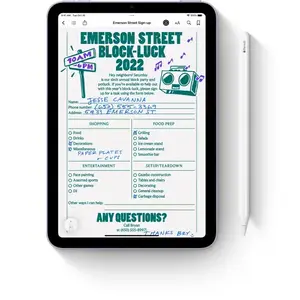
Sign documents. Mark up anything.

Sign documents. Mark up anything.

Fill out a form or sign a document right on iPad with your fingertip or Apple Pencil, then send it with just a tap. Or take a screenshot and mark it up, give some retouching notes on a photo, or make revisions to a document.

Handwrite in any text field with Scribble.
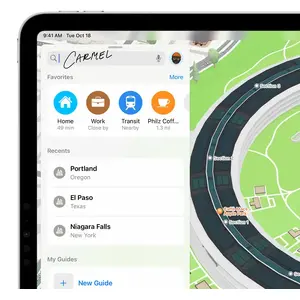
Use Apple Pencil to write a quick message or search for something in Safari. Your handwriting will automatically convert to typed text, so you don’t have to interrupt your flow.
Handwrite in any text field with Scribble.
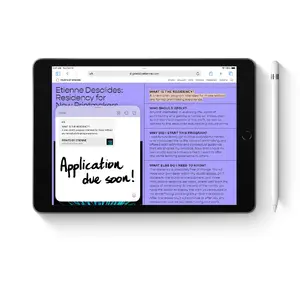
Take a Quick Note anywhere.

Take a Quick Note anywhere.

Quick Note is a fast and easy way to make or get to a note no matter what you’re doing. Start a Quick Note with a swipe of a finger or Apple Pencil, then jot down information over any app or screen. Add links, highlights, tags, and mentions for context.

Draw a masterpiece with Apple Pencil.
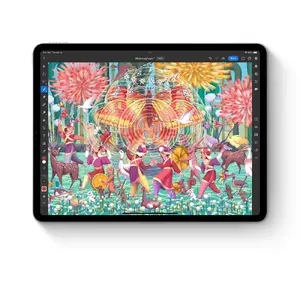
With tilt and pressure sensitivity, imperceptible lag, and pixel‑perfect precision, Apple Pencil is the ultimate tool to help turn a blank page into an inspiring work of art.
Draw a masterpiece with Apple Pencil.
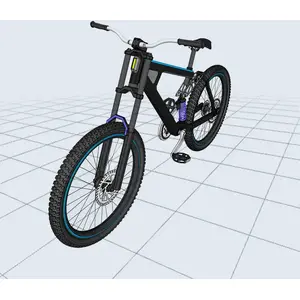
3D design at your fingertips.

3D design at your fingertips.

Even the most intensive creative projects are brought to life on iPad. Use touch to move and manipulate objects. Apple Pencil to draw and fine‑tune sketches. You can even view them in AR, all on one device.

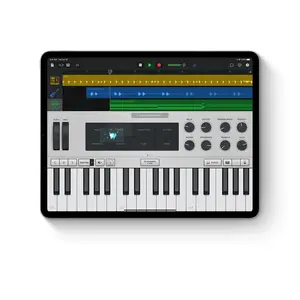
Produce music or record a podcast.

Audio apps for iPad help you learn, practice, record, and create with ease. So release an album, start a podcast, or plug in an instrument and jam with your iPad.
Produce music or record a podcast.
Bring your own animated characters to life.

Bring your own animated characters to life.

Use Apple Pencil to draw characters and create new worlds with intuitive animation apps designed for all types of artists.

iPad and Mac make a serious creative team.
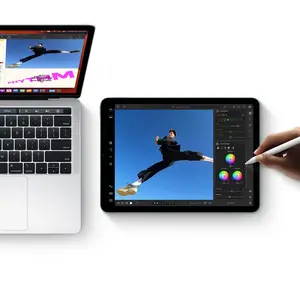
With Sidecar, you can extend or mirror your Mac display wirelessly. Then use iPad for precision tasks or as an incredible second display. And with Universal Control, a single keyboard and mouse or trackpad work seamlessly between your Mac and iPad.
iPad and Mac make a serious creative team.
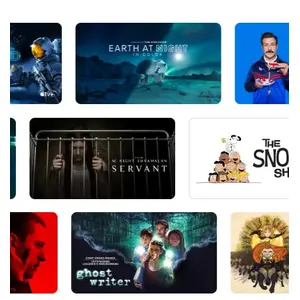
Comes with 3 months of Apple TV+.

Comes with 3 months of Apple TV+.

Every iPad includes a 3‑month subscription to Apple TV+, featuring critically acclaimed Apple Original series and films.

Watch and stream all your favorite content.
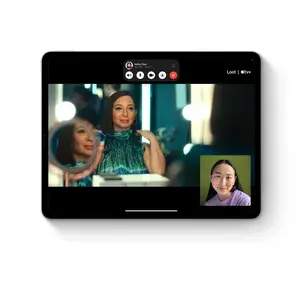
Catch the newest film and TV releases or rewatch your favorites on an immersive display that goes with you anywhere.
Watch and stream all your favorite content.
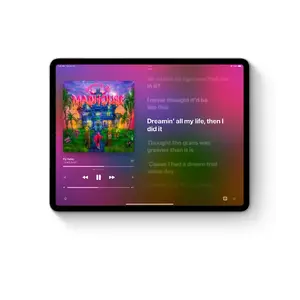
Amazing speakers for music, video, and TV.

Amazing speakers for music, video, and TV.

Listen to a podcast as you cook, blast your favorite playlist, or take a movie to go.

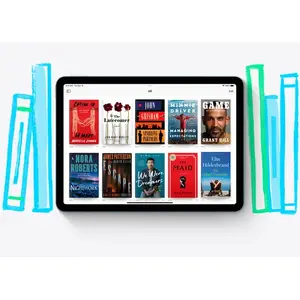
Catch up on the latest news or read a best seller.
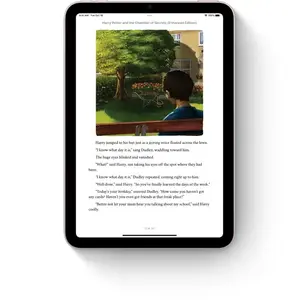
iPad makes reading a joy. Check out all your favorite authors, books, and publications with the Books and News apps.
Catch up on the latest news or read a best seller.
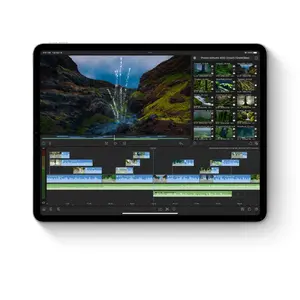
Shoot a photo or video and edit it right away.

Shoot a photo or video and edit it right away.

Capture the perfect shot and make it your own with a suite of powerful built‑in or third‑party editing apps. iPad makes editing, enjoying, and sharing your photos and videos easy.

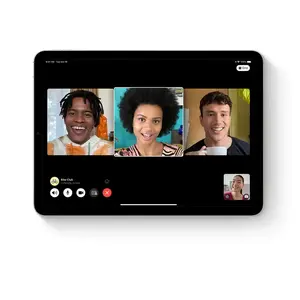
Stay connected.

Use FaceTime and other video conferencing apps to stay connected with family, friends, and the office. You can take selfies, too.
Stay connected.
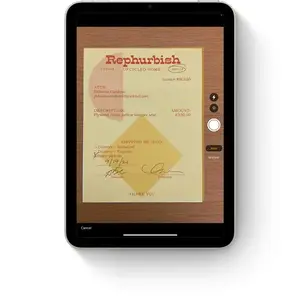
Did you know a document scanner is built right in?

Did you know a document scanner is built right in?

Use the back camera to scan a document, then mark it up and send it. All from the same device.

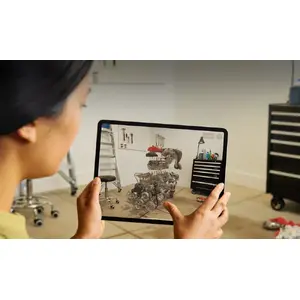
The best platform for AR.

Advanced cameras, motion tracking, and a large display make iPad the ultimate device for augmented reality. So you can learn, watch, and play in immersive environments.
The best platform for AR.
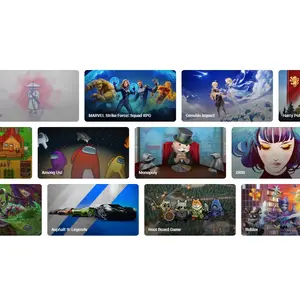
App Store games that look and play amazing.

App Store games that look and play amazing.

Browse and enjoy thousands of games designed just for iPad. From high‑speed racing to jigsaw puzzles, there’s a game for everyone.

Connect a game controller.

Pair your PlayStation or Xbox controller with your iPad to create an incredible portable game console. Play solo or squad up with friends in multiplayer.
Connect a game controller.
Explore a world of games with a free trial of Apple Arcade.

Explore a world of games with a free trial of Apple Arcade.

Play your way through hundreds of worlds and experience endless fun with Apple Arcade. One subscription, zero ads, all you can play.

Games are more engaging with motion.

Games take on a new dimension with motion sensors built into iPad. Dodge, drive, and take aim with iPad as an amazing handheld gaming device.
Games are more engaging with motion.

Your classroom can be anywhere.

Your classroom can be anywhere.

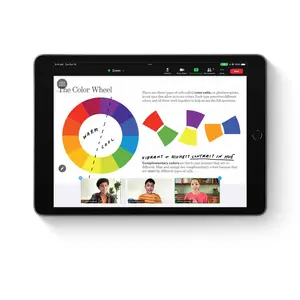
Take your learning to go and sign in from wherever you are. Attend a lecture, tackle a group project, or simply stay connected with colleagues and classmates from all over.

Learn something new, be it cooking or Cantonese.

iPad makes a perfect companion for learning. Go step by step with an instructor or zip through a self‑guided course in your free time. However you like to learn, there’s an app for that.
Learn something new, be it cooking or Cantonese.
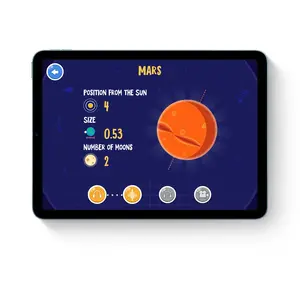
A great start for all types of learning.

A great start for all types of learning.

The App Store has a huge range of educational apps for children to explore outside the classroom. And Screen Time lets you view and set limits on how much time you and your kids spend on apps, websites, and more.

Build your coding skills.

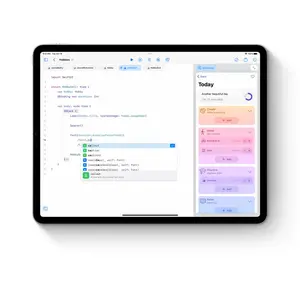
Swift Playgrounds makes it fun to learn and experiment with Swift — a powerful programming language created by Apple. Learn code, build real apps with SwiftUI, and see your ideas come to life on the App Store.
Build your coding skills.
Unlock the world around you with AR.

Unlock the world around you with AR.

Expand your mind with augmented reality learning apps. Dive into layers of the human body or point your iPad to the stars and see the constellations above you.
Key Highlights
  • Yes, it does that. And then some.
  • Run powerful apps effortlessly.
  • Use multiple apps at once and work between them.
  • Wi‑Fi when you have it. Cellular when you don’t.
  • Store and share all your stuff with Files.
  • Take amazing notes with Apple Pencil.
  • Convert your handwritten notes to typed text.
  • Draw perfect shapes by hand.
  • Sign documents. Mark up anything.
  • Handwrite in any text field with Scribble.
  • Take a Quick Note anywhere.
  • Draw a masterpiece with Apple Pencil.
  • 3D design at your fingertips.
  • Produce music or record a podcast.
  • Bring your own animated characters to life.
  • iPad and Mac make a serious creative team.
  • Comes with 3 months of Apple TV+.
  • Watch and stream all your favorite content.
  • Amazing speakers for music, video, and TV.
  • Catch up on the latest news or read a best seller.
  • Shoot a photo or video and edit it right away.
  • Stay connected.
  • Did you know a document scanner is built right in?
  • The best platform for AR.
  • App Store games that look and play amazing.
  • Connect a game controller.
  • Explore a world of games with a free trial of Apple Arcade.
  • Games are more engaging with motion.
  • Your classroom can be anywhere.
  • Learn something new, be it cooking or Cantonese.
  • A great start for all types of learning.
  • Build your coding skills.
  • Unlock the world around you with AR.
Specifications
AC adapter included
Yes
AC adapter power
20 W
Accelerometer
Yes
Accessibility features
AssistiveTouch, Audio Descriptions, Closed Captions, Live Captions, Magnifier, Real-time text (RTT), Siri and Dictation, Spoken Content, Subtitles, Switch Control, Type to Siri, Voice Control, VoiceOver, Zoom
AirPlay
Yes
Ambient light sensor
Yes
Anti-reflective coating
Yes
Assisted GPS (A-GPS)
No
Auto focus
Yes
Barometer
Yes
Battery capacity
40.88 Wh
Battery included
Yes
Battery technology
Lithium Polymer (LiPo)
Bluetooth
Yes
Bluetooth version
5.3
Browsing time (Wi-Fi)
10 h
Bundled software
App Store Books Calendar Camera Clock Contacts FaceTime Files Find My Home iTunes Store Magnifier Mail Maps Measure Messages Music News Notes Photo Booth Photos Podcasts Reminders Safari Settings Shortcuts Siri Stocks Tips Translate TV Voice Memos Weather Pages Numbers Keynote iMovie GarageBand Apple Store Trailers Clips Swift Playgrounds Support
Cables included
USB Type-C
Card reader integrated
No
Colour name
Space Grey
Coprocessor
Yes
Coprocessor cores
16
Coprocessor model
Neural Engine
Depth
280.6 mm
Device type
Mobile tablet
Digital zoom
5 x
Display brightness
600 cd/m²
Display diagonal
12.9 "
Display resolution
2732 x 2048
Display technology
Mini LED
Docking connector type
Apple Magnetic Connector, Apple Smart Connector
Doesn't contain
Arsenic, Beryllium, Mercury (element), PVC/BFR
Electronic compass
Yes
Face recognition
Yes
Fingerprint resistant
Yes
Form factor
Slate
Front camera
Yes
Front camera aperture number
2.4
Front camera field of view (FOV) angle
122 °
Front camera resolution (numeric)
12 MP
Geotagging
Yes
Graphics card cores
10
Graphics card family
Apple
Gyroscope
Yes
Height
6.4 mm
Housing material
Aluminium
iBeacon
Yes
Image stabilizer
Yes
Internal memory
16 GB
Internal storage capacity
1000 GB
LiDAR sensor
Yes
Local dimming
Yes
Mac operating systems supported
Y
Mobile network connection
No
Model
12.9-inch iPad Pro
Number of built-in speakers
4
Number of microphones
5
Operating altitude
0 - 3000
Operating relative humidity (H-H)
5 - 95
Operating system installed
iPadOS 16
Operating temperature (T-T)
0 - 35
Optical zoom
2 x
Panel type
IPS
Panorama
Yes
Password protection
Yes
Pixel density
264 ppi
Platform
iPadOS
Position location
Yes
Processor cores
8
Processor family
Apple M
Processor generation
Apple M 2nd Gen
Processor manufacturer
Apple
Processor model
M2
Product colour
Grey
Rear camera aperture number
1.8
Rear camera flash
Yes
Rear camera lens elements
5-element lens
Rear camera resolution (numeric)
12 MP
Rear camera type
Dual camera
Resolution at capture speed
1280x720@30fps, 1920x1080@120fps, 1920x1080@240fps, 1920x1080@25fps, 1920x1080@30fps, 1920x1080@60fps, 3840x2160@24fps, 3840x2160@25fps, 3840x2160@30fps, 3840x2160@60fps
Rounded display corners
Yes
Screen flash
Yes
Second rear camera aperture number
2.4
Second rear camera field of view (FOV) angle
125 °
Second rear camera resolution (numeric)
10 MP
Storage media
Flash
Storage temperature (T-T)
-20 - 45
Sustainability certificates
ENERGY STAR
Thunderbolt technology
Yes
Time lapse mode
Yes
Top Wi-Fi standard
Wi-Fi 6E (802.11ax)
USB Type-C DisplayPort Alternate Mode
Yes
USB4 Gen 3x2 ports quantity
1
Video capturing speed
240 fps
Video recording
Yes
Video recording modes
720p, 1080p, 2160p
Video stabilizer
Yes
Virtual assistant
Apple Siri
Weight
0.682 kg
Wi-Fi positioning
Yes
Wi-Fi standards
Wi-Fi 6E (802.11ax)
Width
214.9 mm
Windows operating systems supported
Y
Price history is not available yet
We are still collecting enough daily price data for this product.

Popular products in this category

WhatsApp
Hi, I’m DistriNode’s AI assistant. I can help you find products, compare options, create quote PDFs, or open support requests.