Account Contact
Your Cart
Pay the courier with no extra fees.
Need help? DistriNode AI can handle any task on our site.

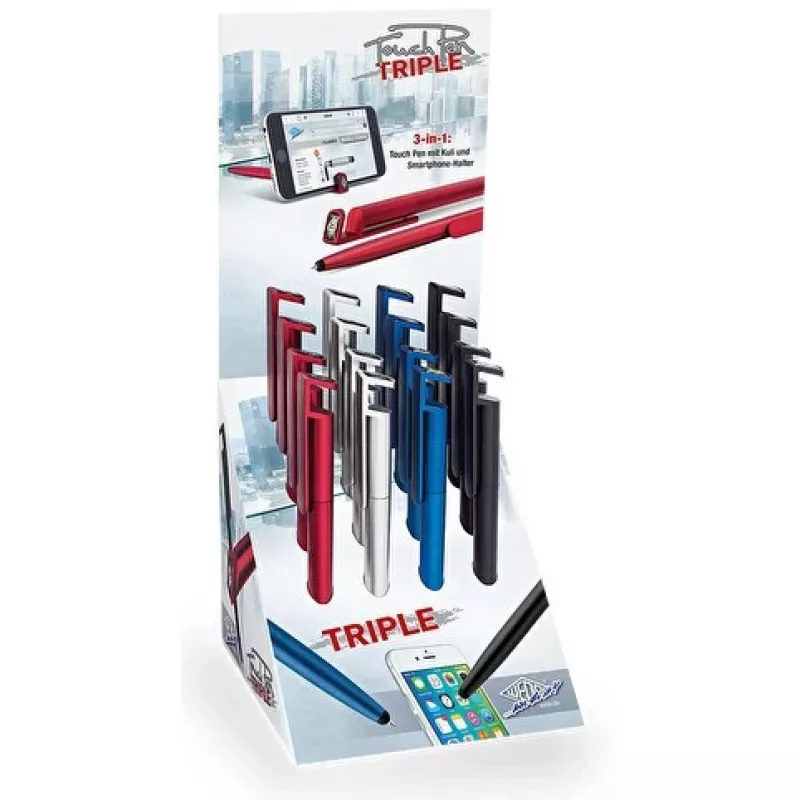
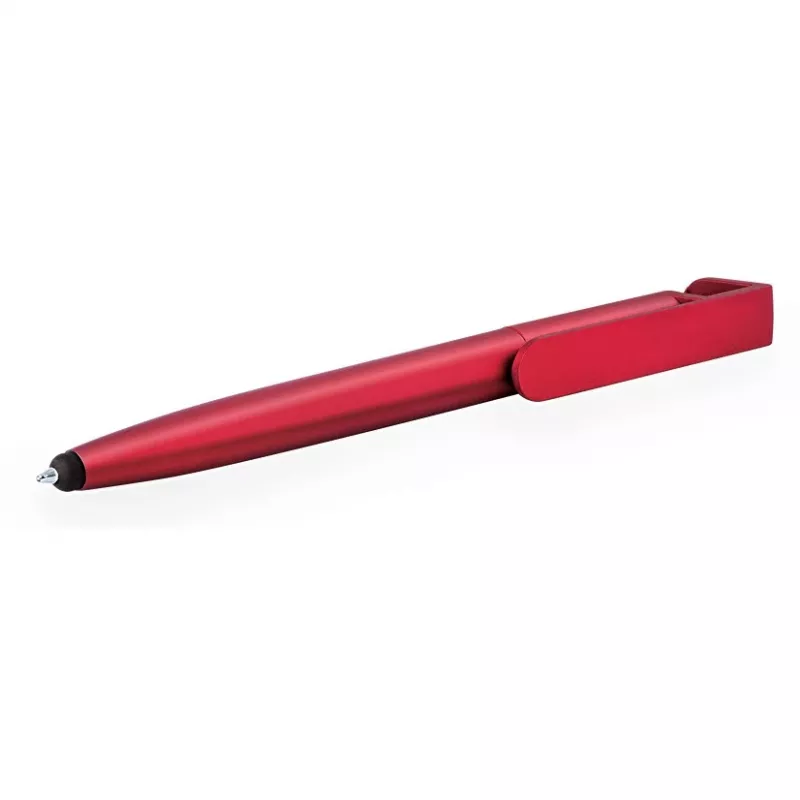
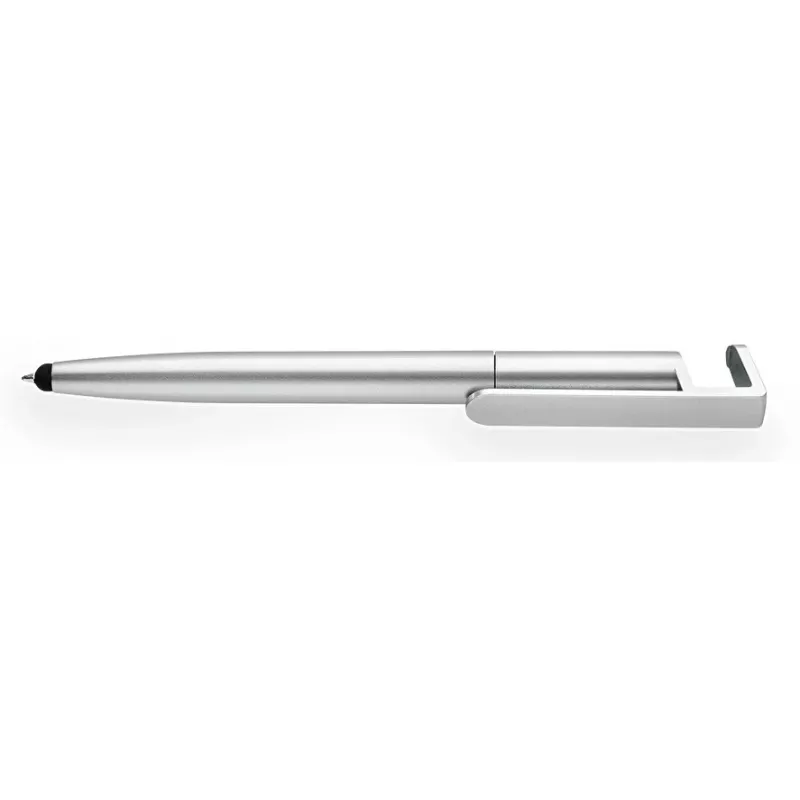
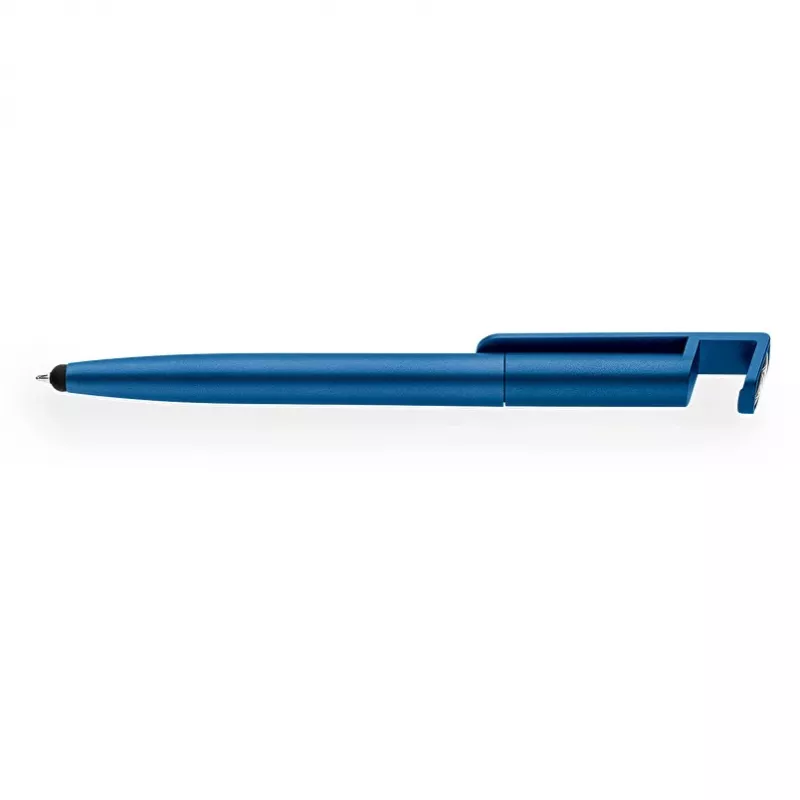
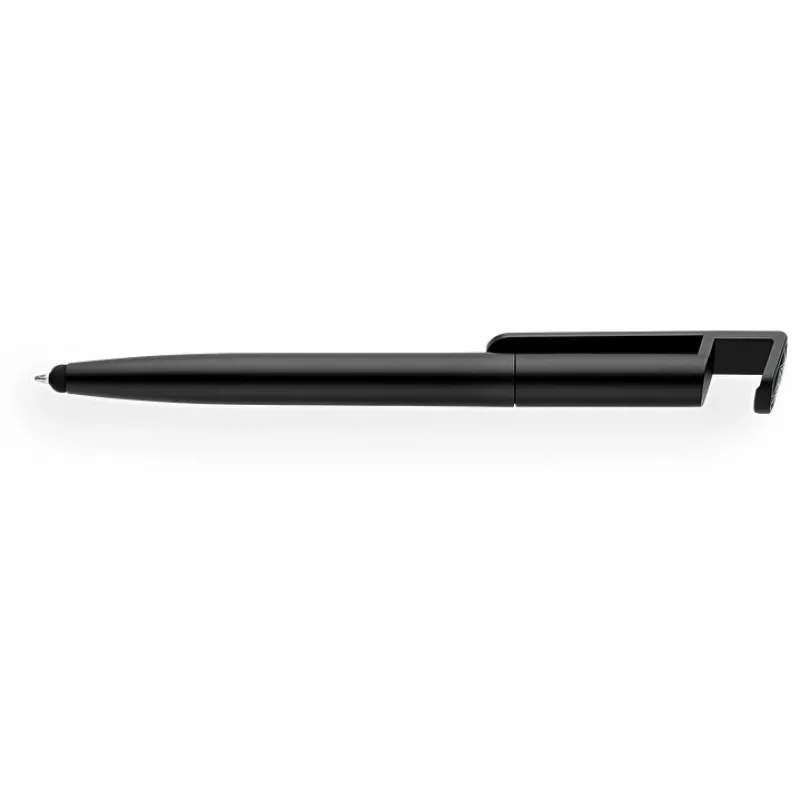
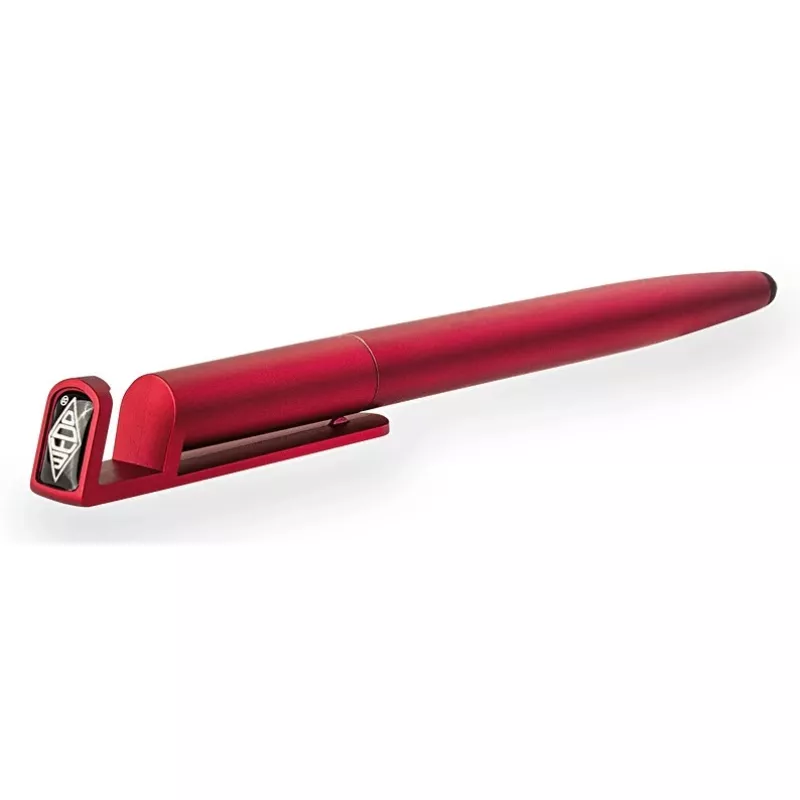
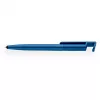
Stylus WEDO Touchpen Triple f.sortiert KS — 3-in-1 stylus pen for capacitive touchscreens

Stylus WEDO Touchpen Triple f.sortiert KS — 3-in-1 stylus pen for capacitive touchscreens
R1,290
WEDO Touchpen Triple f.sortiert KS — 3-in-1 stylus pen for capacitive touchscreens is a compact multi-function tool designed for smartphones, tablets and other capacitive touch devices. It combines three modes of interaction in a single pen-shaped accessory to improve precision when drawing, handwri... Read More
Stock 128 Code 2227325 Brand WEDO Model 26151299 Warranty 2 Years

Shipping & Returns

Estimated delivery Wednesday, October 7
You will be kept updated through our detailed tracking system
Payment options
EFTPayFastBank CardSnapScanZapperGoogle PayApple PayMobicredMoreTymePay on Arrival

WEDO Touchpen Triple f.sortiert KS — 3-in-1 stylus pen for capacitive touchscreens is a compact multi-function tool designed for smartphones, tablets and other capacitive touch devices. It combines three modes of interaction in a single pen-shaped accessory to improve precision when drawing, handwriting or navigating menus. The stylus is lightweight and portable, offering a simple way to switch between a soft conductive tip for general navigation, a finer tip for precise input, and an integrated clip or secondary control for additional handling convenience.

Advantages

The 3-in-1 design reduces the need to change tools during use, providing consistent touch response across capacitive screens and improving accuracy compared with finger input. Its ergonomic pen form factor enhances control for longer writing or drawing sessions while remaining small enough to carry in a pocket or pencil case. Materials are selected for reliable contact with touch sensors, and the construction aims for balanced weight and durability for everyday use.

Suitable for

  • Sketching and digital drawing on tablets and touchscreen laptops
  • Handwritten note-taking on smartphones and tablets
  • Precise tapping and menu navigation in apps, forms and games
  • Classroom, office and mobile use where compact tools are preferred

Key specifications

  • Compatibility: capacitive touchscreens on smartphones, tablets and touch-enabled laptops
  • Functionality: three interaction modes in one pen — general soft conductive tip, fine precision tip, and secondary handling/clip function
  • Form factor: lightweight, pen-shaped design for handheld use
  • Materials: conductive tip materials suitable for capacitive sensing and durable housing for everyday carry
  • Portability: compact size suitable for pockets, bags or pencil cases

How to use

Hold the stylus like a regular pen and touch the screen with the appropriate tip for your task: use the soft conductive tip for swiping, scrolling and general navigation; switch to the finer tip for detailed drawing or precise selection; use the integrated clip or secondary control as a handling aid when needed. There is no pairing or power requirement — the stylus works by conducting the user’s touch to the device. Clean the tips with a soft, dry cloth to maintain responsiveness and avoid abrasive cleaners that could damage the surface.

Recommendations

For best results, use the stylus on clean touchscreens and store it in a protective sleeve or pocket to prevent tip deformation. Replace the stylus if tips become worn or damaged to preserve accuracy. Avoid excessive force on the screen and do not use on resistive touch panels where performance may be reduced.

Key Highlights
  • Sketching and digital drawing on tablets and touchscreen laptops
  • Handwritten note-taking on smartphones and tablets
  • Precise tapping and menu navigation in apps, forms and games
  • Classroom, office and mobile use where compact tools are preferred
  • Compatibility: capacitive touchscreens on smartphones, tablets and touch-enabled laptops
  • Functionality: three interaction modes in one pen — general soft conductive tip, fine precision tip, and secondary handling/clip function
  • Form factor: lightweight, pen-shaped design for handheld use
  • Materials: conductive tip materials suitable for capacitive sensing and durable housing for everyday carry
  • Portability: compact size suitable for pockets, bags or pencil cases
Price history over the last 6 months
Stylus WEDO Touchpen Triple f.sortiert KS — 3-in-1 stylus pen for capacitive touchscreens
Current
R1,290
Lowest
R1,271
Highest
R1,290
Change 24H
+R16   +1%
Week
—   
Month
—   

Popular products in this category

WhatsApp
Hi, I’m DistriNode’s AI assistant. I can help you find products, compare options, create quote PDFs, or open support requests.