Account Contact
Your Cart
Pay the courier with no extra fees.
Need help? DistriNode AI can handle any task on our site.

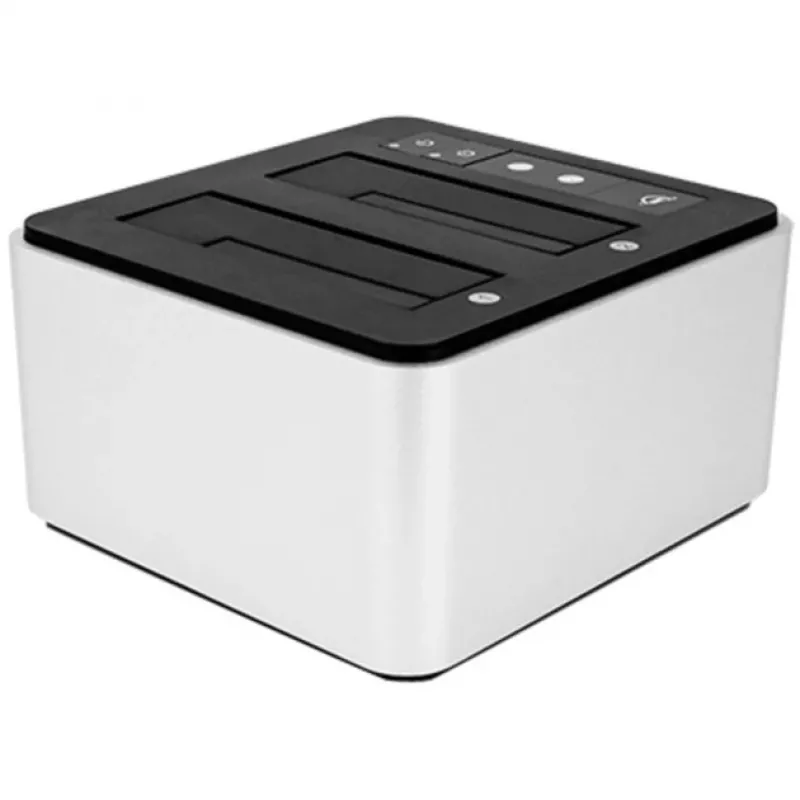
∆OWC Drive Dock with USB-C (USB 3.1 Gen 2) Dual Drive Bay Solution

∆OWC Drive Dock with USB-C (USB 3.1 Gen 2) Dual Drive Bay Solution
R2,411
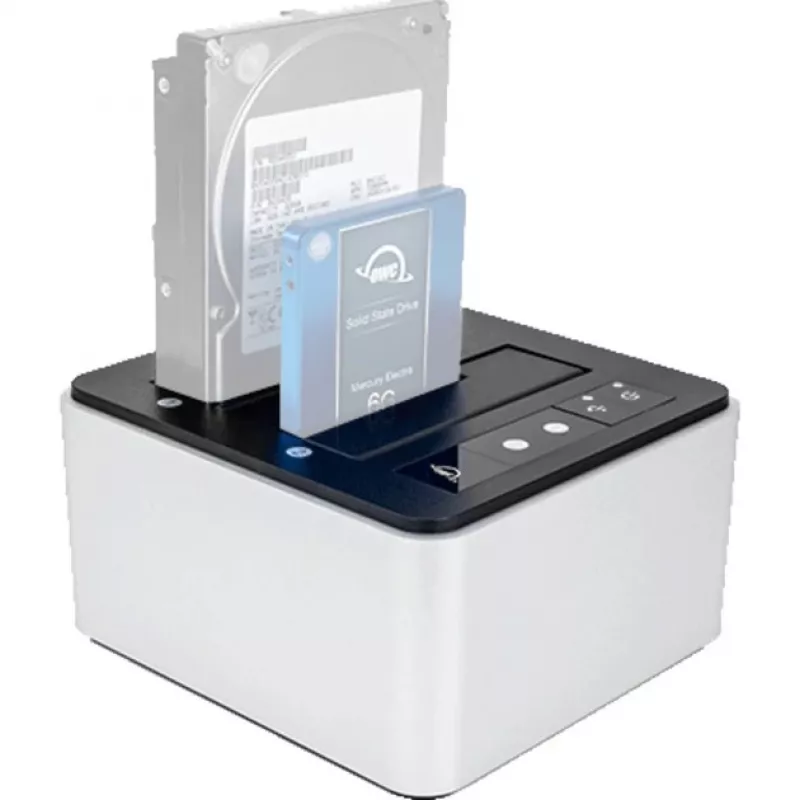
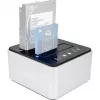
The OWC Workhorse Drive Dock (OWCTCDRVDCK) is a dual-bay storage drive docking station that provides direct access to bare SATA HDDs and SSDs. Designed for creative professionals and technical users who need reliable, high-speed access to multiple drives, the Drive Dock supports 2.5" and 3.5" drives... Read More
Stock 31 Code 1162095 Brand OWC Model ZG-1629 Warranty 2 Years

Shipping & Returns

Estimated delivery Thursday, October 1
You will be kept updated through our detailed tracking system
Payment options
EFTPayFastBank CardSnapScanZapperGoogle PayApple PayMobicredMoreTymePay on Arrival

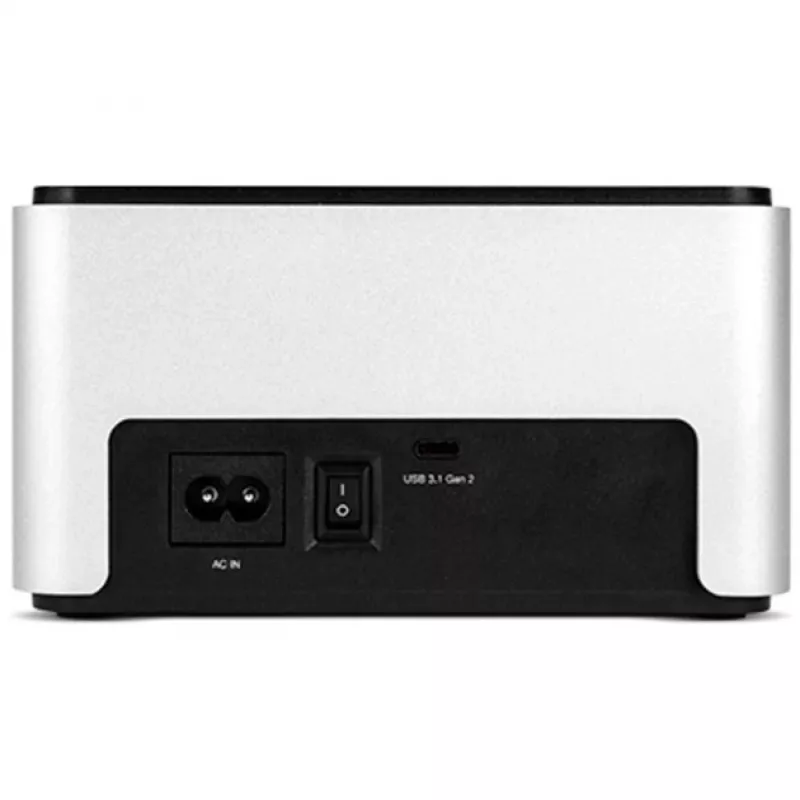
The OWC Workhorse Drive Dock (OWCTCDRVDCK) is a dual-bay storage drive docking station that provides direct access to bare SATA HDDs and SSDs. Designed for creative professionals and technical users who need reliable, high-speed access to multiple drives, the Drive Dock supports 2.5" and 3.5" drives, offers USB 3.1 Gen 2 (USB 3.2 Gen 2) Type-C connectivity and an internal auto-switching power supply with standard dual-prong input.

Advantages

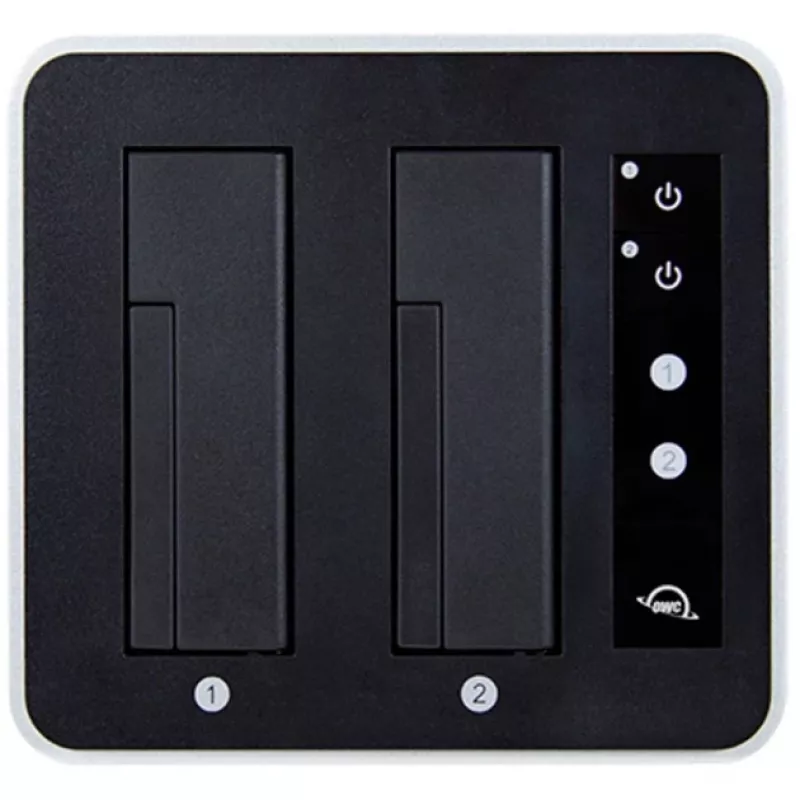
The Drive Dock enables hot-swapping and simultaneous access to two independent drives, each with its own power switch and LED activity indicator. Its USB 3.1 Gen 2 interface delivers data rates up to 981 MB/s, while rugged aluminum construction and fanless operation reduce noise and improve durability. The product includes both a USB-C to USB-C (Gen 2) cable and a USB-C to USB-A (Gen 1) cable for broad compatibility with modern and legacy hosts.

Suitable for

  • Video and audio post-production workflows requiring frequent drive changes
  • On-location backups and fast data offload
  • System technicians and IT professionals who need direct access to bare drives
  • Data migration, cloning and drive diagnostics

Key specifications

  • Supported drive types: 2.5" and 3.5" SATA HDD and SSD (bare drives)
  • Interface: USB 3.1 Gen 2 / USB 3.2 Gen 2 Type-C host
  • Maximum data rate: up to 981 MB/s (USB 3.1 Gen 2 theoretical)
  • Power: internal auto-switching power supply; AC input 100–240 V; DC output 12 V
  • Drive bays: 2 independent bays with separate power switches and LED indicators
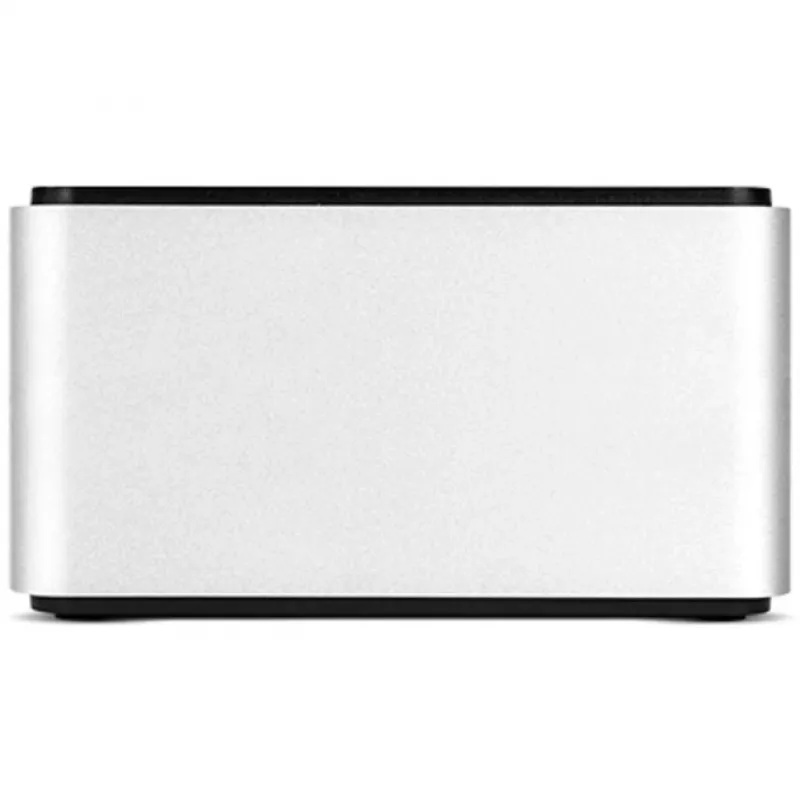
  • Construction: aluminum housing, fanless operation
  • Included cables: USB 3.1 Gen 2 Type-C to Type-C and USB 3.1 Gen 1 Type-C to Type-A
  • Dimensions (W×D×H): 160 × 150 × 85 mm
  • Weight: 1 kg

How to use

Connect the Drive Dock to a host computer using the included USB-C cable, or use the USB-C to USB-A cable for systems without native Type-C ports. Install a bare 2.5" or 3.5" SATA drive into an empty bay, ensure the drive is properly seated, then switch on the bay’s power using its independent power switch. The host operating system will detect the drive; you can hot-swap drives between bays as needed. For booting from a bare drive, configure the host system BIOS/UEFI to recognize external USB storage as a boot device.

Recommendations

For reliable long-term use, place the Drive Dock on a stable, level surface with adequate ventilation. Use the included USB cables and the supplied power cable rated for your region. Avoid inserting or removing drives while transferring critical data unless the drive activity LED indicates idle or the operating system confirms it is safe to disconnect.
Key Highlights
  • Video and audio post-production workflows requiring frequent drive changes
  • On-location backups and fast data offload
  • System technicians and IT professionals who need direct access to bare drives
  • Data migration, cloning and drive diagnostics
  • Supported drive types: 2.5" and 3.5" SATA HDD and SSD (bare drives)
  • Interface: USB 3.1 Gen 2 / USB 3.2 Gen 2 Type-C host
  • Maximum data rate: up to 981 MB/s (USB 3.1 Gen 2 theoretical)
  • Power: internal auto-switching power supply; AC input 100–240 V; DC output 12 V
  • Drive bays: 2 independent bays with separate power switches and LED indicators
  • Construction: aluminum housing, fanless operation
  • Included cables: USB 3.1 Gen 2 Type-C to Type-C and USB 3.1 Gen 1 Type-C to Type-A
  • Dimensions (W×D×H): 160 × 150 × 85 mm
  • Weight: 1 kg
Specifications
AC input frequency
50 - 60
AC input voltage
100 - 240
Cables included
USB Type-C to USB Type-C, USB Type-C to USB Type-A, AC
Depth
150 mm
Height
85 mm
Host interface
USB 3.2 Gen 2 (3.1 Gen 2) Type-C
Mac compatibility
Yes
Mac operating systems supported
Y
Number of storage drives supported
2
On/off switch
Yes
Operating temperature (T-T)
0 - 40
Output current
4 A
Output voltage
12
Product colour
Silver, Black
Storage drive interface
Serial ATA III
Storage drive sizes supported
3.5, 2.5
Storage media type
SSD, HDD
Storage temperature (T-T)
-20 - 70
USB 3.2 Gen 2 (3.1 Gen 2) ports quantity
1
User guide
Yes
Weight
1 kg
Width
160 mm
Windows operating systems supported
Y
Price history over the last 6 months
∆OWC Drive Dock with USB-C (USB 3.1 Gen 2) Dual Drive Bay Solution
Current
R2,411
Lowest
R2,300
Highest
R2,438
Change 24H
+R82   +4%
Week
+R106   +5%
Month
+R98   +4%

Popular products in this category

WhatsApp
Hi, I’m DistriNode’s AI assistant. I can help you find products, compare options, create quote PDFs, or open support requests.