Account Contact
Your Cart
Pay the courier with no extra fees.
Need help? DistriNode AI can handle any task on our site.

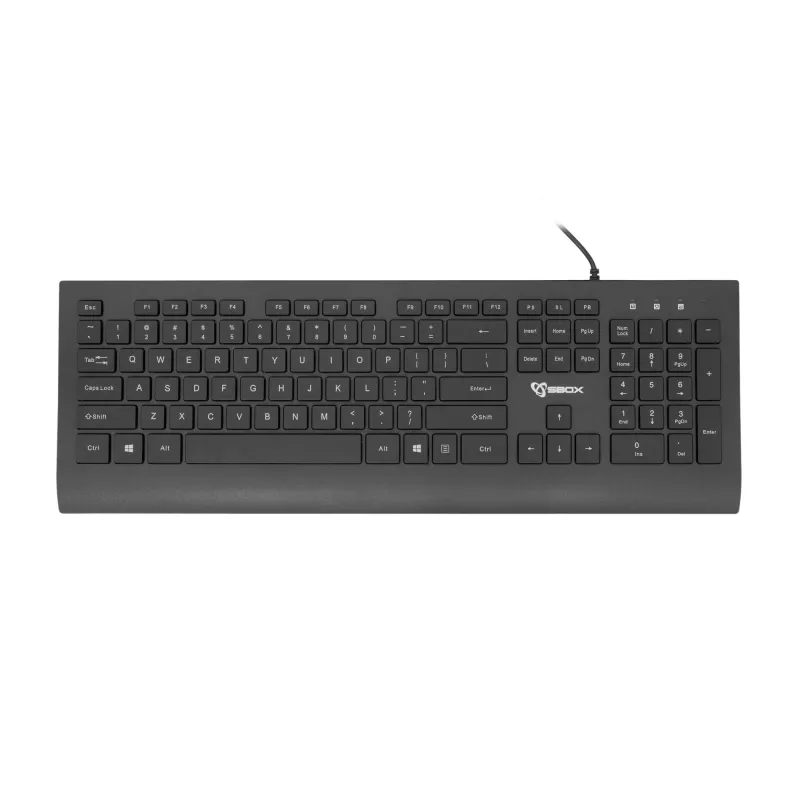
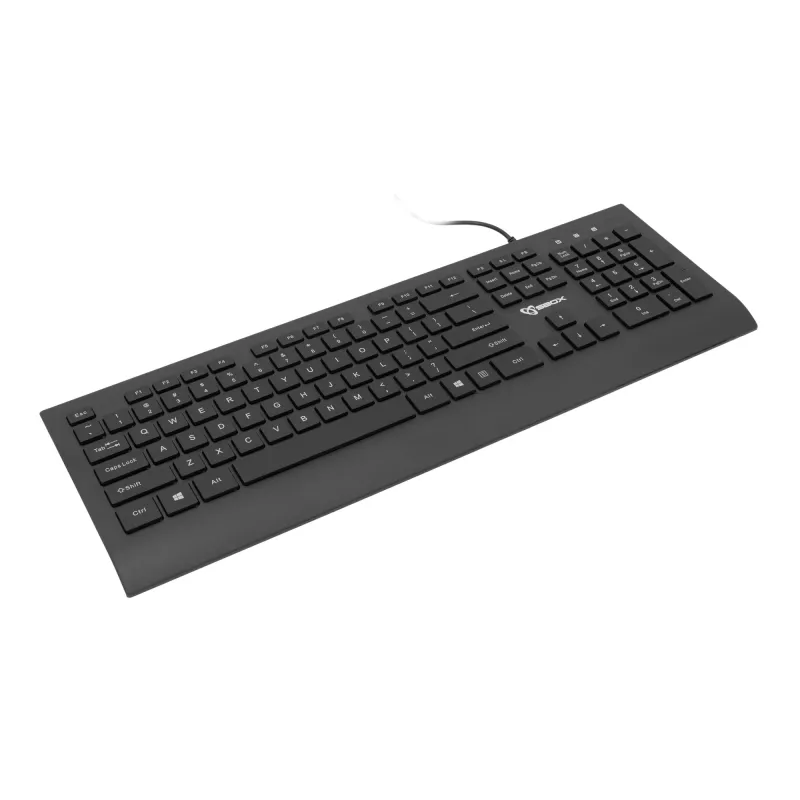
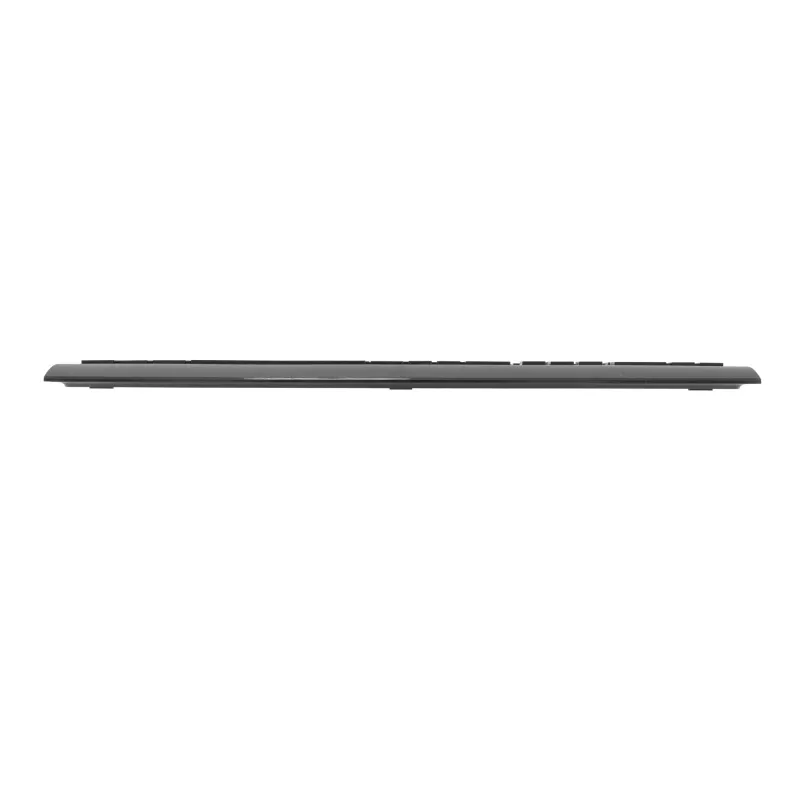
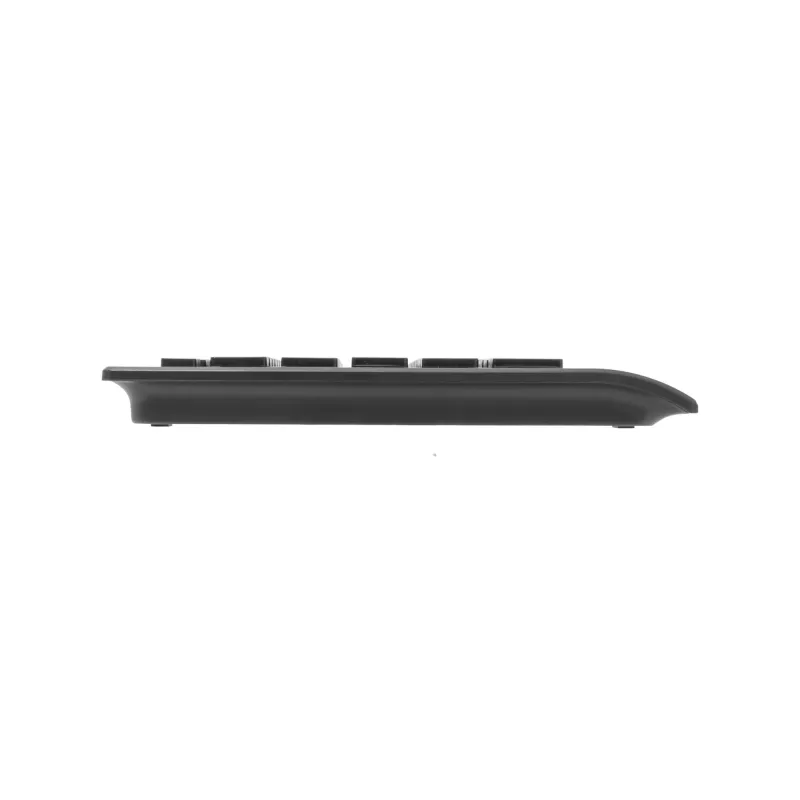
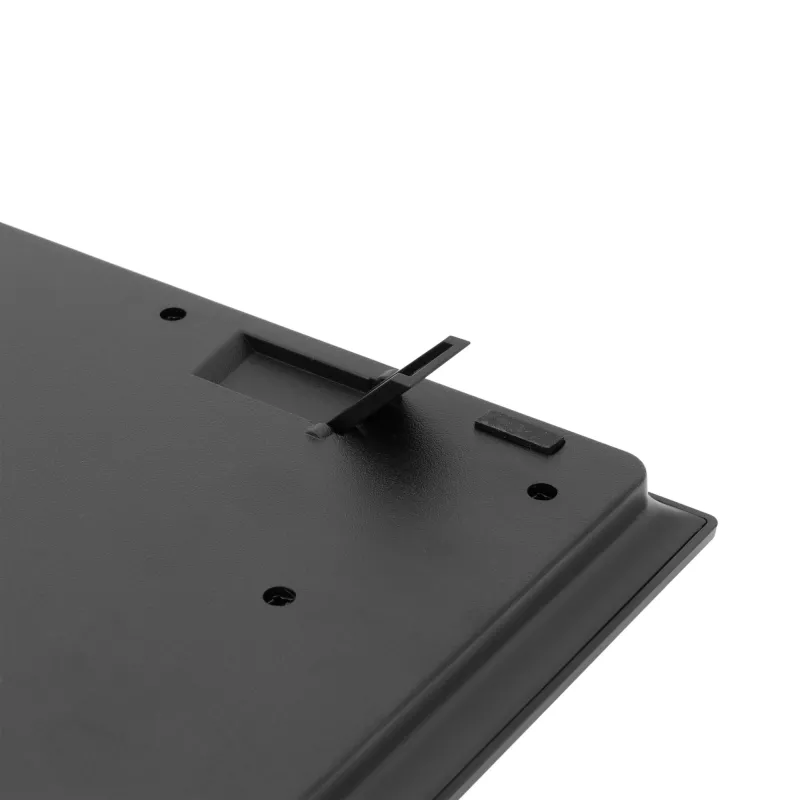
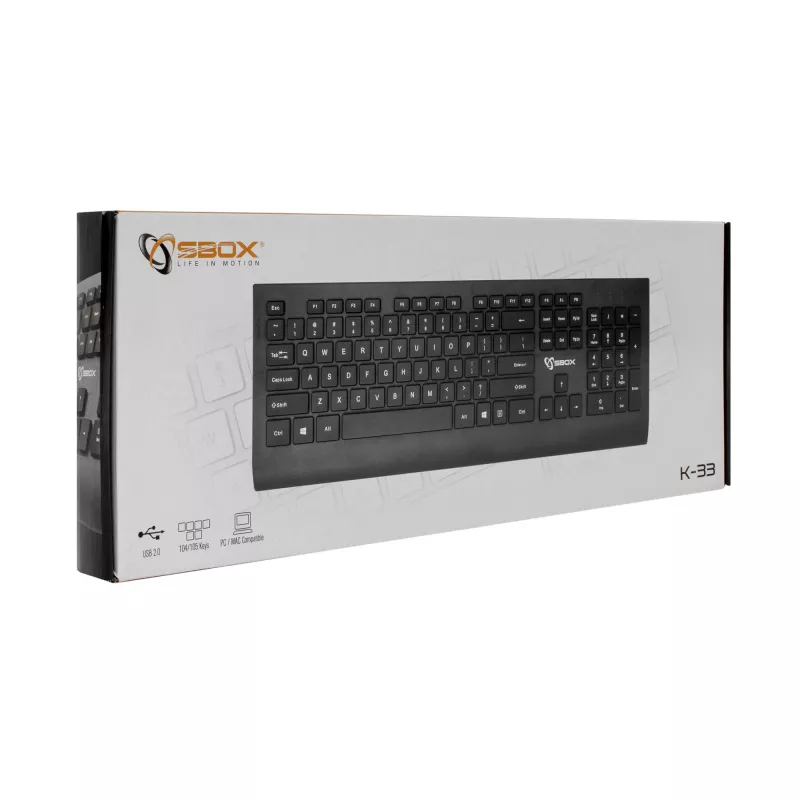
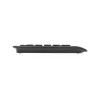
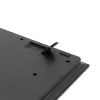
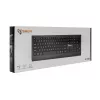
SBOX keyboard K-33 US model with USB and HDMI ports

SBOX keyboard K-33 US model with USB and HDMI ports
R315
The SBOX keyboard K-33 US model with USB and HDMI ports is a wired keyboard designed for desktop workstations that need integrated peripheral and video connectivity. It provides a standard US layout and direct USB connection for plug-and-play operation, while the built-in HDMI port enables video out... Read More
Stock 5 Code 1195609 Brand SBOX Model K-33-US Warranty 2 Years

Shipping & Returns

Estimated delivery Tuesday, September 29
You will be kept updated through our detailed tracking system
Payment options
EFTPayFastBank CardSnapScanZapperGoogle PayApple PayMobicredMoreTymePay on Arrival

The SBOX keyboard K-33 US model with USB and HDMI ports is a wired keyboard designed for desktop workstations that need integrated peripheral and video connectivity. It provides a standard US layout and direct USB connection for plug-and-play operation, while the built-in HDMI port enables video output or signal pass-through when used with compatible devices. The keyboard aims to streamline desk setup by combining typing input and basic connectivity in a single peripheral.

Advantages

The keyboard combines typing functionality with additional connectivity, allowing one device to serve both as an input peripheral and as a hub for USB devices. Integrated USB connectivity ensures immediate recognition by most operating systems without additional drivers. The HDMI interface offers a convenient route for transferring video signals or managing display connections where supported. Its standard US key layout and familiar key spacing support general productivity tasks in home and office environments.

Suitable for

  • Office desktops requiring a compact solution for keyboard input and basic connectivity
  • Home workstations where HDMI pass-through or direct display connection from the keyboard is useful
  • Environments that favour plug-and-play USB peripherals for easy setup
  • Users who prefer a standard US keyboard layout for typing and data entry

Key specifications

  • Layout: US standard keyboard layout with full-size keys
  • Connection: Wired USB interface for keyboard input and peripheral connection
  • Additional port: Integrated HDMI port for video output or signal pass-through (usage depends on host device compatibility)
  • Compatibility: Works with major desktop operating systems supporting standard USB keyboards
  • Form factor: Desktop full-size keyboard suitable for standard workstation setups

How to use

Connect the keyboard to a computer via its USB cable to enable typing and any supported USB device connections. If the connected system and peripheral configuration support HDMI pass-through, connect an HDMI cable between the keyboard’s HDMI port and the display or downstream device to route video as intended. No special drivers are typically required for basic keyboard functionality; operating system input settings can be adjusted for language or layout preferences.

Recommendations

Place the keyboard on a stable desk surface and route cables to avoid strain on the connector ports. Use the HDMI feature only with compatible devices that explicitly support video pass-through via a peripheral and verify display settings on the host system. For reliable USB recognition, connect directly to a computer USB port rather than through an unpowered hub when possible.

Key Highlights
  • Office desktops requiring a compact solution for keyboard input and basic connectivity
  • Home workstations where HDMI pass-through or direct display connection from the keyboard is useful
  • Environments that favour plug-and-play USB peripherals for easy setup
  • Users who prefer a standard US keyboard layout for typing and data entry
  • Layout: US standard keyboard layout with full-size keys
  • Connection: Wired USB interface for keyboard input and peripheral connection
  • Additional port: Integrated HDMI port for video output or signal pass-through (usage depends on host device compatibility)
  • Compatibility: Works with major desktop operating systems supporting standard USB keyboards
  • Form factor: Desktop full-size keyboard suitable for standard workstation setups
Price history over the last 6 months
SBOX keyboard K-33 US model with USB and HDMI ports
Current
R315
Lowest
R302
Highest
R318
Change 24H
+R9   +3%
Week
+R13   +4%
Month
+R11   +4%

Popular products in this category

WhatsApp
Hi, I’m DistriNode’s AI assistant. I can help you find products, compare options, create quote PDFs, or open support requests.