
Account Contact
Your Cart
Pay the courier with no extra fees.
Need help? DistriNode AI can handle any task on our site.

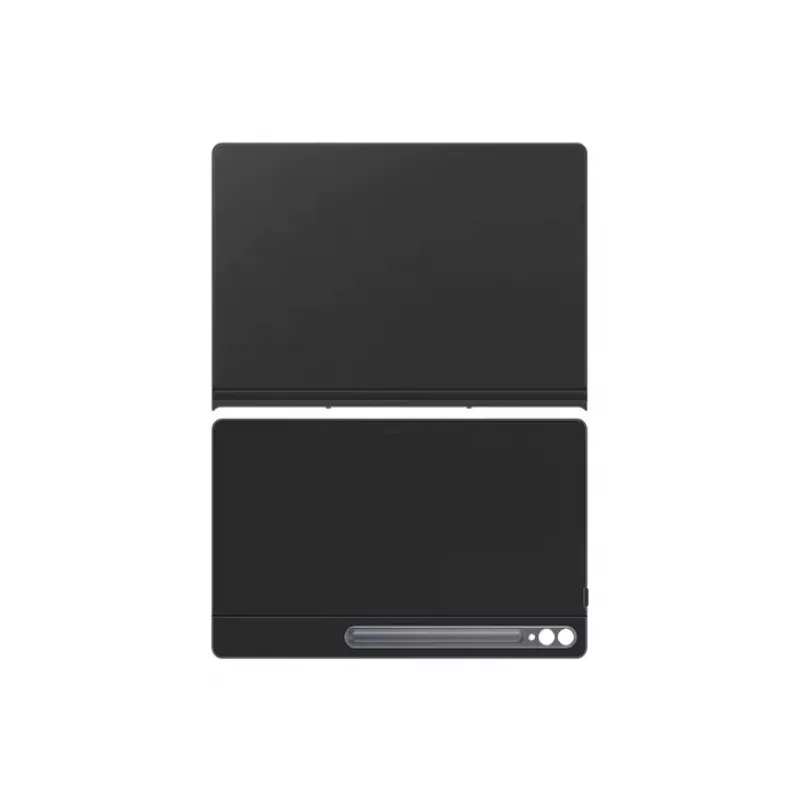
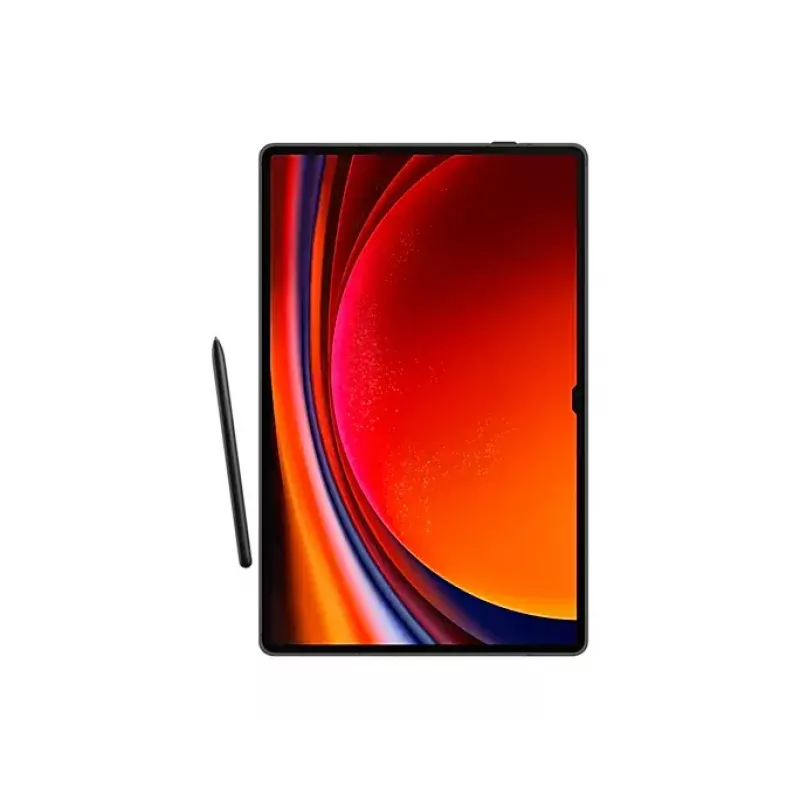
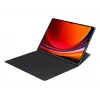
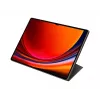
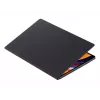
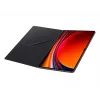
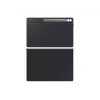
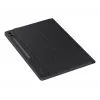
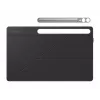
Samsung EF-BX910PBEGWW tablet case 37.1 cm (14.6 inch) Cover Black

Samsung EF-BX910PBEGWW tablet case 37.1 cm (14.6 inch) Cover Black
R909
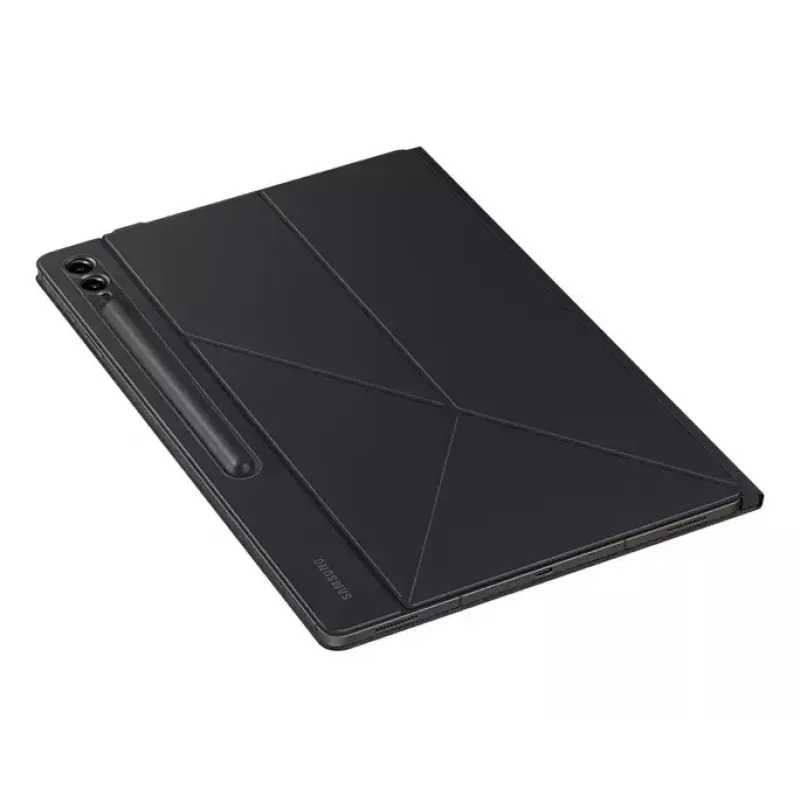
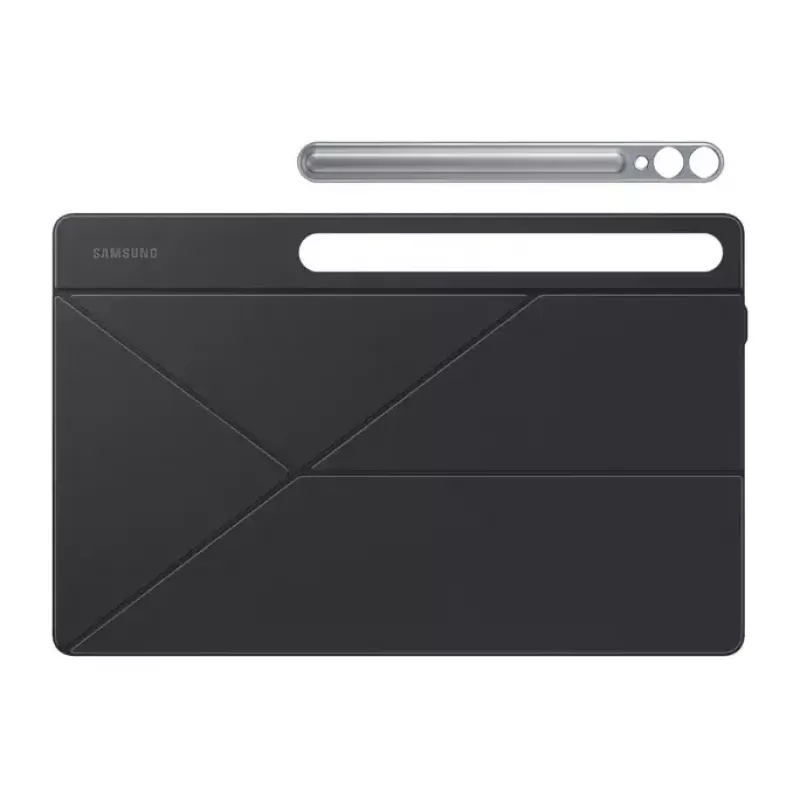
The Samsung EF-BX910PBEGWW Smart Book Cover is a tailored protective cover for the Galaxy Tab S9 Ultra (37.1 cm / 14.6"). Weighing 0.548 kg, the cover provides lightweight and durable protection while maintaining full access to ports and controls. Its design supports both portrait and landscape view... Read More
Stock 39 Code 975900 Brand SAMSUNG Model EF-BX910PBEGWW Warranty 2 Years

Shipping & Returns

Estimated delivery Thursday, October 1
You will be kept updated through our detailed tracking system
Payment options
EFTPayFastBank CardSnapScanZapperGoogle PayApple PayMobicredMoreTymePay on Arrival

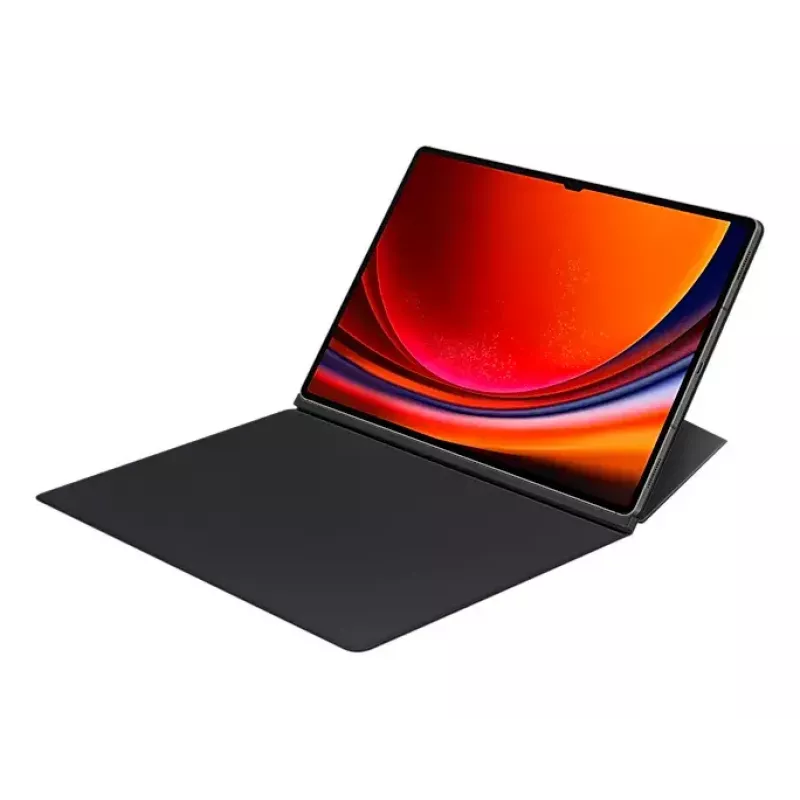
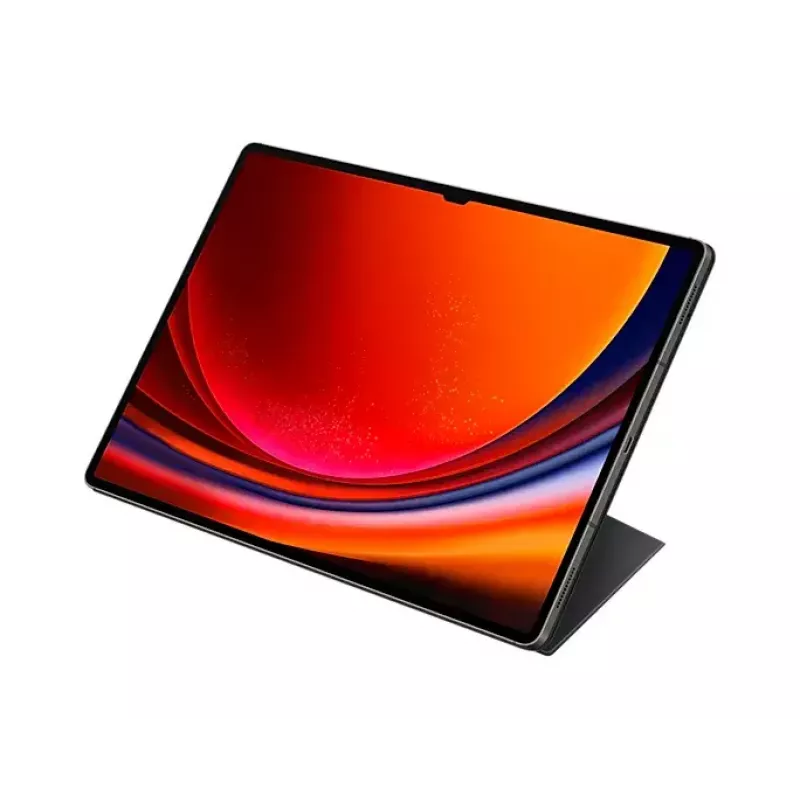
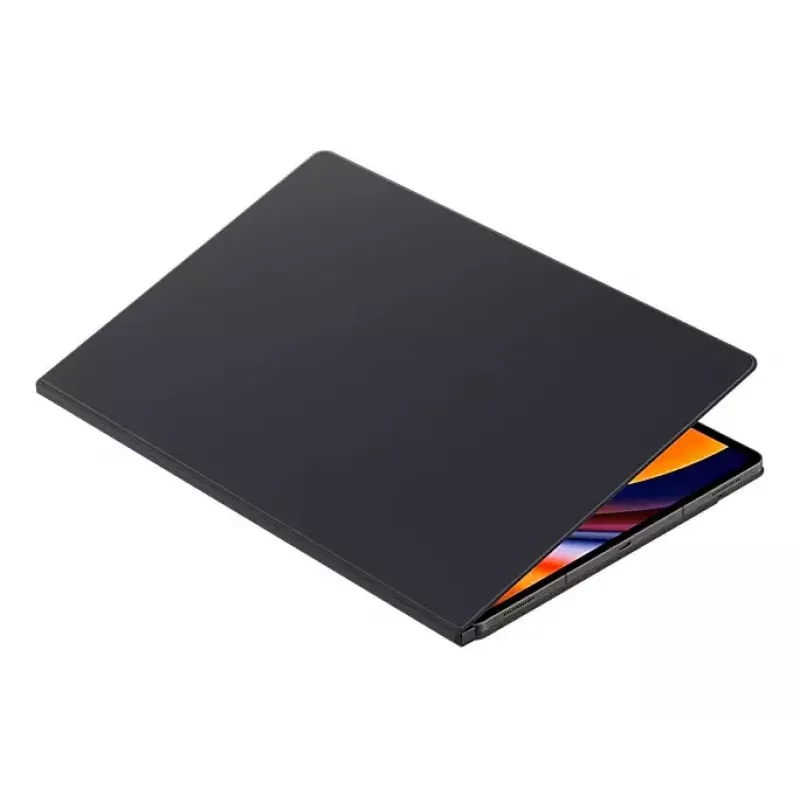
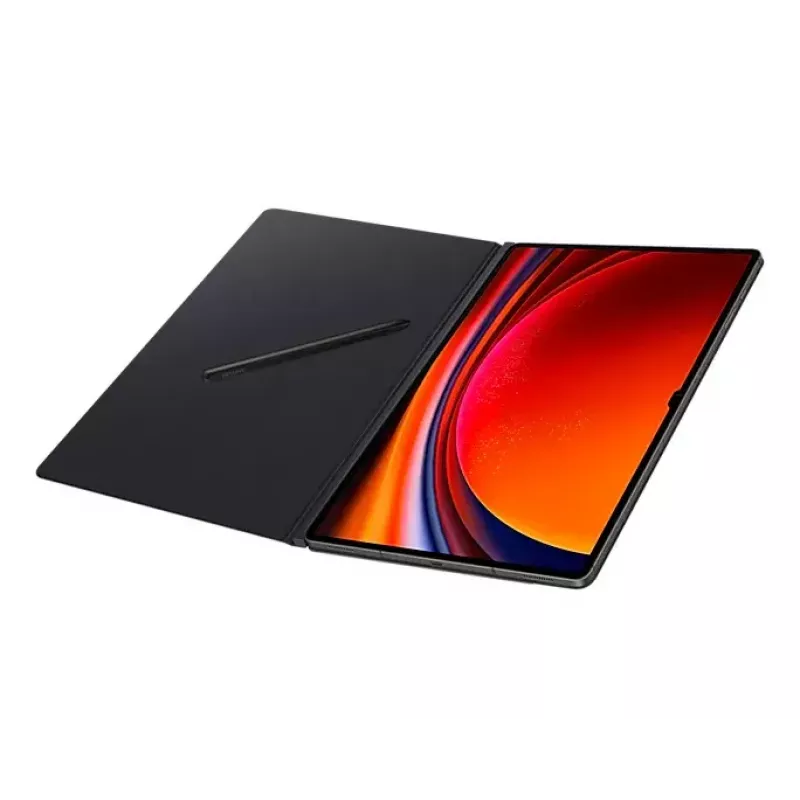
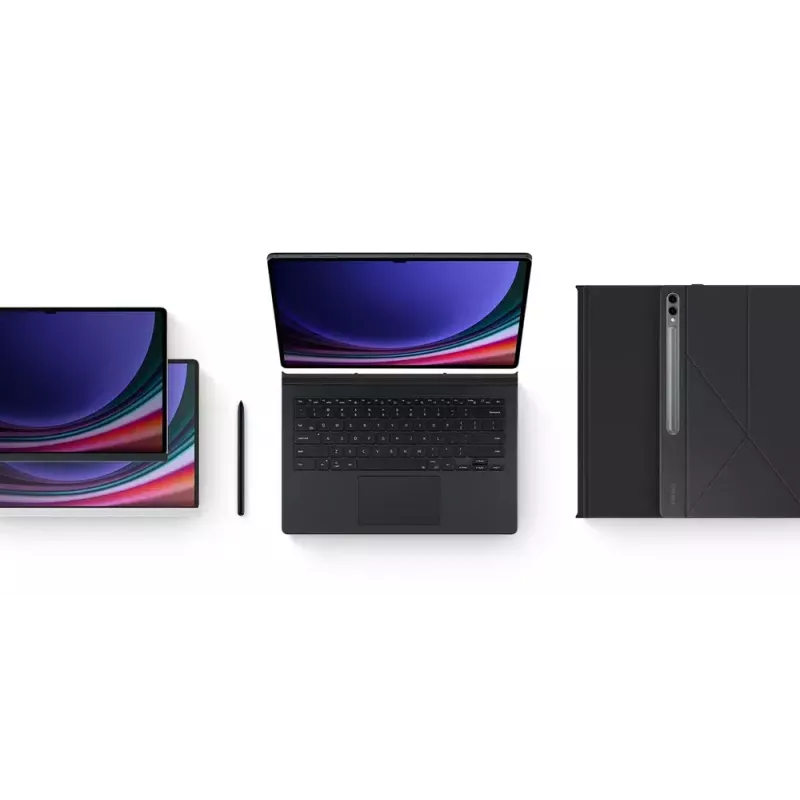
The Samsung EF-BX910PBEGWW Smart Book Cover is a tailored protective cover for the Galaxy Tab S9 Ultra (37.1 cm / 14.6"). Weighing 0.548 kg, the cover provides lightweight and durable protection while maintaining full access to ports and controls. Its design supports both portrait and landscape viewing and includes magnetic attachment and automatic wake/sleep functionality.

Advantages

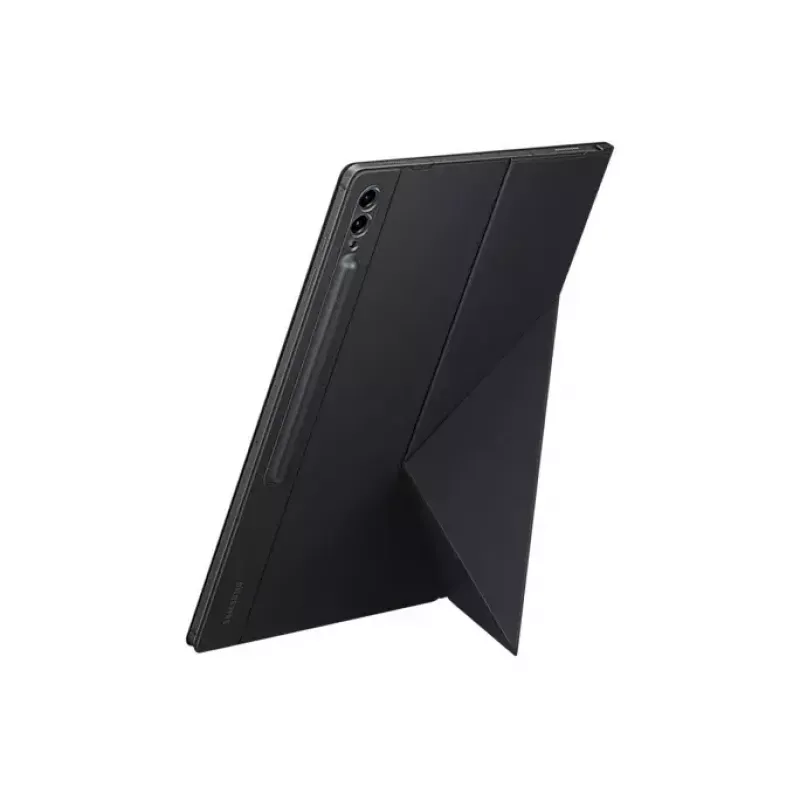
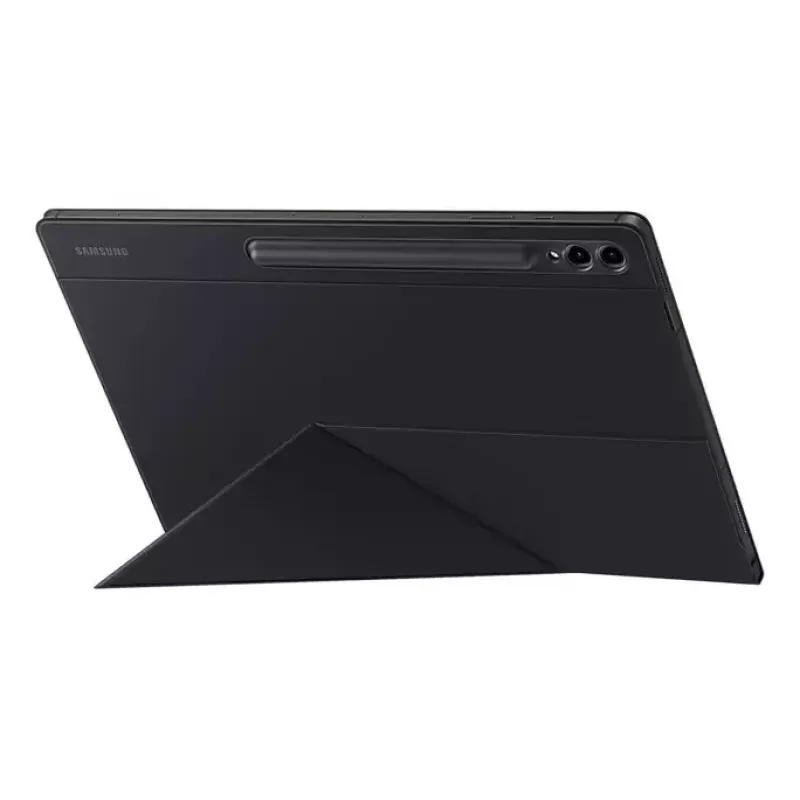
The cover folds to form a stable stand in both portrait and landscape orientations, enabling flexible viewing angles for work or media. Its magnetic attachment allows quick removal and replacement to personalise the device or switch covers. Built-in sensors automatically wake the tablet when opened and put it to sleep when closed, conserving battery without extra steps.

Suitable for

Key specifications

How to use

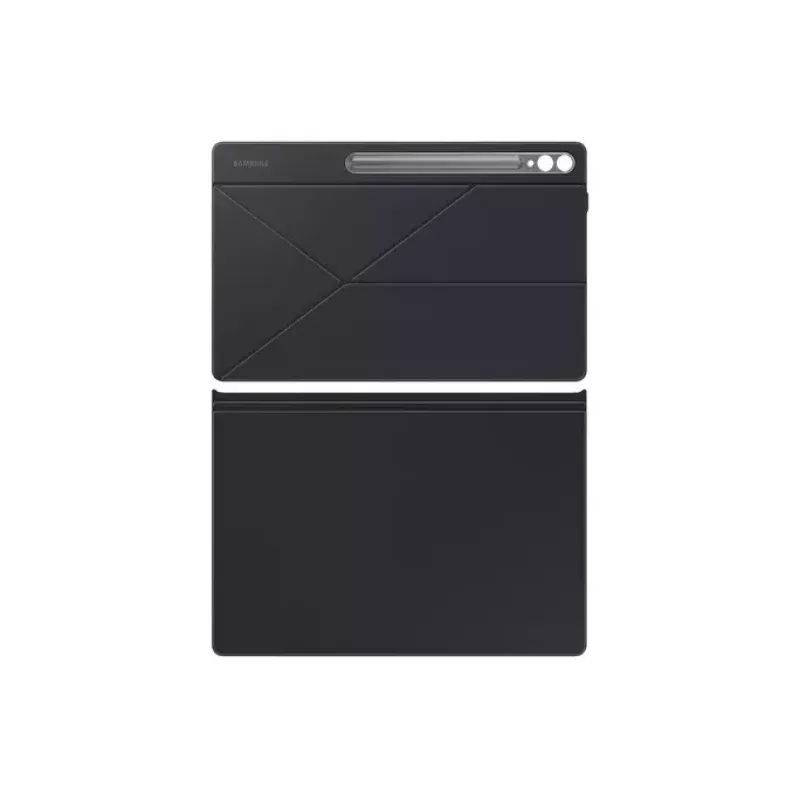
Attach the Smart Book Cover to the back of the Galaxy Tab S9 Ultra using the magnetic connector, ensuring the edges align with the tablet for a secure fit. Fold the back section to form a stand in the desired orientation—portrait for reading or video calls, landscape for typing or watching media. Open and close the cover normally; the tablet will wake when the cover opens and enter sleep mode when it closes.

Recommendations

For best results, align the cover precisely with the tablet edges before attaching and avoid exposing the magnetic connector to strong impacts or moisture. Remove the cover gently when switching to other accessories.
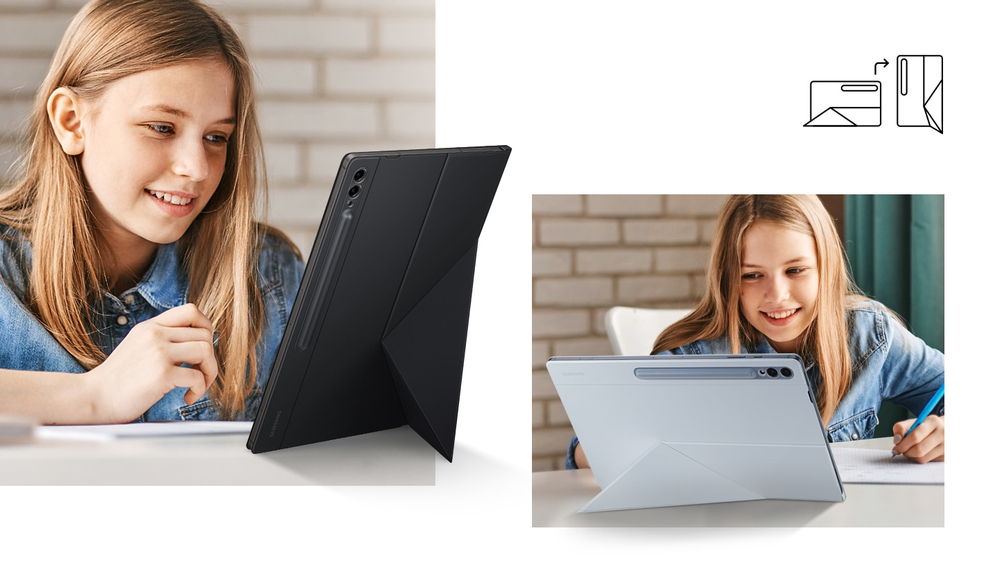
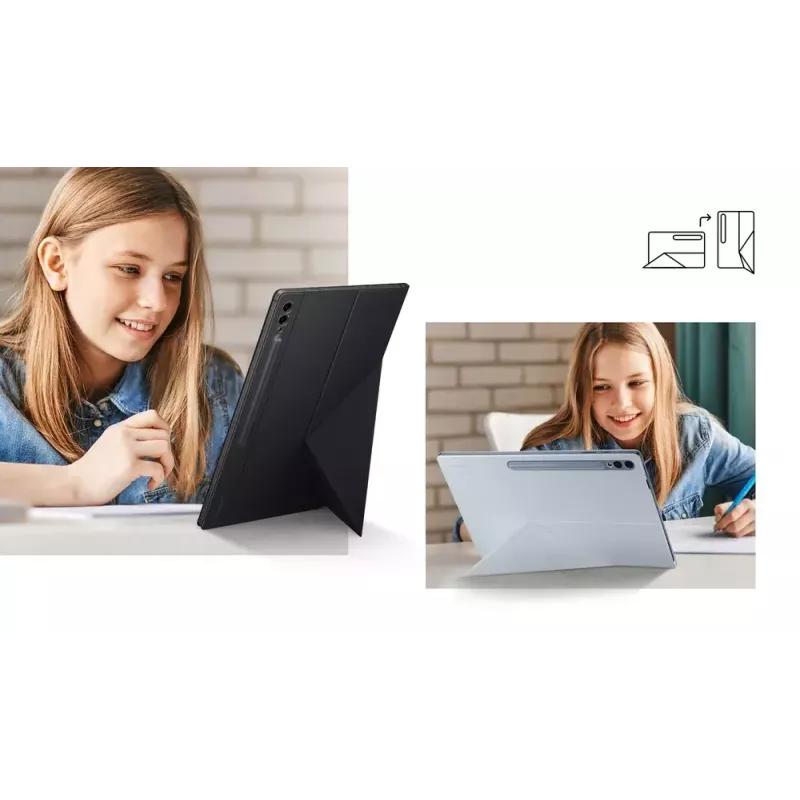
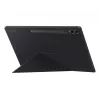
Two viewing modes. Double the versatility

Two viewing modes. Double the versatility

Flip your tablet as you wish. Whether you prefer to have it stand in Portrait or Landscape mode, the Smart Book Cover has you covered. The back folds up to create a sturdy stand supporting both vertical and horizontal viewing.

Magnetically attachable for easy replacement
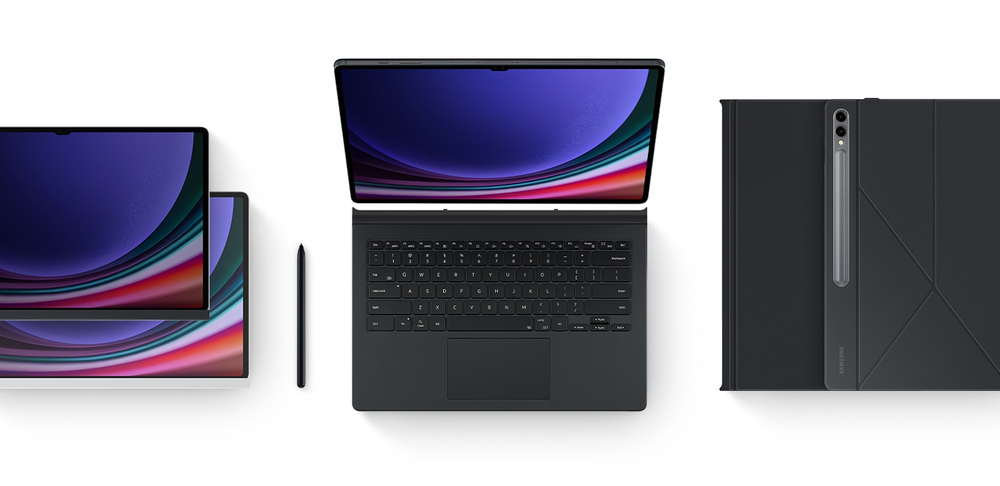
With its magnetic design, you can easily attach and detach the back cover to personalise your device. Replace it according to your preference to fit your everyday needs.
Magnetically attachable for easy replacement
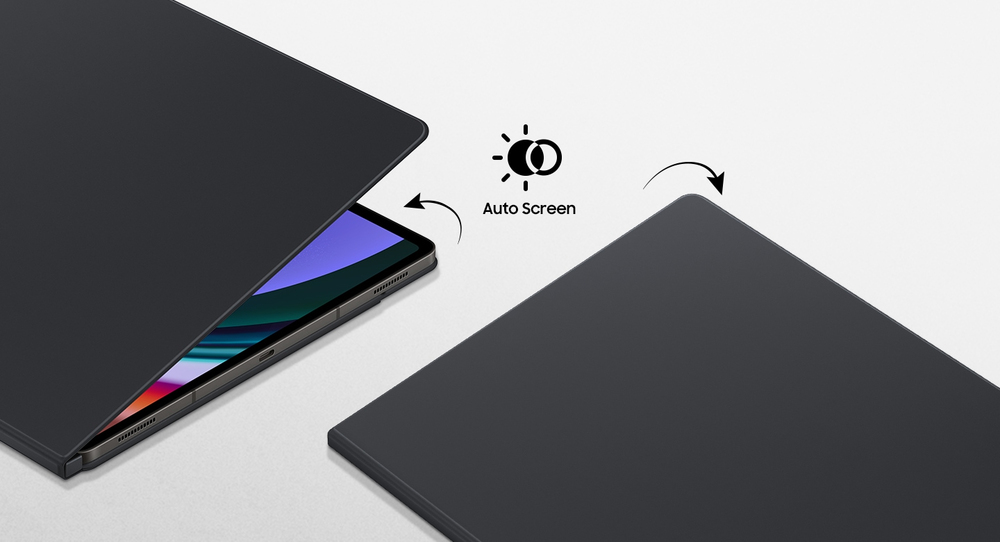
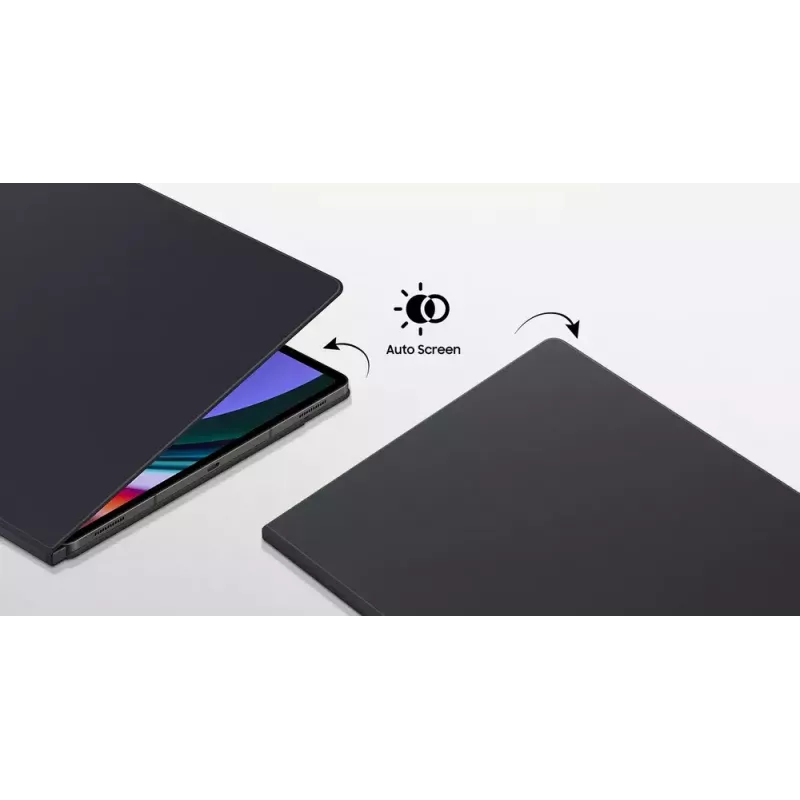
Auto wake-up and sleep mode

Auto wake-up and sleep mode

The cover instantly wakes up your tablet as soon as you open the Smart Book Cover so you can get back to your task in no time. It also automatically knows when you've closed the tablet so it goes back to sleep mode.
Key Highlights
  • Galaxy Tab S9 Ultra (14.6") owners needing tailored protection
  • Users who alternate between portrait and landscape viewing
  • People who prefer magnetic, easily removable covers
  • Those who want automatic wake/sleep functionality to save battery
  • Model: EF-BX910PBEGWW
  • Compatibility: Samsung Galaxy Tab S9 Ultra (37.1 cm / 14.6")
  • Weight: 0.548 kg
  • Stand mode: Yes (portrait and landscape)
  • Attachment: Magnetic
Specifications
Brand compatibility
Samsung
Built-in battery
No
Built-in speaker(s)
No
Case type
Cover
Compatibility
Galaxy Tab S9 Ultra, Tab S10 Ultra
Depth
6.9 mm
Height
328 mm
Maximum screen size
37.1 cm (14.6")
Product main colour
Black
Protection features
Bump resistant, Scratch resistant
Quantity per pack
1 pc(s)
Stand mode
Yes
Weight
548 g
Width
233.6 mm

Leaflet

Open Leaflet
Price history over the last 6 months
Samsung EF-BX910PBEGWW tablet case 37.1 cm (14.6 inch) Cover Black
Current
R909
Lowest
R720
Highest
R1,042
Change 24H
+R85   +10%
Week
+R74   +9%
Month
-R32   -3%

Popular products in this category

WhatsApp
Hi, I’m DistriNode’s AI assistant. I can help you find products, compare options, create quote PDFs, or open support requests.