Account Contact
Your Cart
Pay on delivery – no extra fees
Need help? Ask our AI

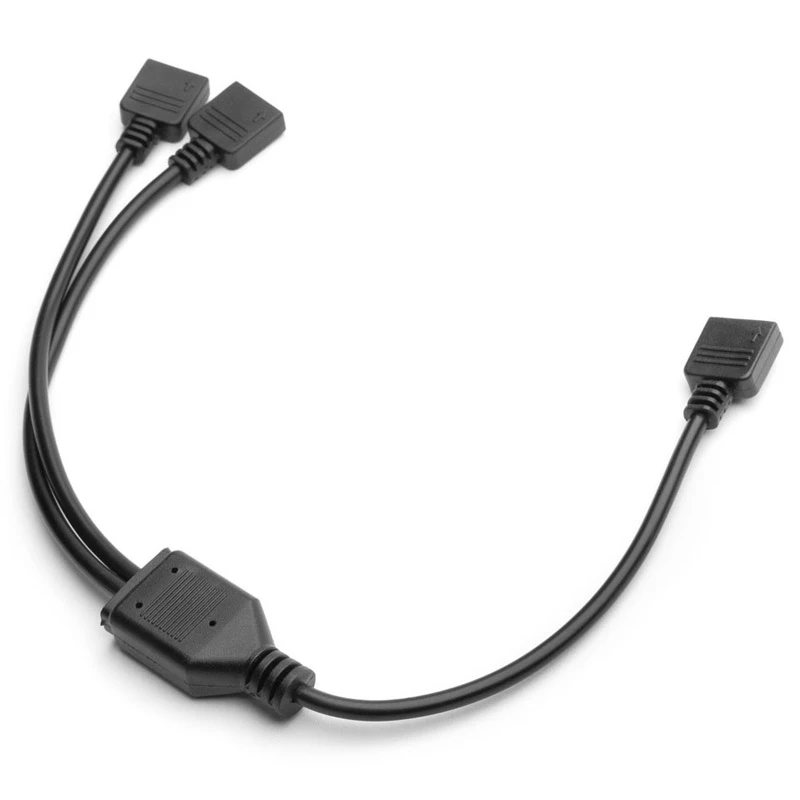
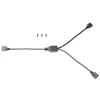
RGB splitter cable EK Water Blocks Loop D-RGB 2-Way Black 5V

RGB splitter cable EK Water Blocks Loop D-RGB 2-Way Black 5V
R219
The EK-Loop D-RGB Splitter Cable 2-Way (5V, black) lets you connect up to two digitally addressable RGB devices to a single 3-pin D-RGB (addressable) motherboard or controller header, enabling synchronized lighting control across connected components. The package includes male-to-male connector pins... Read More
Stock Out Of StockNo Stock Code 307874 Brand EK Water Blocks Model 3831109848050 Warranty 2 Years

Shipping & Returns

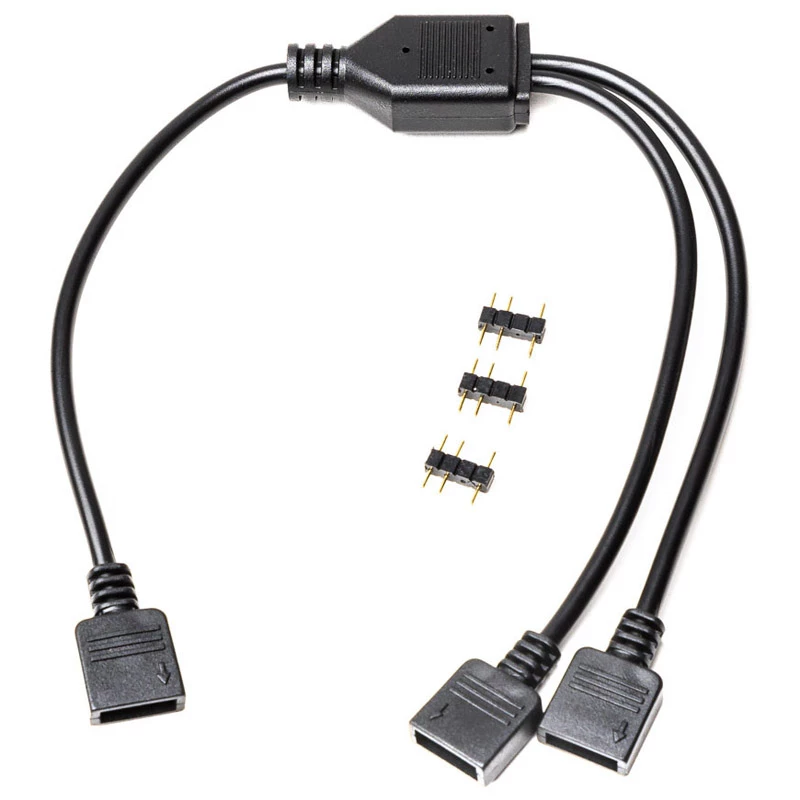
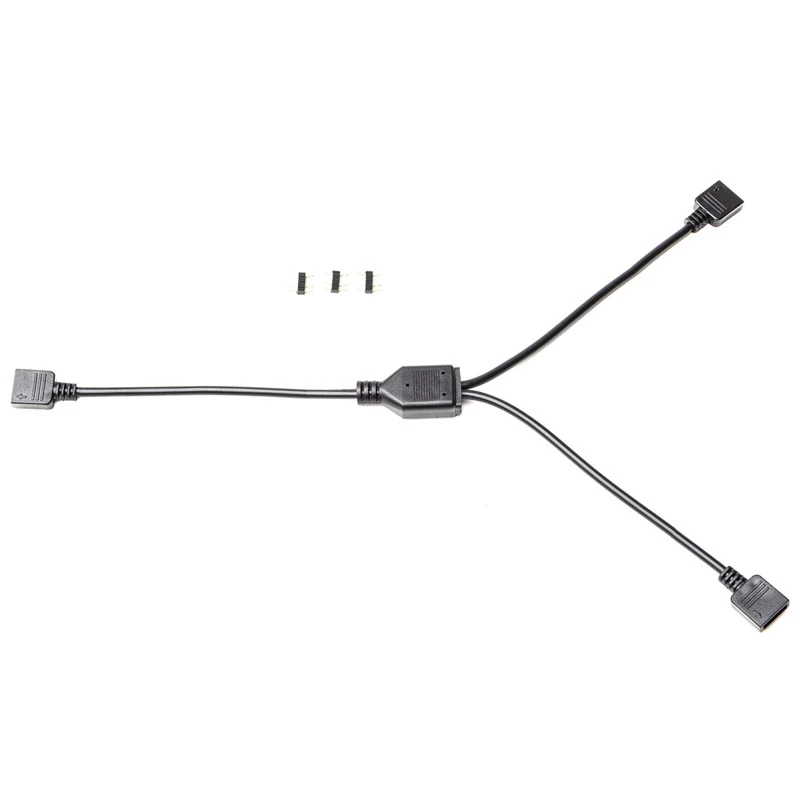
The EK-Loop D-RGB Splitter Cable 2-Way (5V, black) lets you connect up to two digitally addressable RGB devices to a single 3-pin D-RGB (addressable) motherboard or controller header, enabling synchronized lighting control across connected components. The package includes male-to-male connector pins and uses the standard 3-pin D-RGB interface compatible with most 5V addressable RGB controllers and motherboard RGB sync technologies.

Advantages

This 2-way splitter supports standard 3-pin 5V D-RGB headers and is compatible with major motherboard manufacturers' RGB sync standards. Its included male-male connector pins simplify installation when connecting devices in series, and the black cable design integrates unobtrusively into most PC builds. The arrow marking on the 3-pin connector ensures correct alignment with the +5V marking on the motherboard or controller header.

Suitable for

  • Connecting two addressable D-RGB LED strips or devices to one 3-pin 5V header
  • Synchronizing lighting between fans, LED strips, and other RGB components
  • Expanding RGB setups where the motherboard/controller has limited D-RGB headers

Key specifications

  • Type: 2-way D-RGB splitter cable
  • Connector: standard 3-pin 5V D-RGB (addressable)
  • Compatibility: compatible with most 3-pin 5V D-RGB controllers and motherboard RGB sync technologies
  • Included accessories: male-male connector pins
  • Color: black

How to use

Align the arrow marking on the 3-pin connector with the +5V marking on the D-RGB header of your motherboard or controller, then plug the splitter into the header. Connect up to two compatible 3-pin D-RGB devices to the splitter outputs. If needed, use the included male-male connector pins to create direct connections between devices. After physical connection, configure RGB control software provided by your motherboard or controller to synchronize the connected devices.

Recommendations

Ensure the header provides 5V D-RGB (addressable) output before connecting; do not connect the splitter to a 4-pin 12V RGB header. Avoid overloading a single header with devices that together exceed the controller or motherboard RGB power limits.
Key Highlights
  • Connecting two addressable D-RGB LED strips or devices to one 3-pin 5V header
  • Synchronizing lighting between fans, LED strips, and other RGB components
  • Expanding RGB setups where the motherboard/controller has limited D-RGB headers
  • Type: 2-way D-RGB splitter cable
  • Connector: standard 3-pin 5V D-RGB (addressable)
  • Compatibility: compatible with most 3-pin 5V D-RGB controllers and motherboard RGB sync technologies
  • Included accessories: male-male connector pins
  • Color: black
Specifications
Connector 1 gender
Male
Connector 2 gender
Male
Country of origin
China
Packaging content
3-pin male-male connector (3 pcs)
Product colour
Black
Quantity per pack
1 pc(s)
RGB voltage
5 V
Type
RGB splitter cable
Price history is not available yet
We are still collecting enough daily price data for this product.

Popular products in this category

WhatsApp
Hi, I’m DistriNode’s AI assistant. I can help you find products, compare options, create quote PDFs, or open support requests.