Account Contact
Your Cart
Pay on delivery – no extra fees
Need help? Ask our AI

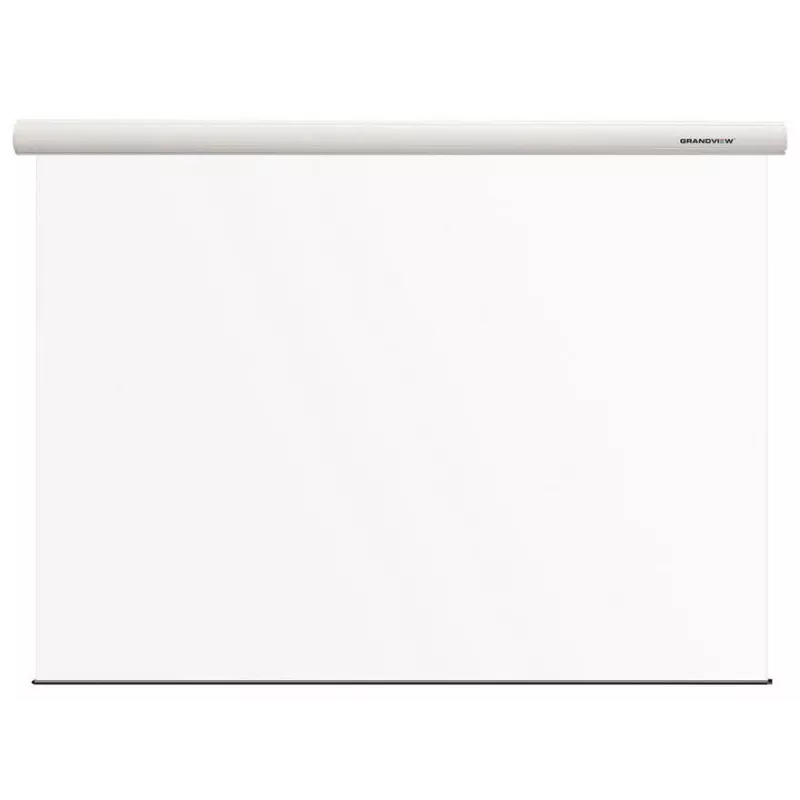
Projection Screen Grandview GV102098 Motorized 1:1

Projection Screen Grandview GV102098 Motorized 1:1
R20,220
The Grandview GV102098 Motorized 1:1 projection screen features a 2.75 m viewable width and height with a native 1:1 aspect ratio. Designed for presentation and home theater environments, this motorized screen provides a smooth, motor-driven operation and a flat viewing surface to deliver a consiste... Read More
Stock Out Of StockNo Stock Code 1210429 Brand GRANDVIEW Model FA-MI(2656X2656)WM5II(ADCW)NBV Warranty 2 Years

Shipping & Returns

Estimated delivery Tuesday, October 27
You will be kept updated through our detailed tracking system
Payment options
EFTPayFastBank CardSnapScanZapperGoogle PayApple PayMobicredMoreTymePay on Arrival

The Grandview GV102098 Motorized 1:1 projection screen features a 2.75 m viewable width and height with a native 1:1 aspect ratio. Designed for presentation and home theater environments, this motorized screen provides a smooth, motor-driven operation and a flat viewing surface to deliver a consistent image across the entire projection area.

Advantages

The Grandview GV102098 combines precise mechanical drive with quality screen material to ensure even tension and uniform image reproduction. Its motorized mechanism allows remote or wall-switch control for convenient deployment and retraction, while the 1:1 format is suitable for square-format content and special display setups. Manufactured by Grandview, it benefits from the brand's experience in projection screen engineering and patented technologies focused on durable construction and accurate flatness.

Suitable for

  • Corporate presentations and meeting rooms
  • Home theater rooms with square-format projection needs
  • Educational facilities and training centers
  • Exhibition stands and demo areas requiring a retractable screen

Key specifications

  • Brand: Grandview
  • Model / MPN: GV102098
  • EAN: 5712505285961
  • Type: Motorized projection screen
  • Viewable width x height: 2.75 m x 2.75 m (1:1)
  • Aspect ratio: 1:1 (square)
  • Primary use: Presentations, home theater, education

How to use

Install the motorized housing securely on a wall or ceiling following the manufacturer’s mounting points and local building regulations. Connect the motor to a suitable power source and configure the control method (remote control, wall switch, or integration with a control system) according to the supplied instructions. Lower the screen when using a projector and adjust projector placement and focus to cover the 2.75 m x 2.75 m viewable area. After use, retract the screen to protect the material and mechanism.

Recommendations

Place the screen in a location with stable mounting and minimal direct light on the projection surface. Use compatible mounting hardware and ensure the projector’s throw ratio matches the 1:1 screen size. Periodically inspect the casing, motor connections, and screen surface for dust or damage, and follow Grandview’s maintenance guidelines to extend service life.

Key Highlights
  • Corporate presentations and meeting rooms
  • Home theater rooms with square-format projection needs
  • Educational facilities and training centers
  • Exhibition stands and demo areas requiring a retractable screen
  • Brand: Grandview
  • Model / MPN: GV102098
  • EAN: 5712505285961
  • Type: Motorized projection screen
  • Viewable width x height: 2.75 m x 2.75 m (1:1)
  • Aspect ratio: 1:1 (square)
  • Primary use: Presentations, home theater, education
Specifications
Drive type
Motorized
Native aspect ratio
1:1
Viewable screen height (H)
2750 mm
Viewable screen width (W)
2750 mm
Price history over the last 6 months
Projection Screen Grandview GV102098 Motorized 1:1
Current
R20,220
Lowest
R15,375
Highest
R20,220
Change 24H
+R2,724   +16%
Week
+R2,724   +16%
Month
+R2,724   +16%

Popular products in this category

WhatsApp
Hi, I’m DistriNode’s AI assistant. I can help you find products, compare options, create quote PDFs, or open support requests.