Account Contact
Your Cart
Pay the courier with no extra fees.
Need help? DistriNode AI can handle any task on our site.

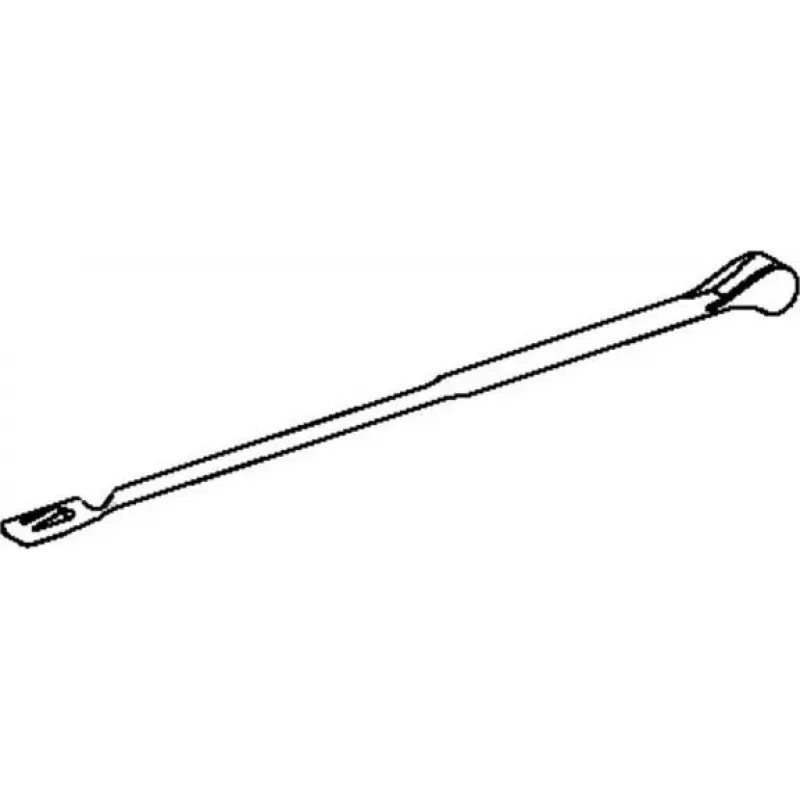
Printer cover part OKI B930 Support LHCOVER for OKI B930 series

Printer cover part OKI B930 Support LHCOVER for OKI B930 series
R604
Replacement cover part Support LHCOVER for OKI B930 series printers provides a direct-fit left-hand support panel designed to restore the printer’s external housing and protect internal components. This original OKI component is intended to replace a damaged, cracked or missing left-side cover, help... Read More
Stock 3 Code 2262019 Brand OKI Model 849E13981 Warranty 2 Years

Shipping & Returns

Estimated delivery Wednesday, October 7
You will be kept updated through our detailed tracking system
Payment options
EFTPayFastBank CardSnapScanZapperGoogle PayApple PayMobicredMoreTymePay on Arrival

Replacement cover part Support LHCOVER for OKI B930 series printers provides a direct-fit left-hand support panel designed to restore the printer’s external housing and protect internal components. This original OKI component is intended to replace a damaged, cracked or missing left-side cover, helping to maintain correct alignment of adjacent panels and access points. The part is compatible with the OKI B930 family and offers OEM fit and finish to preserve the device’s structural integrity.

Advantages

The Support LHCOVER restores proper protection for internal mechanisms and prevents dust and debris ingress that can lead to maintenance issues. As an original equipment manufacturer part, it matches factory dimensions and mounting points, ensuring straightforward installation and reliable long-term fit. Using this genuine cover helps maintain resale value and reduces the risk of misalignment that could affect paper paths or sensor operation.

Suitable for

  • Print shop or service center repairs of OKI B930 series devices
  • On-site maintenance and component replacement for businesses using OKI B930 printers
  • Owners replacing a cracked, broken or missing left-hand exterior cover

Key specifications

  • Compatibility: OKI B930 series printers
  • Position: left-hand support/outer cover
  • Material: durable molded plastic (factory specification)
  • Finish: OEM color and texture matching the printer housing
  • Mounting: factory mounting points and clips for direct replacement

How to use

Power off the printer and disconnect it from the power source before starting the replacement. Remove any adjacent panels or trays that obstruct access to the left-hand cover, then unfasten the retaining clips or screws holding the damaged cover in place. Align the replacement Support LHCOVER with the factory mounting points and press or fasten it until it locks securely. Reinstall any removed panels and test the printer for correct panel alignment and normal operation before returning it to service.

Recommendations

Handle the cover carefully to avoid scratching the OEM finish during installation. Use proper tools for removing fasteners and consult the printer service manual if unsure about the disassembly sequence. Keep replacement parts in a clean, dry environment until installation to prevent contamination.

Key Highlights
  • Print shop or service center repairs of OKI B930 series devices
  • On-site maintenance and component replacement for businesses using OKI B930 printers
  • Owners replacing a cracked, broken or missing left-hand exterior cover
  • Compatibility: OKI B930 series printers
  • Position: left-hand support/outer cover
  • Material: durable molded plastic (factory specification)
  • Finish: OEM color and texture matching the printer housing
  • Mounting: factory mounting points and clips for direct replacement
Price history over the last 6 months
Printer cover part OKI B930 Support LHCOVER for OKI B930 series
Current
R604
Lowest
R593
Highest
R604
Change 24H
—   
Week
—   
Month
—   

Popular products in this category

WhatsApp
Hi, I’m DistriNode’s AI assistant. I can help you find products, compare options, create quote PDFs, or open support requests.