Account Contact
Your Cart
Pay the courier with no extra fees.
Need help? DistriNode AI can handle any task on our site.

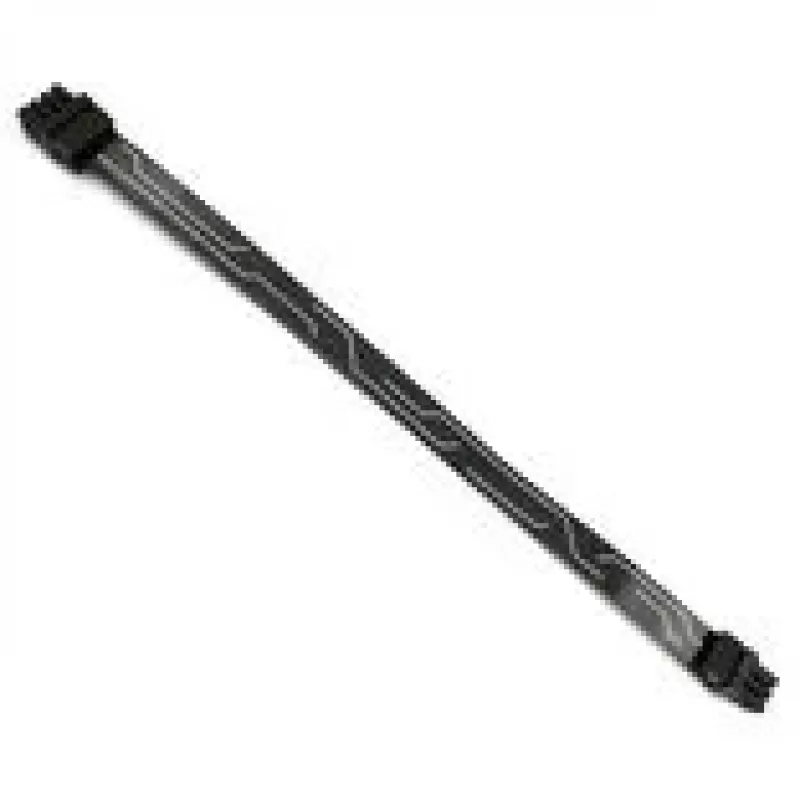
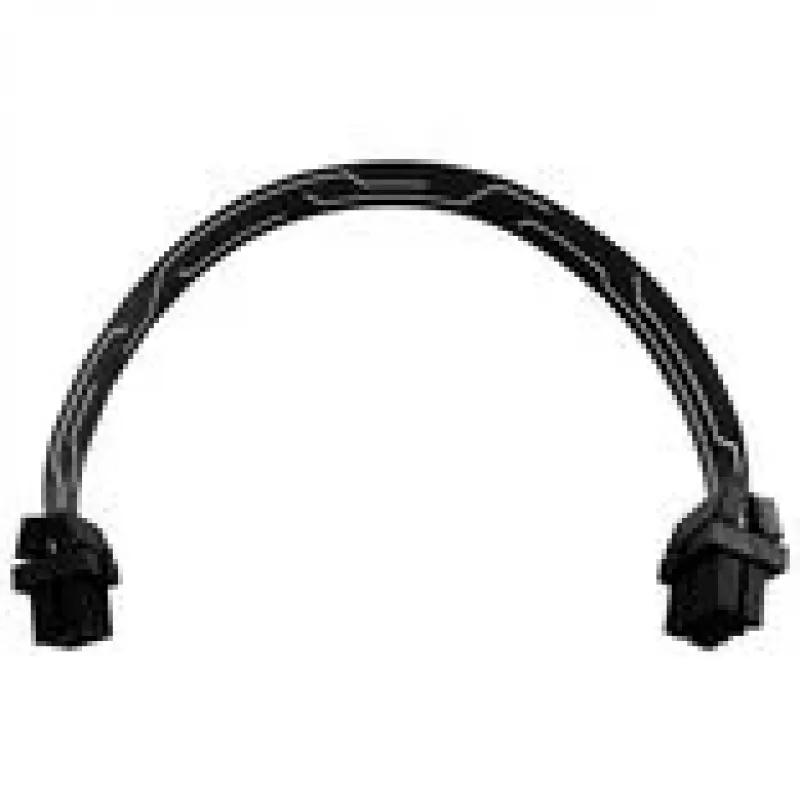
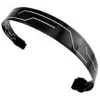
PowerBoard FPC 6‑Pin PCIe Connection Cable by Singularity Computers, model SC-FPC-6PCIE, 250 mm

PowerBoard FPC 6‑Pin PCIe Connection Cable by Singularity Computers, model SC-FPC-6PCIE, 250 mm
R151
Singularity Computers PowerBoard FPC 6‑Pin PCIe connection cable (model SC-FPC-6PCIE) is a 250 mm flexible printed cable engineered to link a PowerBoard or compatible controller to a 6‑pin PCIe power socket. The cable is intended for compact and custom PC builds where tidy power routing and minimal ... Read More
Stock 2 Code 313926 Brand SINGULARITY COMPUTERS Model SC-FPC-6PCIE Warranty 2 Years

Shipping & Returns

Estimated delivery Thursday, October 1
You will be kept updated through our detailed tracking system
Payment options
EFTPayFastBank CardSnapScanZapperGoogle PayApple PayMobicredMoreTymePay on Arrival

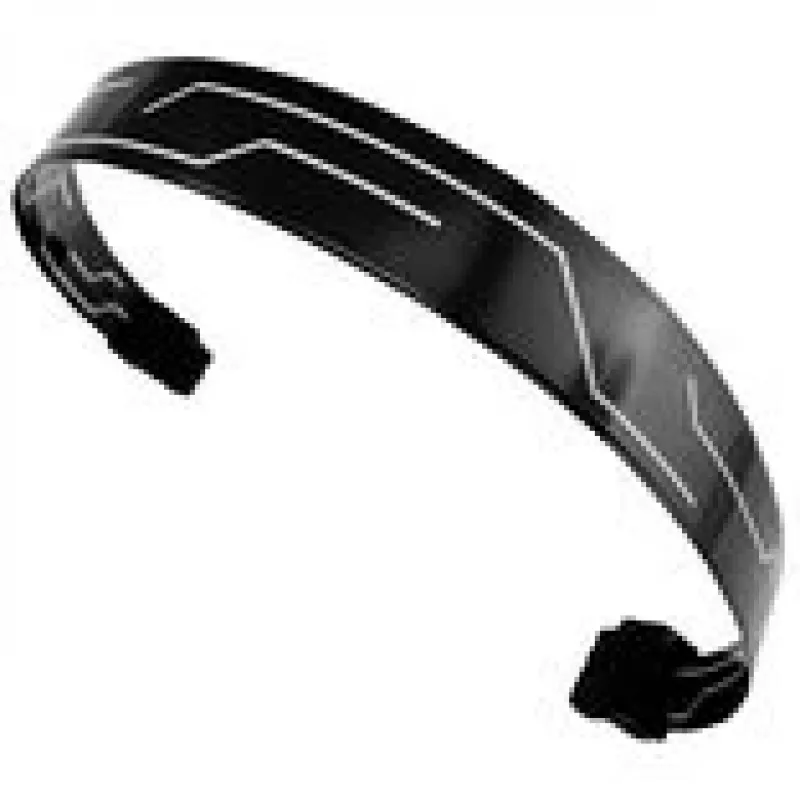
Singularity Computers PowerBoard FPC 6‑Pin PCIe connection cable (model SC-FPC-6PCIE) is a 250 mm flexible printed cable engineered to link a PowerBoard or compatible controller to a 6‑pin PCIe power socket. The cable is intended for compact and custom PC builds where tidy power routing and minimal bulk are required. Its flexible printed construction allows low-profile routing behind motherboards, around tight bends, and inside small-form-factor cases while maintaining a direct connection to GPU or peripheral 6‑pin power inputs.

Advantages

The PowerBoard FPC 6‑Pin PCIe cable provides a slim, low-profile alternative to traditional round or ribbon power cables, improving internal airflow and cable management in constrained spaces. At 250 mm length it balances reach and manageability for common case layouts, and the flexible printed design reduces cable clutter and visual bulk. The cable is purpose-built to interface between PowerBoard-style controllers and standard 6‑pin PCIe connectors, simplifying custom routing without resorting to bulky adapters.

Suitable for

  • Small-form-factor (SFF) and mini-ITX PC builds that require compact power routing
  • Custom loop or controller-based power setups using a PowerBoard or similar controller
  • GPU or peripheral power where a 6‑pin PCIe connection is required and space is limited
  • Builds prioritizing clean cable management and reduced visual clutter

Key specifications

  • Connector interface: 6‑pin PCIe power plug
  • Cable type: flexible printed cable (FPC)
  • Length: 250 mm
  • Intended use: connection between PowerBoard-style controller and 6‑pin PCIe power input
  • Construction: low-profile, flat flexible design for tight routing

How to use

Route the FPC cable from the PowerBoard or compatible controller to the target 6‑pin PCIe socket on a GPU or peripheral, observing the 250 mm length limitation. Ensure connectors are correctly aligned and fully seated before powering the system. Use gentle bends rather than sharp folds to preserve the flexible printed cable. Secure the cable with light clips or adhesive mounts where available to prevent movement and strain on the connectors during installation and transport.

What to consider before purchase

  • Confirm your controller or PowerBoard has a compatible FPC output intended for a 6‑pin PCIe connection
  • Verify that 250 mm length is sufficient for your case layout and routing path
  • Ensure a 6‑pin PCIe connector meets the power requirements of the target GPU or peripheral
  • Check that a low-profile FPC cable fits routing channels and does not interfere with other components

Recommendations

For reliable installation, route the cable along case edges and fastening points, avoid sharp bends, and secure both ends to minimize stress on connector latches. If higher current or a different connector is required, choose an appropriate cable or adapter designed for that specification rather than modifying the FPC cable.

Key Highlights
  • Small-form-factor (SFF) and mini-ITX PC builds that require compact power routing
  • Custom loop or controller-based power setups using a PowerBoard or similar controller
  • GPU or peripheral power where a 6‑pin PCIe connection is required and space is limited
  • Builds prioritizing clean cable management and reduced visual clutter
  • Connector interface: 6‑pin PCIe power plug
  • Cable type: flexible printed cable (FPC)
  • Length: 250 mm
  • Intended use: connection between PowerBoard-style controller and 6‑pin PCIe power input
  • Construction: low-profile, flat flexible design for tight routing
  • Confirm your controller or PowerBoard has a compatible FPC output intended for a 6‑pin PCIe connection
  • Verify that 250 mm length is sufficient for your case layout and routing path
  • Ensure a 6‑pin PCIe connector meets the power requirements of the target GPU or peripheral
  • Check that a low-profile FPC cable fits routing channels and does not interfere with other components
Price history over the last 6 months
PowerBoard FPC 6‑Pin PCIe Connection Cable by Singularity Computers, model SC-FPC-6PCIE, 250 mm
Current
R151
Lowest
R140
Highest
R346
Change 24H
+R9   +7%
Week
+R11   +8%
Month
-R92   -38%

Popular products in this category

WhatsApp
Hi, I’m DistriNode’s AI assistant. I can help you find products, compare options, create quote PDFs, or open support requests.