Account Contact
Your Cart
Pay the courier with no extra fees.
Need help? DistriNode AI can handle any task on our site.

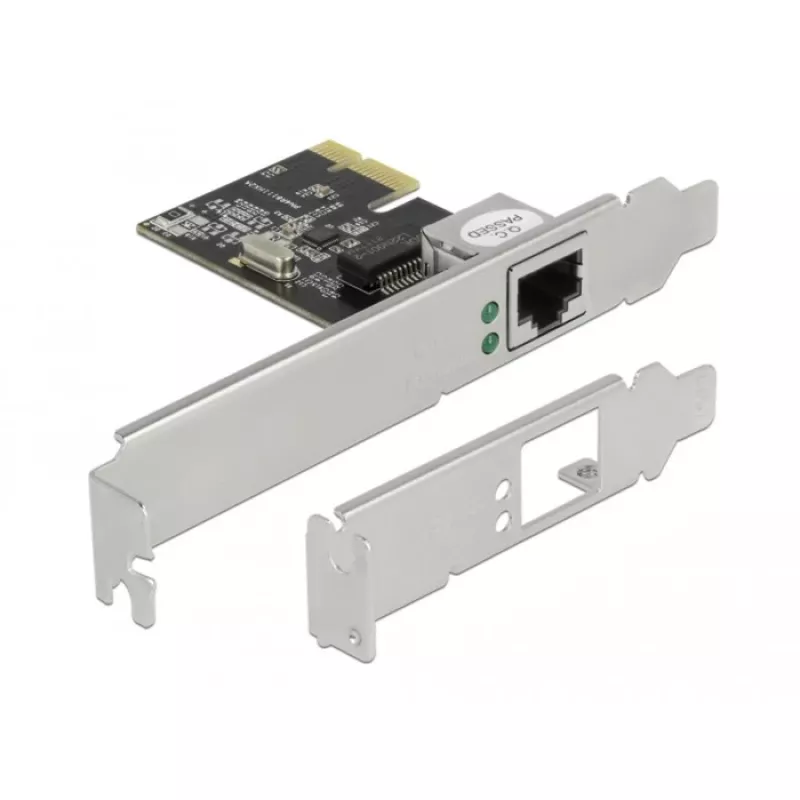
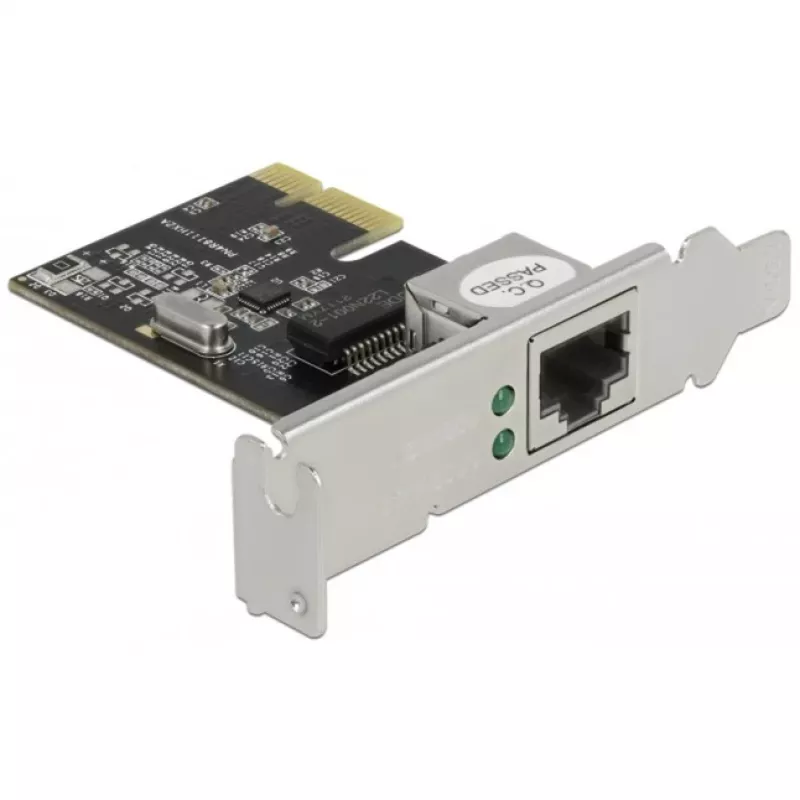
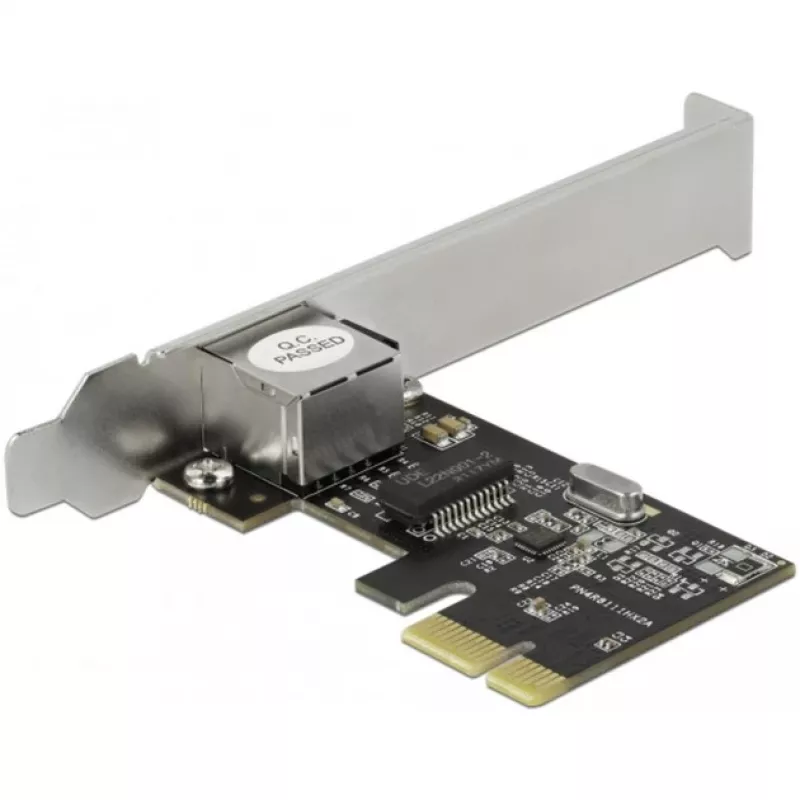
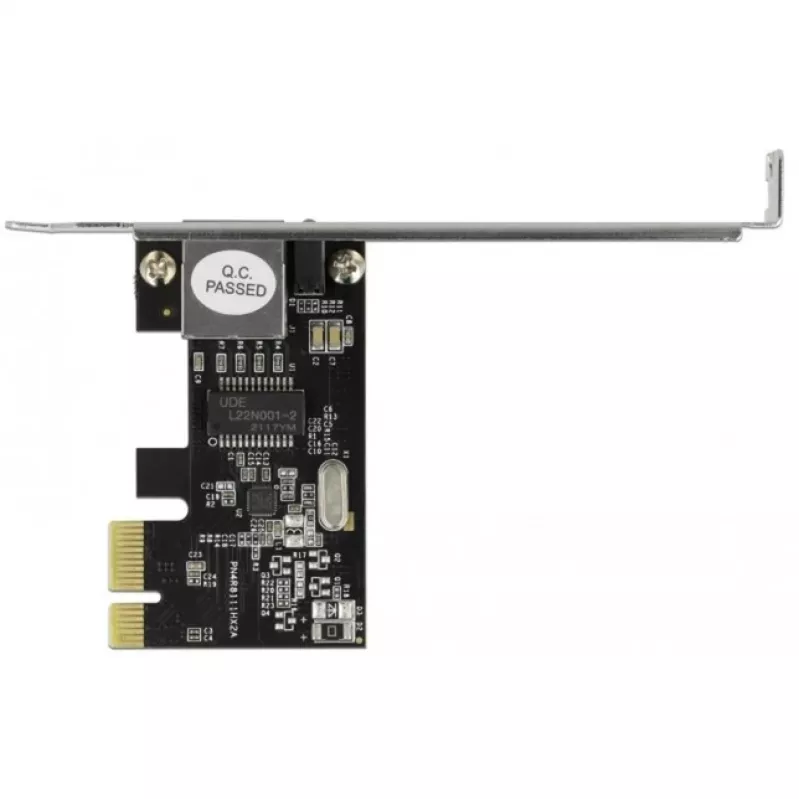
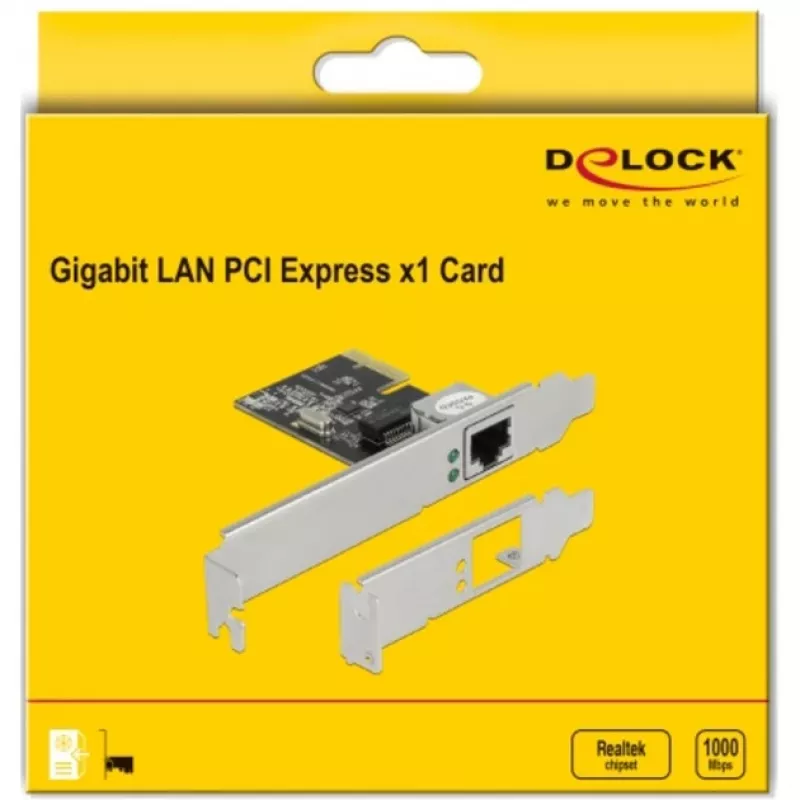
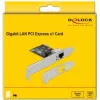
PCI Express x1 Card DeLOCK RTL8111 1 x RJ45 Gigabit LAN

PCI Express x1 Card DeLOCK RTL8111 1 x RJ45 Gigabit LAN
R664
The Delock PCI Express card provides one network port with a data transfer rate up to 1000 Mbps, suitable for adding a gigabit Ethernet interface to a compatible computer with an available PCIe slot.AdvantagesThe Delock PCI Express network card offers a simple way to add a single gigabit Ethernet po... Read More
Stock 22 Code 353519 Brand DELOCK Model 89189 Warranty 2 Years

Shipping & Returns

Estimated delivery Monday, October 12
You will be kept updated through our detailed tracking system
Payment options
EFTPayFastBank CardSnapScanZapperGoogle PayApple PayMobicredMoreTymePay on Arrival

The Delock PCI Express card provides one network port with a data transfer rate up to 1000 Mbps, suitable for adding a gigabit Ethernet interface to a compatible computer with an available PCIe slot.

Advantages

The Delock PCI Express network card offers a simple way to add a single gigabit Ethernet port. It supports data transfer speeds up to 1000 Mbps and is compact, allowing installation in systems with limited space. The card is compatible with standard PCI Express slots and can improve network connectivity for desktops and workstations.

Key specifications

  • Manufacturer: Delock
  • Interface: PCI Express (PCIe)
  • Network ports: 1
  • Maximum data transfer rate: 1000 Mbps (1 Gbps)

How to use

Install the card into an available PCI Express slot on the computer motherboard, secure it with the slot screw, then connect an Ethernet cable to the network port. After powering on the system, install any required drivers provided by the operating system or Delock to enable full functionality and optimal performance.

Recommendations

Ensure the system is powered off and unplugged before installing the card. Verify the motherboard has a free PCIe slot and confirm driver availability for your operating system version.
Key Highlights
  • Manufacturer: Delock
  • Interface: PCI Express (PCIe)
  • Network ports: 1
  • Maximum data transfer rate: 1000 Mbps (1 Gbps)
Specifications
Component for
PC
Connectivity technology
Wired
Ethernet interface type
Gigabit Ethernet
Ethernet LAN
Yes
Ethernet LAN (RJ-45) ports
1
Ethernet LAN data rates
10, 100, 1000
Host interface
PCI Express
Interface
Ethernet
Internal
Yes
Jumbo frames support
Yes
LED indicators
Activity, Link
Linux operating systems supported
Y
Maximum data transfer rate
1000 Mbit/s
Networking standards
IEEE 802.3, IEEE 802.3ab, IEEE 802.3az, IEEE 802.3u, IEEE 802.3x, IEEE 802.1Q
PCI version
1.1
Wake-on-LAN ready
Yes
Windows operating systems supported
Y
Price history over the last 6 months
PCI Express x1 Card DeLOCK RTL8111 1 x RJ45 Gigabit LAN
Current
R664
Lowest
R534
Highest
R690
Change 24H
-R4   -1%
Week
+R25   +4%
Month
+R21   +3%

Popular products in this category

WhatsApp
Hi, I’m DistriNode’s AI assistant. I can help you find products, compare options, create quote PDFs, or open support requests.