Account Contact
Your Cart
Pay on delivery – no extra fees
Need help? Ask our AI

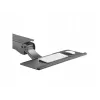
Passive holder Keyboard Maclean MC-795

Passive holder Keyboard Maclean MC-795
R4,111
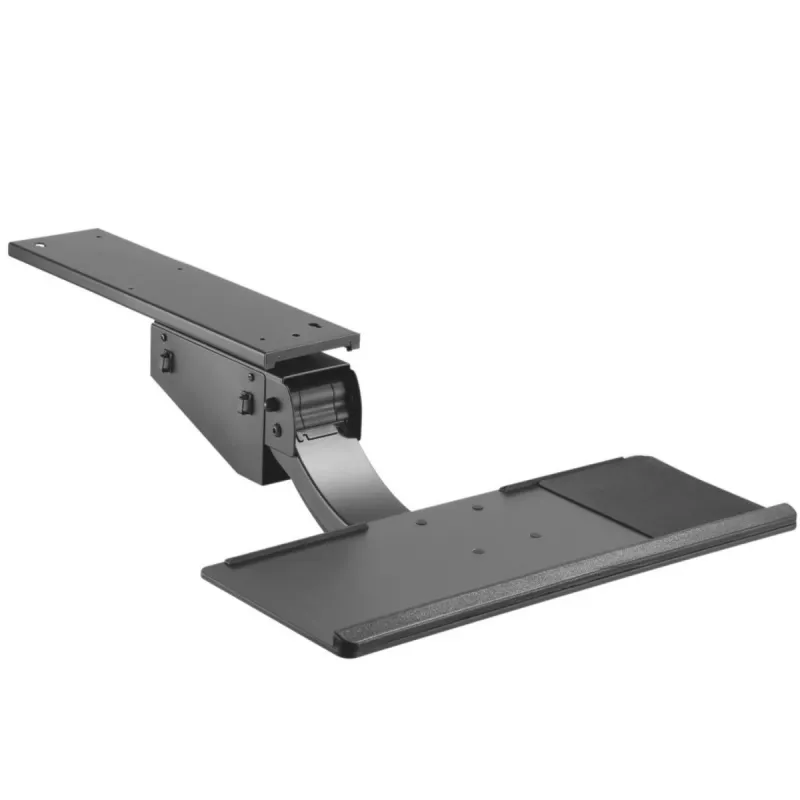
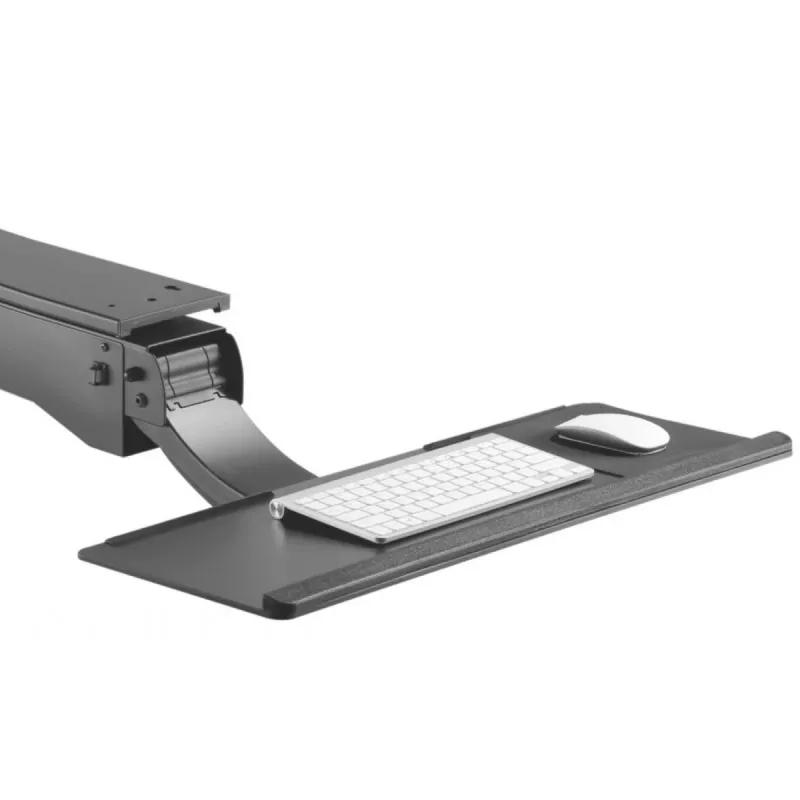
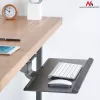
The Maclean MC-795 is a passive holder designed for indoor mounting of keyboards. Finished in black, the holder offers a minimal, unobtrusive appearance suitable for home and office setups. The MC-795 keeps a keyboard securely stored when not in use and positions it for convenient access, supporting... Read More
Stock Out Of StockNo Stock Code 94873 Brand MACLEAN Model MC-795 Warranty 2 Years

Shipping & Returns

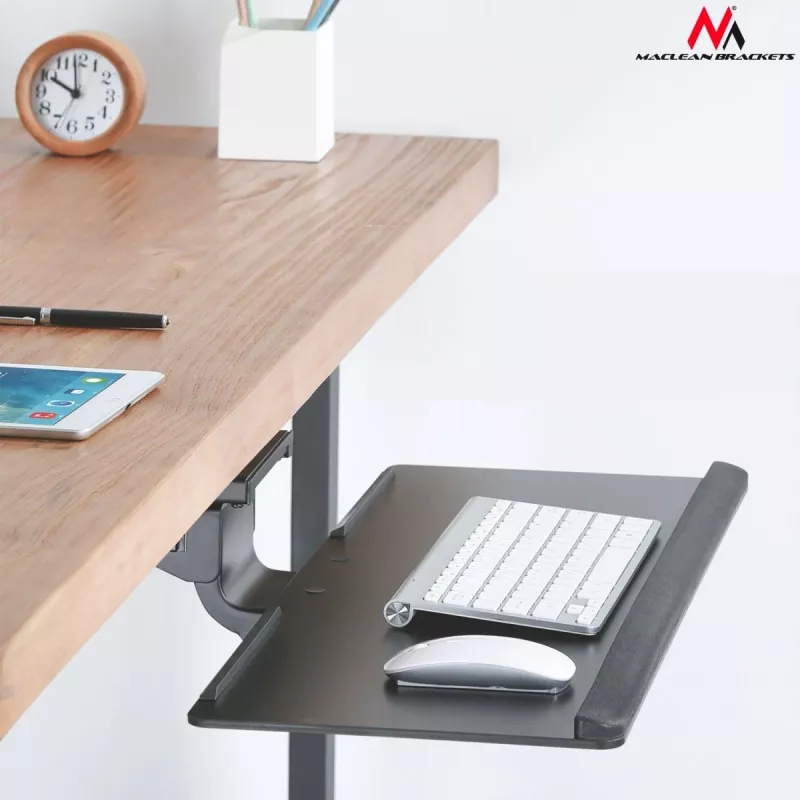
The Maclean MC-795 is a passive holder designed for indoor mounting of keyboards. Finished in black, the holder offers a minimal, unobtrusive appearance suitable for home and office setups. The MC-795 keeps a keyboard securely stored when not in use and positions it for convenient access, supporting desk organization and workspace ergonomics.

Advantages

The MACLEAN MC-795 is a compact, passive solution that requires no power and has a simple mounting design. Its black colour helps it integrate with most desk environments and keyboard styles. The holder is built to provide stable support for standard-sized keyboards and reduces desk clutter by keeping the keyboard off the work surface when not needed.

Suitable for

  • Storing or mounting desktop keyboards in home offices
  • Keeping keyboards accessible at corporate workstations
  • Organizing shared workspaces, meeting rooms, and hot-desking areas
  • Reducing desk footprint in compact workstations

Key specifications

  • Brand: MACLEAN
  • Model: MC-795
  • Type: Passive keyboard holder for indoor use
  • Product colour: Black
  • Intended use: Keyboard mounting/storage
  • MPN: MC-795

How to use

Install the MC-795 following the manufacturer’s mounting instructions, selecting an appropriate indoor surface near the workstation. Secure the holder to the chosen surface using suitable fasteners for the material (screws or bolts not included unless specified by the seller). Place the keyboard into the holder so it rests securely; confirm stability before leaving the keyboard unattended. To retrieve the keyboard, pull it gently from the holder and place it on the desk or docking area.

Recommendations

Mount the holder on a flat, stable indoor surface and verify load compatibility with the keyboard model used. Avoid exposing the holder to moisture or outdoor conditions. For safety, check mounting fasteners periodically and tighten if necessary.

Key Highlights
  • Storing or mounting desktop keyboards in home offices
  • Keeping keyboards accessible at corporate workstations
  • Organizing shared workspaces, meeting rooms, and hot-desking areas
  • Reducing desk footprint in compact workstations
  • Brand: MACLEAN
  • Model: MC-795
  • Type: Passive keyboard holder for indoor use
  • Product colour: Black
  • Intended use: Keyboard mounting/storage
  • MPN: MC-795
Specifications
Adjustable width
No
Built-in charger
No
Connectivity technology
Wireless
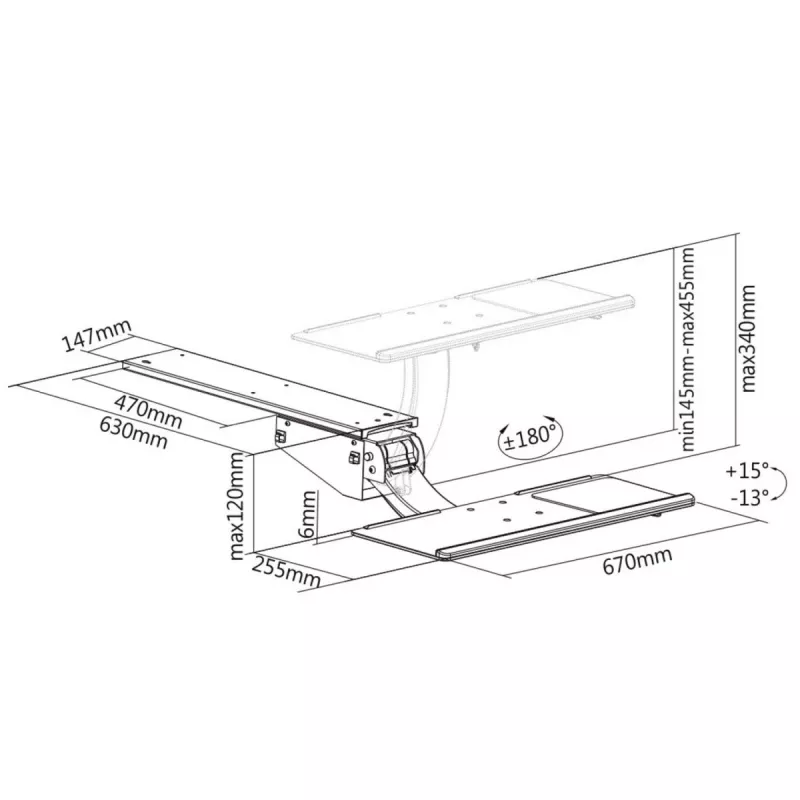
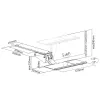
Depth
1130 mm
Fast charging
No
Foldable
No
Height
393 mm
Height adjustment
No
Material
Steel, Plastic, Aluminium
Mobile device type
Keyboard
On/off switch
No
Orientation
Horizontal
Power source type
Not supported
Product colour
Black
Proper use
Indoor
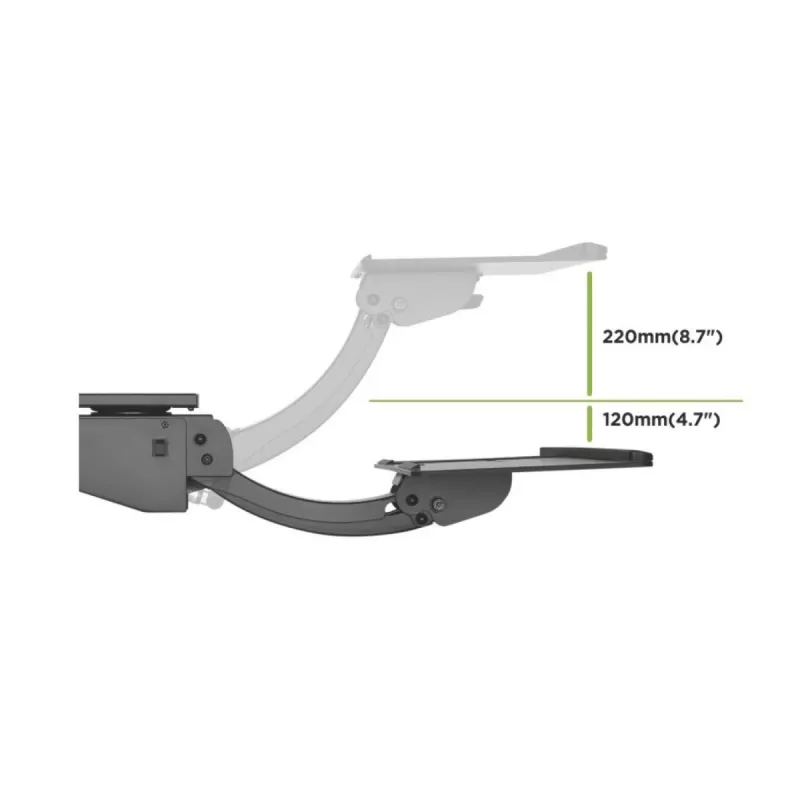
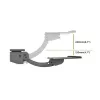
Swivel angle
180 °
Tilt angle range
-13 - 15
Type
Passive holder
Width
670 mm
Wireless charging
No
Price history is not available yet
We are still collecting enough daily price data for this product.

Popular products in this category

WhatsApp
Hi, I’m DistriNode’s AI assistant. I can help you find products, compare options, create quote PDFs, or open support requests.