Account Contact
Your Cart
Pay the courier with no extra fees.
Need help? DistriNode AI can handle any task on our site.

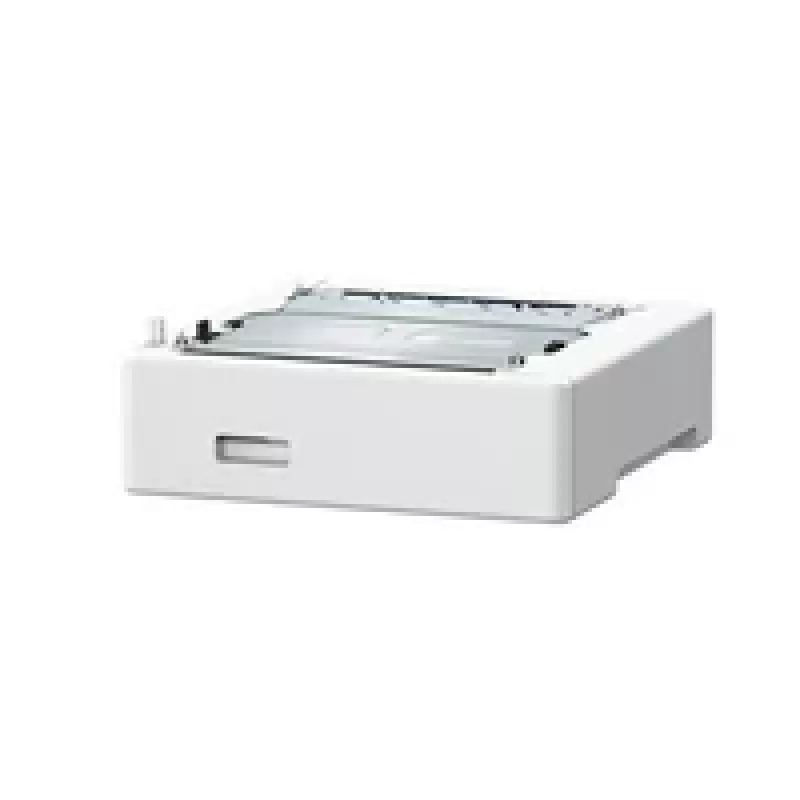
Paper tray Canon PF-K1 640 sheets for MF755Cdw 753Cdw 751Cdw

Paper tray Canon PF-K1 640 sheets for MF755Cdw 753Cdw 751Cdw
R5,386
The Canon PF-K1 paper tray provides a high-capacity paper supply of up to 640 sheets for compatible Canon imageCLASS and imageRUNNER models. Designed to fit MF755Cdw, 753Cdw and 751Cdw printers, the tray increases available paper capacity without altering printer footprint. Measuring 420 mm wide, 42... Read More
Stock 46 Code 1458340 Brand Canon Model 5693C001 Warranty 2 Years

Shipping & Returns

Estimated delivery Tuesday, October 6
You will be kept updated through our detailed tracking system
Payment options
EFTPayFastBank CardSnapScanZapperGoogle PayApple PayMobicredMoreTymePay on Arrival

The Canon PF-K1 paper tray provides a high-capacity paper supply of up to 640 sheets for compatible Canon imageCLASS and imageRUNNER models. Designed to fit MF755Cdw, 753Cdw and 751Cdw printers, the tray increases available paper capacity without altering printer footprint. Measuring 420 mm wide, 427 mm deep and 156 mm high, it integrates with the printer to reduce interruptions for paper refills and support sustained printing operations.

Advantages

The tray offers a substantial increase in paper capacity to support longer uninterrupted print runs. Its dimensions are matched to the supported Canon models to ensure stable installation and reliable paper feeding. By holding up to 640 sheets, the tray minimizes user intervention and helps maintain workflow efficiency in busy office settings.

Suitable for

  • Offices requiring higher paper capacity for daily printing
  • Workgroups sharing a single multifunction printer
  • Environments where reduced paper handling and fewer refills are preferred
  • Users who need consistent paper feeding for multi-page documents and large print jobs

Key specifications

  • Capacity: up to 640 sheets
  • Compatible printer models: MF755Cdw, MF753Cdw, MF751Cdw
  • Width: 420 mm
  • Depth: 427 mm
  • Height: 156 mm
  • Function: Additional paper tray for increased input capacity

How to use

Install the paper tray by aligning it with the printer’s base mounting points and sliding it into position until it locks. Load paper following the printer manufacturer’s paper type and orientation guidelines, adjusting guides to fit paper size to avoid skewing. After installation, set the printer paper source to the additional tray via the device control panel or printer driver when sending print jobs.

Recommendations

Use standard office paper within the printer’s supported weight range and store paper in a dry, dust-free environment prior to loading. Avoid overfilling the tray and periodically check and adjust paper guides to prevent feeding issues. When performing maintenance or moving the printer, remove the tray or secure it to prevent damage.

Key Highlights
  • Offices requiring higher paper capacity for daily printing
  • Workgroups sharing a single multifunction printer
  • Environments where reduced paper handling and fewer refills are preferred
  • Users who need consistent paper feeding for multi-page documents and large print jobs
  • Capacity: up to 640 sheets
  • Compatible printer models: MF755Cdw, MF753Cdw, MF751Cdw
  • Width: 420 mm
  • Depth: 427 mm
  • Height: 156 mm
  • Function: Additional paper tray for increased input capacity
Specifications
Brand compatibility
Canon
Compatibility
MF755Cdw/753Cdw/751Cdw
Depth
427 mm
Height
156 mm
Maximum capacity
640 sheets
Product colour
White
Type
Paper tray
Weight
5 kg
Width
420 mm

Leaflet

Open Leaflet
Price history over the last 6 months
Paper tray Canon PF-K1 640 sheets for MF755Cdw 753Cdw 751Cdw
Current
R5,386
Lowest
R2,562
Highest
R5,798
Change 24H
+R2,794   +108%
Week
+R2,818   +110%
Month
+R2,653   +97%

Popular products in this category

WhatsApp
Hi, I’m DistriNode’s AI assistant. I can help you find products, compare options, create quote PDFs, or open support requests.