Account Contact
Your Cart
Pay on delivery – no extra fees
Need help? Ask our AI

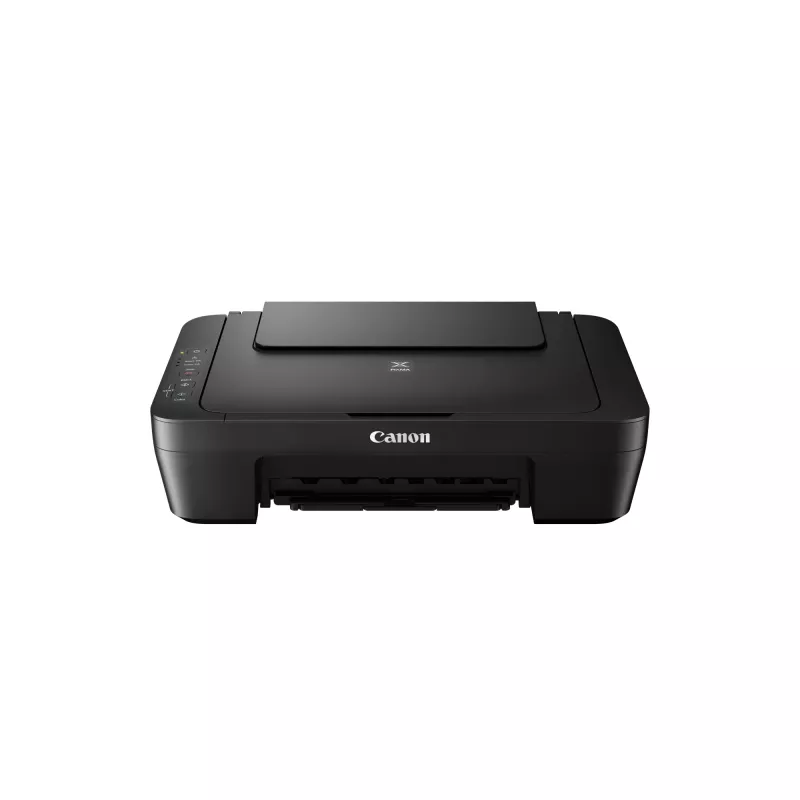
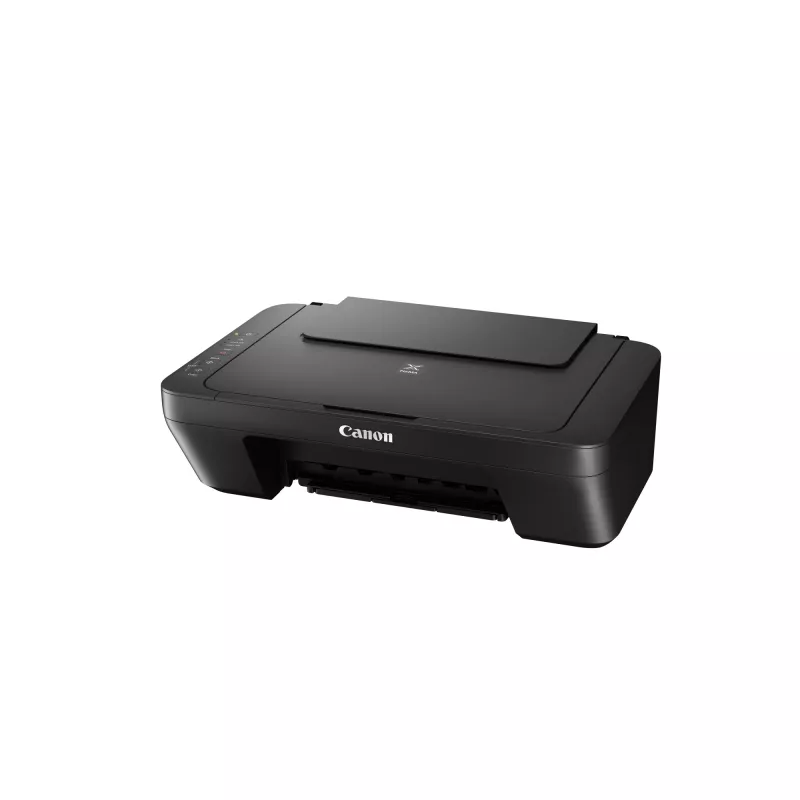
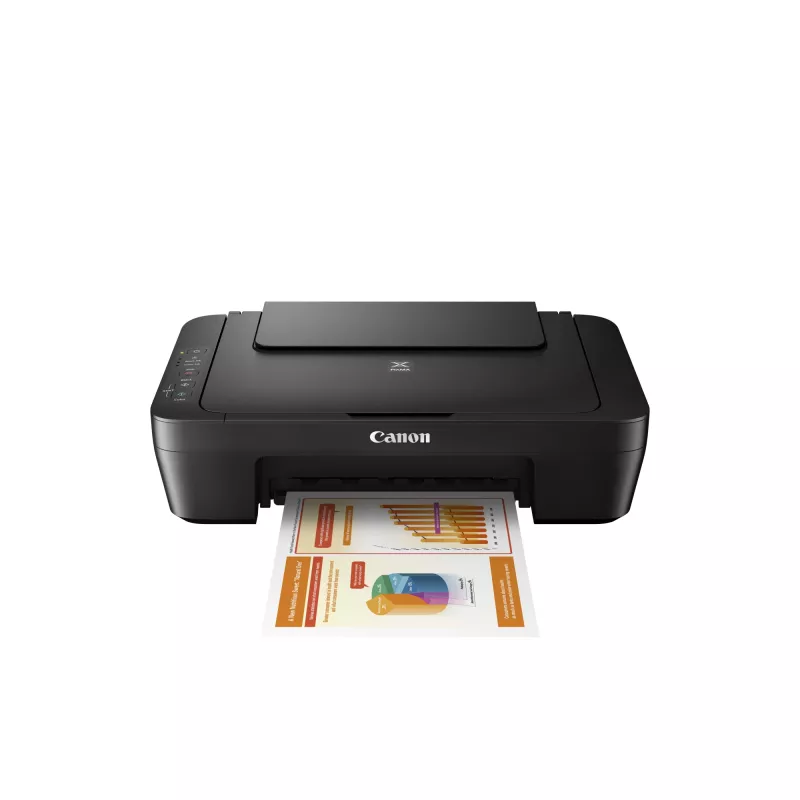
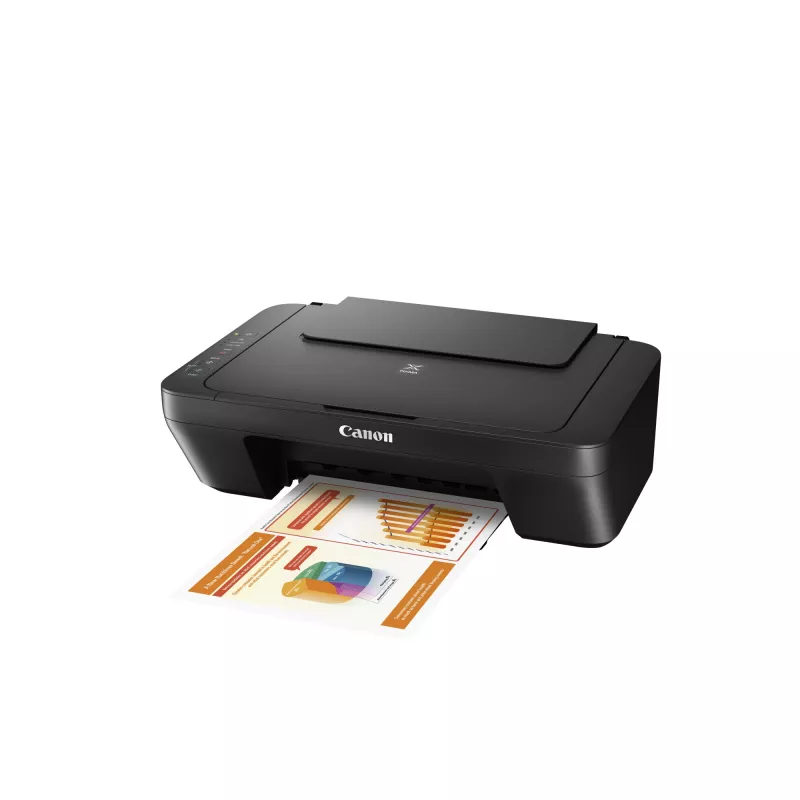
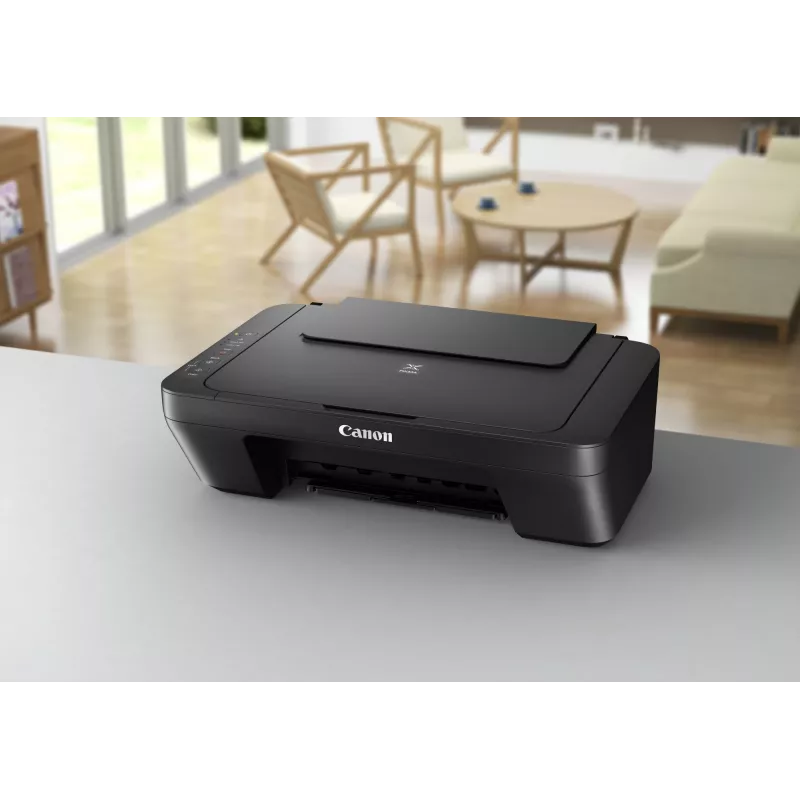
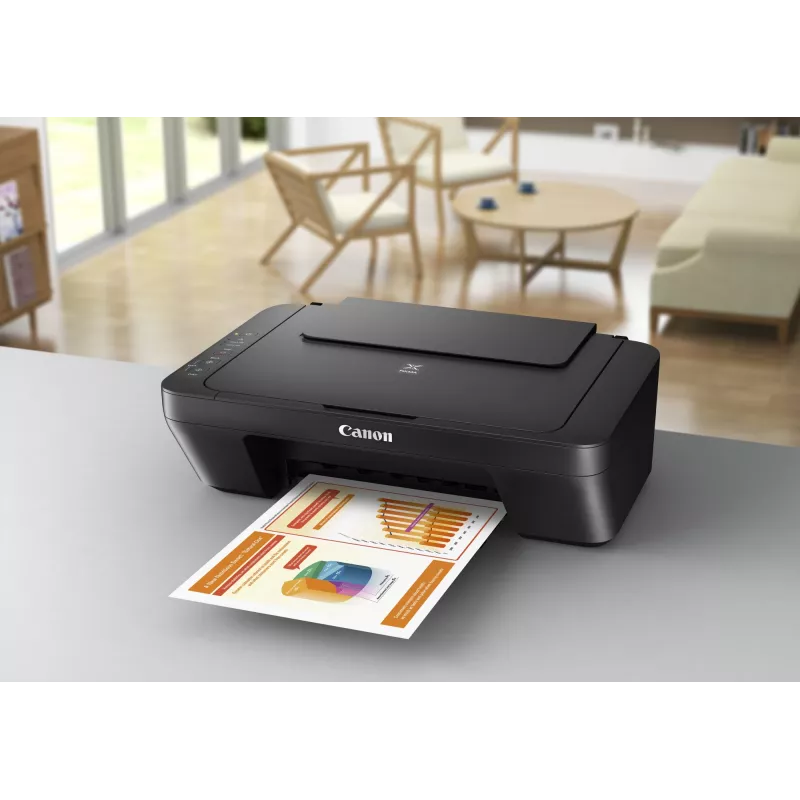
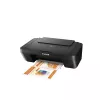
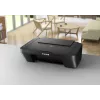
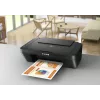
Multifunction Inkjet Printer Canon PIXMA MG2555S — A4, 4800 x 600 dpi, 600 x 1200 dpi scanner, USB, Black

Multifunction Inkjet Printer Canon PIXMA MG2555S — A4, 4800 x 600 dpi, 600 x 1200 dpi scanner, USB, Black
R2,759
Photo enthusiasts can enjoy bringing their pictures to life in vivid, vibrant colours on the new PIXMA MG3050 series and PIXMA MG2550S with Canon’s hybrid ink system, using dye and pigment based inks together for beautiful photos, as well as crisp, sharp text in documents. For photo-lab quality prin... Read More
Stock Out Of StockNo Stock Code 2213405 Brand Canon Model 0727C026 Warranty 2 Years

Shipping & Returns

Photo enthusiasts can enjoy bringing their pictures to life in vivid, vibrant colours on the new PIXMA MG3050 series and PIXMA MG2550S with Canon’s hybrid ink system, using dye and pigment based inks together for beautiful photos, as well as crisp, sharp text in documents. For photo-lab quality prints and fine detail in an instant, the FINE (Full-photolithography Inkjet Nozzle Engineering) cartridge ink lets you create virtually grain free, smooth prints, while XL cartridges allow you to print more pages.

Connected printers for a connected world
Using Wi-Fi connectivity, the PIXMA MG3050 series enables wireless printing from laptops and PCs as well as smartphones and tablets using the Canon PRINT app, while cloud printing means you don’t need to be in the home to get your prints started – you can print from services and social media platforms including Instagram™, Facebook™, Google Drive™ and more. Quickly connect devices at home with Access Point Mode to wirelessly use the printer without even needing to be on the same Wi-Fi network. For days when you’ve no time to spare, documents can be scanned and sent directly to your mobile device so you can take them with you.

Freedom to be creative
For creative inspiration, the PIXMA MG3050 series and PIXMA MG2550S include My Image Garden for Mac or PC, which organises all photos in one easy-to-use location before creating unique photo layouts automatically, making beautiful displays and prints possible in an instant. The printers also come with access to CREATIVE PARK PREMIUM, an online service for Canon genuine ink users featuring inspirational designs and projects from professional artists and photographers.

With the PIXMA MG3050 series, photo enthusiasts can create new 5x5” square style photo prints, perfect for framing and displaying in the home or even printing as gifts for friends and family. You also have access to Easy-PhotoPrint+ from a tablet, PC or Mac, helping you get creative using images stored on mobiles or in the cloud, with templates including greeting cards, calendars and more.

Canon PIXMA MG2555S. Print technology: Inkjet, Printing: Colour printing, Maximum resolution: 4800 x 600 DPI. Copying: Colour copying. Scanning: Colour scanning, Optical scanning resolution: 600 x 1200 DPI. Maximum ISO A-series paper size: A4. Product colour: Black

How to use

Connect the PIXMA MG2555S to your computer using the supplied USB cable and install the Canon drivers and software. Load A4 or smaller paper into the input tray, select appropriate print settings (paper type and quality) in the printer driver, then send your print job from a PC. Use the scanner bed to place documents or photos face-down for scanning or copying; start scans via the installed Canon scanning utility. Replace ink cartridges following on-screen prompts when ink levels are low.

Recommendations

For best photo results, use Canon genuine photo paper and select the highest print quality setting. Keep the printer in a dust-free environment and perform occasional nozzle checks and head cleaning via the maintenance menu to maintain print quality.

Key Highlights
  • Home users who need a compact all-in-one for printing, scanning and copying
  • Small offices requiring a reliable, wired A4 colour printer
  • Users who prioritise photo prints and basic document scanning without wireless connectivity
  • Print technology: Inkjet
  • Maximum print resolution: 4800 x 600 dpi
  • Optical scanner resolution: 600 x 1200 dpi
  • Functions: Print, copy, scan (colour)
  • Paper size: up to A4
  • Interfaces: USB (no Wi‑Fi, no Ethernet)
  • Weight: approx. 3.5 kg
  • Colour: Black
Specifications
AC input frequency
50 - 60 Hz
AC input voltage
100 - 240 V
Bundled software
My Image Garden, Quick Menu, MP Driver
Card reader integrated
No
Copying
Colour copying
Depth
306 mm
Digital sender
No
Drivers included
Yes
Duplex copying
No
Duplex faxing
No
Duplex printing
No
Duplex scanning
No
Envelopes sizes
10, DL
Ethernet LAN
No
Faxing
No
Harmonized System (HS) code
84433100
Height
145 mm
Input colour depth
48 bit
ISO A-series sizes (A0...A9)
A4, A5
ISO B-series sizes (B0...B9)
B5
Mac operating systems supported
Mac OS X 10.10 Yosemite, Mac OS X 10.11 El Capitan, Mac OS X 10.7 Lion, Mac OS X 10.8 Mountain Lion, Mac OS X 10.9 Mavericks
Market positioning
Home & office
Maximum input capacity
60 sheets
Maximum ISO A-series paper size
A4
Maximum number of copies
21 copies
Maximum print size
216 x 297 mm
Maximum resolution
4800 x 600 DPI
Maximum scan area
216 x 297 mm
Minimum RAM
1536 MB
Minimum storage drive space
3100 MB
Mobile printing technologies
Not supported
Non-ISO print media sizes
Legal
Number of print cartridges
2
Operating relative humidity (H-H)
10 - 90%
Optical scanning resolution
600 x 1200 DPI
Output colour depth
24 bit
Paper input type
Paper tray
Paper tray media types
Envelopes, Glossy paper, Photo paper, Plain paper
Photo paper sizes
10x15,13x18 cm
Power consumption (copying)
9 W
Power consumption (off)
0.4 W
Power consumption (standby)
1 W
Print speed (ISO/IEC 24734) colour
4 ipm
Print speed (ISO/IEC 24734) mono
8 ipm
Print technology
Inkjet
Printing
Colour printing
Product colour
Black
Recommended media weight
64 - 105, 275 g/m²
Scan technology
CIS
Scanner type
Flatbed scanner
Scanning
Colour scanning
Standard interfaces
USB
Storage temperature (T-T)
5 - 35 °C
Total number of input trays
1
USB 2.0 ports quantity
1
USB port
Yes
Weight
3.5 kg
Wi-Fi
No
Width
426 mm
Windows operating systems supported
Windows 10 Education, Windows 10 Education x64, Windows 10 Enterprise, Windows 10 Enterprise x64, Windows 10 Home, Windows 10 Home x64, Windows 10 IOT Core, Windows 10 Pro, Windows 10 Pro x64, Windows 7 Enterprise, Windows 7 Enterprise x64, Windows 7 Home Basic, Windows 7 Home Basic x64, Windows 7 Home Premium, Windows 7 Home Premium x64, Windows 7 Professional, Windows 7 Professional x64, Windows 7 Starter, Windows 7 Starter x64, Windows 7 Ultimate, Windows 8, Windows 8 Enterprise, Windows 8 Enterprise x64, Windows 8 Pro, Windows 8 Pro x64, Windows 8 x64, Windows 8.1, Windows 8.1 Enterprise, Windows 8.1 Enterprise x64, Windows 8.1 Pro, Windows 8.1 Pro x64, Windows Vista Business, Windows Vista Business x64, Windows Vista Enterprise, Windows Vista Enterprise x64, Windows Vista Home Basic, Windows Vista Home Basic x64, Windows Vista Home Premium, Windows Vista Home Premium x64, Windows Vista Ultimate, Windows Vista Ultimate x64, Windows XP Home, Windows XP Home x64, Windows XP Professional, Windows XP Professional x64

Manual

Open Manual

Leaflet

Open Leaflet
Price history is not available yet
We are still collecting enough daily price data for this product.

Write a review

Rating *
Your name will be shown publicly – you can use a nickname. We invite buyers to write reviews; we check reviews before publishing and publish critical ones too.

Popular products in this category

WhatsApp
Messenger
Hi, I’m DistriNode’s AI assistant. I can help you find products, compare options, create quote PDFs, or open support requests.
All categories